

Free Philips Hue Manuals – Read, Download & Print
13 Manuals
Manuals
12 Pages
8 Pages

12 Pages
1 Pages
12 Pages
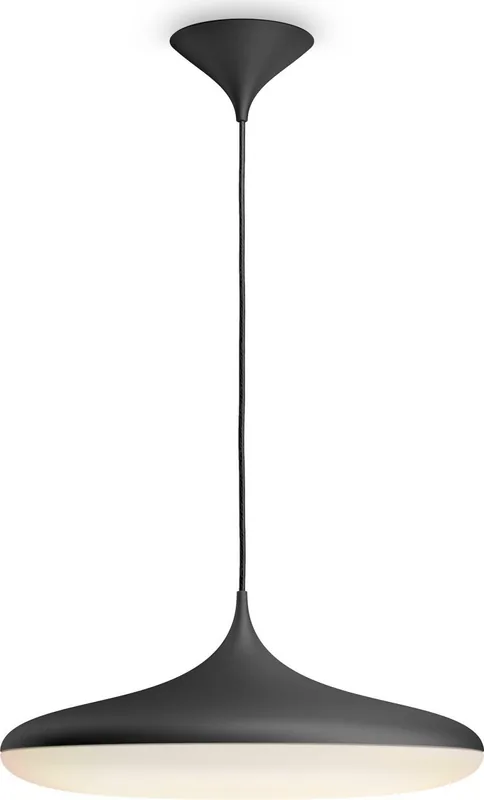
12 Pages

12 Pages
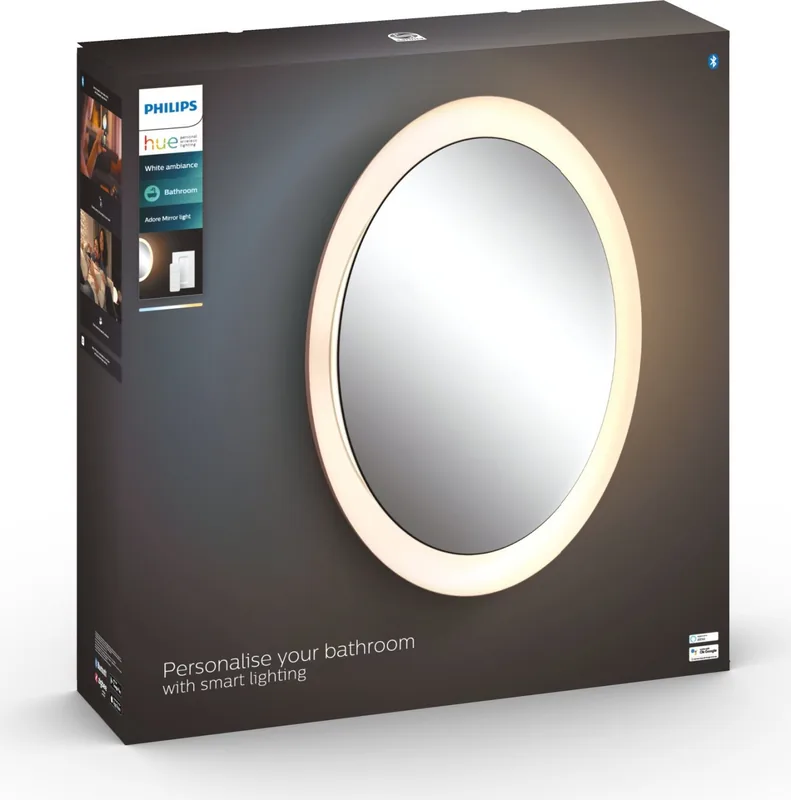
12 Pages
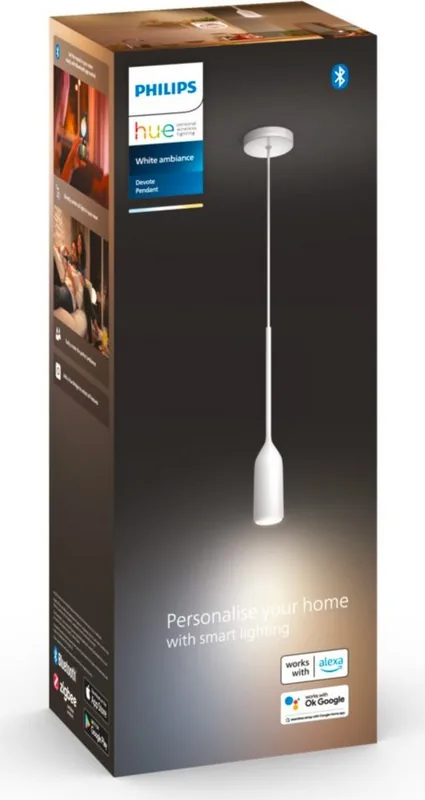
8 Pages
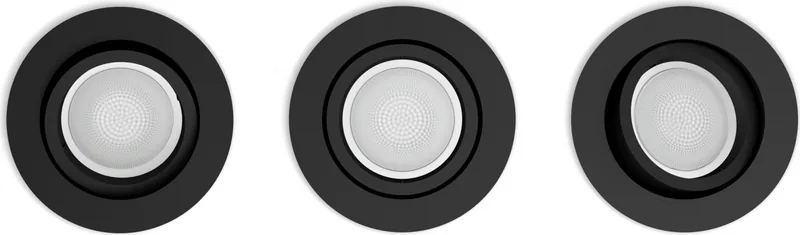
8 Pages
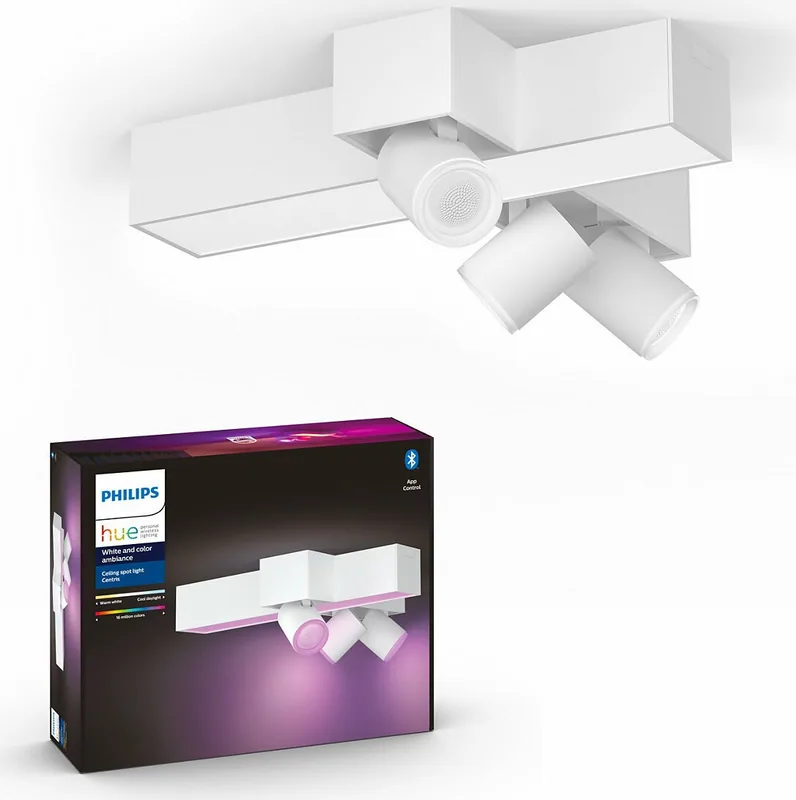
12 Pages

12 Pages
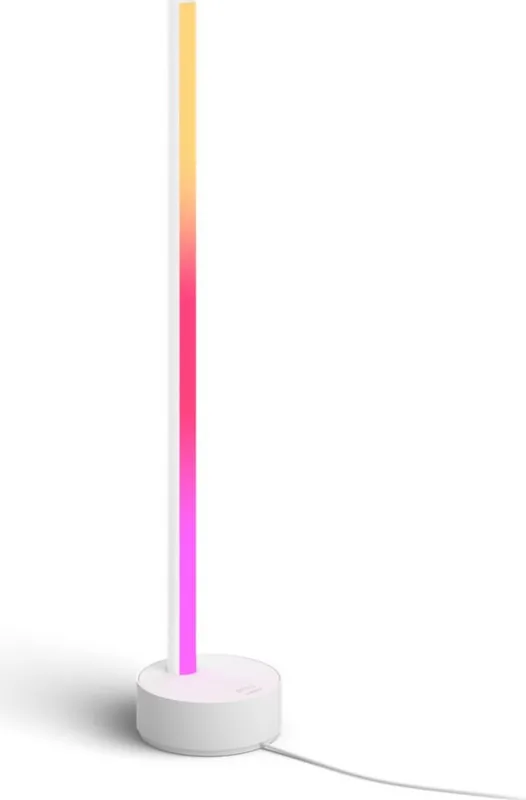
8 Pages
Categories

Free Philips Hue Manuals - Read, Download & Print
Introduction to the Philips Hue Ecosystem
The Philips Hue lighting system has revolutionized the way homeowners and businesses approach interior illumination. By combining smart technology with aesthetic design, this ecosystem allows users to control brightness, color, and scheduling through a simple interface. Whether you are setting up your first bulb or managing an entire home network, having access to accurate documentation is essential for optimal performance. The availability of free Philips Hue manuals ensures that every user can maximize the potential of their devices without needing to purchase additional support services. These resources serve as comprehensive guides covering installation, troubleshooting, software updates, and advanced features.
Understanding the hardware and software components of the Hue system requires clear instructions. Many users encounter challenges when connecting new devices to existing bridges or when attempting to integrate third-party applications. A well-structured manual provides step-by-step visual aids and text explanations that clarify these complex processes. From the initial unboxing experience to the final configuration of scenes and routines, the documentation acts as a reliable companion throughout the lifecycle of the product. This guide explores the various types of manuals available and how they can be accessed, downloaded, and printed for offline reference.
Types of Available Documentation
Philips Hue offers a wide range of documentation tailored to different products within its lineup. Each category of device comes with specific instructions that address unique setup requirements. For instance, the setup process for a standard A19 LED bulb differs slightly from that of a light strip or a wireless dimmer switch. The official library includes user guides for bulbs, light strips, plugs, switches, and the central bridge unit. Additionally, there are specialized manuals for older generations of products that may still be in use by many consumers. These legacy documents are just as valuable as current ones because they provide critical information for maintaining compatibility and functionality.
Beyond individual product guides, there are also system-wide manuals that cover the integration of multiple devices. These documents explain how to manage groups, zones, and rooms within the application. They detail the logic behind automations and how to create custom schedules that adapt to daily routines. Furthermore, technical specifications are often included in extended versions of the manuals, offering data on power consumption, lumens output, and connectivity protocols like Zigbee. This depth of information is particularly useful for enthusiasts who wish to tinker with their systems or troubleshoot network interference issues.
How to Access and Download Manuals
Accessing these resources is straightforward and designed to be user-friendly. The primary method involves visiting the official Philips Hue website and navigating to the support section. Users can search for their specific model number or browse categories to find the relevant document. Once located, the option to view the manual online or download it as a PDF file is clearly presented. The downloadable version is ideal for those who prefer to keep a local copy on their computer or mobile device. This ensures that instructions are available even in areas with limited internet connectivity.
For users who need physical copies, the ability to print the manuals is a key feature. After downloading the PDF, standard printing functions allow for high-quality reproduction of the text and diagrams. This is beneficial for individuals who like to have a hard reference book nearby during installation or repair work. Printing out the troubleshooting sections can also save time by providing quick answers to common problems without needing to navigate a screen. The flexibility to read, download, and print caters to diverse preferences and usage scenarios.
Key Sections Within the Manuals
Every Philips Hue manual follows a logical structure designed to guide the user from start to finish. The introduction typically outlines the contents of the package and lists all included components. This helps users verify that nothing is missing before beginning the setup. The next major section usually covers safety warnings and important notices regarding electrical connections and proper handling of electronic devices. Following safety guidelines ensures that the installation process remains safe for both the user and the property.
Installation instructions are the core of most manuals. These sections provide detailed steps for pairing bulbs with the bridge, placing the bridge in the correct location near the router, and connecting the necessary cables. Visual diagrams accompany the text to illustrate port locations and connection methods. Wireless setup procedures are explained thoroughly, including how to use the mobile app to discover and add new lights. Advanced configuration topics such as creating scenes, adjusting color temperatures, and setting timers are covered in dedicated chapters. These sections empower users to customize their environment to suit their mood or activity level.
Troubleshooting is another critical component found in every manual. This area addresses frequent issues such as lights not responding, connectivity drops, or difficulty adding new devices. Solutions often involve checking network settings, resetting the bridge, or updating firmware. The inclusion of a FAQ section at the end of the manual provides quick answers to common questions. This proactive approach to problem-solving reduces frustration and minimizes the need for external customer support calls. Regular updates to these manuals ensure that the advice remains current with the latest software releases.
Benefits of Using Official Documentation
Relying on official Philips Hue manuals offers several distinct advantages over relying on unofficial sources or community forums. First and foremost, accuracy is guaranteed. The information provided directly from the manufacturer reflects the actual capabilities and limitations of the hardware. This prevents users from following incorrect advice that could lead to device damage or suboptimal performance. Official manuals also undergo rigorous testing and review processes before publication, ensuring clarity and precision in every instruction.
Another significant benefit is the comprehensiveness of the content. Unofficial guides often focus on specific tricks or shortcuts while omitting fundamental details. In contrast, official documentation covers the entire scope of the product, from basic operation to advanced features. This holistic approach ensures that users gain a complete understanding of the system. Additionally, official manuals are regularly updated to reflect changes in software versions or hardware revisions. This keeps the information relevant and useful over time.
Safety compliance is also a priority in official documentation. Manufacturers are required to adhere to strict regulations regarding electrical safety and environmental standards. The manuals include necessary warnings and precautions to protect users from potential hazards. Ignoring these guidelines can void warranties or cause accidents. By following the official instructions, users can enjoy their smart lighting system with peace of mind knowing that they are operating within safe parameters. The commitment to quality and safety makes these manuals an indispensable resource for any Philips Hue owner.
Conclusion: Maximizing Your Smart Lighting Experience
In conclusion, the availability of free Philips Hue manuals represents a vital resource for anyone investing in smart lighting technology. These documents provide the knowledge needed to install, configure, and maintain the system effectively. With options to read online, download for offline access, and print for physical reference, users have the flexibility to choose the format that best suits their needs. The detailed coverage of installation, features, and troubleshooting ensures that even novice users can achieve professional results. By leveraging these comprehensive guides, individuals can unlock the full potential of their Philips Hue ecosystem and enjoy a seamless, customized lighting experience. Whether you are a casual user looking to change colors or a tech enthusiast building a complex automation routine, the official manuals are your definitive source of truth.
Search for 67,706 Manuals online


Type-in Brand or Model