

Free Maxview Manuals – Read, Download & Print
6 Manuals
Manuals
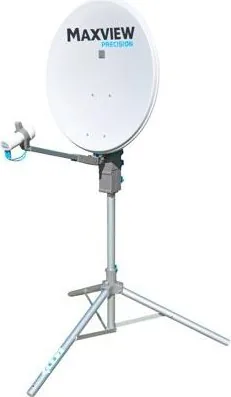
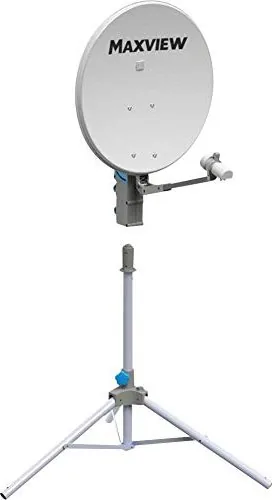
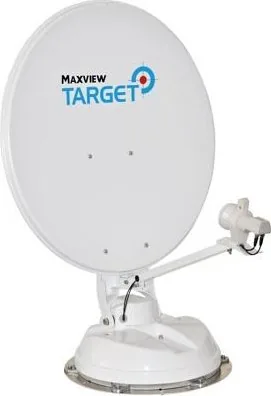
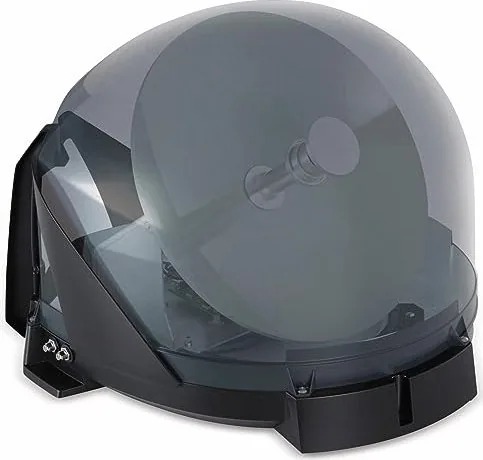
Categories

Maxview Manuals: The Comprehensive Guide to Professional AV Solutions
Introduction to Maxview and Their Documentation Resources
Maxview is a globally recognized leader in the design and manufacture of professional audio-visual distribution systems. Specializing in high-performance solutions for video, audio, and data transmission, the company serves a diverse range of industries including education, corporate enterprise, hospitality, healthcare, and public safety. At the heart of every successful installation and maintenance operation lies the importance of accurate, accessible, and detailed documentation. Maxview manuals are the cornerstone of this operational excellence, providing users with the necessary technical knowledge to configure, troubleshoot, and optimize their AV infrastructure.
The complexity of modern AV environments requires precise guidance. A single misconfiguration in a matrix switcher or an incorrect cabling setup in a fiber optic transmitter can lead to signal loss, latency issues, or complete system failure. Maxview manuals are designed to eliminate these risks by offering step-by-step instructions that cater to both novice installers and seasoned engineers. These documents cover a vast array of products, from simple HDMI extenders to complex 4K60 HDR matrix routing systems and wireless distribution networks. By adhering to the guidelines found within these manuals, organizations can ensure maximum uptime and performance reliability for their critical communication systems.
The Structure and Content of Maxview Technical Documentation
Maxview manuals are structured logically to facilitate ease of use. Each document typically begins with a comprehensive overview of the specific product model, highlighting its key features, supported resolutions, and input-output capabilities. This section often includes a visual representation of the front and rear panels, labeling each port and control interface clearly. For instance, a manual for a fiber optic extender will detail the function of the SFP slots, power inputs, and HDMI connectors, ensuring the user understands the physical layout before attempting any connections.
Following the hardware overview, the installation guide provides a rigorous procedure for setting up the device. This section is critical for preventing hardware damage and ensuring signal integrity. It covers topics such as cable selection, recommended distances for copper versus fiber transmission, and proper grounding techniques. The documentation emphasizes best practices for rack mounting, heat dissipation, and power supply requirements. Detailed diagrams illustrate the correct wiring configurations, reducing the likelihood of user error during the initial deployment phase.
Configuration and operation sections follow, offering in-depth instructions on how to utilize the software interfaces or physical controls associated with the device. Many modern Maxview products feature web-based management interfaces or dedicated control software. The manuals provide screenshots and walkthroughs for navigating these menus, configuring IP addresses, setting up user accounts, and defining routing tables. For matrix switches, the documentation explains how to create custom presets, manage group settings, and integrate third-party control protocols like RS232, IR, and TCP/IP. This level of detail empowers administrators to tailor the system to the specific needs of their environment without requiring external consulting services.
Troubleshooting is another vital component of the Maxview manual suite. These sections address common issues that may arise during operation, such as no-signal scenarios, flickering displays, or audio dropouts. Each problem is paired with a diagnostic flowchart and a list of potential causes and solutions. This systematic approach allows technicians to isolate faults quickly, minimizing downtime. The troubleshooting guides also include information on interpreting LED status indicators, which serve as immediate visual feedback on the health of the system. Additionally, the manuals often contain FAQs that address recurring questions from the field, further streamlining the support process.
Product Categories Covered in the Manual Library
The breadth of Maxview products necessitates a diverse library of manuals. One major category is the HDMI over IP solution, which utilizes network infrastructure to distribute uncompressed video signals across large facilities. Manuals for these devices explain the nuances of multicast addressing, VLAN configuration, and bandwidth management to ensure smooth streaming of high-resolution content. Another significant area is the fiber optic extension market, where manuals detail the differences between multimode and single-mode fibers, connector types like LC and SC, and the maximum reach capabilities of various transceivers.
Wireless distribution systems represent another key segment. As mobility becomes increasingly important in conference rooms and classrooms, Maxview offers robust Wi-Fi and RF-based video distribution kits. The corresponding manuals focus on spectrum analysis, channel planning, and interference mitigation strategies. They guide users through the pairing process between transmitters and receivers, ensuring secure and stable connections. Furthermore, the documentation for digital signage controllers and media players provides instructions on content scheduling, playlist management, and remote monitoring capabilities.
Matrix switching and scaling units are central to many professional setups. These devices allow for flexible routing of multiple video sources to multiple displays. The manuals for these products are extensive, covering advanced features like picture-in-picture, dual-link DVI support, and HDCP compliance handling. Users learn how to program complex routing scenarios, manage user permissions, and integrate with building automation systems. The inclusion of command reference sheets ensures that developers can write scripts to automate routine tasks, enhancing the efficiency of system management.
Audio integration is also a priority in the Maxview portfolio. Manuals for audio-over-IP and audio distribution amplifiers explain how to mix, route, and amplify sound alongside video signals. They cover gain staging, equalization settings, and speaker placement considerations. This holistic approach ensures that the entire audiovisual experience is cohesive and high-quality, meeting the demanding standards of professional venues.
Best Practices for Utilizing Maxview Manuals Effectively
To get the most out of Maxview manuals, users should adopt a proactive approach to documentation. Before beginning any installation, it is advisable to download the latest version of the relevant manual from the official Maxview website. Firmware updates frequently introduce new features or fix bugs, and older manuals may not reflect these changes. Keeping documentation current ensures that the procedures followed are valid and safe.
Organizations should consider creating a centralized repository for all Maxview manuals. This digital library should be accessible to all technical staff, allowing them to search for specific models or keywords quickly. Tagging files with project names, locations, or dates can further enhance findability. Regular training sessions based on the manual content can also help teams stay updated on best practices and new technologies. Encouraging a culture of reading the documentation before making changes reduces the risk of accidental misconfigurations.
When encountering a difficult issue, the troubleshooting section of the manual should be the first resource consulted. It is often the fastest way to resolve problems without escalating to external support. However, if the issue persists, the contact information provided in the manual should be used to reach out to Maxview technical support. Providing the exact model number and firmware version, as referenced in the manual, will expedite the support process. Keeping a log of actions taken, guided by the manual steps, can also provide valuable context for support engineers.
In conclusion, Maxview manuals are indispensable tools for anyone working with professional AV systems. They bridge the gap between complex technology and practical application, enabling users to build, maintain, and upgrade their systems with confidence. By leveraging the detailed information contained within these documents, professionals can achieve optimal performance, reliability, and efficiency in their audiovisual deployments. Whether installing a small classroom system or managing a global network of displays, the guidance found in Maxview manuals remains essential for success.
Search for 67,706 Manuals online


Type-in Brand or Model