

Free Dreame Manuals – Read, Download & Print
14 Manuals
Manuals

155 Pages
148 Pages
110 Pages
87 Pages
139 Pages
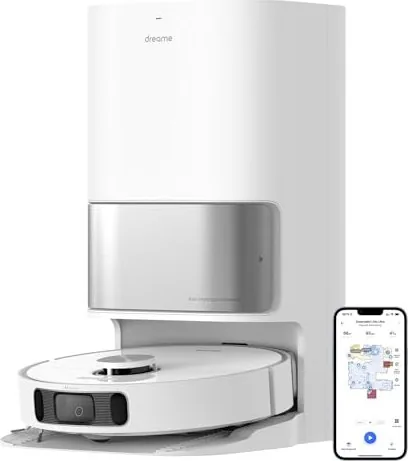
56 Pages
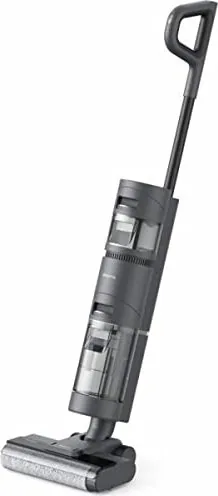
166 Pages
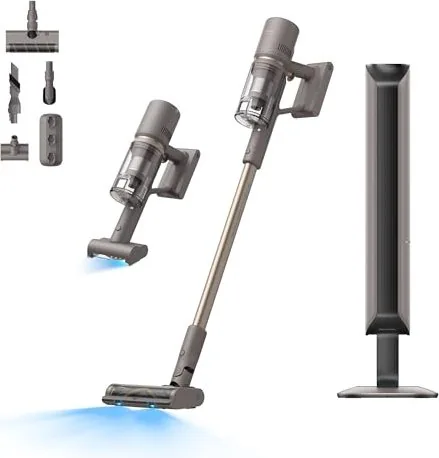
156 Pages
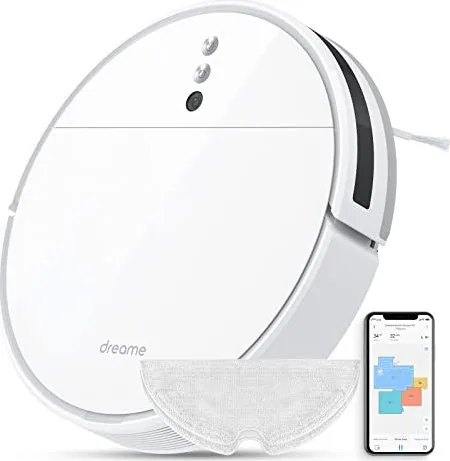
150 Pages
186 Pages
220 Pages
64 Pages
97 Pages
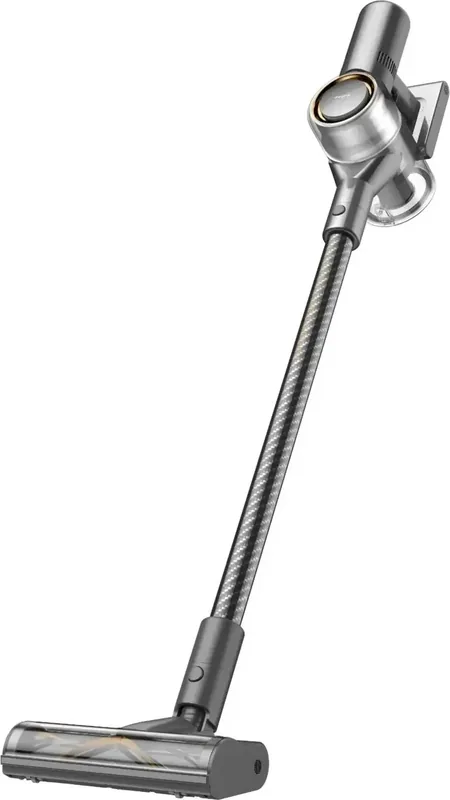
227 Pages
Categories


Free Dreame Manuals - Read, Download & Print
Find the Right Dreame Manual for Your Device
Looking for a Dreame manual? Accessing the correct user guide can make setup, daily use, cleaning, troubleshooting, and maintenance much easier. Whether you own a robot vacuum, cordless stick vacuum, wet and dry vacuum, hair dryer, air purifier, or another Dreame product, a detailed manual is a useful reference for understanding its controls and features.
Free Dreame manuals help users quickly locate operating instructions without searching through product packaging or guessing how a function works. Many guides include step-by-step directions, safety information, diagrams, technical specifications, error explanations, maintenance schedules, and warranty details. Reading the manual before using a new appliance can also help protect the device and improve its long-term performance.
Read Dreame Manuals Online
Reading a Dreame manual online is a convenient option when you need fast answers. Digital manuals can be viewed from a phone, tablet, laptop, or desktop computer, making them useful while you are near the device. Instead of keeping a printed booklet in a drawer, you can open the guide whenever you need to check a setting, replace an accessory, or understand a warning message.
Online manuals are especially helpful for common questions, including:
- How to charge a Dreame vacuum or robot vacuum
- How to connect a compatible device to a mobile app
- How to install brushes, filters, mop pads, or water tanks
- How to empty the dust bin and clean washable components
- How to select cleaning modes and suction levels
- How to resolve charging, navigation, or performance issues
- How to store the appliance safely after use
Use the search feature in a digital document to find keywords such as "charging," "filter," "error," "Wi-Fi," "mop," or "maintenance." This can save time when you do not need to read the entire guide.
Download Manuals for Offline Access
Downloading a Dreame manual provides easy access even when an internet connection is unavailable. A saved PDF guide can be stored on your device, shared with another household member, or kept in a dedicated folder with receipts and product registration details. Offline copies are useful for travel, moving to a new home, or troubleshooting a device in an area with limited connectivity.
Before downloading, confirm that the manual matches your exact model number. Dreame products may have similar names but different functions, accessories, control layouts, battery capacities, docking stations, or regional specifications. The model number is often found on a label on the product, charging base, packaging, or original purchase documentation.
When saving a manual, use a clear filename that includes the brand and model. For example, a filename such as "Dreame Robot Vacuum User Manual" is easier to identify later than a generic file name. Keeping the document organized ensures you can quickly find it when routine care or troubleshooting is needed.
Print a Dreame User Guide When Needed
Printing a manual can be practical for users who prefer a paper reference. A printed guide is useful in a laundry room, utility closet, garage, workshop, or other location where using a phone may be inconvenient. You may also choose to print only the most important pages, such as the quick start instructions, error code list, cleaning guidance, or safety section.
To reduce paper use, consider printing in black and white, selecting double-sided printing, or choosing only specific page ranges. If the guide contains detailed diagrams, color printing may make some labels and illustrations easier to understand. Store printed pages in a folder or binder near the appliance, but keep them away from water, heat, dust, and cleaning chemicals.
What You Can Learn From a Dreame Manual
A product manual is more than a basic setup sheet. It provides information designed to help users operate the product correctly and avoid preventable issues. While content varies by model, most Dreame manuals include several important sections.
Setup and First Use
The setup section usually explains what is included in the box and how to assemble the device. It may cover charging the battery, attaching accessories, preparing a robot vacuum dock, filling a water tank, positioning the charging station, or installing a companion application. Following these steps in order can prevent setup errors and help ensure the appliance is ready for normal operation.
Controls and Operating Modes
Many Dreame devices offer multiple cleaning or performance modes. A manual can explain the purpose of each button, indicator light, display icon, and app setting. For vacuum products, this may include standard, eco, turbo, maximum, auto, or mop modes. For robot vacuums, it may describe zone cleaning, room cleaning, spot cleaning, scheduled cleaning, map management, and no-go zones.
Cleaning and Maintenance
Regular maintenance is essential for reliable operation. Manuals often explain how frequently to empty the dust container, wash a filter, remove hair from a brush roll, clean sensors, inspect wheels, rinse a water tank, or replace consumable parts. Proper care can help maintain suction, improve cleaning results, reduce odors, and extend the useful life of the appliance.
Always allow washable components to dry completely before reinstalling them, unless the product instructions state otherwise. Using a device with damp filters or improperly fitted parts may reduce performance or cause damage.
Safety Instructions
Safety guidance should always be reviewed before using electrical appliances. The manual may include warnings about charging, battery handling, water exposure, ventilation, children, pets, hot surfaces, and prohibited cleaning materials. Cordless vacuums and robot vacuums may include specific battery and charger instructions. Wet and dry appliances may have additional rules for liquid handling and tank cleaning.
Do not use attachments, chargers, filters, batteries, or cleaning solutions that are not approved for your particular model. Compatible-looking parts are not always designed for the same appliance.
Troubleshooting Common Dreame Issues
A manual can be a valuable troubleshooting tool when a device does not perform as expected. Before assuming a product is defective, review the troubleshooting section for simple checks. Many common issues are caused by a blocked air path, full dust bin, dirty filter, low battery, tangled brush, incorrectly installed component, weak Wi-Fi signal, or obstructed sensor.
For robot vacuums, check that the dock is connected to power and placed in an open area. Remove loose cables, small objects, pet toys, and other obstacles from the floor before starting a cleaning cycle. If mapping or navigation behavior changes, clean the sensors and verify that the environment has adequate lighting if required by the model.
For cordless vacuums, inspect the brush head, extension tube, dust cup, and filters for blockages. If suction seems reduced, clean the relevant parts according to the manual and verify that all seals and covers are properly installed. Never force a part into place or disassemble components beyond the instructions provided for routine maintenance.
Choose Manuals for the Exact Model
The best source of product information is the manual intended for the exact Dreame model you own. Similar devices can differ significantly in their accessories, app functions, charging methods, maintenance requirements, and warning indicators. Check the full model designation before relying on any guide.
If your product came with a quick start leaflet, use it together with the complete user manual. The quick guide is useful for basic setup, while the full manual normally contains more detailed safety, care, and troubleshooting information. For support involving repairs, replacement parts, or warranty coverage, consult the official product documentation and authorized support channels.
Keep Your Dreame Manual Available
A free Dreame manual is a practical resource for new and experienced users alike. Read it online for immediate help, download it for convenient offline access, or print key pages for a simple paper reference. With the correct guide available, you can better understand your appliance, follow recommended maintenance, address common problems, and use its features with confidence.
Always verify the model number, follow safety instructions, and refer to the latest official documentation when product details are important. A well-maintained Dreame appliance can deliver more consistent results when it is used and cared for according to its manual.
Search for 67,706 Manuals online


Type-in Brand or Model