
Dreame L10 Pro Manual
PDF manual · 97 Pages
English



Quick check
Incorrect answer, please try again.
Chat with your Dreame L10 Pro manual using AI
Get instant AI answers from your Dreame L10 Pro manual
Ask anything about the Dreame L10 Pro. Answers come from this manual, with the pages they are based on.
L10 Pro Maintenance Schedule
If the robot is not used for a long period, recharge it at least once every three months to avoid damage from deep discharge.
Remove hair tangles from the main brush and side brushes using the included cleaning tool or scissors. Check frequently if there are many hairs.
Wipe the LDS laser sensor, cliff sensors, drop-off sensors, and charging dock/robot contacts with a dry cloth.
Empty the dust bin when full. Clean the filter by tapping it against a surface or rinsing with water (if washable) and drying completely before reuse.
Free maintenance reminders
Timed to your purchase date. Always free, unsubscribe anytime.
Ask a Question
Do you recommend L10 Pro?
Yes NoFrequently Asked Questions
Yes, the Dreame L10 Pro supports voice control through Amazon Alexa and Google Assistant when connected to the Mi Home app.
Is this answer helpful?
The robot typically runs for up to 180 minutes on a single charge, depending on the suction mode selected.
Is this answer helpful?
Absolutely. You can define virtual walls and no-go zones directly within the Mi Home application to restrict access to specific areas.
Is this answer helpful?
Yes, the mop pads become dirty during use, but the dock automatically washes them with clean water and dries them using hot air.
Is this answer helpful?
It is excellent for pet hair due to its strong suction power and anti-tangle brush design that minimizes hair wrap.
Is this answer helpful?
The robot will automatically return to the charging dock, recharge, and then resume cleaning from where it left off.
Is this answer helpful?
Advantages and Disadvantages
Advantages

- Advanced LiDAR navigation creates precise maps for efficient cleaning paths.
- Self-cleaning dock automatically washes and dries mop pads after each cycle.
- Powerful suction effectively removes dirt from various floor surfaces.
- Seamless integration with Mi Home app for remote control and scheduling.
Disadvantages

- Initial setup requires downloading the app and configuring Wi-Fi settings.
- Water tank capacity may require refilling for very large homes.
- Higher price point compared to basic robot vacuum models.
Product Specification
Cleaning Robot
Battery
1x Battery (14.4V, 5.2Ah, Li-Ion)
Capacity
19.3 oz Dust, 9.1 oz Fresh Water
Cleaning Modes
Mopping
Navigation
Obstacle Sensor, Drop Sensor, Bump Sensor, Laser Sensor (LiDAR), Zones, No-Go Zones, Obstacle Detection, Obstacle Overcoming (up to 0.79 in), Carpet Detection, Stair Detection
Filtration
Washable HEPA Filter
Display
No
Features
1x Floor Brush, 1x Side Brush, 1x Mop Attachment, Programmable Cleaning Times, Brushless Motor
Smart Home
App Control, Voice Assistant (Amazon Alexa)
Runtime
2.5h
Charging Time
3h
Charging System
Automatic
Noise Level
65dB(A)
Dimensions
13.9x3.8 in (D x H)
Weight
8.38 lbs
Package Contents
Station, Cleaning Tool, Water Tank, Mop Cloth, Side Brush
Station
Station Display
No
Station Features
Automatic Charging Function
Product Description
Dreame L10 Pro Vacuum and Mop Robot: A Smart Cleaning Revolution
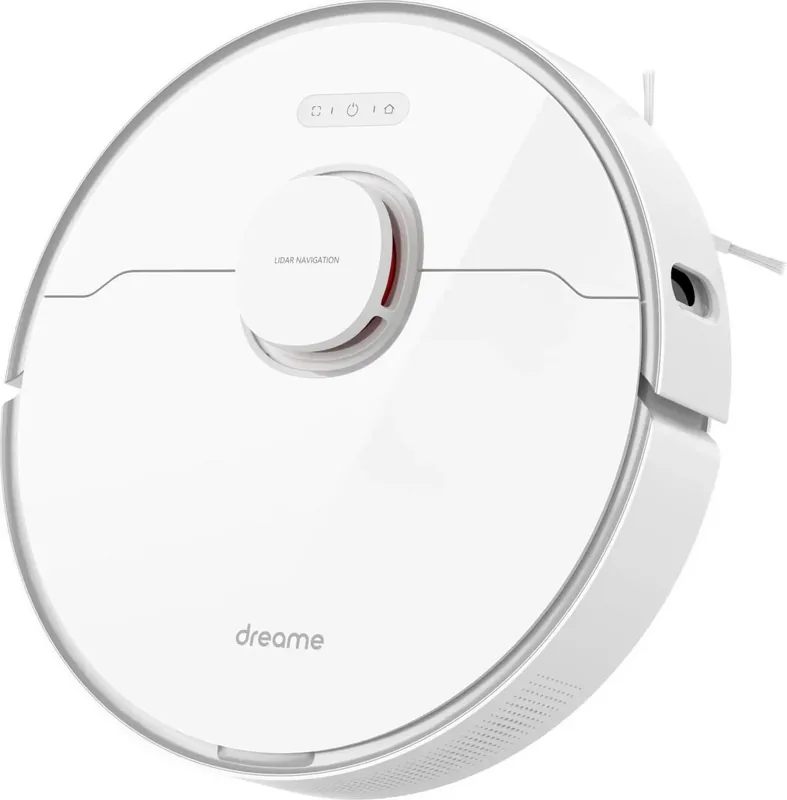
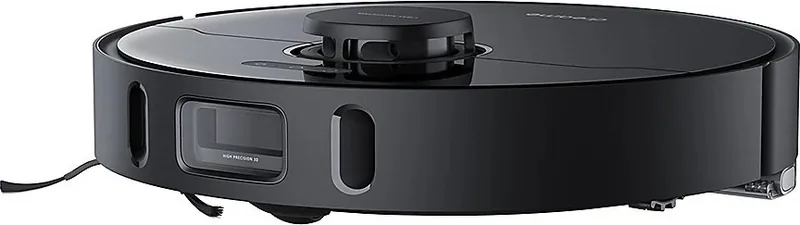
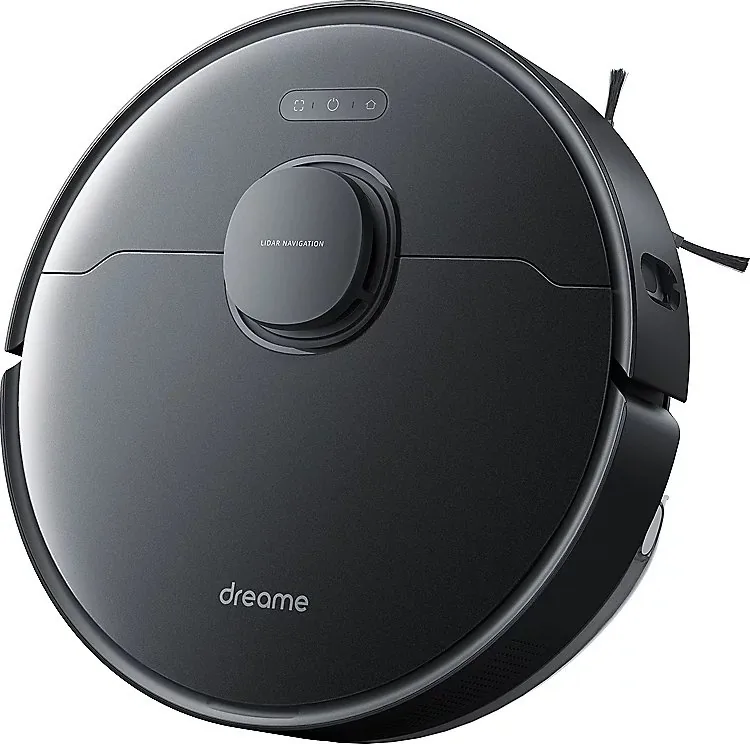
The Dreame L10 Pro stands as a pinnacle of modern home automation, designed to effortlessly manage the daily chore of cleaning. This advanced robot vacuum and mop combines powerful suction with intelligent mopping capabilities to deliver a spotless floor without lifting a finger. Equipped with LiDAR navigation technology, it maps your home with precision, ensuring no corner is missed while avoiding obstacles like furniture legs, cables, and pets. The device features a high-capacity battery that allows for extended cleaning sessions, covering large areas in a single charge.
One of the standout features of the Dreame L10 Pro is its dual-functionality. It vacuums up dust, debris, and pet hair with remarkable efficiency before automatically flipping its mop pads to wash and dry them on the return dock. This self-cleaning dock system means you spend less time maintaining the machine and more time enjoying your clean home. The app integration via Mi Home or Xiaomi Home provides complete control, allowing users to set virtual walls, schedule cleanings, and select specific rooms for targeted cleaning. Whether you have hardwood floors, tiles, or carpets, this robot adapts seamlessly to provide the best results.
Key Highlights
The Dreame L10 Pro is not just a cleaner; it is a smart assistant for your home. Its ability to navigate complex environments makes it suitable for multi-level homes and cluttered living spaces. The quiet operation ensures it does not disturb your daily routine, while the robust build quality promises longevity. With customizable cleaning modes, you can adjust suction power and water flow to suit different floor types, ensuring optimal performance every time.
Notes
- Always ensure the charging dock is placed in an open area for easy access.
- Regularly empty the dust bin and clean the filters for peak performance.
- Use the official app for firmware updates to access new features.
Search for 67,706 Manuals online


Type-in Brand or Model