

Free Cyrus Manuals – Read, Download & Print
13 Manuals
Manuals
28 Pages
11 Pages
14 Pages
27 Pages
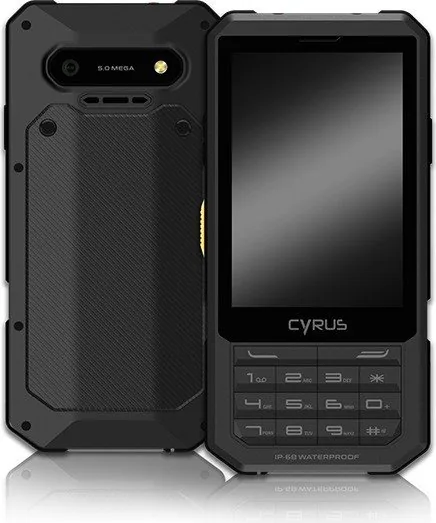
20 Pages
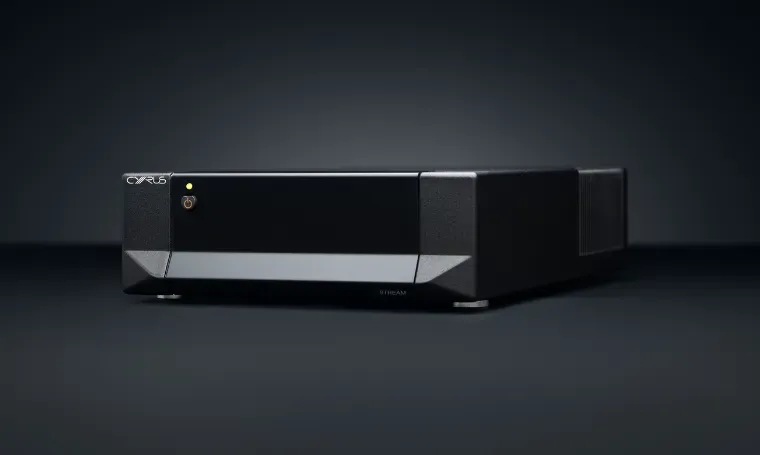
13 Pages
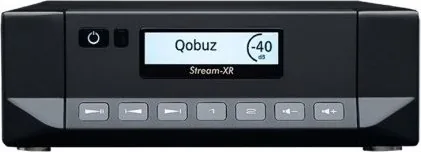
22 Pages
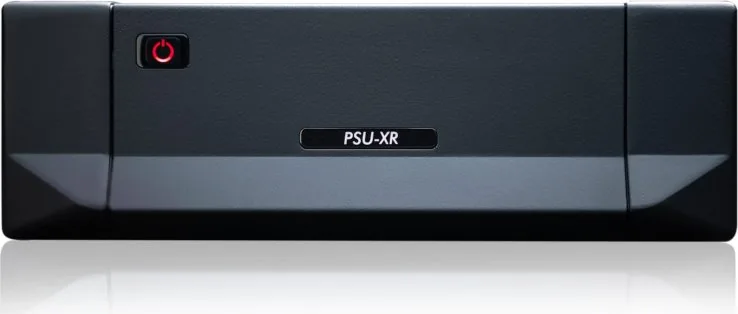
12 Pages

29 Pages
15 Pages
29 Pages
26 Pages
27 Pages
Categories


Free Cyrus Manuals - Read, Download & Print
Find Cyrus Manuals for Audio Equipment
Free Cyrus manuals help owners, installers, and audio enthusiasts understand the setup, operation, care, and technical features of Cyrus products. Whether you are using a classic Cyrus amplifier, a CD player, a streamer, a DAC, a power supply, or another component from the brand, the right manual can make everyday use much easier. Manuals provide model-specific guidance that is more reliable than guesswork, especially when connecting multiple hi-fi components or adjusting advanced settings.
Cyrus equipment is known for compact designs and detailed audio performance, and many products include features that benefit from careful configuration. A manual can explain front-panel controls, remote commands, input selections, display messages, connection options, safety requirements, and maintenance recommendations. It can also help users identify compatible accessories and understand the intended operation of a particular product generation.
Read Cyrus Manuals Online
Reading a Cyrus manual online is a convenient way to find information without saving a file first. Digital manuals are useful when you need a quick answer about a button, menu item, cable connection, or troubleshooting message. Online documents can often be searched by keyword, making it easier to locate instructions for topics such as speaker terminals, volume settings, digital inputs, firmware updates, or remote control programming.
Before connecting or operating equipment, review the safety section of the manual. Cyrus products may require correct ventilation, appropriate mains power, secure cable routing, and compatible speakers or source devices. The manual can also identify warnings about opening the unit, replacing fuses, using cleaning products, or placing equipment near moisture and heat sources. Following these instructions can help protect both the component and the wider audio system.
Useful Information Found in a Cyrus Manual
A complete user guide may include product diagrams, setup steps, technical specifications, and operating notes. Depending on the model, readers may find information about:
- Unpacking and checking supplied accessories
- Identifying front-panel buttons and rear-panel sockets
- Connecting loudspeakers, headphones, turntables, televisions, or digital sources
- Selecting analogue, optical, coaxial, USB, or network inputs
- Adjusting balance, display brightness, input names, and other settings
- Using a supplied remote control or compatible control system
- Installing firmware or configuring network features
- Troubleshooting sound, connection, and display issues
- Understanding power consumption and standby operation
- Reviewing warranty, service, and technical data
Download Cyrus Manuals for Offline Use
Downloading a Cyrus manual gives you access to important instructions even when an internet connection is unavailable. A saved PDF can be stored on a computer, tablet, phone, or home server for quick reference during installation or maintenance. Offline copies are especially practical for people who keep a dedicated listening room, work on vintage hi-fi systems, or need documentation while moving equipment between locations.
When downloading a manual, confirm that the file matches the exact model name and version of your product. Cyrus has produced equipment across multiple generations, and similar product names can have different connectors, menu structures, remote commands, and specifications. Check the model label on the rear of the unit, packaging, invoice, or original documentation before relying on a guide. A manual for a related component may be useful for general background, but it should not replace the instructions written for the exact unit you own.
Keep Your Manual Organized
A simple file naming system makes manuals easier to locate later. Include the brand, model, document type, and language in the file name. For example, separate an owner guide from a service document, quick-start sheet, or installation guide. If you own several Cyrus components, create a folder for the full system and keep related documents together.
It is also helpful to save manuals alongside notes about your own setup. You might record which input is connected to each source, the speaker cable type in use, network settings, or preferred listening configuration. These notes can be useful after a move, reset, repair, or upgrade.
Print Cyrus Manuals When You Need a Paper Copy
Printing a Cyrus manual can be helpful during setup, especially when working behind an equipment rack where it is inconvenient to look at a screen. A printed copy lets you mark important pages, add notes, and compare diagrams with the sockets on the rear panel. For longer documents, consider printing only the sections you need, such as installation, remote control functions, technical specifications, or troubleshooting.
Use double-sided printing to reduce paper use, and print diagrams at a readable size. Connection illustrations, menu trees, and wiring diagrams are often easier to follow when they are not scaled too small. If the manual contains color-coded information, check whether grayscale printing will still keep the labels clear. Place printed pages in a folder or binder to protect them from dust and accidental spills around audio equipment.
Setup Guidance for Cyrus Hi-Fi Components
A Cyrus manual is particularly valuable when building or changing a hi-fi system. Correct connections matter for sound quality, equipment protection, and reliable operation. Begin by turning off all components before connecting cables. Use the manual to identify the correct input and output sockets, then connect sources and speakers carefully. Avoid forcing plugs into connectors, and make sure speaker terminals do not have loose wire strands that could create a short circuit.
For amplifiers and integrated systems, the manual may state supported speaker impedance ranges and recommended connection practices. For digital sources, it may explain supported sample rates, file formats, input behavior, or synchronization requirements. Network-enabled products may require additional steps for Ethernet, Wi-Fi, app control, streaming services, or software updates. Following the documented sequence can prevent many common setup problems.
Check Compatibility Before Connecting
Not every cable, accessory, or source device works in the same way. A manual helps verify whether a connection is intended for line-level audio, digital audio, control data, headphones, preamplifier output, or speaker output. Connecting equipment to the wrong socket can result in no sound, distortion, unexpected volume levels, or possible damage.
If you are combining older and newer Cyrus products, review the manuals for both components. This is important for systems that use separate power amplifiers, external power supplies, multi-room control, or legacy connection standards. When in doubt, use official product documentation or consult a qualified audio technician.
Troubleshooting With a Cyrus Manual
Many operating issues can be resolved by checking the troubleshooting section before arranging service. Common symptoms include no power, no sound, audio from only one channel, remote control problems, incorrect input selection, digital signal errors, network connection failures, or unexpected display behavior. Manuals often list practical checks in a logical order, such as confirming power, inspecting cables, selecting the correct source, adjusting volume, and resetting settings when appropriate.
Do not attempt internal repairs unless the documentation specifically directs you to a safe user-serviceable action. Audio equipment can contain mains-voltage components and sensitive electronics. For persistent faults, unusual smells, overheating, physical damage, or repeated protection shutdowns, disconnect the product safely and contact an authorized service provider.
Choose the Right Cyrus Documentation
The best document depends on what you need to do. An owner manual is usually the main source for daily operation and installation. A quick-start guide is useful for basic connections and first use. A specification sheet can help compare dimensions, inputs, output ratings, and supported formats. Service information may be intended for trained technicians and should be used with care.
Always prefer official manuals or trusted document archives that clearly identify the model and document version. Check that pages are complete, diagrams are legible, and the language edition is appropriate for your region. With the correct Cyrus manual available to read, download, or print, you can set up your audio system with greater confidence and get more enjoyment from every listening session.
Search for 67,706 Manuals online


Type-in Brand or Model