
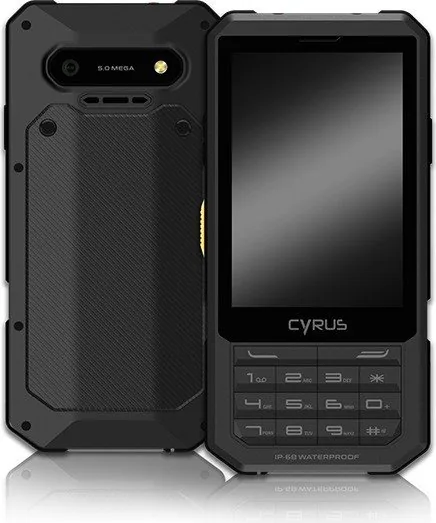
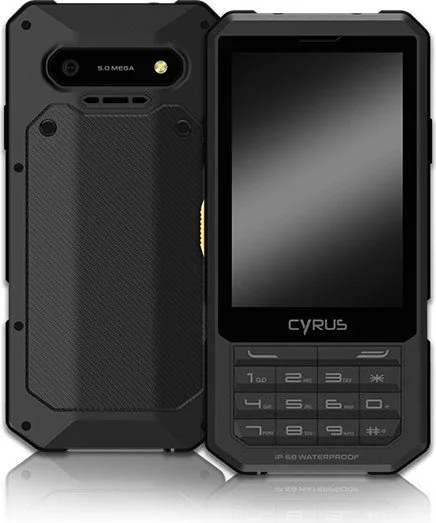
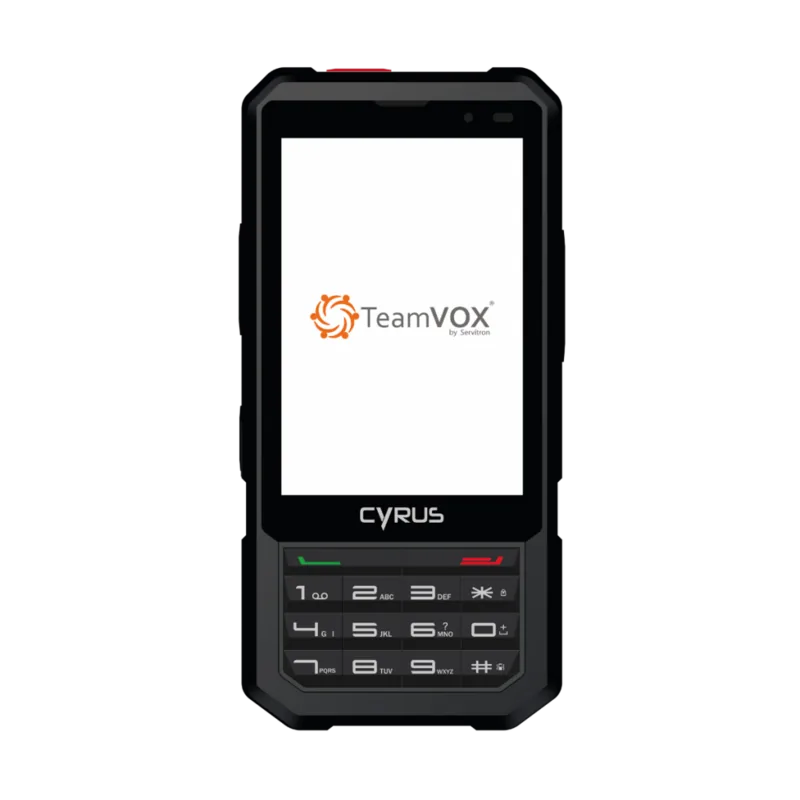
Cyrus CM17 Hybrid Manual
PDF manual · 20 Pages
English



Quick check
Incorrect answer, please try again.
Chat with your Cyrus CM17 Hybrid manual using AI
Get instant AI answers from your Cyrus CM17 Hybrid manual
Ask anything about the Cyrus CM17 Hybrid. Answers come from this manual, with the pages they are based on.
Ask a Question
Do you recommend CM17 Hybrid?
Yes No
omnis_suscipit
6 months ago
Why does the camera only show 8MP instead of 13MP, and is there a manual for programming the side buttons?

Manual.ly
6 months ago
The device features an 8-megapixel camera sensor. The original documentation listed 13MP, which was inaccurate. Regarding the side buttons, programming instructions are not included in the current manual. We recommend contacting our support team directly for specific guidance on configuring the emergency SOS function and programmable keys.

Sarah Jenkins
5 months ago
Where can I download a proper user guide since the German and English versions are missing online?
Frequently Asked Questions
Yes, the CM17 Hybrid is designed to be waterproof and dustproof. However, you must ensure all covers and seals are 100% closed before exposure to water to maintain its protective rating.
Is this answer helpful?
While it uses a Micro USB port, using non-original chargers can be dangerous and may void your warranty. Always use the original charger provided by Cyrus Technology for safety and optimal performance.
Is this answer helpful?
Navigate to the main menu, select SOS, and slide the switch to the right to enable it. You can then configure up to three phone numbers to receive emergency messages when the button is pressed.
Is this answer helpful?
Yes, the device supports two SIM cards. If you are using two SIMs, please check specific model specifications regarding SD card compatibility, as some configurations may limit external storage usage.
Is this answer helpful?
Weak signals often occur in buildings or basements. Try moving to an area with better reception or contact your network provider for assistance. High traffic times can also cause temporary connection issues.
Is this answer helpful?
Yes, the phone comes with access to the Play Store. You will need to create or log into a Google account to download and install new applications onto the device.
Is this answer helpful?
Advantages and Disadvantages
Advantages

- Extremely durable with shockproof, waterproof, and dustproof construction ideal for outdoor use
- Comprehensive security features including SOS button and multiple lock screen options
- Versatile multimedia capabilities with MP3 player, video player, and camera functions
- Supports dual SIM cards and expandable memory for enhanced connectivity and storage
- Includes practical tools like FM radio, flashlight, and push-to-talk functionality
Disadvantages

- Battery performance may degrade quickly if used in extremely cold or hot environments
- Requires original charging accessories to avoid voiding the warranty or causing damage
- Cannot be repaired by the user without risking electrical shock or permanent damage
- Signal strength may be weak in deep basements or areas with heavy interference
- Some advanced network features depend on carrier support and may not be available everywhere
Product Specification
Operating System
Android 7.0 (out of the box)
Display
3.5", 480x320 pixels, capacitive touchscreen, Gorilla Glass 3, 165ppi
Rear Camera
5.0MP, Contrast-AF, LED flash
Front Camera
no
Interfaces
USB Micro-B 2.0 (OTG), 3.5mm jack, Wi-Fi 4 (WLAN 802.11b/g/n), Bluetooth 4.0, NFC
Sensors
Accelerometer, Proximity sensor, Light sensor, Compass
SoC
Mediatek MT6737M, 64-bit
CPU
4x 1.10GHz Cortex-A53
GPU
Mali-T720 MP2
RAM
1GB
Storage
8GB, microSD slot (dedicated, up to 128GB)
Navigation
A-GPS
Modem
GSM (0.2Mbps/0.1Mbps), UMTS, LTE Cat 4 (150Mbps/50Mbps)
Frequency Bands
2G (850/900/1800/1900), 3G (B1/B2/B5/B8), 4G (B1/B3/B7/B8/B20)
Battery
2500mAh, removable, wireless charging
Form Factor
Bar
Chassis Material
Plastic (back), Plastic (frame)
SIM Form Factor
Micro-SIM
Features
Dual-SIM, FM radio, IP68-certified, MIL-STD-810-certified, emergency call function
Color
black
Dimensions
5.51x2.76x0.75 inches
Weight
5.64 oz
Screen-to-Body Ratio
37.2%
Product Description
Discover the Rugged Power of the Cyrus CM17 Black
The Cyrus CM17 Hybrid stands as a testament to durability and functionality, designed specifically for those who demand reliability in any environment. This outdoor phone is built to withstand the harshest conditions, boasting a robust design that is shockproof, waterproof, and dustproof. Whether you are hiking through rugged terrain or working in challenging industrial settings, the CM17 Black ensures your device remains operational when others might fail.
Beyond its tough exterior, this smartphone offers a comprehensive suite of features tailored for modern communication needs. Users can enjoy seamless MP3 playback, high-quality video viewing, and capture life's moments with the integrated camera. The device supports essential connectivity options like Wi-Fi and Bluetooth, allowing for easy file sharing and internet access on the go. The inclusion of an FM radio and a dedicated flashlight further enhances its utility for outdoor enthusiasts.
The user experience is streamlined with an intuitive touch display that responds effortlessly to gestures. Navigating through contacts, messages, and applications is simple, whether you are using the quick scroll feature or customizing your home screen layout. Security is paramount, with options to set pattern locks, passwords, or PINs to protect your personal data. The SOS function provides an added layer of safety, allowing users to send emergency alerts to pre-set contacts with a single button press.
Powering this device is a reliable battery that can be charged via the included USB cable or a standard wall adapter. It is crucial to use only original accessories to maintain warranty coverage and ensure safe operation. The package includes a charger, USB cable, and headphones, providing everything needed to start using the phone immediately. With support for dual SIM cards and expandable storage via SD cards, the CM17 Black offers flexibility for managing multiple numbers and storing vast amounts of media.
Important Usage Notes
Always ensure all closures and battery covers are securely fastened before exposing the device to water. Avoid charging the phone in extreme temperatures below -25°C or above 55°C to prevent battery damage. Never attempt to disassemble the unit yourself, as this voids the warranty and poses safety risks. Keep the device away from magnetic storage media to prevent data loss.
Search for 67,706 Manuals online


Type-in Brand or Model
Sven Klose
8 months ago
Can I get a German or English user manual for the CM17 XA, and where do I find the steps to program the SOS button and the side programmable key?
Manual.ly
8 months ago
Yes, the full German and English manuals are typically available as a PDF download (sometimes not included as printed paper). For SOS setup, open the app list and go to Settings, then look for Safety or Emergency (SOS). Follow the prompts to add emergency contacts and save the configuration. For the side programmable key, check Settings for Buttons/Shortcuts or Key assignment and select the function you want. If the menu wording or options differ after updates, it is usually firmware-dependent. Please send a screenshot of your SOS and key settings screen to support so we can guide you to the exact path for your version.