

Free Boya Manuals – Read, Download & Print
6 Manuals
Manuals
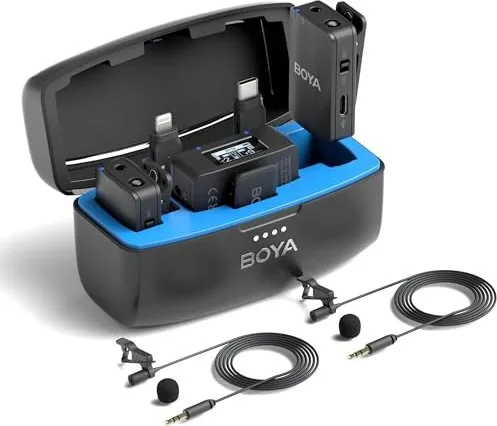
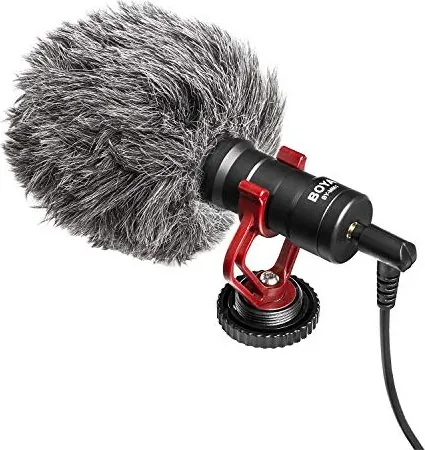
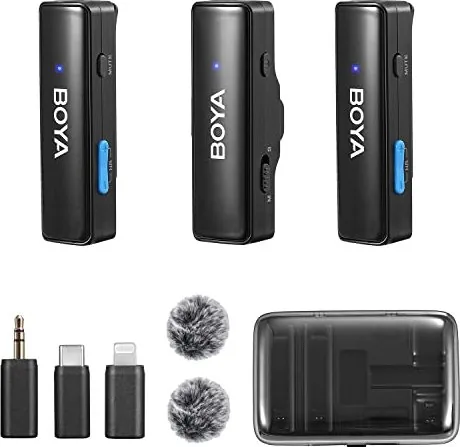
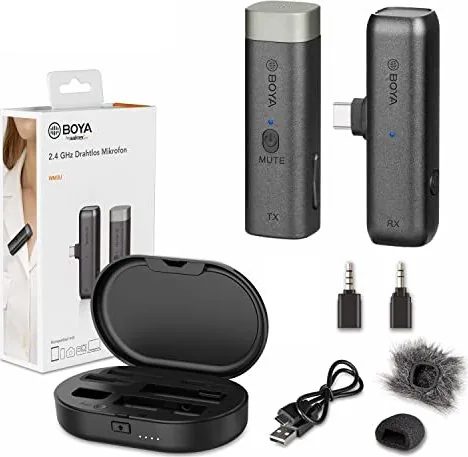
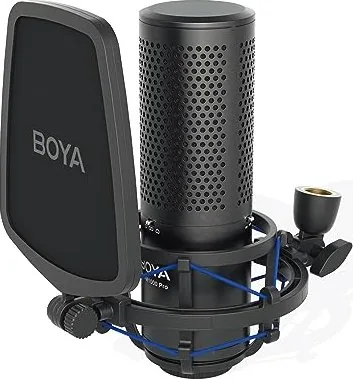
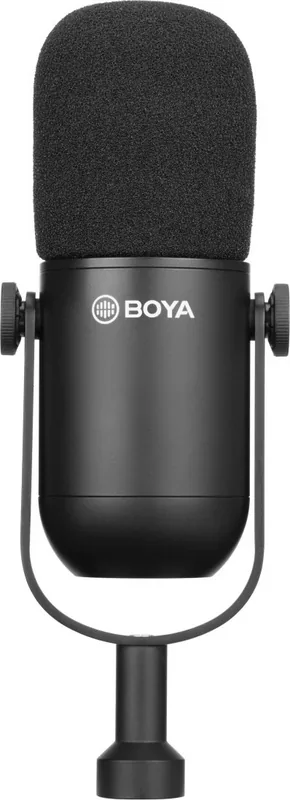
Categories

Free Boya Manuals - Read, Download & Print
Introduction to Boya Microphone Resources
Boya has established itself as a leading manufacturer of audio equipment for content creators, journalists, filmmakers, and musicians worldwide. Their product range includes lapel microphones, shotgun mics, USB studio recorders, and wireless systems designed to deliver professional sound quality at accessible price points. For users who have recently purchased a Boya device or are considering adding one to their setup, having access to the official documentation is essential. This guide provides comprehensive information on how to access, read, download, and print free Boya manuals to ensure you get the most out of your audio gear.
The importance of understanding your equipment cannot be overstated. Whether you are setting up a new interview rig, calibrating a podcasting station, or troubleshooting connectivity issues with a wireless transmitter, the user manual serves as your primary reference point. It contains critical specifications, wiring diagrams, battery installation instructions, and safety guidelines that prevent damage to your device. By utilizing the free resources available online, users can avoid costly mistakes and extend the lifespan of their investment.
How to Access Official Boya Documentation
Finding authentic documentation is the first step in ensuring your microphone functions correctly. Boya maintains a dedicated support section on their official website where all current and legacy products are cataloged. Users can navigate to the support page and enter their specific model number to locate the exact manual they need. This process eliminates the risk of downloading outdated or incorrect guides that might come from third-party sources.
The search function on the Boya website allows users to filter by category, such as lavalier microphones, shotgun microphones, or digital recorders. Once the correct product page is found, a link labeled "Manual" or "User Guide" will typically appear near the product images or specifications. Clicking this link initiates the download process immediately. The files are provided in Portable Document Format (PDF), which ensures that the layout, text, and diagrams remain consistent across all devices, whether viewed on a smartphone, tablet, laptop, or desktop computer.
For users who prefer not to search manually, contacting Boya customer support directly is another reliable option. Email inquiries can include the model number and a request for the latest manual version. Support teams usually respond within 24 hours with the appropriate file attached. This method is particularly useful for older models that may not be prominently displayed on the main website but are still supported by the company.
Reading Manuals Online Effectively
Once the PDF file is downloaded, it can be opened using any standard web browser or PDF reader software. Modern browsers like Chrome, Firefox, and Safari have built-in viewers that allow for seamless reading without requiring additional applications. The advantage of reading online is the ability to quickly jump between sections using the interactive table of contents often included in the document.
Digital manuals offer several features that paper versions lack. Users can utilize the search function to find specific terms like "gain," "battery," or "impedance" instantly. This is especially helpful when troubleshooting a specific issue rather than reading the entire document sequentially. Additionally, zooming capabilities allow users to enlarge technical diagrams and wiring schematics for better clarity. Many modern PDF readers also support highlighting and note-taking, enabling users to mark important settings or warnings before making physical adjustments to their equipment.
For those working in environments with limited internet connectivity, downloading the manual beforehand ensures that the information remains accessible offline. Saving the file to a cloud storage service like Google Drive or Dropbox allows users to sync the document across multiple devices, ensuring that the manual is always available regardless of the hardware being used at the moment.
Downloading and Printing Your Manual
Downloading the manual is a straightforward process that requires only a few clicks. After locating the desired file on the Boya website, click the download button. The file will save to your default downloads folder unless you specify a different location. It is advisable to create a dedicated folder on your computer named "Audio Equipment Manuals" to keep all documentation organized and easy to retrieve later.
Printing the manual is beneficial for users who prefer physical copies or work in environments where digital screens are impractical. To print, open the PDF file and select the print option from the menu. Most printers allow users to choose between printing single-sided or double-sided pages. For thicker manuals, printing double-sided saves paper and reduces bulk. Users should ensure they select the correct paper size, typically A4 or Letter, to maintain the integrity of the layout and prevent text from being cut off.
When printing, consider the font size and image resolution. Some manuals contain small text in warning boxes or detailed specifications tables. If the default print settings make the text too small to read comfortably, adjust the scaling options to fit more content per page or increase the magnification level. Using high-quality paper can also improve readability, especially if the manual will be handled frequently during recording sessions.
Key Sections Found in Boya Manuals
Boya manuals are structured to guide users through every aspect of their product usage. The introduction typically covers package contents, ensuring that users verify all components are present upon unboxing. Safety warnings follow, detailing proper handling procedures to prevent electrical hazards or damage to sensitive components.
The technical specifications section provides crucial data such as frequency response, sensitivity, output impedance, and power requirements. These details are vital for matching the microphone with compatible cameras, recorders, or mixers. Understanding these specs helps users avoid signal loss or noise issues caused by mismatched equipment.
Installation and setup instructions are often the most referenced part of the manual. They include step-by-step guides for connecting cables, attaching shock mounts, and configuring wireless frequencies. Diagrams illustrate the correct orientation of connectors and the placement of switches. Troubleshooting tips address common problems like static noise, low volume, or pairing failures, offering practical solutions without needing external assistance.
Maintenance and care sections advise on cleaning techniques, storage conditions, and battery replacement schedules. Following these recommendations ensures optimal performance over time. Warranty information outlines the coverage period and the process for claiming repairs or replacements if the device fails under normal use.
Conclusion: Maximizing Your Audio Investment
Accessing free Boya manuals is an invaluable resource for anyone serious about audio production. Whether you are a beginner learning the basics of microphone operation or a seasoned professional optimizing a complex setup, having accurate documentation at your fingertips makes a significant difference. By following the steps outlined above to read, download, and print these guides, users can ensure their equipment performs reliably in any situation.
The availability of these resources reflects Boya's commitment to customer satisfaction and product transparency. Taking the time to familiarize yourself with your device through the manual pays dividends in improved sound quality and reduced downtime. As technology evolves, staying informed through updated documentation keeps users ahead of the curve, allowing them to adapt to new features and best practices in the ever-changing world of audio recording.
Search for 67,732 Manuals online


Type-in Brand or Model