

Free Bluetti Manuals – Read, Download & Print
12 Manuals
Manuals
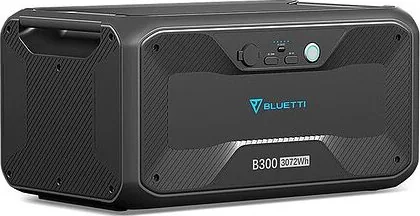
33 Pages
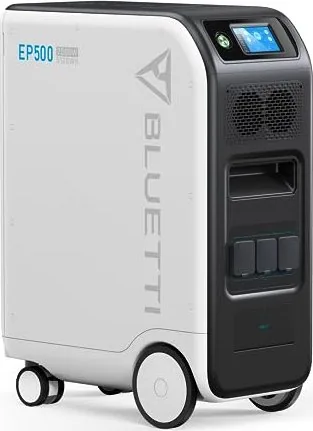
44 Pages
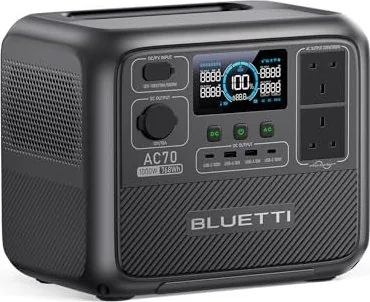
32 Pages
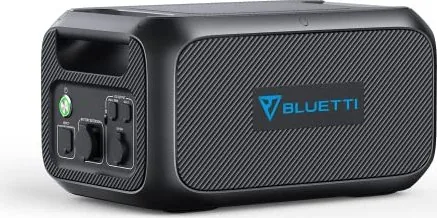
15 Pages
23 Pages
100 Pages
40 Pages
80 Pages
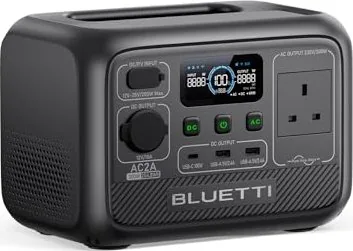
56 Pages
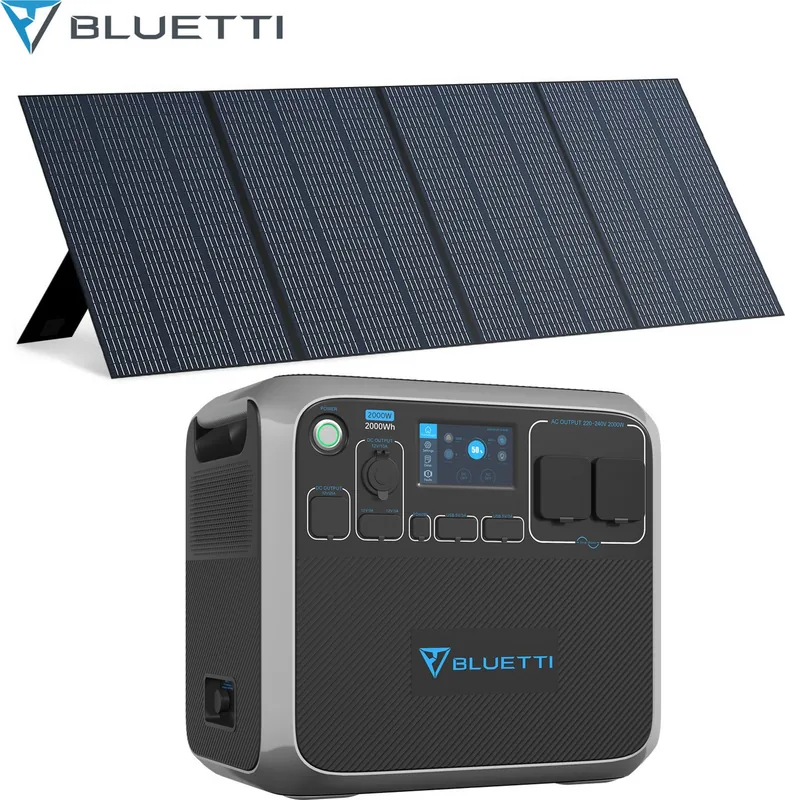
33 Pages
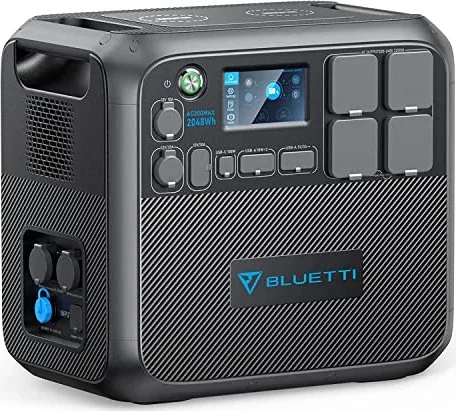
56 Pages
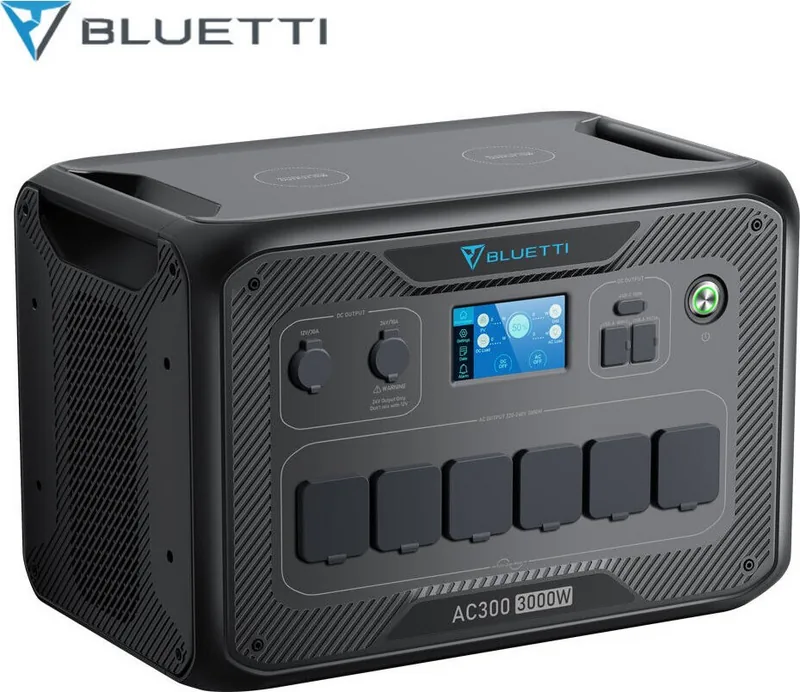
98 Pages
Categories


Free Bluetti Manuals - Read, Download & Print
Find Bluetti User Guides and Product Documentation
Free Bluetti manuals help owners understand, operate, maintain, and troubleshoot portable power stations, solar generators, expansion batteries, solar panels, and related accessories. Whether you have just unpacked a new unit or need to check a setting on an older model, a clear manual can save time and help you use your equipment safely. Product documentation typically explains setup steps, display icons, charging methods, output limits, battery care, warning messages, and specifications.
Bluetti power products are designed for home backup, camping, RV travel, off-grid work, emergency preparation, and everyday device charging. Because each model can have different ports, capacities, charging options, and operating requirements, it is important to read the manual that matches your exact product name or model number. A guide for one power station may not apply to another, even when the units look similar.
Read Bluetti Manuals Online
Reading a Bluetti manual online is a convenient option when you need information quickly. Digital manuals can be viewed on a phone, tablet, laptop, or desktop computer without using paper. This is useful when you are outdoors, in an RV, working in a garage, or preparing backup power during an outage.
Online manuals make it easier to search for specific terms such as "AC output," "solar charging," "power lifting," "error code," "Bluetooth," or "storage." Instead of scanning every page, you can use your browser or PDF viewer search feature to locate a topic. This can be especially helpful when checking a technical specification, confirming the meaning of an indicator light, or reviewing the correct sequence for powering a device on or off.
Before following any instructions, compare the model number shown in the manual with the label on your Bluetti product. Model names can be similar, and product revisions may include updated features or different connector layouts. Use the documentation intended for your device and region whenever possible.
Common Topics Covered in a Manual
A typical Bluetti user manual may include product diagrams, package contents, safety notices, basic controls, port descriptions, display information, charging instructions, operating instructions, maintenance guidance, technical data, warranty details, and troubleshooting tips. Some models may also include instructions for mobile apps, wireless connectivity, expansion battery pairing, generator charging, or solar panel configuration.
The first pages often contain important safety warnings. Read these sections before connecting equipment or attempting to charge the power station. They may describe proper ventilation, temperature limits, water exposure precautions, cable requirements, and safe handling practices for high-capacity lithium battery systems.
Download Bluetti Manuals for Offline Access
Downloading a manual gives you a local copy that remains available when internet access is limited or unavailable. Keeping product PDFs on a phone, computer, or USB drive is practical for camping trips, remote job sites, storm preparation, and travel. It also allows you to create an organized library for multiple Bluetti products in one place.
When downloading a manual, save it with a descriptive filename that includes the full model name. For example, use a name such as "Bluetti_AC200MAX_User_Manual.pdf" rather than a generic file name. If you own solar panels, expansion batteries, chargers, or accessories, save their guides separately. This makes it easier to locate the correct instructions later.
For the most reliable information, look for manuals provided through Bluetti's official support, download, or product pages. Official documents are more likely to include current safety information, supported accessories, firmware-related notes, and model-specific technical specifications. If you use a third-party manual library, verify that the document title, model number, language, and revision details match your equipment.
Tips for Managing Downloaded Manuals
Create a folder named "Bluetti Manuals" on your device and add a subfolder for each product. You can also save a copy to cloud storage so it is available across several devices. If you use an RV, cabin, workshop, or emergency kit, consider keeping an offline copy on a dedicated tablet or USB drive.
Bookmarks can make long manuals easier to use. Mark pages covering the control panel, solar input requirements, battery storage instructions, error codes, and warranty contact information. These are often the sections owners need most after the initial setup is complete.
Print Bluetti Manuals When You Need a Paper Copy
Printing a Bluetti manual can be helpful for users who prefer a physical reference. A printed guide does not need battery power, an internet connection, or a working screen. It can be stored near your backup power system, in an RV manual binder, or with emergency supplies.
You do not always need to print the entire document. To reduce paper use, print the pages that are most useful for your situation. These may include the quick start guide, safety warnings, charging diagrams, display icon chart, troubleshooting table, and specification pages. Printing double-sided pages can also reduce the size of the manual while keeping important information accessible.
If you print the full manual, place it in a binder or protective sleeve. Keep it dry and away from direct heat, moisture, dust, and potential spills. For frequently used pages, consider laminating a small reference sheet that lists key operating limits, compatible charging methods, and recommended storage practices.
Use Manuals for Safe Setup and Daily Operation
A Bluetti manual is more than a list of features. It is an essential reference for safe setup and responsible operation. Read the setup instructions before connecting solar panels, wall chargers, vehicle chargers, generators, AC appliances, or DC devices. Incorrect cable use, unsuitable input sources, poor ventilation, or operating outside recommended conditions can affect performance and may create safety concerns.
Pay close attention to input and output ratings. The manual can help you determine which ports are appropriate for your devices and how much power the unit can supply. It may explain continuous output limits, surge capability, charging power, solar voltage ranges, and total load considerations. Avoid assuming that every appliance can run from every outlet simply because the plug fits.
Solar Charging Information
Solar charging instructions are particularly important for portable power stations. Manuals may identify acceptable voltage ranges, current limits, connector types, polarity requirements, and recommended panel configurations. Connecting panels in the wrong series or parallel arrangement can lead to charging problems or exceed the permitted input range.
Check the manual before using third-party solar panels or adapters. Confirm that the panel output and cable connections are compatible with the power station. Use suitable cables and avoid damaged connectors. Position panels where they receive adequate sunlight, and follow all warnings about weather exposure and handling.
Battery Care and Storage
Proper battery care can support long-term performance. The manual may provide recommendations for storage charge level, recharge intervals, operating temperatures, and long-term storage conditions. Store the unit in a clean, dry location with suitable ventilation. Do not leave it in extreme heat, freezing conditions, or direct sunlight for extended periods unless the product documentation specifically permits it.
If the power station will not be used for several months, review the storage section before putting it away. Battery systems can require periodic checks and recharging. Following the published guidance for your specific model can help maintain readiness for future use.
Troubleshooting With the Correct Manual
When a Bluetti unit does not charge, does not provide output, shows a warning icon, or behaves unexpectedly, the manual is a good first reference. Troubleshooting tables often cover common issues such as disabled AC or DC output, overloaded ports, temperature protection, charging source problems, communication errors, and low battery conditions.
Start with the basic checks listed in the guide. Verify that the unit is powered on, the correct output mode is enabled, cables are fully connected, and the connected load is within the stated limit. Check for warning indicators and compare them with the display descriptions in the manual. If a problem continues, use the support details included in the official documentation and provide the model number, serial number, and a clear description of the issue.
Keep the Right Manual Close at Hand
Free Bluetti manuals make it easier to get the most from your portable power equipment. Read manuals online for quick answers, download PDF copies for offline access, and print key pages for a dependable paper reference. The right guide can help with setup, charging, solar connections, power management, maintenance, storage, and troubleshooting.
Always use documentation that matches your exact Bluetti model, follow the safety instructions provided by the manufacturer, and check official support resources for the latest version of a manual. With accurate product information nearby, you can operate your Bluetti power station with greater confidence at home, on the road, or off the grid.
Search for 67,732 Manuals online


Type-in Brand or Model