
Worx WX183 Manual
PDF manual · 120 Pages
English



Quick check
Incorrect answer, please try again.
Chat with your Worx WX183 manual using AI
Get instant AI answers from your Worx WX183 manual
Ask anything about the Worx WX183. Answers come from this manual, with the pages they are based on.
WX183 Maintenance Schedule
Remove the battery pack from the equipment when not in use to ensure safety and proper storage.
If battery pack terminals become dirty, wipe them clean with a clean dry cloth.
Ensure motor ventilation slots are free of dust and debris to prevent overheating.
Maintain all operating controls clear of dust to ensure proper functionality.
Ask a Question
Do you recommend WX183?
Yes NoFrequently Asked Questions
Check if the forward/reverse rotation control lever is locked in the center position. Unlock it by moving it fully to the left or right side, then press the trigger again to start the drill.
Is this answer helpful?
The built-in LED light will flash rapidly when the battery capacity is low. This indicates that the battery needs to be removed and recharged immediately to avoid stopping mid-task.
Is this answer helpful?
Yes, the Worx WX183 is designed for impact drilling in wood and metal. For masonry or concrete, ensure you are using the correct hammer drill setting and appropriate masonry bits.
Is this answer helpful?
If the tool stops because it has overheated, release the trigger and allow the drill and battery to cool down completely before attempting to restart. Avoid using the tool at low speeds for long periods to prevent heat buildup.
Is this answer helpful?
Ensure the drill is turned off and the trigger is locked. Insert the bit fully into the chuck and tighten the chuck key or hand-tighten until secure. Never operate the tool with a loose bit.
Is this answer helpful?
Yes, the battery pack is easily removable via the release button. You can take it out of the tool and place it directly into the charger for convenient recharging anywhere.
Is this answer helpful?
Advantages and Disadvantages
Advantages

- Two-speed gearbox offers versatility for drilling and screwdriving tasks
- LED work light improves visibility in dim environments
- Compatible with Worx Powershare battery system for multi-tool usage
- 18+1 torque settings provide precise control for various materials
- Soft grip handle reduces hand fatigue during prolonged use
Disadvantages

- Maximum drilling depth in metal is limited to 13mm
- Battery life decreases significantly under heavy load conditions
- No auxiliary handle included for added stability on large jobs
- Tool may stop if overheated, requiring cool-down time
- Charging time can be lengthy depending on battery depletion level
Product Specification
Type
Screwdriver
No-load speed
0-500/0-1700 rpm
Drilling capacity
Wood 35mm, Steel 13mm
Torque
44.25 lb-ft, 19 levels (18+1)
Chuck type
Keyless chuck
Features
Forward/reverse, Variable speed, 2-speed gear, Torque setting, LED work light, Soft grip
Weight
3.66 lbs
Product Description
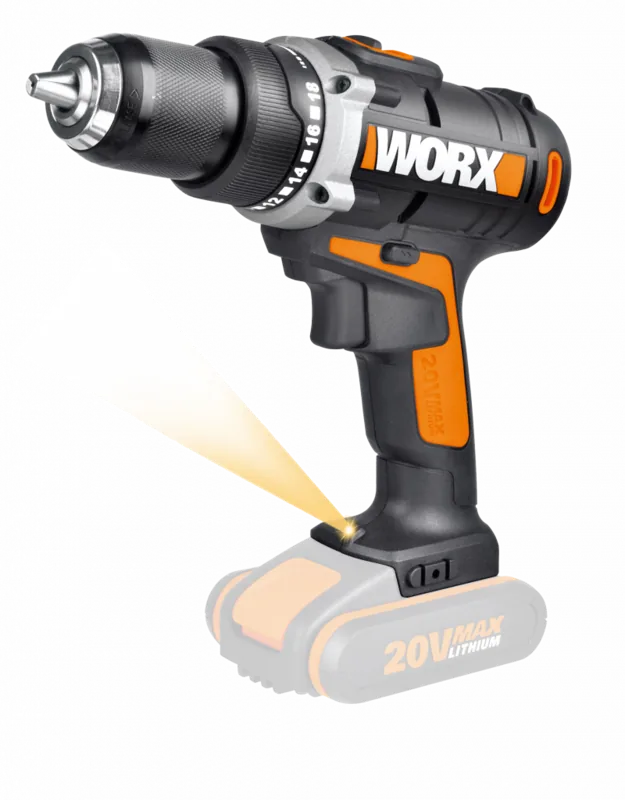
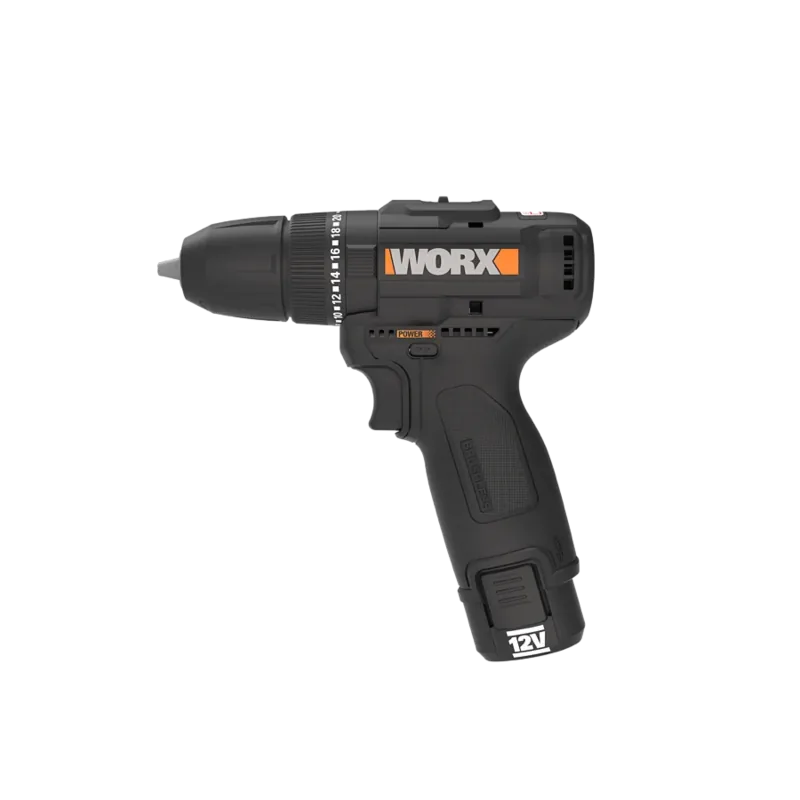
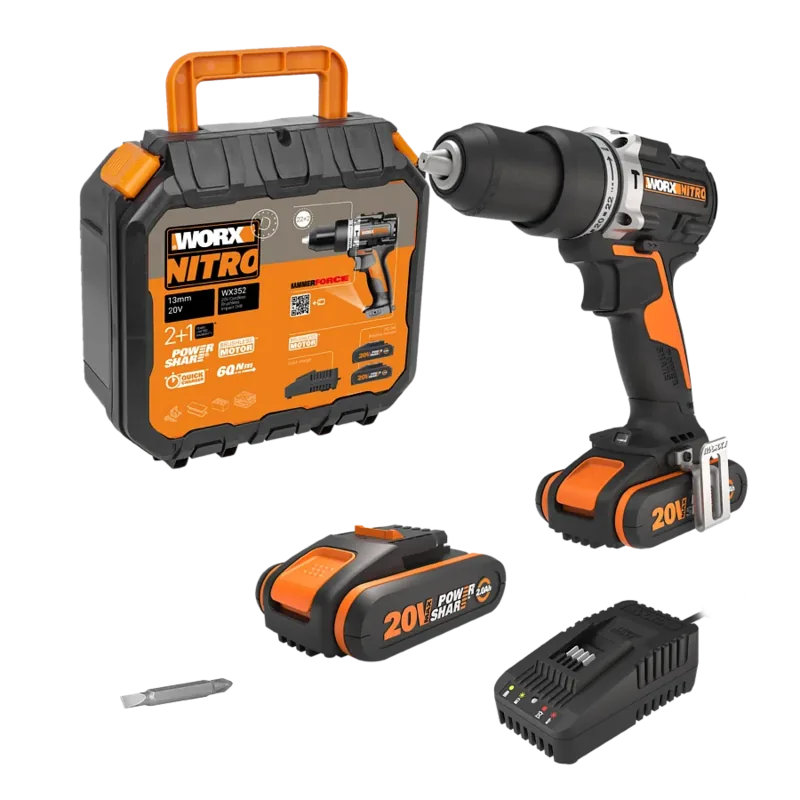
Worx WX183 Powershare Cordless Drill: Power Meets Precision
The Worx WX183 Powershare Cordless Drill stands as a versatile powerhouse for both DIY enthusiasts and professional contractors. Designed with a robust lithium-ion battery system, this tool delivers consistent performance across a wide range of tasks, from drilling into tough steel to driving screws into hardwood. The drill features a powerful motor capable of reaching speeds up to 1700 RPM in high gear, ensuring efficiency when tackling demanding projects.
One of the standout features of the WX183 is its two-speed gearbox, allowing users to switch between low speed for high torque applications and high speed for faster drilling. The adjustable torque ring offers 18 settings plus a drill mode, providing precise control to prevent over-tightening or damaging materials. Safety is paramount, with an LED work light illuminating dark workspaces and a soft-grip handle reducing user fatigue during extended use.
The drill includes intelligent protection systems that monitor battery health and tool temperature. If the drill becomes overloaded or overheated, it automatically shuts down to protect the internal components and extend the lifespan of the battery. The LED indicator also serves as a battery capacity gauge, flashing when power runs low so you can recharge before stopping mid-job.
This cordless drill is part of the Worx Powershare ecosystem, meaning its battery is compatible with other tools in the series, offering great value and flexibility. Whether you are assembling furniture, building a deck, or performing household repairs, the Worx WX183 provides the reliability and power needed to get the job done right.
Important Notes
- Always remove the battery before changing bits or performing maintenance.
- Do not charge the battery at temperatures below 0°C or above 30°C.
- Use only the charger specified by Worx to ensure safety and performance.
Search for 67,706 Manuals online


Type-in Brand or Model