

Free SPL Manuals – Read, Download & Print
12 Manuals
Manuals
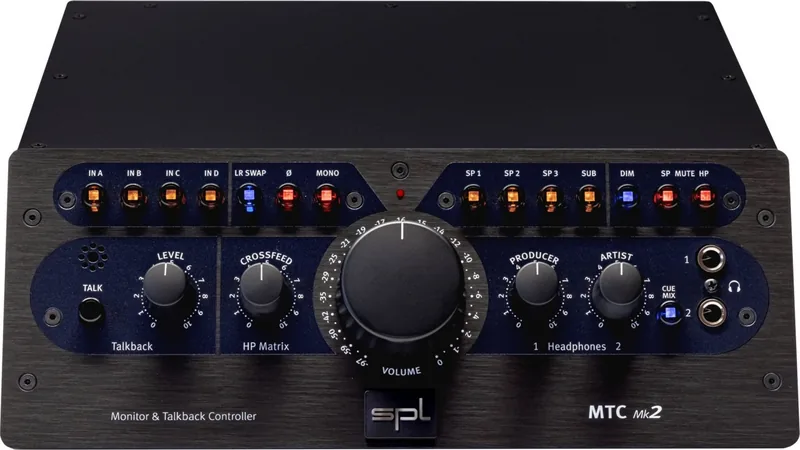
13 Pages

9 Pages

18 Pages
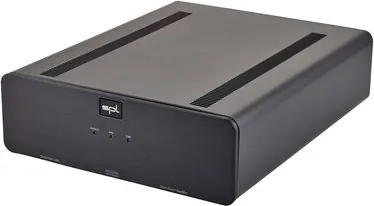
21 Pages

9 Pages
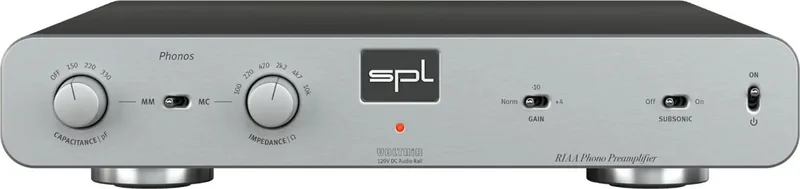
16 Pages

28 Pages

32 Pages

24 Pages
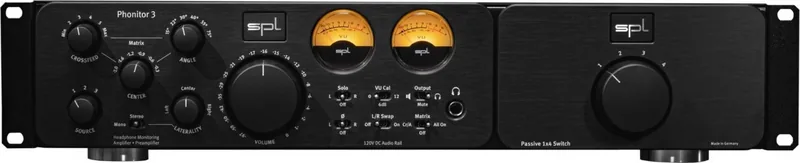
24 Pages
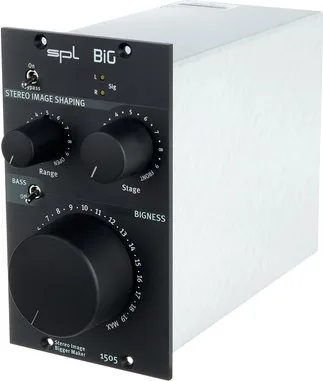
9 Pages
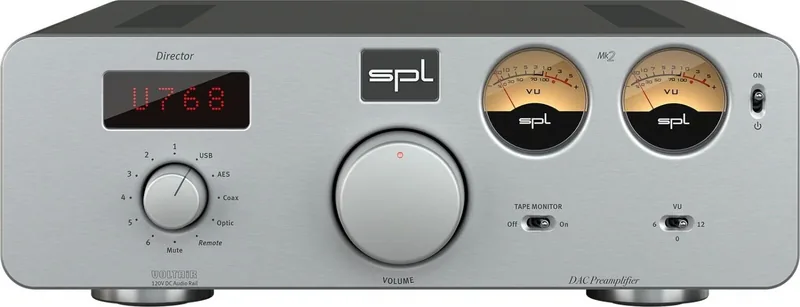
23 Pages
Categories


Free SPL Manuals - Read, Download & Print
Find SPL Manuals in One Convenient Place
Free SPL manuals help users access important product information without searching through outdated paperwork or incomplete notes. Whether you need operating instructions, installation guidance, maintenance details, troubleshooting steps, specifications, or safety information, a well-organized manual can make the process easier. This page is designed for people looking to read, download, and print SPL manuals for reference at home, at work, or while servicing equipment.
Manuals are useful for both new and experienced users. They explain how a product is intended to operate, identify controls and features, and provide recommendations that can help prevent damage or incorrect use. If you have misplaced the original booklet that came with an SPL product, a digital manual can be a practical replacement. You can review it online, save it for later, or print only the pages you need.
Read SPL Manuals Online
Reading an SPL manual online is a fast way to locate essential information when you need it. Digital documents can be opened on a computer, tablet, or smartphone, making it possible to check instructions wherever you are. Instead of keeping multiple paper booklets in storage, you can search for the relevant manual and consult it whenever a question arises.
Online manuals are particularly helpful when you need to verify a setting, connect an accessory, identify a component, or understand an error message. Many manuals include labeled diagrams, technical tables, setup sequences, and step-by-step instructions. These details can help users follow the correct process rather than relying on guesswork.
Before using any SPL equipment, take time to review the safety section of the manual. Safety warnings often cover electrical connections, ventilation, handling, installation locations, cleaning methods, and proper operating conditions. Following these instructions can support reliable use and help reduce avoidable problems.
Benefits of Reading Manuals Digitally
Digital access offers several useful advantages:
- View instructions immediately without waiting for a printed copy.
- Search within the document for specific terms, controls, or error codes.
- Zoom in on diagrams, wiring layouts, and small-print specifications.
- Compare information across different SPL models.
- Access the manual from multiple devices when needed.
- Keep a saved copy available for future reference.
An online manual is also useful when purchasing used equipment. Reviewing the documentation before use can help you confirm available functions, required accessories, compatible connections, and basic maintenance requirements.
Download SPL Manuals for Offline Access
Downloading an SPL manual gives you access to important instructions even when an internet connection is unavailable. A saved document can be stored on a computer, phone, tablet, external drive, or cloud account. This is useful for workshops, job sites, travel, field work, and other locations where online access may be limited.
Offline copies are convenient because they can be organized by model, product type, or date. For example, you may create a folder for setup guides, service information, installation documents, and owner manuals. Clear file names make it easier to find the right document later.
When saving a manual, verify that the model number shown in the document matches the model number on your product. Similar products may have different controls, connection requirements, software options, or operating limits. Using the correct manual is important for accurate setup and safe operation.
Tips for Downloading the Right Manual
To improve your search results, look for identifying details from the product label or packaging. Useful details may include:
- Full SPL model number.
- Product name or series name.
- Hardware version or revision number.
- Product category.
- Region or language edition.
- Manufacturing or release date, when available.
If several versions of a manual appear similar, check the cover page, table of contents, and specifications section before saving. These areas often identify the exact products covered by the document.
Print SPL Manuals When You Need Paper Copies
A printed SPL manual can be helpful when working away from a screen. Paper copies are easy to bring to a workbench, installation area, rehearsal space, office, or storage location. Printing can also make it easier to annotate important pages, highlight frequently used settings, or add notes about your own configuration.
You do not always need to print the entire document. Many users print only the sections most relevant to their task, such as the quick start guide, connection diagram, control reference, troubleshooting page, or technical specifications. This approach can save paper while keeping critical information close at hand.
For best readability, use the print preview function before printing. Confirm that diagrams fit on the page and that tables are not cut off. Landscape orientation may work better for wide wiring diagrams, signal-flow charts, or detailed specification tables. If the manual includes color-coded illustrations, color printing may make them easier to understand.
Useful Pages to Print
Depending on the product, the most useful pages may include:
- Safety instructions and warning labels.
- Quick setup or first-use procedures.
- Front and rear panel diagrams.
- Connection and wiring examples.
- Control descriptions.
- Troubleshooting charts.
- Maintenance schedules.
- Technical specifications.
- Warranty and support information.
Keeping a printed copy near the equipment can be especially helpful for shared environments where several people may use the same device.
What You Can Find in SPL Manuals
SPL manuals commonly provide more than basic operating instructions. They can serve as a complete reference for understanding a product's features, limits, connections, and care requirements. The exact contents vary by model, but most documentation includes information that supports proper setup and long-term use.
Setup and Installation Information
Setup instructions explain how to prepare equipment for use. This may include unpacking guidance, placement recommendations, power requirements, cable connections, mounting details, and initial configuration steps. Following the recommended order can prevent connection errors and reduce the risk of equipment damage.
Installation sections may also explain environmental requirements. Proper ventilation, stable placement, temperature limits, humidity conditions, and clearance around equipment can all affect performance. If a product requires rack mounting, wall mounting, or another fixed installation method, consult the manual before beginning work.
Controls, Connections, and Features
A manual can help you identify every button, switch, port, indicator, and menu option. This is important when a control has more than one function or when settings interact with one another. Product diagrams often show the location and purpose of each component, while detailed sections explain how to adjust features correctly.
Connection guidance is especially valuable for users working with multiple devices. Manuals may describe input and output types, supported cable formats, signal levels, power connections, grounding considerations, and compatible accessories. Always check the recommended connection procedures before attaching equipment.
Troubleshooting and Maintenance
Troubleshooting sections are often the first place to look when a product does not operate as expected. They may list common symptoms, possible causes, and recommended checks. Examples can include no power, no sound, distorted output, connection failures, indicator warnings, unexpected behavior, or configuration issues.
Maintenance guidance can help preserve product condition and performance. Manuals may recommend suitable cleaning methods, inspection intervals, storage conditions, replacement procedures, or service precautions. Avoid opening or modifying equipment unless the documentation specifically permits it and you have the appropriate knowledge and tools.
Use Manuals Safely and Responsibly
An SPL manual is an important source of guidance, but it should be used alongside good judgment and applicable safety requirements. Always follow local electrical, installation, workplace, and building regulations where relevant. If a procedure involves high voltage, structural mounting, internal repairs, or specialized testing, qualified service personnel may be required.
Do not ignore warnings simply because the equipment appears to be working normally. Manuals often include limits for power, operating temperature, load, cable type, ventilation, and compatible accessories. Staying within these limits can help protect both the equipment and the people using it.
If you are uncertain about a setting or connection, return to the relevant section of the manual and verify the procedure. Taking a few extra minutes to confirm the correct information is usually better than risking an incorrect installation or damaging a component.
Make the Most of Your SPL Documentation
Free SPL manuals make it easier to keep product information available whenever you need it. Read a manual online for quick answers, download it for offline access, or print selected pages for hands-on work. With the correct documentation, you can better understand product features, follow recommended setup steps, perform routine checks, and resolve common questions.
For the best results, always use documentation that matches your exact SPL model. Save a copy in a secure location, keep important printed pages near the equipment, and review updates or revised instructions when they are available. A reliable manual is a useful resource for everyday operation, careful maintenance, and confident use.
Search for 67,732 Manuals online


Type-in Brand or Model