

Free Solplanet Manuals – Read, Download & Print
3 Manuals
Manuals
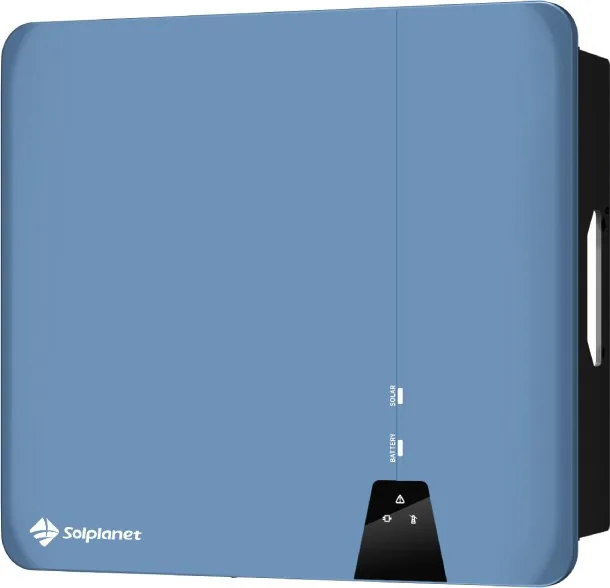
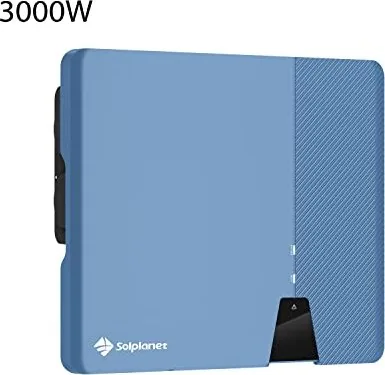
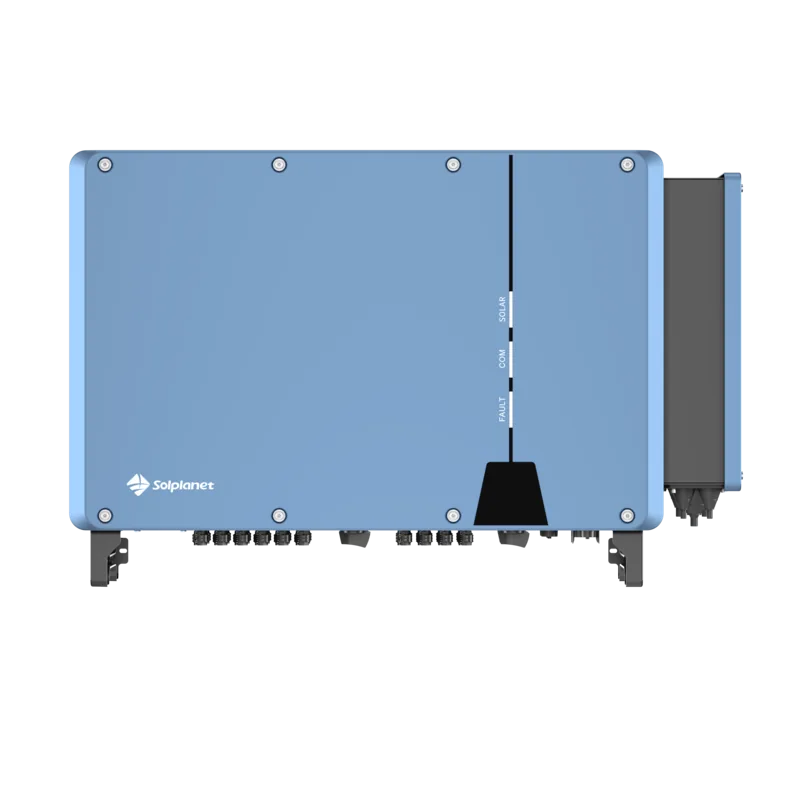
Categories

Free Solplanet Manuals - Read, Download & Print
Find Solplanet Documentation in One Convenient Place
Looking for clear, accessible information about Solplanet solar equipment? Free Solplanet manuals make it easier to understand the features, installation requirements, operating instructions, maintenance needs, and safety guidance associated with compatible solar products. Whether you are a homeowner reviewing your solar system, an installer preparing for a project, or a technician troubleshooting equipment, manuals are valuable reference documents that help you work with greater confidence.
Solplanet manuals can cover a range of solar energy products, including solar inverters, hybrid inverters, energy storage solutions, monitoring devices, communication accessories, and related system components. Each document is designed to provide product-specific details that may be essential for proper setup and use. Reading the appropriate manual before operating, configuring, or servicing equipment can help users avoid misunderstandings and support safer system performance.
Read Solplanet Manuals Online
Reading a Solplanet manual online is a practical option when you need information quickly. Digital manuals allow you to browse product specifications, review diagrams, search for keywords, and locate relevant sections without waiting for a printed copy. This is especially useful when you need to verify wiring details, indicator light meanings, error code explanations, or communication settings.
Online manuals may include sections such as:
- Product overview and intended use
- Important safety notices and warnings
- Technical specifications
- Package contents and component descriptions
- Installation instructions
- Electrical connection guidance
- Commissioning and startup procedures
- Monitoring and network configuration
- Operating modes and display information
- Fault messages and troubleshooting steps
- Maintenance recommendations
- Warranty and disposal information
Before relying on any document, confirm that the manual matches the exact model number, hardware version, and region of your equipment. Solar products can vary by country, electrical grid requirements, firmware version, and release date. Using the wrong documentation may lead to incorrect settings or incomplete installation instructions.
Download Manuals for Offline Access
Downloading a Solplanet manual provides easy access when an internet connection is unavailable or inconvenient. Keeping a digital copy on a phone, tablet, laptop, or project computer can be useful during installation visits, maintenance appointments, and emergency troubleshooting. Downloaded files are also helpful for building a complete project record alongside system plans, invoices, commissioning reports, and warranty documents.
A saved manual can be searched quickly for terms such as "grid connection," "backup output," "Wi-Fi," "RS485," "firmware," "alarm," or "error code." This can reduce the time needed to locate a specific instruction within a long technical document. Many PDF readers also allow users to add bookmarks, highlight important pages, and make notes for future reference.
When downloading documentation, use a file name that clearly identifies the equipment. For example, include the product model, document type, revision number, and date if available. This simple practice helps prevent confusion when multiple manuals are stored in the same folder.
Keep the Latest Version Available
Manufacturers may revise manuals as products evolve. A newer document can include updated specifications, corrected diagrams, revised safety instructions, new firmware features, or improved troubleshooting information. For this reason, it is wise to check for the most current manual whenever you install new equipment, update system settings, or investigate a recurring issue.
If you already have an older copy, compare the document revision or publication date with the latest available version. Retaining previous versions may still be useful for older installations, but the current manual should generally be your first reference for active products.
Print Important Solplanet Manual Pages
Printing a full manual or selected pages can be useful for job sites, equipment rooms, training sessions, and home records. A printed guide gives installers and owners a reliable reference when devices are being mounted, connected, commissioned, or inspected. It can also be beneficial in locations where mobile coverage is weak or electronic devices are impractical.
Consider printing the sections that are most relevant to your needs, such as:
- Safety warnings and protective equipment requirements
- Mounting clearances and environmental conditions
- Terminal layouts and connection diagrams
- Commissioning checklists
- LED status indicators and display menus
- Error code tables
- Shutdown and restart procedures
- Maintenance schedules
- Emergency contact and service information
For installers, placing relevant pages in a project binder can support organized handover documentation. For homeowners, storing a printed quick reference guide near the system records can make it easier to understand normal operation and recognize when professional support may be needed.
Use Manuals for Safe Installation and Operation
Solar inverter and battery systems involve electrical equipment that may carry hazardous voltages. Manuals commonly contain important safety instructions that should be reviewed carefully before installation, inspection, cleaning, repair, or configuration. Always follow applicable electrical codes, local regulations, grid connection rules, and manufacturer requirements.
Installation and service tasks should be completed by appropriately qualified professionals when required. Do not assume that instructions for one inverter or battery model apply to another. Details such as cable size, torque values, protective devices, grounding requirements, connection order, and ventilation clearances may differ between products.
A manual may also explain how to safely isolate the system before work begins. This can include switching off AC and DC supplies, waiting for internal capacitors to discharge, verifying the absence of voltage, and following lockout procedures where applicable. These steps are important because solar arrays can continue generating electricity whenever exposed to light.
Understanding Product Labels and Ratings
The product label is one of the most useful tools for finding the correct manual. It typically includes the model name, serial number, input and output ratings, certification markings, and other identification details. Match this information carefully with the documentation you read or download.
Pay attention to voltage ranges, maximum current limits, operating temperature ratings, enclosure protection ratings, and approved installation environments. These specifications help determine whether the equipment is suitable for a particular solar project and how it should be installed.
Troubleshooting With the Right Documentation
When a solar system does not perform as expected, the relevant Solplanet manual can help identify common causes. Many manuals include troubleshooting tables that connect status lights, display messages, alarms, and fault codes with possible actions. These guides can help distinguish between normal operating conditions and issues that require professional attention.
Common topics may include grid-related warnings, low solar input, communication failures, battery connection issues, insulation alarms, overheating, fan alerts, and monitoring problems. Review the recommended actions in the manual and avoid making changes that are not clearly authorized by the manufacturer.
For persistent faults, record the displayed message, time of occurrence, weather conditions, and any recent changes to the system. This information can help an installer or service provider diagnose the problem more efficiently. Do not open sealed equipment or attempt internal repairs unless you are qualified and the product documentation specifically permits the work.
Support Better System Monitoring
Many modern solar systems include monitoring features that let users view generation, consumption, battery status, and system alerts. Manuals can explain how to connect equipment to a local network, pair a communication device, register a monitoring account, and interpret dashboard data.
If monitoring stops updating, the manual may provide steps for checking internet access, signal strength, cable connections, router settings, device status lights, and communication parameters. It may also explain whether a system restart or reconnection procedure is appropriate.
Monitoring documentation is useful not only during initial setup but also throughout the life of the solar system. Regularly reviewing performance data can help owners recognize unusual behavior and discuss concerns with their installer before a minor issue becomes more significant.
Build a Reliable Solar Documentation Library
A well-organized collection of Solplanet manuals can support the long-term care of your solar installation. Save the correct manuals together with product data sheets, certificates, warranty records, commissioning reports, electrical drawings, and contact details for the installer. This information can be valuable during maintenance, property sales, insurance reviews, warranty claims, and system upgrades.
Free Solplanet manuals provide a practical way to read essential guidance online, download files for offline access, and print important pages when needed. Use the correct, current documentation for your exact equipment model, follow all safety instructions, and contact a qualified solar professional whenever installation, electrical work, or fault diagnosis requires expert support.
Search for 67,706 Manuals online


Type-in Brand or Model