

Free Samsung Manuals – Read, Download & Print
344 Manuals
Manuals

139 Pages

118 Pages

48 Pages

66 Pages

217 Pages
138 Pages

107 Pages

149 Pages
109 Pages

147 Pages

180 Pages

187 Pages
222 Pages

198 Pages
258 Pages
119 Pages

174 Pages

200 Pages
46 Pages
99 Pages
140 Pages
38 Pages
31 Pages
72 Pages
32 Pages

86 Pages
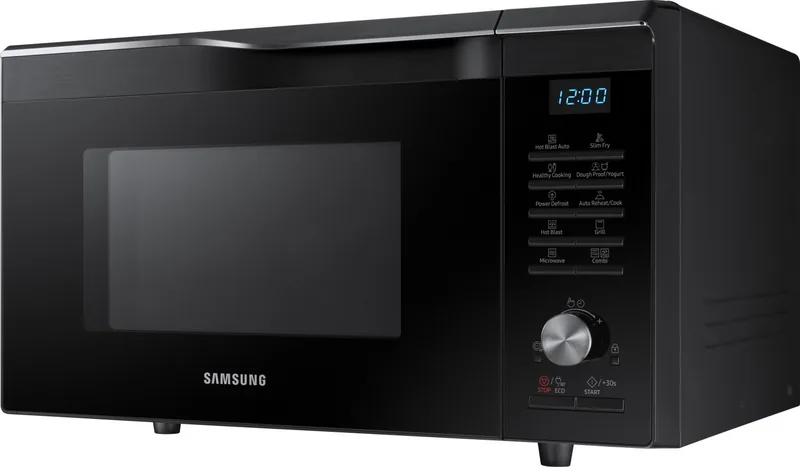
156 Pages
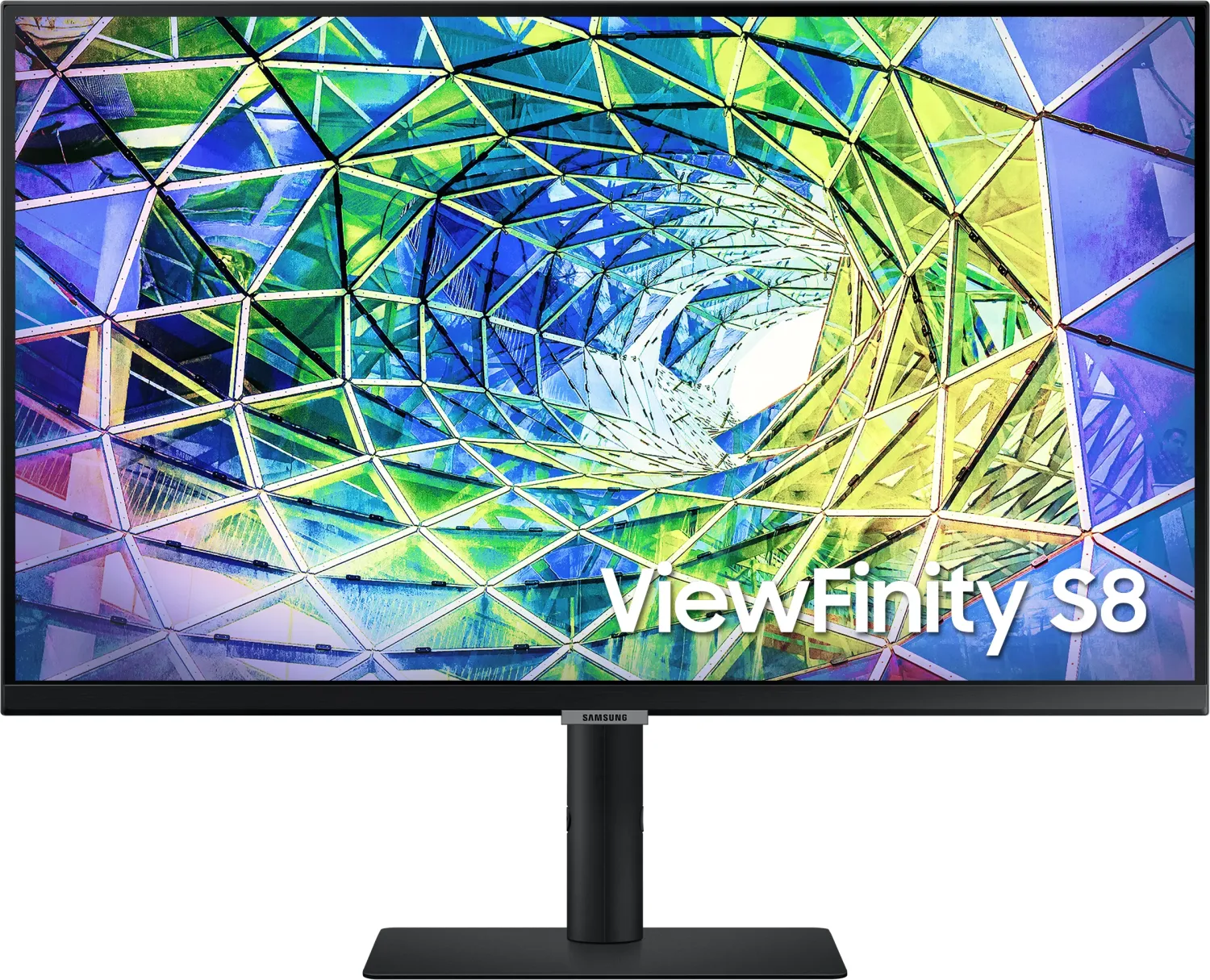
42 Pages

165 Pages
168 Pages
189 Pages
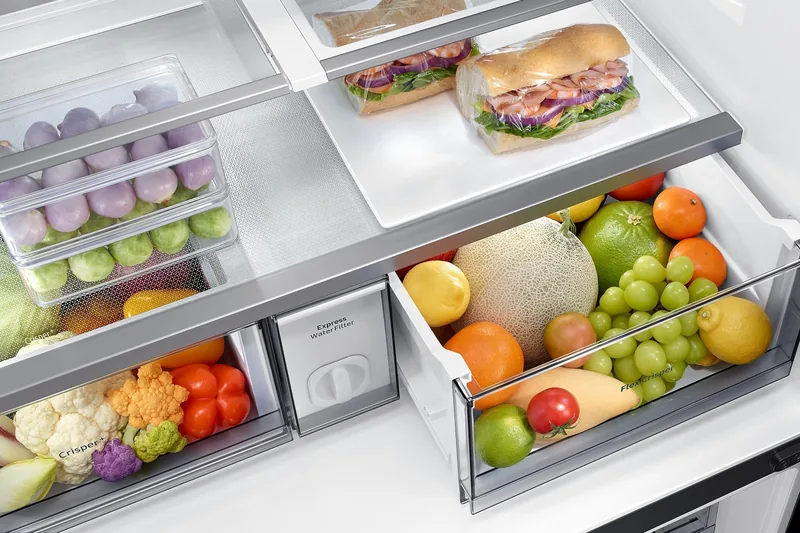
84 Pages
137 Pages
181 Pages

160 Pages

159 Pages

13 Pages

99 Pages
136 Pages

149 Pages
264 Pages
40 Pages

124 Pages
44 Pages
68 Pages

104 Pages
44 Pages

44 Pages
35 Pages
152 Pages
Categories


Welcome to Your Ultimate Resource for Samsung Documentation
Navigating the world of modern technology can sometimes feel overwhelming, especially when you are trying to set up a new device or troubleshoot an existing one. This is where comprehensive documentation becomes invaluable. Our platform serves as a dedicated hub for Free Samsung Manuals, offering users the ability to read, download, and print official guides for a vast array of Samsung products. Whether you own the latest flagship smartphone, a sophisticated tablet, a home appliance like a refrigerator or washing machine, or even a professional monitor, having access to accurate and detailed instructions is essential for maximizing your device's potential.
Why Accessing Official Manuals Matters
Samsung devices are engineered with advanced features and intuitive interfaces, but they often come with complex settings that require guidance to utilize fully. The user manual acts as a bridge between the hardware capabilities and the user's understanding. Without it, many hidden functions might remain undiscovered, or troubleshooting steps could be missed entirely. By providing free access to these documents, we empower consumers to take control of their technology. Instead of searching through scattered websites or relying on outdated forums, users can find verified information directly from the source. This ensures safety, accuracy, and reliability in every step of the process.
A Comprehensive Library of Devices
Our database covers an extensive range of Samsung product categories. You will not find just a single type of document here; instead, we offer a diverse collection tailored to specific needs. For mobile users, there are detailed guides for Galaxy smartphones ranging from the classic S series to the foldable Z series and the budget-friendly A series. These manuals cover everything from initial setup and SIM card installation to advanced camera modes and battery optimization tips.
Tablet users are equally well-served with guides for the Galaxy Tab lineup. These documents explain how to use split-screen multitasking, stylus integration with the S Pen, and connectivity options for external displays. Home entertainment enthusiasts can find manuals for QLED and Neo QLED televisions, soundbars, and Blu-ray players. These guides assist with picture calibration, smart TV app installation, and surround sound configuration.
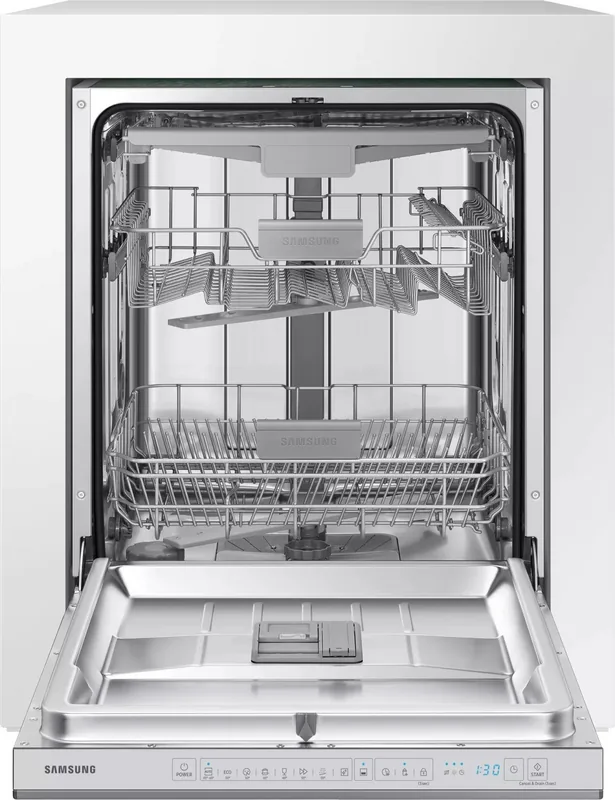
The scope extends beyond electronics into the realm of home appliances. Refrigerators, washing machines, dryers, dishwashers, and air conditioners all have their own dedicated sections. Understanding the maintenance cycles, error codes, and energy-saving modes for these large appliances can extend their lifespan and improve efficiency. Even wearable technology like Galaxy Watches and earbuds have specific manuals that detail pairing processes, health monitoring features, and charging protocols.
How to Find Your Specific Manual
Locating the correct documentation for your device is designed to be a seamless experience. We utilize a robust search system that allows you to input your model number directly. Model numbers are crucial because Samsung frequently releases updated versions of popular devices with slight variations in hardware or software. Entering the exact model number, which can usually be found on the back of the device or in the settings menu under About Phone or Device Information, ensures you receive the precise guide relevant to your unit.
Alternatively, you can browse by category if you are unsure of your model number. Categories include Mobile Phones, Tablets, TVs, Audio, Appliances, and Monitors. Once you select a category, a list of subcategories or specific models appears. Clicking on a specific model brings you to a page containing all available resources for that device. This organized structure saves time and reduces frustration, allowing you to jump straight to the information you need without wading through irrelevant content.
Reading, Downloading, and Printing Options
One of the core strengths of our service is the flexibility it offers regarding how you interact with the manuals. You do not have to choose just one method. First, you can read the manual directly on your screen. This is ideal for quick reference while you are holding the device. The digital format allows for easy navigation using hyperlinks, so you can jump from the table of contents to specific chapters instantly. Many guides also include visual aids such as diagrams, screenshots, and icons that make instructions clearer than text alone.
For those who prefer offline access, downloading the manual is a straightforward process. Most files are provided in PDF format, which is universally compatible with computers, tablets, and smartphones. Once downloaded, you can save the file to your local storage or cloud drive. This is particularly useful for situations where internet connectivity is limited or non-existent, such as in remote areas or during travel. Having a digital copy on hand means you can consult the troubleshooting section immediately if an issue arises.
Printing is another valuable feature for users who like physical copies. Some people find it easier to follow step-by-step instructions while looking at a printed sheet rather than squinting at a small screen. Others may want to keep a physical archive of their documentation for warranty purposes or resale value. Our platform supports high-quality printing, ensuring that text remains legible and images are clear. You can print the entire manual or select specific pages that address your current concern, saving paper and ink while still getting the information you need.
Keeping Up with Updates
Technology evolves rapidly, and Samsung regularly releases software updates that introduce new features or change existing ones. Consequently, user manuals must also be updated to reflect these changes. Our platform is committed to maintaining currency by regularly refreshing its database. When a firmware update introduces a significant interface change or a new function, we strive to upload the revised manual promptly. This ensures that users are never working with obsolete information that could lead to confusion or incorrect usage.
Subscribing to notifications or checking the site periodically can help you stay informed about the latest additions. If you notice a discrepancy between your device's behavior and the manual, our community support channels can provide additional assistance. However, in most cases, the official documentation provides the definitive answer.
Safety and Warranty Considerations
Using the correct procedures outlined in the manual is not just about convenience; it is also about safety. Improper handling of batteries, exposure to water beyond specified limits, or incorrect voltage connections can damage the device or pose a risk to the user. The safety warnings and cautions included in the official manuals are critical reading material that should never be ignored. Following the guidelines helps maintain the integrity of the device and ensures that your warranty remains valid.
Furthermore, proper maintenance schedules listed in the appliance manuals can prevent costly repairs. Cleaning filters, descaling units, and updating software are simple tasks that become second nature when you understand the recommended frequency and method. By taking proactive care of your Samsung products, you ensure longevity and consistent performance over years of use.
Conclusion
In summary, our platform for Free Samsung Manuals - Read, Download & Print is more than just a repository of files; it is a tool for empowerment. It connects users with the knowledge required to master their technology, troubleshoot issues efficiently, and maintain their devices properly. With a wide variety of products covered, flexible viewing options, and a commitment to accuracy, we aim to enhance your overall experience with Samsung technology. Whether you are a tech enthusiast, a casual user, or a professional, having the right manual at your fingertips makes all the difference.
Search for 67,706 Manuals online


Type-in Brand or Model