
Samsung Smart Monitor M8 M80C Manual
PDF manual · 35 Pages
English


Quick check
Incorrect answer, please try again.
Chat with your Samsung Smart Monitor M8 M80C manual using AI
Get instant AI answers from your Samsung Smart Monitor M8 M80C manual
Ask anything about the Samsung Smart Monitor M8 M80C. Answers come from this manual, with the pages they are based on.
Ask a Question
Do you recommend Smart Monitor M8 M80C?
Yes NoFrequently Asked Questions
For M7/M8 models the recommended optimal resolution is 3840 x 2160 at 60 Hz. Ensure your source device and cable support this resolution and enable Input Signal Plus if needed for higher color depth and chroma sampling.
Is this answer helpful?
Yes—supported models provide USB-C/Thunderbolt power delivery (model-dependent wattage). The S27C90 and some S9-series ports support up to 90 W PD; M7/M8 models support up to 65 W on certain ports. Charging depends on the laptop’s acceptance of PD over that port and certified cables.
Is this answer helpful?
HDR10 playback is available on Windows 10 systems with graphics cards supporting PlayReady 3.0 DRM and compatible GPUs (e.g., NVIDIA GeForce 1000 series+, AMD RX 400 series+, Intel UHD 600 series+). Use recommended cables and settings for HDR content.
Is this answer helpful?
Power off and unplug the monitor, wipe with a clean soft dry cloth or a well-wrung damp cloth. Do not use alcohol, solvents, or spray liquid directly on the screen. Avoid pressing the panel and keep small accessories away from children.
Is this answer helpful?
Follow VESA specifications shown in the manual and use screws of the correct length (do not use excessively long screws). Install the mount on a solid perpendicular wall and avoid tilting more than 15 degrees. Incorrect mounting may cause damage or injury.
Is this answer helpful?
Most USB devices are supported but compatibility isn’t guaranteed for every market device. External HDDs requiring extra power may need their own power source. Some nonstandard or noncompliant USB devices can cause malfunctions.
Is this answer helpful?
Hold the lower corners or edges, avoid touching or pressing the screen, do not lift by the stand alone, disconnect all cables first, and place the screen face-down only on a flat, stable surface with protective padding when assembling the stand.
Is this answer helpful?
Advantages and Disadvantages
Advantages

- 4K UHD clarity (3840 x 2160 @60Hz on M7/M8) with wide input support for UHD signals.
- USB-C/Thunderbolt ports support video, data and power delivery for single-cable workflows.
- Integrated camera options, microphone switch, and USB hub functionality for meetings and peripherals.
- Ergonomic stand: adjustable height, tilt and rotation with cable management and VESA mount support.
- Comprehensive safety, cleaning and setup guidance reduces misuse and installation errors.
Disadvantages

- Full Thunderbolt/USB-C functionality depends on certified cables and host firmware compatibility.
- Some advanced resolutions or color depths require Input Signal Plus and specific port/cable support.
- Certain peripheral compatibility (HDDs, nonstandard USB devices) may be limited or require external power.
- Service visits for non-defect issues may incur fees; unauthorized repairs void support.
- High-gloss surfaces risk stains from humidifiers and can scratch if cleaned improperly.
Product Specification
Function
Monitor (stationary)
Panel
VA
Backlight
LED, blue light filter, flicker-free
Brightness
400cd/m² (typical)
Contrast
3,000:1 (static)
HDR
HDR10
Response time
4ms (GtG)
Refresh rate
60Hz (3840x2160)
Signal frequency
148kHz (H) / 60Hz (V)
Ports
1x HDMI 2.0, 1x USB-C 3.1 with DisplayPort (Upstream, 10Gb/s, PD 65W), 2x USB-A 2.0 (Downstream, 480Mb/s), 1x DC-In jack (power connection)
Shape
straight (flat)
Viewing angle
178°/178°
Coating
non-glare (matte)
Color depth
10bit (1.07 billion colors)
FRC
yes (8bit+2bit)
sRGB
99%
LUT (Lookup Table)
Factory calibration
Speakers
Speakers (2x 5W)
Communication
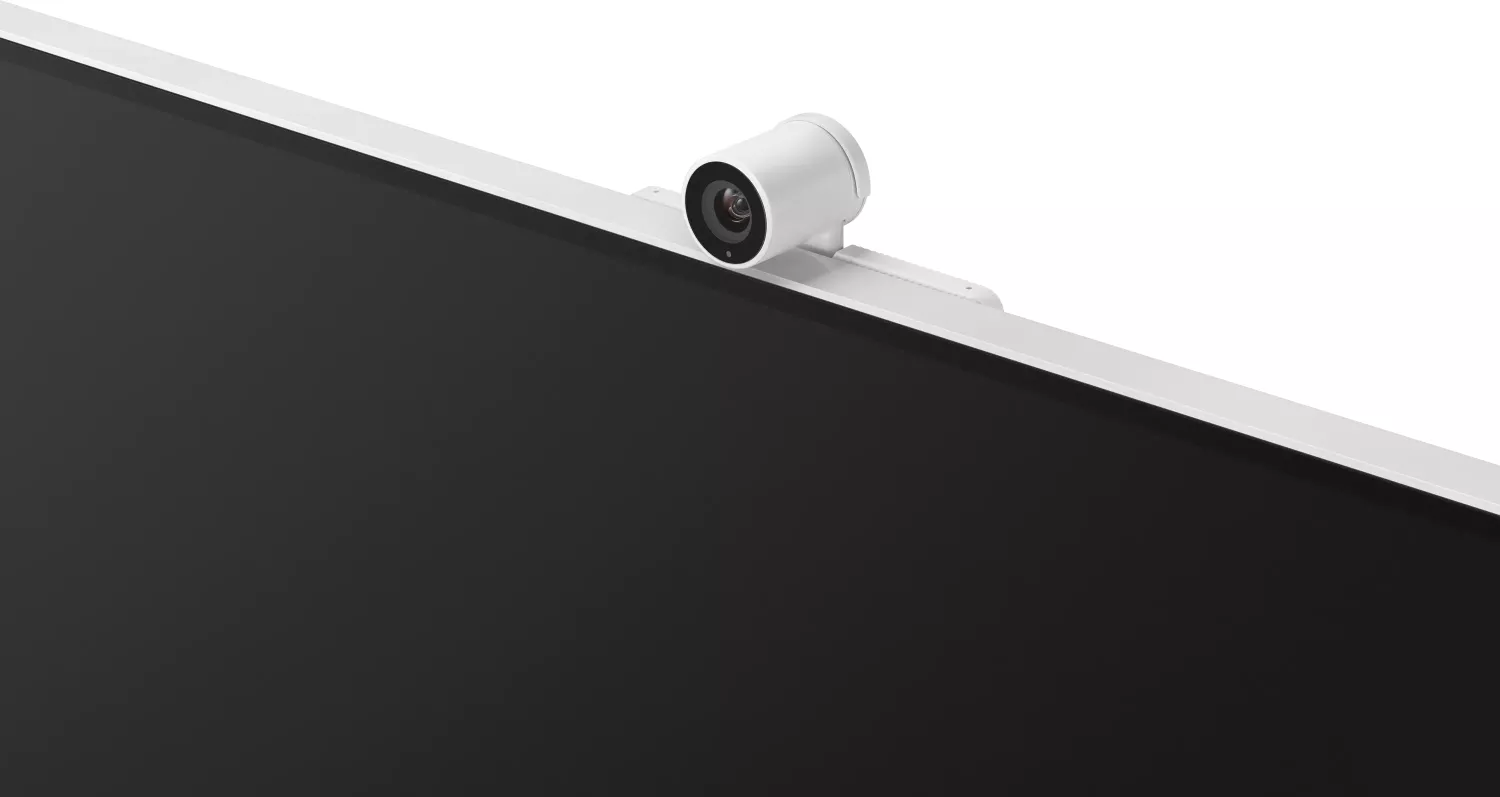
Webcam (detachable), Microphone
Controls
Joystick, remote control included, voice assistant (Amazon Alexa, Samsung Bixby)
Ergonomics
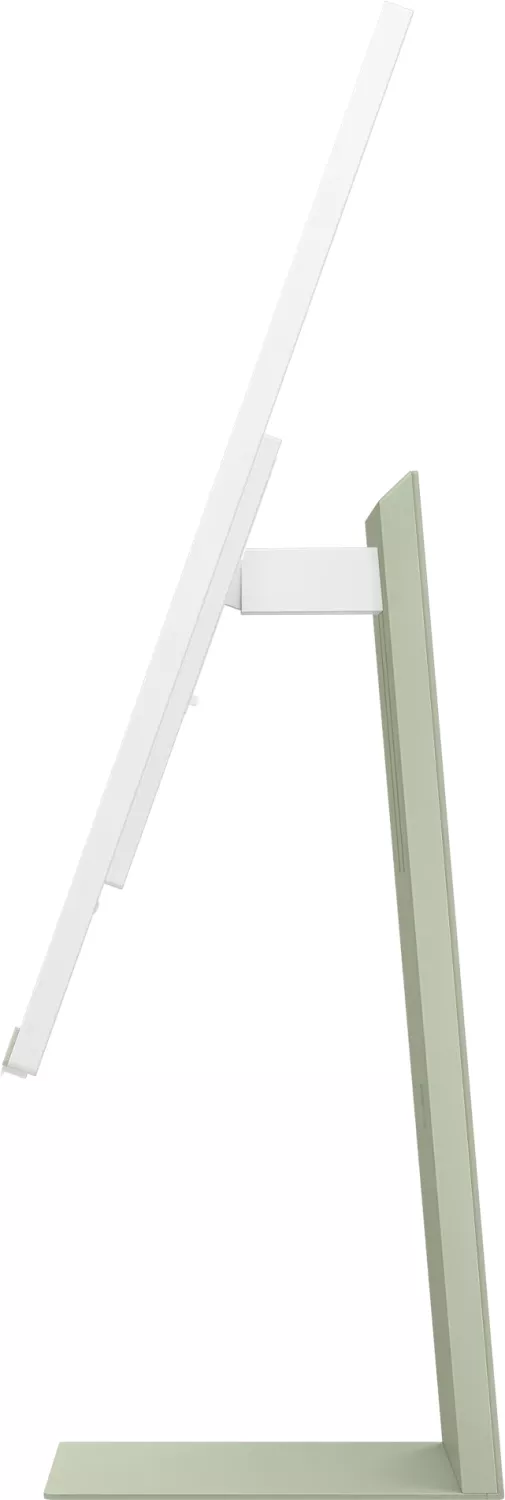
with stand, height adjustable (4.72in), Pivot (±90°), rotatable N/A, tiltable (+15°/-2°)
VESA
100x100 (occupied)
Special features
Security lock (Kensington Security Slot), light sensor, Slim Bezel, HDCP 2.2
Power supply
external
Smart TV
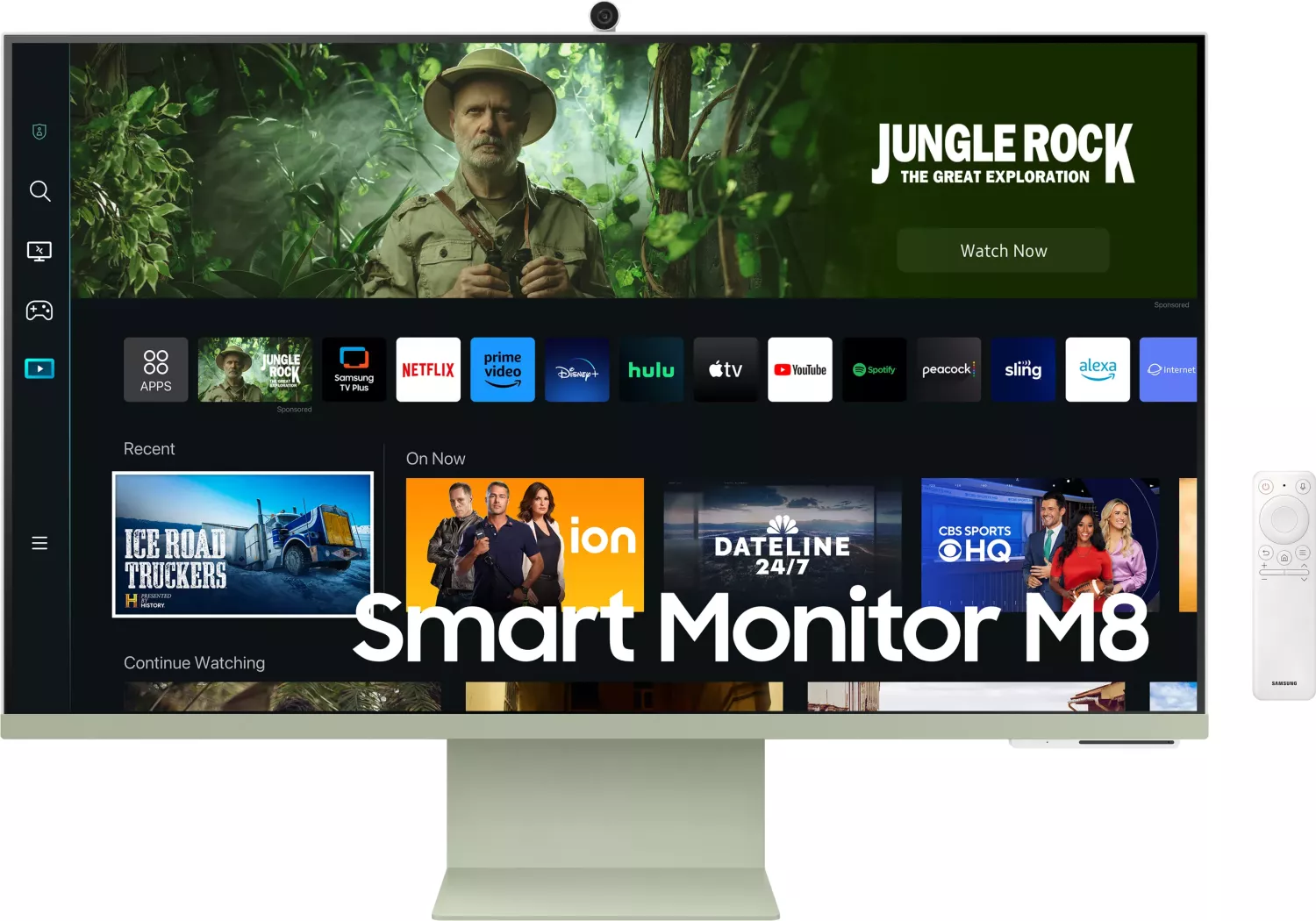
Operating system (Tizen), integrated media player, app control, DLNA, remote control included
Wireless
Wi-Fi 5 (WLAN 802.11a/b/g/n/ac), ZigBee, Thread
Warranty
three years
USB designation
Link
Product Description
Samsung Smart Monitor M8 M80C — Versatile 4K Smart Display
Samsung Smart Monitor M8 M80C combines elegant design with powerful productivity and entertainment features. This slim, modern monitor offers UHD resolution, flexible connectivity including USB-C/Thunderbolt support, and smart TV-like capabilities that remove the need for a dedicated PC. It’s tailored for mixed use — remote work, streaming, video calls, and creative tasks — and includes features for comfort and safety such as adjustable tilt and height, eye-care recommendations, and detailed cleaning instructions.
Key product highlights
The monitor supports multiple input types and advanced display modes, including 3840 x 2160 at 60 Hz for crisp visuals on M7/M8 models and higher resolutions on premium variants. USB-C and Thunderbolt 4 ports support video, data and power delivery (up to model-specific wattages), enabling one-cable connections for many laptops. The M8 M80C also supports camera connectivity (integrated or attachable), microphone toggles, and hub functionality for peripherals.
Ergonomics and installation are prioritized: the stand allows height, tilt and rotation adjustments, with instructions to ensure safe mounting and proper ventilation. Wall-mount (VESA) support follows clear screw specifications and safety limits. The monitor includes anti-theft lock compatibility and cable-management features built into the stand for tidy setups.
Performance and compatibility
The Smart Monitor covers a wide range of picture sizes and signaling options (HDMI, DisplayPort, USB Type-C, Thunderbolt), supports HDR-capable GPUs on Windows for HDR10 playback, and provides detailed supported resolution tables for PC and video sources. Input Signal Plus expands color and chroma sampling options for higher bit depths where supported. Samsung documents recommended resolutions for optimal display performance and advises firmware, BIOS, and cable standards for Thunderbolt/USB-C reliability.
Safety, maintenance, and user guidance
Comprehensive safety guidance covers electrical precautions, safe handling, moving and installation tips, ventilation clearances, and child-safety warnings. Cleaning instructions emphasize power-off procedures and safe cloth use while warning against alcohol or solvent cleaners. The manual highlights potential service fees for non-defect visits and cautions against unauthorized repairs.
Notes
- Ensure cables and firmware meet specifications (Thunderbolt/USB-C certified cables recommended).
- Maintain proper ventilation and follow VESA screw-length guidelines for wall mounting.
- Use recommended resolutions and Input Signal Plus settings for best performance.
Search for 67,706 Manuals online


Type-in Brand or Model