
Profitec PRO 300 Manual
PDF manual · 34 Pages
English



Quick check
Incorrect answer, please try again.
Chat with your Profitec PRO 300 manual using AI
Get instant AI answers from your Profitec PRO 300 manual
Ask anything about the Profitec PRO 300. Answers come from this manual, with the pages they are based on.
PRO 300 Maintenance Schedule
Clean the portafilter, filters, water tank, drip tray, and tamper daily with warm water and food-safe detergent.
Empty the water from the steam and hot water boiler every one to two weeks to ensure fresh water is present.
Use a cleaning tablet with the blind filter to clean and degrease the brew group after about 90 to 140 brewing cycles.
Clean the steam wand and hot water wand after every use with a damp cloth to remove liquid residues.
Free maintenance reminders
Timed to your purchase date. Always free, unsubscribe anytime.
Ask a Question
Do you recommend PRO 300?
Yes NoFrequently Asked Questions
The PID regulates and displays the coffee boiler temperature, allowing you to set and store a precise extraction temperature (factory set to 93 °C). It supports temperature adjustments and toggling between °C and °F for consistent brewing results.
Is this answer helpful?
With a container under the brew group, raise the coffee switch for at least 30 seconds. The display shows Fill and will clear after the boiler has been filled. Refill the water tank if needed and wait until the PID reaches the set temperature.
Is this answer helpful?
Program a CLn reminder (0–200 shots) or clean approximately every 90–140 shots. Use the blind filter and a group cleaner tablet: run the coffee switch in 20-second intervals until clear water runs, then rinse and repeat per instructions.
Is this answer helpful?
Use soft potable water up to 4° dH or install a water filter. Hard water causes limescale that can damage the boiler and internal tubing; severe scaling requires professional descaling and may need partial disassembly.
Is this answer helpful?
Activate the steam boiler, wait for 1.0–1.3 bar, open the steam valve briefly to purge condensate, then position the wand just below the milk surface. Keep the wand submerged while creating a gentle vortex, stop before milk exceeds ~77 °C to preserve foam quality.
Is this answer helpful?
ECO mode sets an automatic shutdown timer (0–600 minutes, default 90). Program it via the PID menu in 30-minute steps; after the last extraction the countdown runs in the background and powers down the machine when elapsed.
Is this answer helpful?
Daily cleaning (portafilter, drip tray, steam wand), periodic backflushing and replacing the group gasket or cleaning the steam nozzle are user-serviceable. Descaling with heavy scale, boiler disassembly, or electrical repairs should be done by authorized service personnel.
Is this answer helpful?
Advantages and Disadvantages
Advantages

- PID temperature control for accurate, adjustable extraction temperatures.
- Dual-boiler design with separate steam boiler for stable steam performance.
- Programmable features: ECO auto-shutdown, CLn cleaning reminder, and display options.
- Solid build and serviceable components (replaceable group gasket, shower screen).
- Complete accessories included: single/double baskets, blind filter, tamper and brush.
Disadvantages

- Not intended for heavy commercial use; designed for home and light professional settings.
- Requires soft water (≤4° dH) or filtration to avoid limescale and potential technician descaling.
- Some maintenance tasks (descaling, gasket replacement) may require qualified service.
- Portafilter, drip tray and water tank are not dishwasher-safe, increasing manual cleaning.
- No external adjustment for steam boiler pressure; steam regulated internally by a pressostat.
Product Specification
Construction Type
Dual Boiler
Power
2200W
Color
stainless steel
Coffee System
Ground Coffee
Water Tank Capacity
0.74 gal
Special Features
2-Cup Function, Hot Water/Steam Nozzle, Boiler Pressure Gauge, Heated Cup Tray
Dimensions
10.04x15.16x18.70in (WxHxD)
Weight
39.68lb
Product Description
Profitec Pro 300 — Profitec Pro 300 Manual
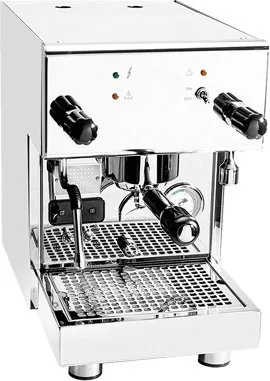
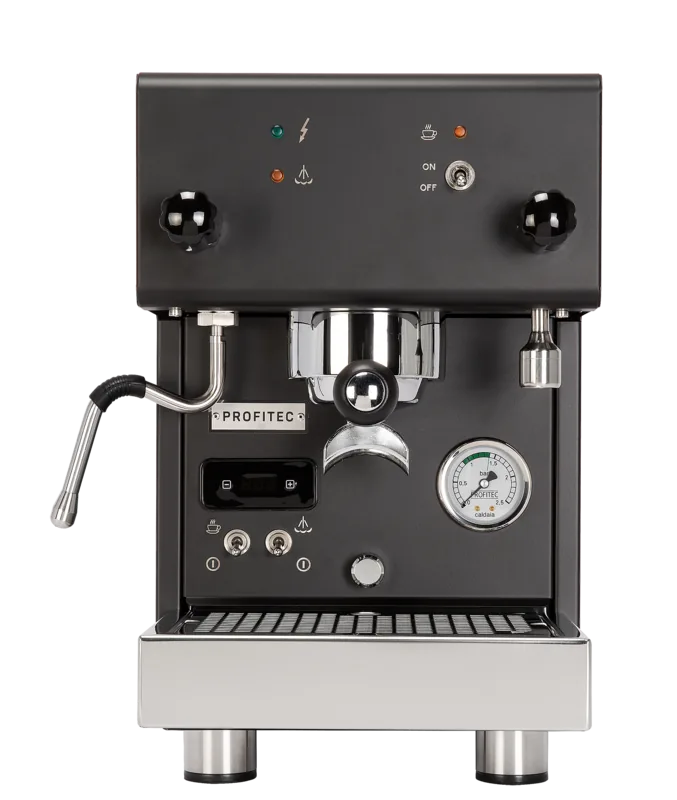
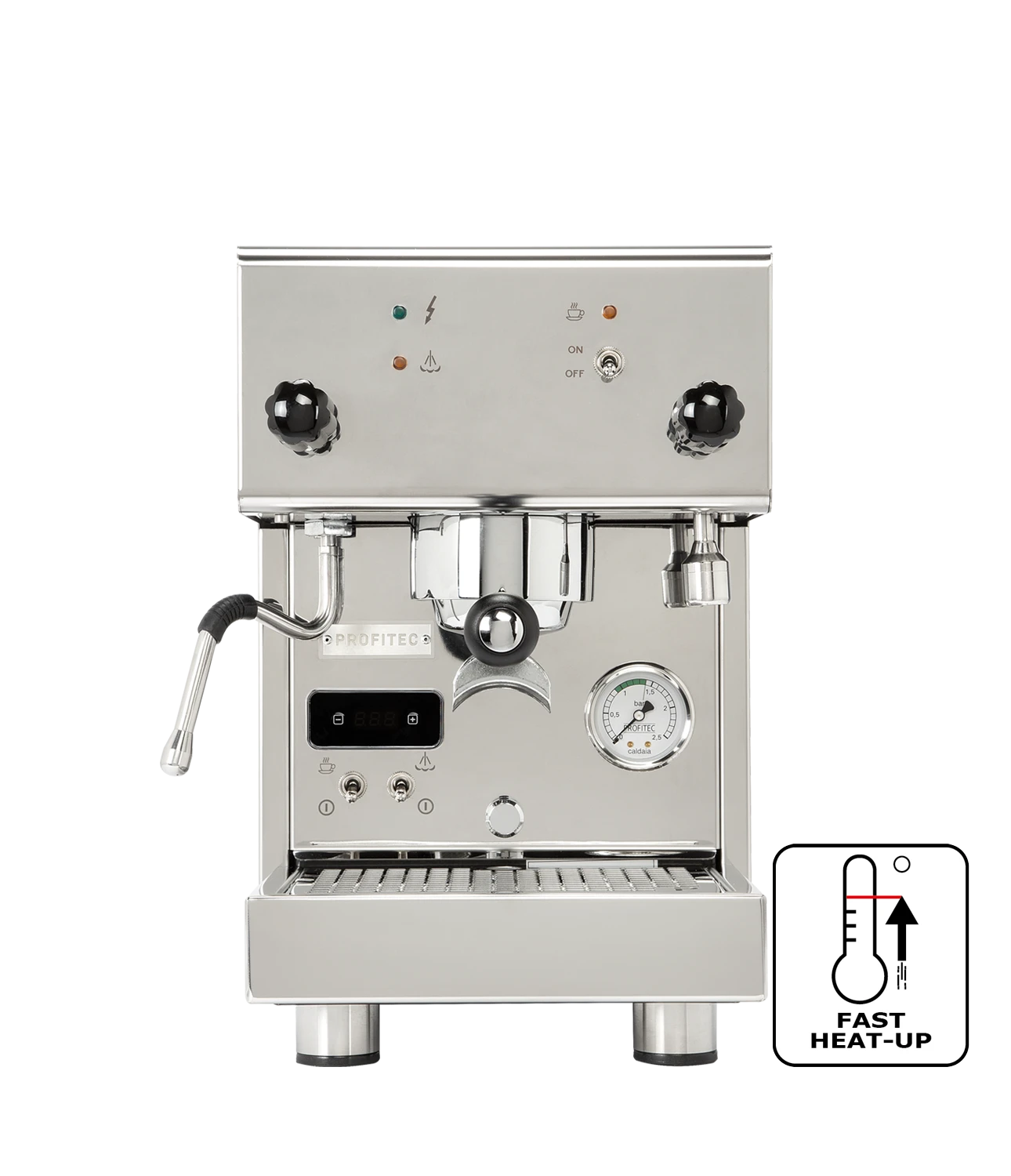
The Profitec Pro 300 is a compact, prosumer espresso machine designed for home and light commercial-style use. Built around a PID-controlled coffee boiler and a separate steam boiler, the Pro 300 offers stable extraction temperatures, fast heat-up times and professional features such as a pressure gauge, removable 2.8 L water tank, and a robust brass brew group. Its PID temperature control allows fine adjustment of extraction temperature, while the steam boiler (regulated by a pressure switch) reliably delivers powerful steam for milk texturing.
Ergonomic controls and clear indicators make operation intuitive: dedicated switches for coffee and steam, a PID display with programmability (temperature setpoint, Celsius/Fahrenheit display, ECO auto-shutdown and CLn cleaning reminder), and a simple Fill mode for initial boiler priming. The machine ships with single- and double-spout portafilters, single- and double-shot baskets, a blind filter for backflushing, tamper, cleaning brush, and a silicone tube for optional water filtration.
In practice the Pro 300 excels when paired with freshly ground beans and a consistent tamp. The PID lets you dial in extraction temperature (factory 93 °C) to suit different blends; the CLn counter reminds you to perform group cleaning after a programmable number of shots. Daily maintenance is straightforward: rinse portafilter parts, empty and clean drip tray, and wipe steam wand after every use. Periodic group backflushing with a detergent tablet and occasional replacement of the group gasket and shower screen keep performance consistent.
Safety and longevity are emphasized: use soft water (max 4° dH) or a water filter to avoid scale buildup, never operate the machine without water, and have electrical installation and repairs handled by qualified technicians. The machine complies with CE directives and WEEE registration for disposal.
Whether you’re exploring temperature profiling via PID or need reliable steam for milk microfoam, the Profitec Pro 300 combines solid build quality, serviceable internals, and programmable convenience for home baristas seeking café-level results.
Notes
- Use soft, potable water (≤4° dH) or a water softener to prevent scale. Regular descaling by an authorized technician is recommended if required.
- The ECO mode can auto-shutdown between 0–600 minutes (factory 90 min) to save energy.
- Always vent the steam wand briefly before frothing to remove condensate and avoid drawing milk into the boiler.
- Replace group gasket and shower screen as part of maintenance; backflushing is recommended every 90–140 shots.
Search for 67,706 Manuals online


Type-in Brand or Model