
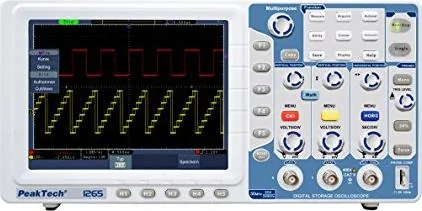
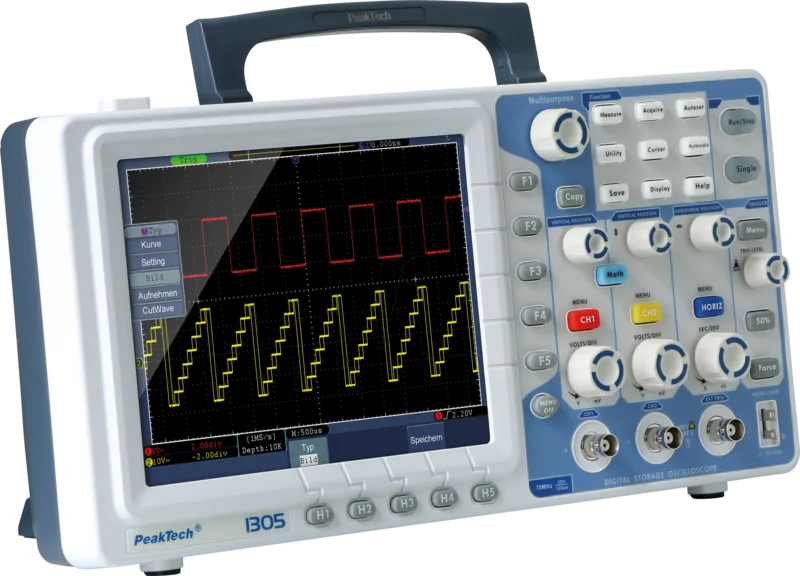
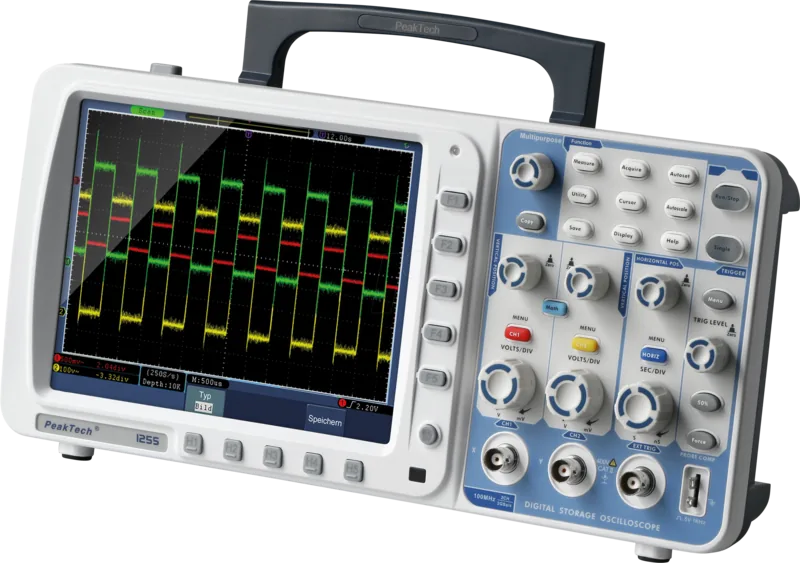
PeakTech 1265 Manual
PDF manual · 170 Pages
English



Quick check
Incorrect answer, please try again.
Chat with your PeakTech 1265 manual using AI
Get instant AI answers from your PeakTech 1265 manual
Ask anything about the PeakTech 1265. Answers come from this manual, with the pages they are based on.
1265 Maintenance Schedule
One year is recommended for the calibration interval period to ensure accuracy.
Check the condition of the probe and instrument regularly according to their operating state.
Wipe dust with a soft cloth and clean with a damp soft cloth using mild detergent or water. Ensure device is dry before use.
Free maintenance reminders
Timed to your purchase date. Always free, unsubscribe anytime.
Ask a Question
Do you recommend 1265?
Yes NoFrequently Asked Questions
It is designed for viewing, measuring, and analyzing electrical signals in labs, repair shops, classrooms, and general electronics troubleshooting. It helps users inspect waveforms, triggers, and signal quality quickly.
Is this answer helpful?
Autoscale, clear menu navigation, and the large TFT display simplify setup and signal reading. These features help beginners get a stable waveform without spending too much time adjusting settings manually.
Is this answer helpful?
Yes. The built-in FFT function converts time-domain signals into frequency content, which is useful for checking harmonics, noise, and oscillator behavior.
Is this answer helpful?
Yes. It can save waveforms, settings, and screen images. USB storage is especially useful for exporting screenshots and sharing results with others.
Is this answer helpful?
Proper probe compensation improves measurement accuracy and waveform shape. If the probe is not adjusted correctly, readings can become distorted or misleading.
Is this answer helpful?
No. The device should not be used in high-energy circuits, and input limits must always be respected. Using the right probe and safe setup is essential for protection and accurate results.
Is this answer helpful?
Advantages and Disadvantages
Advantages

- 30 MHz bandwidth and 250 MSa/s sampling suit many general electronics tasks.
- 8-inch TFT display makes waveforms, triggers, and measurements easy to read.
- FFT, Pass/Fail, and waveform playback add strong analysis capability.
- USB and LAN connectivity support data transfer and computer integration.
Disadvantages

- 1X probe mode reduces bandwidth, limiting full performance.
- Advanced menus and trigger options may take time to learn.
- Not designed for high-energy circuits or harsh outdoor conditions.
- Some functions are more useful on higher-series models in the PeakTech range.
Product Description
PeakTech 1265 Digital Oscilloscope: Smart Tools for Fast Signal Analysis
The PeakTech 1265 Digital Oscilloscope is a compact and capable choice for electronics work, repair tasks, and training environments where clear signal visibility matters. Built for everyday troubleshooting, it combines a 30 MHz bandwidth, 250 MSa/s sampling rate, and a 10 k-point record length per channel to capture common waveforms with confidence. For users who want a practical bench instrument rather than a complicated lab system, it strikes a useful balance between performance and ease of use.
One of the strongest qualities of the PeakTech 1265 is its straightforward workflow. The Autoscale and Autoset functions help bring unknown signals into view quickly, while the 8-inch TFT display gives a sharp and readable overview of waveforms, measurements, and trigger status. That makes it easier to inspect periodic signals, check pulse shapes, and identify noise or distortion without wasting time on manual setup.
The oscilloscope also supports useful analysis features that go beyond basic viewing. FFT analysis helps reveal frequency content, Pass/Fail testing supports repetitive quality checks, and waveform recording with playback makes it easier to study signal changes over time. With USB and LAN connectivity, the device can also fit into a modern test setup, whether you need to transfer data, save screenshots, or integrate the instrument with a computer-based workflow.
For hands-on users, the manual emphasizes careful setup and reliable measurement habits. Probe compensation, correct attenuation settings, and self-calibration are important steps for accurate results. Those details matter, especially when working with mixed signals, adjustable time bases, or sensitive circuit points. The built-in help system and multilingual interface add even more convenience for students and technicians who want to learn quickly.
Overall, the PeakTech 1265 Digital Oscilloscope is a strong everyday instrument for signal diagnostics, component testing, and classroom demonstrations. It is especially appealing for users who value simple control, practical measurement functions, and a clear display in a durable bench-top format.
Notes
- Use a 10X probe setting to get the best bandwidth and reliable readings.
- Perform self-calibration after major temperature changes for better accuracy.
- Avoid exceeding the input limits to protect both the instrument and the user.
- USB and LAN features make saving and sharing results easier.
Search for 67,706 Manuals online


Type-in Brand or Model