

Free Elegoo Manuals – Read, Download & Print
3 Manuals
Manuals

Categories

Welcome to Your Comprehensive Guide for Elegoo Manuals
Accessing the right documentation is crucial for maximizing the potential of your 3D printing and laser engraving equipment. This resource serves as a centralized hub dedicated to providing free, high-quality manuals for all Elegoo products. Whether you are a seasoned hobbyist or a beginner taking your first steps into additive manufacturing, having clear instructions at your fingertips can make the difference between a frustrating experience and a successful project. Our platform allows users to read manuals directly in their browser, download them for offline access, and print them out for physical reference, ensuring that help is always available whenever you need it.
Why Official Documentation Matters
Elegoo has established itself as a leading manufacturer in the consumer 3D printing market, offering a wide range of devices from entry-level resin printers like the Saturn and Neptune series to advanced SLA machines and laser engravers. Each device comes with unique features, safety requirements, and operational procedures. The official manual is the definitive source of truth for these specifications. It contains critical information regarding hardware assembly, software configuration, maintenance schedules, and troubleshooting steps. Relying on third-party summaries or outdated guides can lead to incorrect settings, which may damage the machine or result in poor print quality. By utilizing our collection of free manuals, you ensure that you are working with the most accurate and up-to-date information provided directly by the manufacturer.
How to Access and Use These Resources
Our website is designed with user convenience in mind. We understand that different users have different preferences for how they consume information. Some prefer the immediacy of reading online, while others need the portability of a digital file or the tactile nature of a printed guide. To accommodate these needs, we have implemented a flexible system that supports multiple formats.
Reading Online
For quick reference or when you are already at your computer, you can read the manuals directly on this page. The content is formatted for easy readability on various screen sizes, including desktops, tablets, and smartphones. You can scroll through sections, search for specific keywords using your browser's find function, and jump between chapters without any lag. This method is ideal for checking a specific step during an operation or verifying a parameter before starting a print job.
Downloading for Offline Access
In many workshop environments, internet connectivity may be unreliable or restricted. In such cases, having a local copy of the manual is essential. Our platform allows you to download the PDF versions of all manuals instantly. Once downloaded, you can save the files to your hard drive, USB stick, or cloud storage service. This ensures that you have permanent access to the documentation regardless of your network status. You can organize these files within your own digital library, making it easy to retrieve the correct guide for your specific model number.
Printing for Physical Reference
There is something to be said for having a physical copy of the manual nearby. Printed guides can be placed on your workbench next to the printer, allowing you to glance at instructions without switching tabs on your monitor. This is particularly helpful for beginners who are setting up their machine for the first time. You can print the entire document or select specific pages that are relevant to your current task. Our downloadable PDFs are optimized for standard paper sizes, ensuring that diagrams and text remain legible after printing.
Coverage of Product Lines
We strive to maintain an extensive library that covers the vast majority of Elegoo's product lineup. This includes detailed guides for their popular resin-based stereolithography (SLA) printers, Fused Deposition Modeling (FDM) printers, and laser engraving modules. Below is an overview of the types of documentation available.
Resin 3D Printers
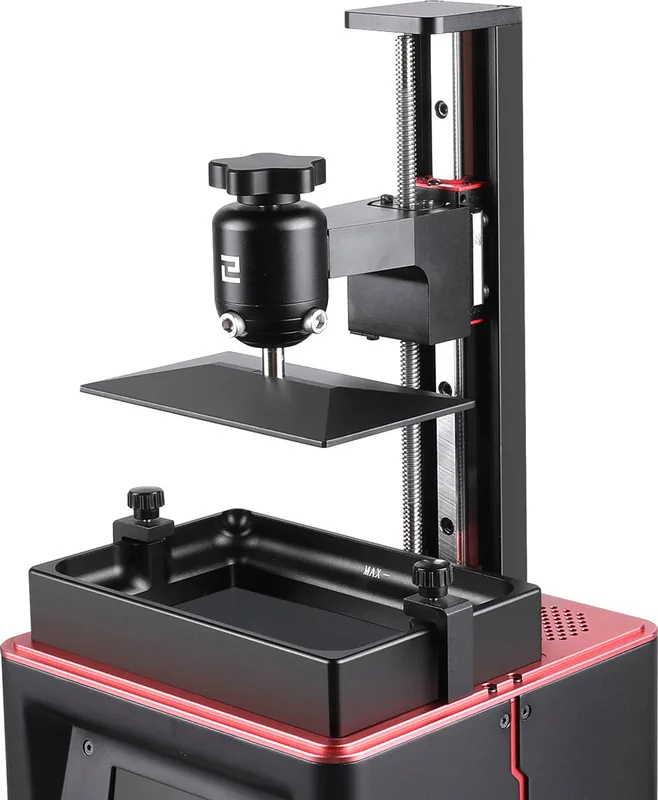
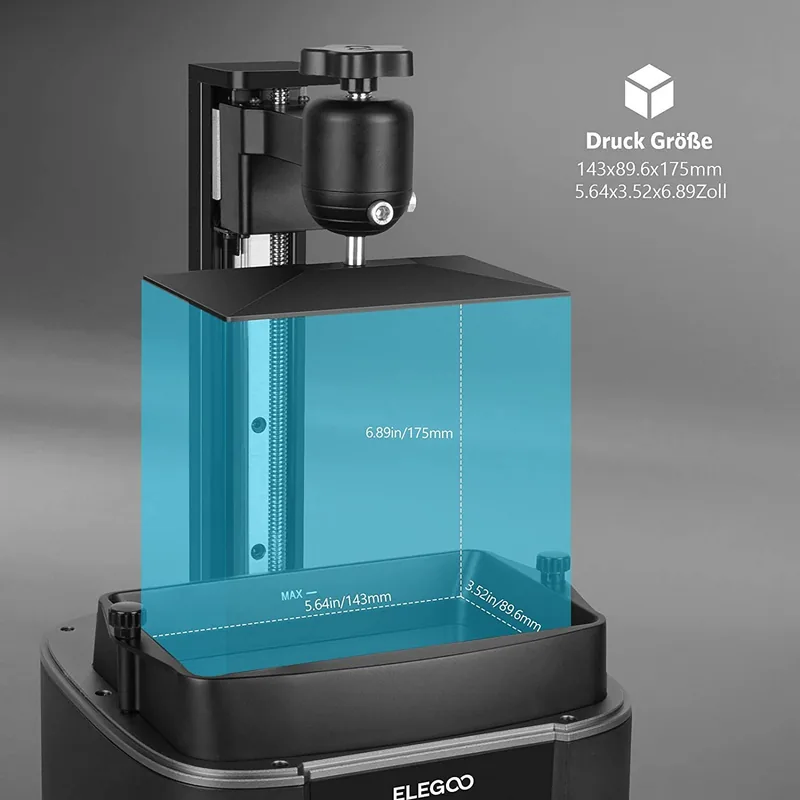
Resin printers require careful handling and precise calibration. Our manuals for models such as the Mars, Saturn, and Jupiter series cover the entire workflow. This includes unboxing instructions, bed leveling procedures, resin mixing guidelines, and post-processing techniques. Special attention is given to safety protocols, as resin is a chemical substance that requires proper ventilation and protective gear. The guides also explain how to use the companion slicing software, such as Chitubox or Lychee Slicer, to prepare models for printing.
FDM 3D Printers
For users of the Neptune and other filament-based printers, the documentation focuses on mechanical assembly, extruder setup, and thermal management. These guides provide step-by-step instructions for replacing nozzles, tensioning belts, and calibrating the flow rate. They also include information on selecting the appropriate filament types, such as PLA, PETG, ABS, and TPU, and how to adjust temperature settings for optimal results.
Laser Engravers and Cutters
The Elegoo laser series offers versatile tools for cutting wood, acrylic, and engraving leather or metal. The manuals for these devices detail the optical alignment process, focus adjustment, and the use of safety interlocks. Users will find comprehensive instructions on configuring the laser power and speed settings for different materials, as well as advice on ventilation systems to handle smoke and fumes generated during the engraving process.
Safety and Maintenance Best Practices
Beyond basic operation, our manuals emphasize safety and long-term care. Every section on maintenance outlines regular cleaning routines to prevent dust accumulation, which can affect print quality and machine longevity. For resin printers, this includes cleaning the FEP film and maintaining the LED array. For FDM printers, it involves lubricating rails and checking wiring connections. Safety warnings are prominently displayed throughout the documents to remind users of potential hazards associated with moving parts, hot surfaces, and chemicals.
Troubleshooting Common Issues
One of the most valuable aspects of these resources is the troubleshooting section. No matter how well you follow instructions, issues can arise. Our guides provide diagnostic trees and solutions for common problems such as layer shifting, adhesion failure, under-exposure, or laser beam misalignment. By following the suggested steps, you can often resolve minor issues without needing to contact customer support, saving you time and frustration.
Keeping Your Knowledge Current
Technology evolves rapidly, and manufacturers frequently release firmware updates or new accessories that change how a machine operates. Our database is regularly updated to reflect these changes. When a new version of a manual is released, we update our links immediately so that you always have access to the latest information. This commitment to accuracy ensures that your knowledge remains current and applicable to your specific device configuration.
Conclusion
Investing time in understanding your equipment through proper documentation pays off in better results and a longer lifespan for your machine. By utilizing our free collection of Elegoo manuals, you empower yourself with the knowledge needed to tackle complex projects and troubleshoot challenges effectively. Whether you choose to read online, download for later, or print a physical copy, this resource is here to support your creative journey. Explore the available guides today and unlock the full capabilities of your Elegoo device.
Search for 67,706 Manuals online


Type-in Brand or Model