
Eizo ColorEdge CG2420 Manual
PDF manual · 75 Pages
English



Quick check
Incorrect answer, please try again.
Chat with your Eizo ColorEdge CG2420 manual using AI
Get instant AI answers from your Eizo ColorEdge CG2420 manual
Ask anything about the Eizo ColorEdge CG2420. Answers come from this manual, with the pages they are based on.
ColorEdge CG2420 Maintenance Schedule
Take a 10-minute break every hour to prevent eye fatigue.
Use the included ScreenCleaner for stains; do not use alcohol or solvents. Turn off the monitor if condensation forms.
Ask a Question
Do you recommend ColorEdge CG2420?
Yes NoFrequently Asked Questions
It is best for color-sensitive tasks such as photo editing, design, graphics production, and other workflows where accurate color and stable image quality matter.
Is this answer helpful?
Yes. It includes a built-in calibration sensor and supports SelfCalibration, which helps keep the display aligned with your chosen targets automatically.
Is this answer helpful?
It offers DVI-D, HDMI, and DisplayPort inputs, plus USB hub connectivity for compatible peripherals and charging.
Is this answer helpful?
Yes. The monitor supports common Windows versions and Mac OS X systems, and it also works with Eizo’s ColorNavigator 6 software for calibration and profiling.
Is this answer helpful?
Its wide Adobe RGB coverage, IPS panel, 1920 × 1200 resolution, contrast performance, and calibration tools make it a strong choice for precise visual work.
Is this answer helpful?
Yes. The display should warm up before fine adjustments or calibration, and the manual recommends waiting long enough for the panel to stabilize properly.
Is this answer helpful?
Advantages and Disadvantages
Advantages

- 99% Adobe RGB coverage and IPS viewing angles make it well suited for color-critical work.
- Built-in sensor with SelfCalibration helps maintain consistent calibration over time.
- 1920 × 1200 resolution gives extra vertical space for editing and timelines.
- USB 3.0 hub, fast charging, and multiple video inputs add practical connectivity.
Disadvantages

- Requires warm-up and careful calibration for the most accurate results.
- HDMI and DisplayPort audio are not supported, so sound must come from elsewhere.
- Cleaning and handling need care; harsh chemicals or pressure can damage the panel.
- Best performance depends on proper setup, recommended cables, and ideal ambient lighting.
Product Specification
Function
Monitor (stationary)
Diagonal
24" (24.02in)
Resolution
1920x1200 (WUXGA), 16:10, 94ppi
Panel
IPS, Manufacturer: Panasonic (VVX24F152H00)
Backlight
LED
Brightness
400cd/m² (typical)
Contrast
1,500:1 (static)
Response time
10ms (GtG)
Refresh rate
60Hz (1920x1200)
Signal frequency
15-78kHz (H) / 24-61Hz (V)
Connections
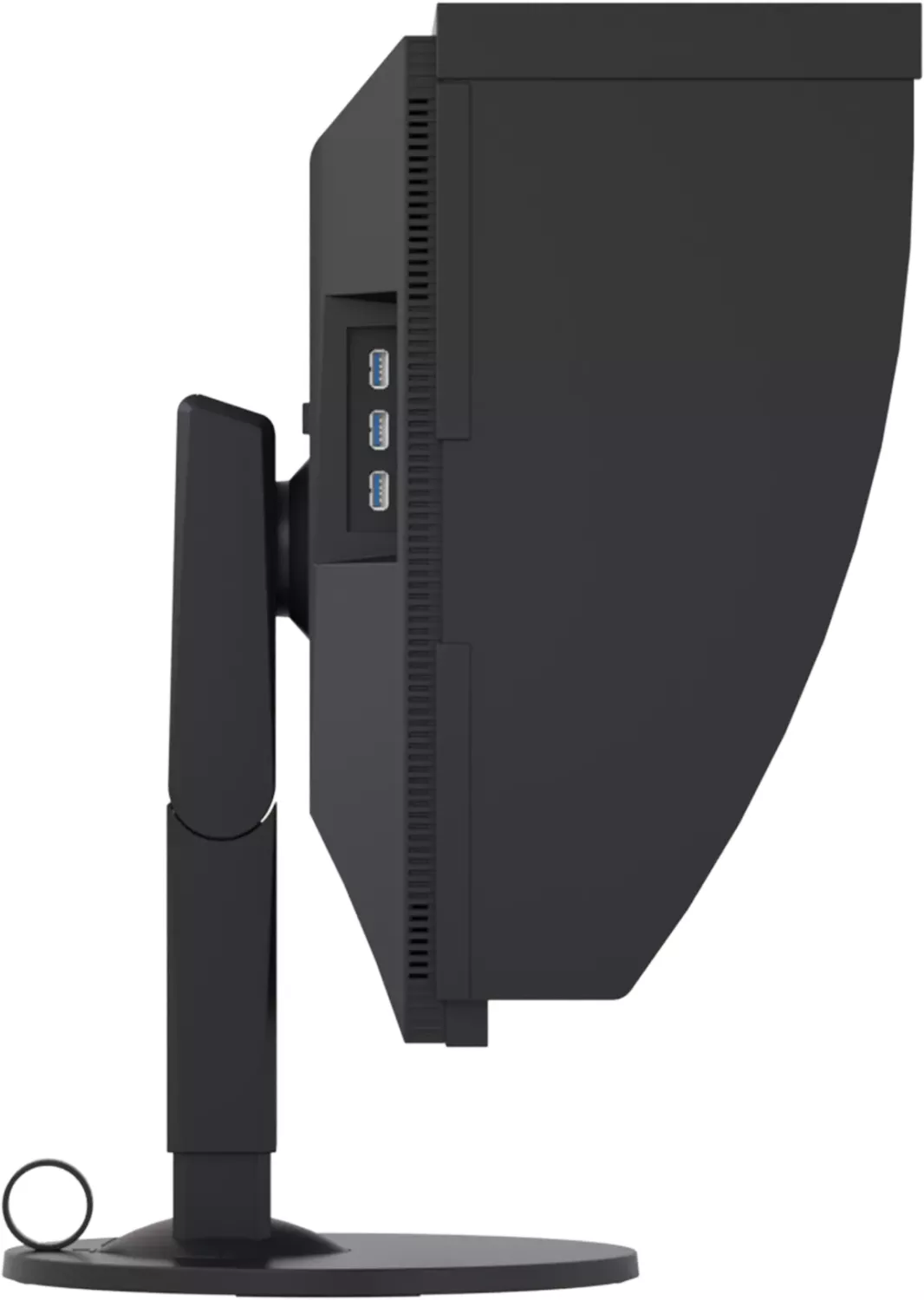
1x HDMI 1.4, 1x DisplayPort 1.1, 1x DVI, 1x USB-B 3.0 (Upstream, 5Gb/s), 3x USB-A 3.0 (Downstream, 5Gb/s), 1x AC-In C13 (Power connection)
Shape
straight (flat)
Viewing angle
178°/178°
Coating
non-glare (matte)
Color depth
10bit (1.07 billion colors)
FRC
yes (8bit+2bit)
sRGB
100%
Adobe RGB
99%
DCI-P3
98%
LUT (Lookup table)
16bit, Hardware calibration (Eizo SelfCalibration)
Controls
mechanical buttons
Ergonomics
with stand, height adjustable (6.10in), Pivot (+90°), swiveling (+172°), tiltable (+35°/-5°)
VESA
100x100 (occupied)
Power consumption
79W (maximum), 20W (typical), 0.6W (Standby), 23W (Energy label old A+++ to G)
Energy efficiency SDR (A to G)
21kWh/1000h (F)
Energy efficiency old (A+++ to G)
33.6kWh (A)
Special features
Glare shield
Screen-to-Body Ratio
Inf% (calculated)
Dimensions
21.81x21.69x9.65in (WxHxD) with stand compressed
Color
black (display frame) / black (bottom bezel) / black (stand)
Weight
17.20lb (with stand)
Power supply
internal
Warranty
five years (On-site replacement service)
USB notation
Link
Product Description
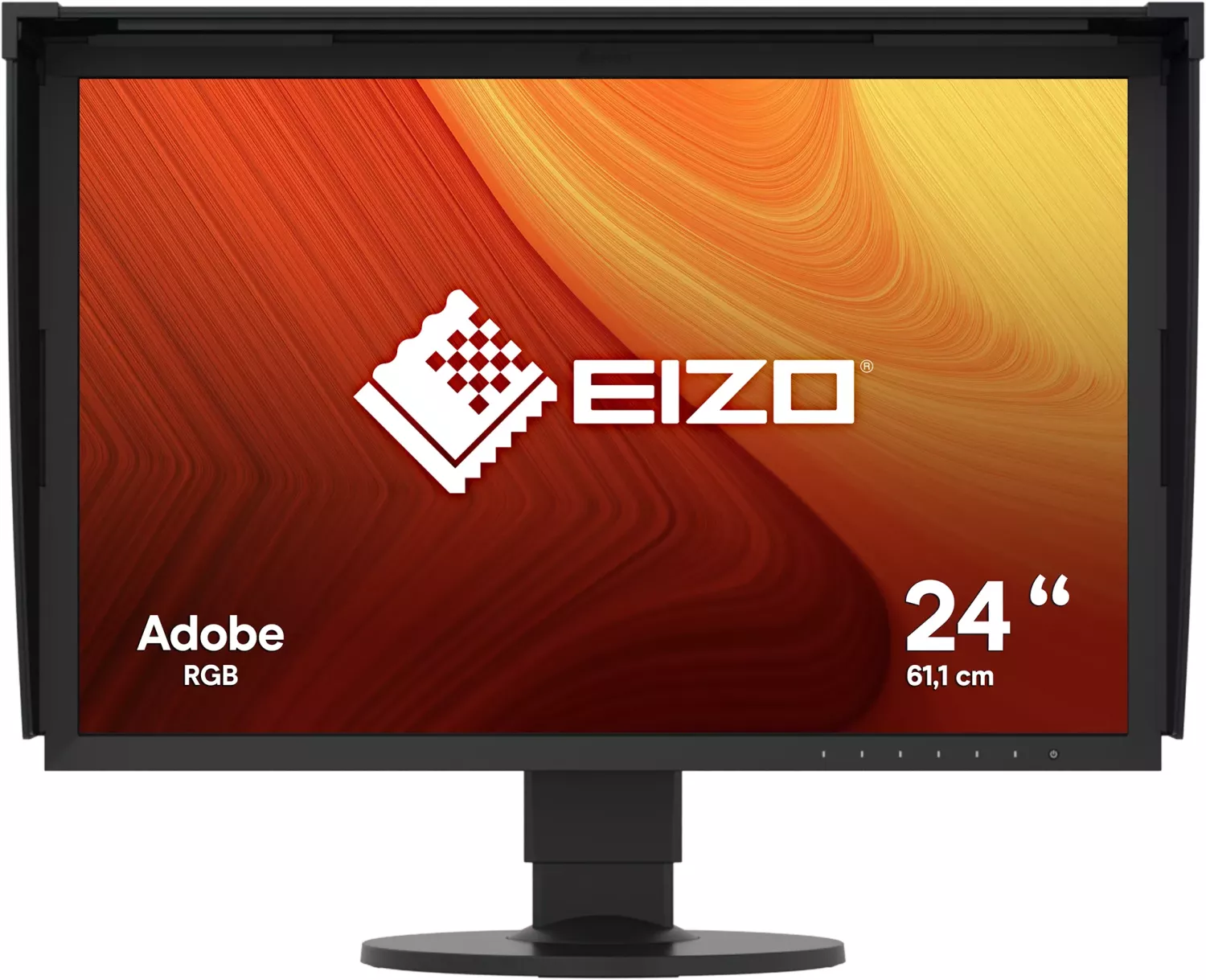
Eizo ColorEdge CG2420, 24-inch: A Color-Accurate Monitor Built for Serious Creative Work
The Eizo ColorEdge CG2420, 24-inch Manual points to a display made for users who care about precision, consistency, and workflow control. This 24-inch wide-screen monitor is designed for photo editing, graphic design, and other visual tasks where accurate color reproduction matters as much as sharp detail. With a 1920 × 1200 IPS panel, it offers a practical blend of screen space, stable viewing angles, and dependable image quality.
One of its strongest selling points is its wide color performance. The monitor covers 99% of Adobe RGB and also supports sRGB, making it a strong fit for color-managed work. A 1500:1 contrast ratio helps deliver deeper blacks and a more defined image, while the built-in calibration sensor and SelfCalibration function reduce the need for constant manual adjustment. For creators who need a display to stay trustworthy over time, that is a major advantage.
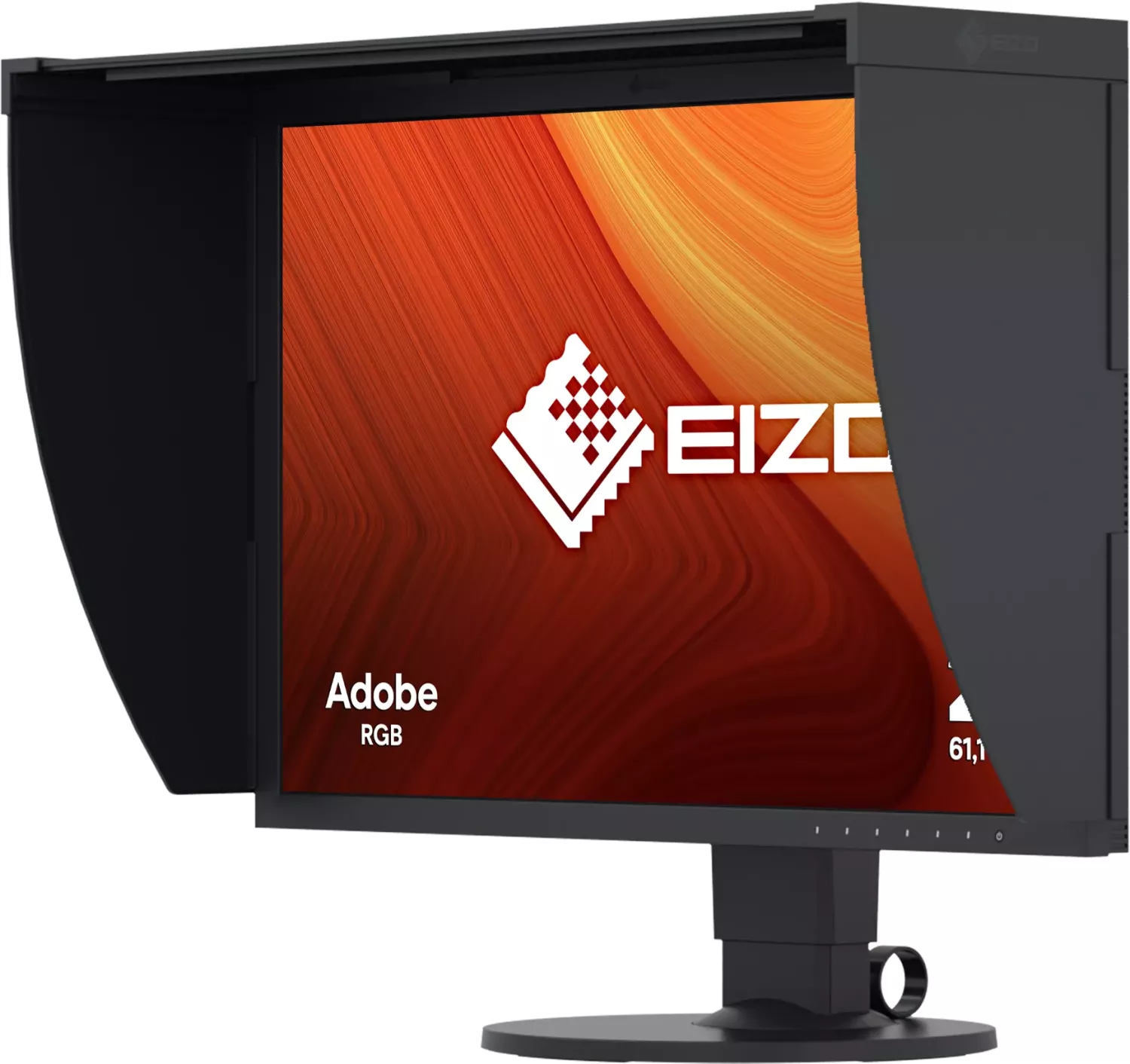
The CG2420 is also built with flexibility in mind. It includes DVI-D, HDMI, and DisplayPort inputs, plus a USB 3.0 hub for connecting peripherals and charging compatible mobile devices. The included hood helps block distracting ambient reflections, which is especially useful in bright studios or offices. Its stand offers generous height, tilt, and swivel adjustment, so it can be adapted to a more comfortable working posture during long editing sessions.
Another highlight is the support software. Eizo’s ColorNavigator 6 helps users calibrate the display and create color profiles, giving more control over professional workflows. The monitor also supports HDCP content and provides different color modes for standard, Adobe RGB, sRGB, and calibration-based use. In practice, this means the display can shift between general use and accurate production work without much hassle.
For best results, the monitor should be given time to warm up before calibration or fine tuning. The built-in sensor should not be touched, and the display should be cleaned carefully with safe materials only. Like most high-end color monitors, it rewards careful use with stable, reliable performance.
Notes
- Allow the panel to stabilize before calibration.
- Use recommended cables and accessories for best results.
- Keep the sensor area clean and protected from strong light.
- Lower brightness settings can help extend long-term panel consistency.
Search for 67,706 Manuals online


Type-in Brand or Model
Toby Ellis
9 months ago
My CG2420 looks slightly darker in the corners (even with DUE). I also noticed a few magenta dots on white. Does this mean it is faulty, and what coverage applies for sub-pixel defects?
Manual.ly
8 months ago
The DUE (Digital Uniformity Equalizer) improves uniformity, but it cannot guarantee 100 percent identical brightness and color at every point. Slight corner darkening can be within panel/tuning tolerances. For the most accurate results, allow the monitor to warm up, then run the calibration and apply the correct color profile for your workflow. If you see persistent sub-pixel defects (spots that remain visible across tests and viewing angles), please stop troubleshooting and contact support for a panel check. Pixel-defect coverage typically depends on the applicable warranty/pixel-defect class and the exact number and type of affected sub-pixels. Have photos and a test pattern ready when you submit the case.