

Free Dorr Manuals – Read, Download & Print
5 Manuals
Manuals
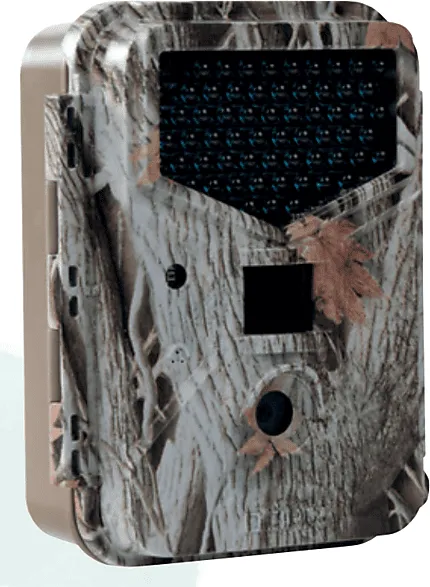
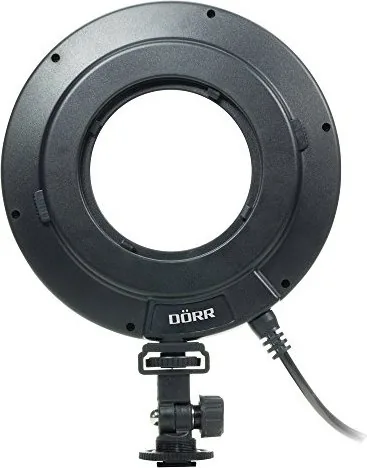
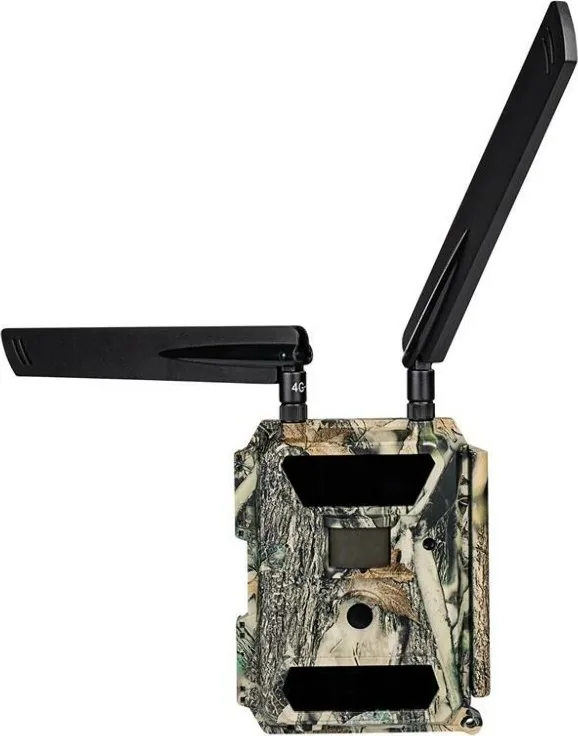
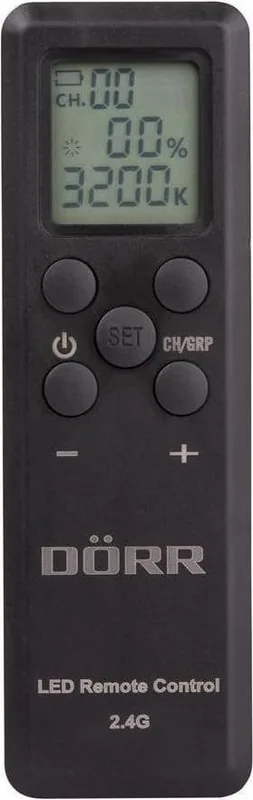
Categories


Free Dorr Manuals - Read, Download & Print
Find Dorr Product Manuals in One Place
Looking for a Dorr manual? This page helps you locate user guides, operating instructions, setup documents, and technical information for a wide range of Dorr products. Whether you need help with a trail camera, photo accessory, hunting optic, outdoor device, lighting product, or other equipment, a clear manual can make setup and daily use much easier.
Dorr manuals are useful for new owners, experienced users, retailers, repair technicians, and anyone who has misplaced the original printed guide. Many manuals include practical instructions for installation, controls, maintenance, troubleshooting, safety, specifications, and warranty information. With the right document, you can understand your product's features without guessing.
Read Dorr Manuals Online
Reading a manual online is a convenient way to find answers quickly. Digital manuals let you search for specific sections such as battery installation, memory card requirements, menu settings, mounting instructions, or error messages. This is especially helpful when using products with multiple modes and detailed configuration options.
Online manuals can also help before you purchase a product. Reviewing the instructions may reveal supported accessories, power options, operating temperatures, compatibility details, and key functions. For outdoor and photography equipment, these details can be important when selecting the right model for your needs.
When reading a Dorr manual, begin with the product overview and safety section. Then review the setup instructions before operating the device. Following the recommended sequence can prevent common issues, including incorrect battery placement, unsupported storage media, improper mounting, or accidental changes to default settings.
Download Dorr Instructions for Offline Access
Downloading a Dorr instruction manual gives you access to important information when an internet connection is unavailable. This can be useful while traveling, camping, working outdoors, visiting a remote location, or using equipment in the field. Save the manual to a phone, tablet, laptop, or computer so it is available whenever you need it.
Offline manuals are also useful for keeping records of your equipment. Create a folder for product guides, purchase receipts, warranty details, and accessory information. Naming each file with the product category and model number makes it easier to find later. For example, include the exact model designation shown on the product label or packaging.
Before downloading, verify that the manual matches your specific Dorr model. Products in the same series can have similar names while offering different controls, features, and technical specifications. Check the model number, product code, revision number, or version listed on the device. Using the correct manual helps ensure that instructions, diagrams, and menu descriptions apply to your equipment.
Print a Dorr Manual When You Need a Paper Copy
A printed manual is often practical for workshops, vehicles, camera bags, hunting cabins, and other locations where digital devices may not be convenient. Printing selected pages can be especially useful for quick-reference instructions, setup diagrams, maintenance schedules, and troubleshooting charts.
You may not need to print the entire document. Consider printing the sections most relevant to your use, such as initial installation, operating controls, battery information, care instructions, and common problems. This reduces paper use while keeping the most important guidance close at hand.
For the clearest printed result, use the original document layout and select the correct paper size in the printer settings. If the manual contains detailed diagrams or small tables, landscape orientation may improve readability. Store printed pages in a protective folder or binder to keep them clean and easy to access.
Common Types of Dorr Manuals
Dorr offers products across several equipment categories, and each type of device may have its own manual format. A typical guide can include illustrated setup steps, technical specifications, warnings, parts lists, and support information. Depending on the product, you may find manuals for categories such as:
Trail Cameras and Wildlife Observation Equipment
Trail camera manuals commonly explain how to insert batteries, install an SD card, format storage media, set date and time, choose photo or video modes, adjust motion sensitivity, and mount the camera securely. They may also cover infrared operation, trigger distance, image resolution, time-lapse settings, password protection, and file transfer.
For best results, follow the manual's recommendations for battery type, card capacity, and camera placement. Proper positioning affects detection accuracy, image quality, and battery life. A manual can also explain status indicators and help identify why a camera is not recording images or videos as expected.
Photography and Lighting Accessories
Photography-related manuals may cover flashes, studio lighting, tripods, filters, bags, remote controls, adapters, and other accessories. These documents often provide load limits, attachment instructions, safety warnings, and compatibility guidance.
When working with lighting products, pay close attention to electrical ratings, ventilation requirements, bulb or battery specifications, and handling precautions. For tripods and mounting accessories, check the maximum supported weight and make sure all locks are secured before attaching valuable camera equipment.
Optics, Outdoor, and Hunting Products
Manuals for outdoor products can include binoculars, spotting scopes, rangefinders, mounts, and related accessories. Instructions may explain focusing, diopter adjustment, lens care, mounting methods, weather protection, and storage recommendations.
Optical equipment should be cleaned carefully using suitable materials. The manual may specify how to remove dust, avoid scratches, and protect lens coatings. It can also provide information about waterproof ratings, operating conditions, and proper storage after use in wet or cold environments.
Power, Security, and Electronic Devices
Some Dorr devices use rechargeable batteries, power adapters, solar panels, sensors, or electronic controls. Manuals for these products may describe charging procedures, input and output ratings, indicator lights, reset methods, and safe operating conditions.
Always use the recommended power source and accessories specified in the manual. Incorrect chargers, batteries, cables, or adapters can affect performance and may create safety risks. If a product becomes unusually hot, damaged, or unreliable, stop using it and review the safety guidance before further operation.
How to Identify the Correct Dorr Model
Finding the correct manual starts with identifying the exact product model. Look for a label on the rear, bottom, side, battery compartment, packaging, or original receipt. The label may include a model name, item number, serial number, voltage rating, and manufacturing information.
The model name is more useful than a general product description. For example, two cameras may look similar but have different menu systems, sensor capabilities, or power requirements. Search using the full model name plus terms such as "manual," "instructions," "user guide," or "operating manual." Including the product code can narrow results further.
If you cannot find a visible model number, compare the device's buttons, ports, display layout, included accessories, and product dimensions with available product listings. Avoid relying only on color or overall appearance, since product designs can be similar across different versions.
Important Information Found in Dorr User Guides
A well-organized Dorr manual can answer many common questions. Typical sections include:
Setup and Installation
Setup instructions explain how to prepare the product for first use. This may include installing batteries, charging a power pack, fitting an SD card, attaching a strap, connecting a cable, installing a mobile app, or selecting language and date settings.
Operation and Controls
The operating section describes buttons, switches, display icons, menu items, and available modes. It may explain how to capture photos, record video, activate sensors, change exposure settings, use timers, or enable power-saving features.
Troubleshooting
Troubleshooting pages are valuable when a device does not turn on, produces poor images, fails to save files, loses settings, or behaves unexpectedly. Before assuming a product is faulty, check battery condition, storage card compatibility, cable connections, and reset procedures listed in the manual.
Care and Maintenance
Maintenance guidance helps preserve product performance. Manuals may recommend dry storage, regular cleaning, protective cases, proper battery removal during long periods of non-use, and inspection of seals, mounts, cables, and connectors.
Technical Specifications
Specifications provide useful details such as dimensions, weight, power requirements, supported file formats, memory limits, operating temperature, resolution, detection range, waterproof classification, and included accessories. These details are helpful when comparing products or choosing compatible add-ons.
Tips for Safe and Reliable Use
Always read product warnings before use, particularly for electronic equipment, battery-powered devices, lighting products, and outdoor gear. Keep small parts away from children, protect equipment from conditions beyond its stated rating, and do not attempt repairs that are not covered in the instructions.
Use original or approved accessories whenever possible. Compatible-looking parts are not always electrically or mechanically suitable. Follow any advice regarding charging, battery disposal, moisture protection, cleaning agents, and transportation.
If you need replacement parts, service, or warranty support, keep the product model number and proof of purchase available. The manual may include contact details, service procedures, or regional warranty conditions.
Get More Value From Your Dorr Equipment
A Dorr manual is more than a basic instruction sheet. It is a practical reference that can help you set up equipment correctly, discover features you may not have noticed, improve performance, and avoid preventable problems. Reading, downloading, or printing the appropriate guide gives you a useful resource for everyday operation and long-term care.
Use the exact model information to locate the right Dorr manual, review the safety and setup sections first, and keep a digital or printed copy for future reference. With clear instructions available, you can spend less time troubleshooting and more time using your Dorr product with confidence.
Search for 67,706 Manuals online


Type-in Brand or Model