

Free Crunch Manuals – Read, Download & Print
5 Manuals
Manuals
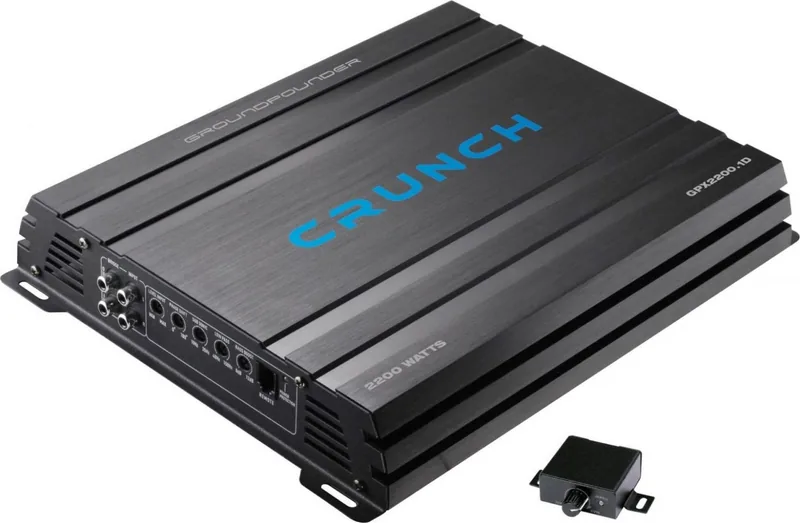
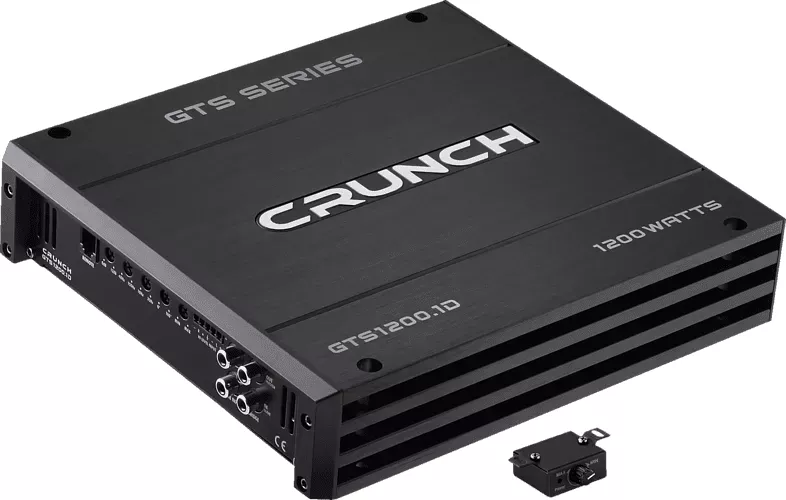
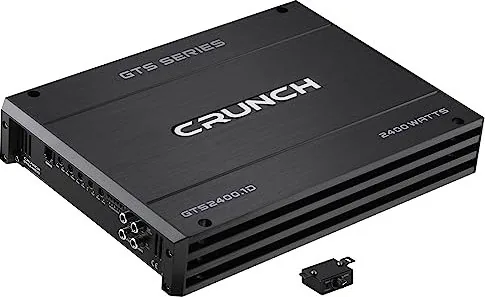
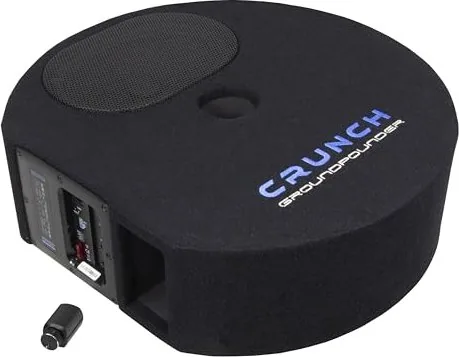
Categories

Free Crunch Manuals - Read, Download & Print
Find Crunch Manuals in One Convenient Place
Looking for a Crunch manual that is easy to read, save, and print? This page is designed to help users locate helpful documentation for Crunch products, equipment, devices, and related models. Manuals can be essential when you need setup instructions, operating guidance, maintenance details, troubleshooting steps, specifications, or safety information. Whether you are a new owner, a technician, a fitness enthusiast, or someone replacing a lost booklet, having access to the right manual can make everyday use much easier.
Crunch manuals often include clear instructions that explain product features and controls in practical language. Instead of guessing how a setting works or searching through multiple sources, users can consult the relevant guide for organized information. Many manuals are available in digital formats that can be viewed online or printed for offline reference.
Read Crunch Manuals Online
Reading a Crunch manual online is a simple option for users who need information quickly. Digital manuals allow you to browse instructions from a computer, tablet, or smartphone without waiting for a printed copy. This is especially useful when you are setting up equipment, checking a feature, comparing specifications, or resolving a minor issue.
Online manuals may include sections such as:
- Product overview and part identification
- Installation or assembly instructions
- Control panel and feature explanations
- Operating procedures
- Safety warnings and precautions
- Cleaning and maintenance recommendations
- Error messages and troubleshooting guidance
- Technical specifications and warranty information
Before following any procedure, confirm that the model number shown in the manual matches the model you own. Product versions can differ in design, controls, accessories, and recommended settings. Using the correct guide helps prevent confusion and supports safer operation.
Download Manuals for Offline Access
Downloading a Crunch manual can be useful when internet access is limited or when you want to keep product information available for future use. A saved manual can be stored on your phone, computer, cloud drive, or other personal device. This makes it easier to review important information during installation, cleaning, repair planning, or routine maintenance.
When downloading documentation, use trusted sources and respect copyright, licensing terms, and publisher permissions. Official manufacturer pages, authorized support portals, retailers, and legitimate manual libraries are generally the best places to look for current product documents. If a manual is not available for free download, the manufacturer may offer a replacement copy, customer support assistance, or an online viewing option.
Keeping a local copy can also help households, offices, gyms, and service teams organize manuals for multiple products. Consider naming saved files with the brand, product type, and model number so they are easy to find later.
Print a Crunch Manual When You Need a Paper Copy
A printed manual remains useful in many situations. Paper copies are convenient during assembly, installation, maintenance, and troubleshooting because they can be placed near the product without requiring a screen or internet connection. Printing selected pages can also save paper while ensuring that important instructions are accessible when needed.
Useful pages to print may include:
- Quick-start instructions
- Assembly diagrams
- Safety and warning pages
- Maintenance schedules
- Troubleshooting tables
- Parts lists
- Warranty and service contact details
For the best results, check the print preview before printing. Choose portrait or landscape orientation based on the page layout, and use scaling options carefully so diagrams and text remain readable. If the manual contains detailed illustrations, color printing may be helpful, but grayscale printing is often sufficient for standard instructions.
How to Locate the Correct Crunch Manual
Finding the correct manual starts with identifying the exact product model. The model number may appear on a label, serial plate, original packaging, receipt, product registration record, or previous service paperwork. It can commonly be found on the back, underside, frame, battery compartment, or control area of a product.
Search using the full brand name, product category, and model number. For example, a search that includes all three details is usually more accurate than searching only for "Crunch manual." If several manuals appear similar, compare product images, revision dates, part numbers, and listed specifications before selecting one.
If you cannot find a model number, review visible details such as the product name, control layout, size, color, included accessories, and label markings. Customer service departments and authorized dealers may also be able to identify a model from photos or serial information.
Important Safety Information
Manuals are more than operating guides. They often contain important safety instructions that should be reviewed before using, assembling, moving, cleaning, or servicing a product. Pay close attention to warnings related to electrical connections, moving parts, weight limits, ventilation, placement, cleaning materials, batteries, tools, and replacement components.
Do not ignore instructions simply because a product seems familiar. Even similar models may have different requirements. If a manual advises contacting qualified service personnel, follow that recommendation rather than attempting a repair that could cause damage or injury. Stop using a product if you notice unusual noise, overheating, loose components, damaged wiring, cracks, leaks, or repeated error messages.
Troubleshooting With Your Manual
A Crunch manual can be a valuable first resource when a product does not perform as expected. Troubleshooting sections typically list common symptoms, likely causes, and suggested steps. These may include checking power sources, confirming cable connections, inspecting settings, cleaning components, resetting the product, or verifying that installation was completed correctly.
Start with the simplest checks first. Make sure the product is connected properly, switches are in the correct position, and all required components are installed. Review any displayed codes or indicator lights and compare them with the manual. Avoid disassembling products unless the documentation specifically provides safe instructions for doing so.
If the issue continues, contact the manufacturer, an authorized service provider, or a qualified technician. Have the model number, serial number, purchase date, and a clear description of the problem ready. This information can help support teams provide more accurate assistance.
Maintenance and Product Care
Regular care can help keep Crunch products working properly and may reduce the chance of avoidable problems. The maintenance section of a manual usually explains how often to inspect, clean, tighten, replace, or service specific parts. Follow the recommended schedule and use only approved cleaning products, lubricants, batteries, adapters, and replacement parts where applicable.
Store manuals with other important product records, including receipts, warranty documents, service reports, and registration details. Keeping these materials together can be helpful if you need support, replacement parts, or warranty service later.
Access Reliable Crunch Documentation
Free Crunch manuals can provide practical support for reading, downloading, and printing product instructions. The best manual is the one that matches your exact model and comes from a trustworthy source. Use it to understand features, follow safety requirements, complete setup, maintain the product, and address common concerns with confidence.
Always check for the latest version of a manual, as manufacturers may revise instructions, safety notices, and technical details over time. With the correct documentation available when you need it, managing your Crunch product becomes simpler, safer, and more convenient.
Search for 67,706 Manuals online


Type-in Brand or Model