

Free Canton Manuals – Read, Download & Print
27 Manuals
Manuals
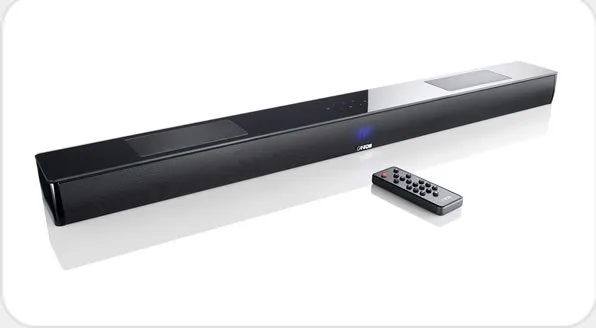
44 Pages
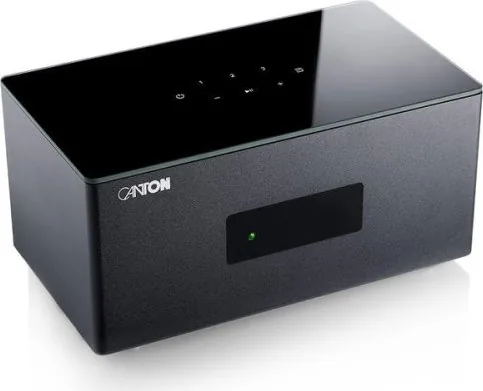
126 Pages
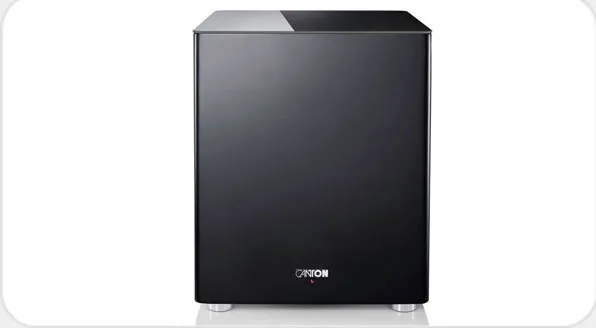
28 Pages
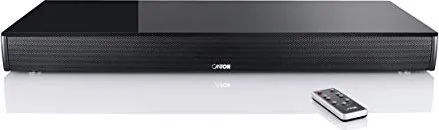
33 Pages
35 Pages
28 Pages
20 Pages
2 Pages
72 Pages
20 Pages
22 Pages
44 Pages
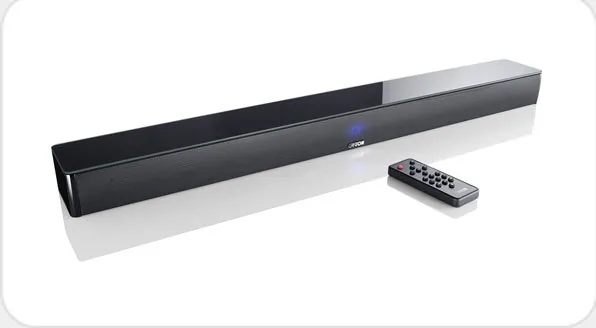
44 Pages
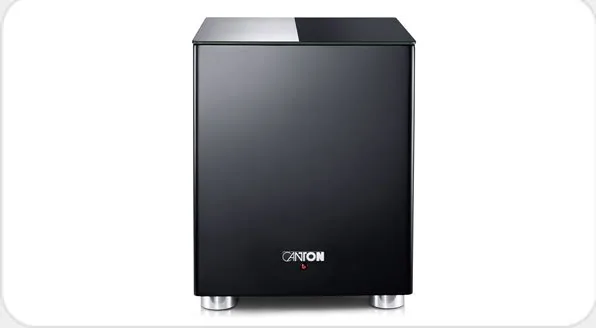
20 Pages
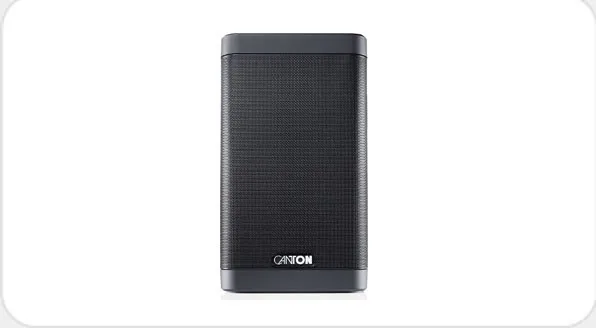
93 Pages
48 Pages
64 Pages
2 Pages
60 Pages
28 Pages
1 Pages
117 Pages
55 Pages
40 Pages
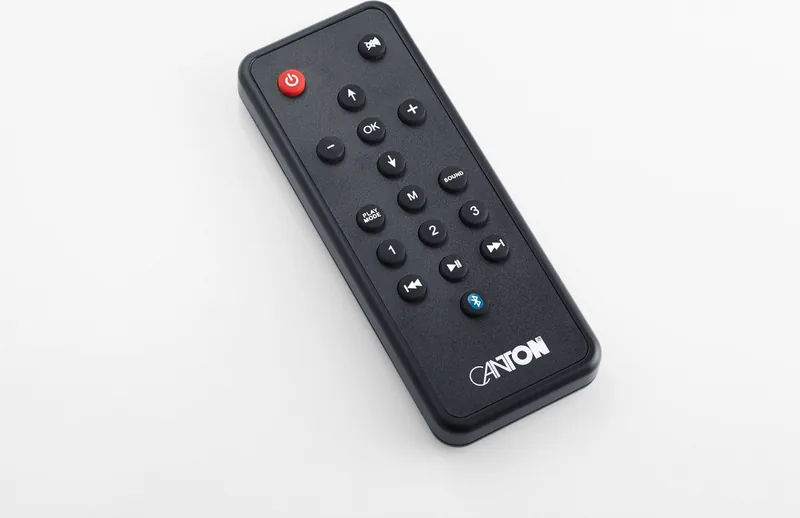
108 Pages
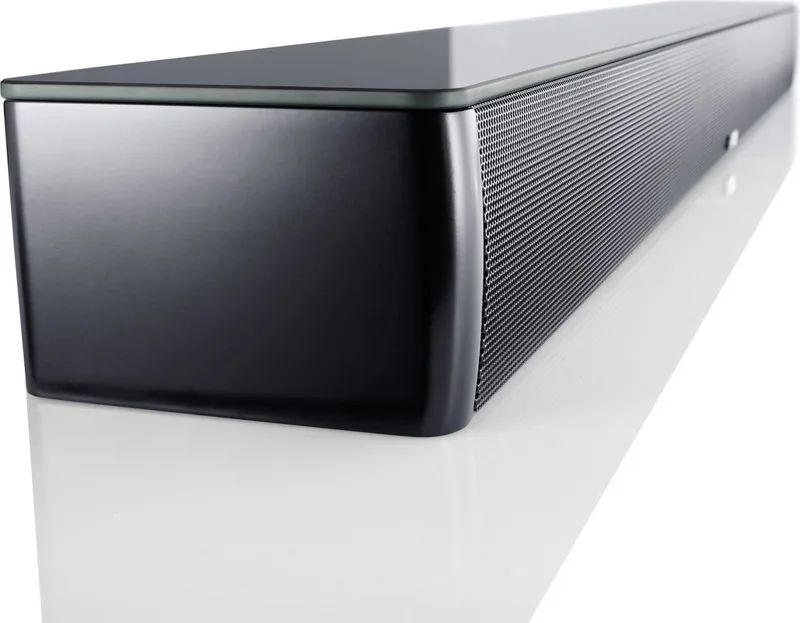
64 Pages
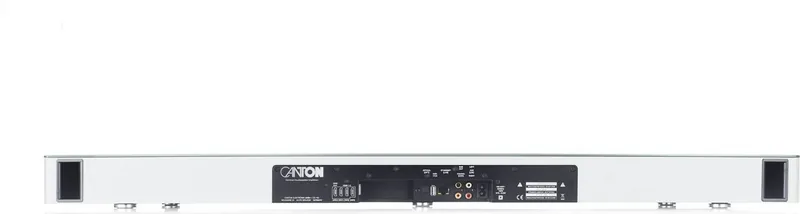
58 Pages
Categories

Free Canton Manuals - Read, Download and Print
Find helpful Canton manuals for speakers, soundbars, subwoofers, home theater systems, and related audio equipment. This page is designed to make it easier to locate product documentation when you need setup instructions, technical specifications, connection diagrams, operating guidance, or troubleshooting information. Whether you are installing a new Canton audio system, reconnecting equipment after a move, or checking a setting on an older product, the right manual can provide clear, model-specific answers.
Canton manuals commonly include important details about safe installation, amplifier compatibility, cable connections, room placement, controls, maintenance, and product features. Reading the documentation before use can help you get better sound performance while avoiding common setup mistakes. Available manuals may be viewed online, saved for later reference, or printed when a paper copy is more convenient.
Find the Right Canton Model Manual
The most important step is identifying the exact Canton product model. Product names can look similar, but different versions may have different inputs, controls, accessories, and specifications. Check the label on the rear or underside of the unit, the original packaging, sales receipt, or product menu for the complete model designation. Include letters, numbers, color codes, and version information when shown.
For loudspeakers, the label is often found near the speaker terminals. Soundbars and active speakers may display their model information on the back panel, bottom panel, or within the settings menu. Subwoofer labels are usually positioned near the power input and control panel. If you have a wireless device, also check the app or network settings screen, since it may list the exact product name and firmware details.
Searching by the complete model number is generally more reliable than searching by a broad series name. Once you have the model name, compare the manual cover, product image, and listed connections with your equipment before following any instructions.
What You Can Learn From a Canton Manual
A Canton user manual is more than a quick-start sheet. It can serve as a practical reference throughout the life of your audio equipment. Depending on the model, documentation may include the following information:
- Product overview and included accessories
- Safety instructions and electrical requirements
- Speaker placement and room acoustics guidance
- Wiring diagrams for stereo, surround, and home theater systems
- Connections for HDMI, optical, analog, USB, Bluetooth, or network audio
- Remote control button descriptions and menu navigation
- Setup procedures for wireless speakers and subwoofers
- Audio mode, equalizer, bass, treble, and volume settings
- Technical data, dimensions, power ratings, and supported formats
- Cleaning, care, storage, and disposal instructions
- Troubleshooting steps for common operating issues
Manuals for passive Canton speakers can help confirm recommended amplifier power, nominal impedance, terminal polarity, and bi-wiring or bi-amping arrangements where applicable. Documentation for active systems may explain pairing procedures, standby settings, source selection, firmware updates, and input configuration. Soundbar manuals often provide guidance for TV connection, HDMI ARC or eARC operation, lip-sync adjustment, and remote-control setup.
Read Manuals Online
Reading a Canton manual online is useful when you need an answer quickly and do not want to install or store a file. Digital manual pages allow you to review sections such as installation, connections, operation, and troubleshooting from a phone, tablet, laptop, or desktop computer. This is especially helpful while standing near the equipment during setup.
Use the document contents page or search function to locate terms such as "Bluetooth," "pairing," "optical," "subwoofer," "remote," "reset," or "wall mounting." Rather than reading every page, begin with the section related to your current task. For example, if there is no sound from a TV, look first for the television connection and input-selection instructions. If a wireless subwoofer will not connect, locate pairing, range, and status-light guidance.
Online reading also makes it easy to compare instructions across related Canton products. However, settings and connection options differ by model, so use a manual that matches your equipment whenever possible.
Useful Times to Check the Manual
Keep the manual nearby during initial installation, but also return to it when changing other equipment in your system. A new television, amplifier, streaming device, router, or cable can affect how the audio product should be connected or configured. The manual can help verify which ports support a feature and which settings need to be enabled.
You may also need the documentation when moving a system to another room. Speaker placement recommendations can help you maintain balanced sound, while connection diagrams can prevent wiring errors after equipment has been disconnected. If you are passing a product to another owner, including a printed or downloaded manual makes the device easier to use safely.
Download Canton Manuals for Offline Access
Downloading a manual creates a convenient offline reference for times when internet access is unavailable. A saved PDF can be opened on many devices, searched for keywords, archived with purchase records, or shared with members of your household. Naming the file with the complete model number helps keep multiple manuals organized.
Before downloading, confirm that the document corresponds to your product and language preference. Some manuals cover several closely related variants, while others are dedicated to one exact version. Check the publication date when it is available, particularly for products that have received software updates or revisions. A newer edition may contain additional setup instructions, updated compatibility information, or corrected specifications.
Store downloaded files in a folder such as "Audio Manuals" and consider saving a backup to cloud storage or an external drive. If you own several Canton components, create separate folders for speakers, soundbars, subwoofers, and accessories. This simple organization can save time when you need technical details later.
Printing a Manual or Selected Pages
A printed Canton manual can be useful in a listening room, workshop, media cabinet, or installation location where using a screen is inconvenient. You do not always need to print the entire document. Printing selected pages can reduce paper use while keeping essential reference material close at hand.
Consider printing the connection diagram, control descriptions, safety warnings, specifications, remote-control layout, and troubleshooting section. For speaker systems, it may be useful to print placement diagrams and wiring illustrations. For soundbars, print the TV connection and input-selection pages. Place the pages in a folder or binder with receipts, warranty information, and notes about your system configuration.
When printing, check page orientation so diagrams and tables remain readable. Use color printing for documents with colored ports, status indicators, or illustrations if that improves clarity. For a compact reference, print multiple pages per sheet only if the text remains easy to read.
Setup Tips for Canton Audio Equipment
Always begin with the safety section of the relevant manual. Turn off connected equipment before attaching or removing speaker wires, signal cables, or power cables. Use appropriate cables and avoid placing wires where they can be pinched, damaged, or become a tripping hazard. Do not block ventilation openings on active speakers, subwoofers, amplifiers, or soundbars.
For passive speakers, match positive and negative terminals consistently from the amplifier to each speaker. Reversed polarity can reduce bass response and weaken the stereo image. Use the speaker cable size recommended for the distance and power requirements of your installation. Do not exceed the amplifier or speaker ratings stated in the documentation.
Speaker placement has a major effect on listening quality. Place stereo speakers at a similar distance from the main listening position when practical, and avoid positioning them too close to corners unless the manual recommends it. A subwoofer may require experimentation because room boundaries can change bass levels. Begin with the recommended placement guidance, then make small adjustments while listening to familiar music or test material.
Troubleshooting Common Issues
If a Canton product does not operate as expected, review the manual before changing settings at random. Start with simple checks: confirm power, verify the selected source, inspect cables, raise the volume gradually, and ensure mute is disabled. For wireless features, confirm that devices are within range and follow the documented pairing sequence.
If there is no sound, verify the TV, receiver, or source device is sending audio through the intended output. If sound is distorted, reduce volume and inspect speaker wiring for loose strands or damaged insulation. If a remote control does not respond, check battery orientation and remove obstacles between the remote and the device. Reset procedures should be used only as described for the specific model because they may erase stored settings or pairings.
Use Manuals as a Long-Term Reference
A Canton manual helps you understand the intended operation and care of your equipment long after installation is complete. It can support better connections, safer use, accurate settings, and more informed troubleshooting. Keep the correct model documentation available in digital or printed form, and consult it whenever you add components, change rooms, update a system, or encounter an unfamiliar feature.
For the best results, rely on documentation that matches the exact product model and verify important electrical, compatibility, and safety details before making changes. With the right Canton manual at hand, reading, downloading, and printing product information becomes a simple part of maintaining an enjoyable home audio system.
Search for 67,706 Manuals online


Type-in Brand or Model