

Free Audibax Manuals – Read, Download & Print
20 Manuals
Manuals

2 Pages
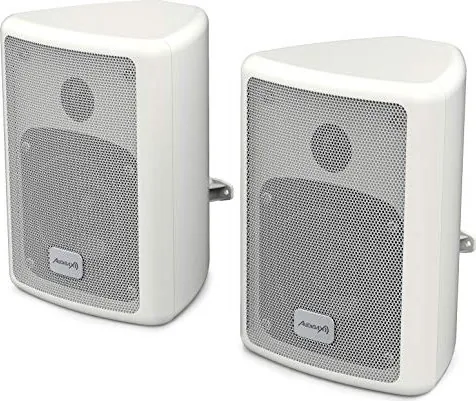
4 Pages
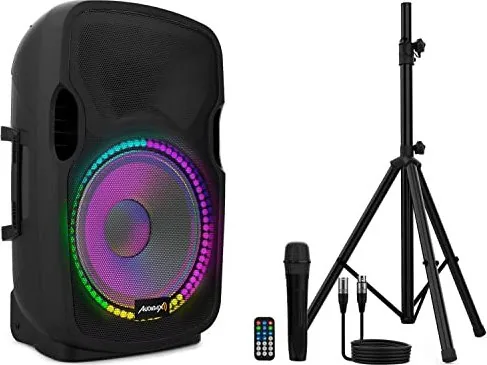
8 Pages
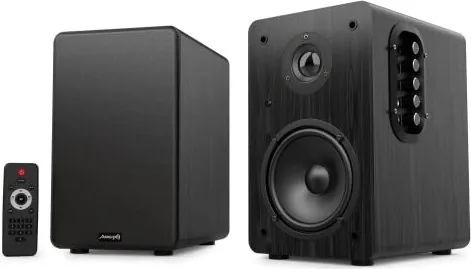
6 Pages
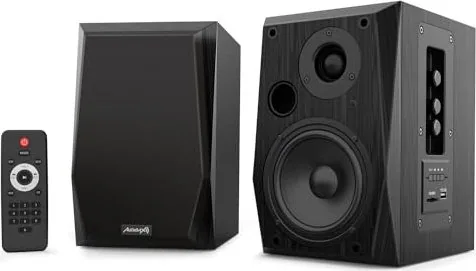
6 Pages
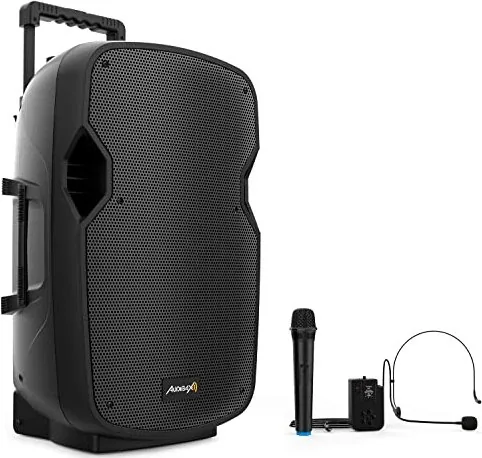
8 Pages
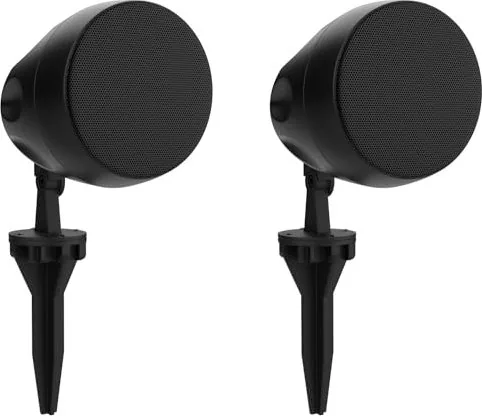
4 Pages
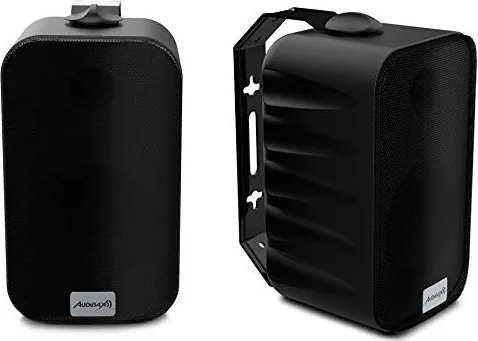
2 Pages

4 Pages
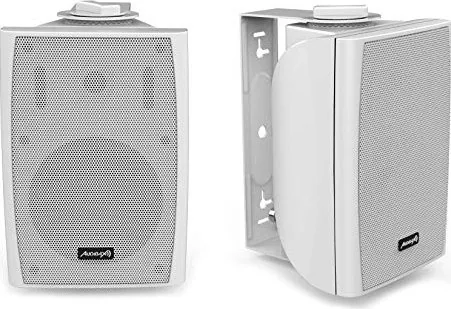
4 Pages

2 Pages
4 Pages

2 Pages
4 Pages
4 Pages

2 Pages
4 Pages
4 Pages
4 Pages
8 Pages
Categories

Introduction to Audibax Manuals
Welcome to the comprehensive guide regarding Audibax Manuals. Every piece of electronic audio equipment comes with documentation that serves as the primary interface between the user and the device. Audibax products are known for their quality sound engineering and durable construction. It is crucial to understand how to use these devices. This document outlines everything you need to know about accessing, reading, and utilizing the documentation provided with your Audibax gear. Whether you are setting up a home theater system or managing professional studio monitors, having the correct manual is vital. Ignoring the instructions provided by the manufacturer can lead to safety hazards. This guide ensures you get the most out of your investment.
The Importance of User Documentation
Many users skip the manual immediately after unboxing their new devices. This is a common mistake that can lead to suboptimal performance or even damage to the equipment. Audibax Manuals provide critical information regarding power requirements, connection protocols, and safety guidelines. Understanding the electrical specifications prevents blown fuses or damaged input ports. The documentation also details the optimal placement of speakers or headphones to achieve the best acoustic balance. Ignoring these instructions can void your warranty if damage occurs during improper setup. Therefore, treating the manual as a legal and technical contract of usage is the best approach for any Audibax owner. It is the first line of defense against misuse.
Types of Audibax Documentation
Audibax provides several types of documentation depending on the product category. The primary document is the User Guide. This booklet outlines basic operations, button functions, and connectivity options. For more technical setups, a Technical Specification Sheet is available. This document lists power consumption, frequency response, and impedance ratings. Advanced users might also download firmware updates or driver software listed in the documentation. These files ensure your device remains compatible with modern operating systems. Keeping a digital backup of these files is recommended in case the physical copy is lost or damaged during shipping. Always store the documents in a safe location for future reference.
Accessing Your Manuals
There are multiple ways to obtain your specific documentation. Most physical packages include a printed copy or a QR code leading to a digital version. Visiting the official Audibax website is the most reliable method for finding updated versions. Navigate to the support section and enter your model number. This ensures you get the correct revision of the manual. Older models might be archived but still accessible. If the website is unavailable, contacting customer support via email or phone yields a PDF version. Always verify the file is an official Audibax document to avoid third party malware in counterfeit files. Security is paramount when downloading drivers or firmware. Do not trust random forum links.
Navigating Technical Specifications
The technical pages of an Audibax Manual contain data that affects installation. For amplifiers, checking the voltage tolerance is critical for international travelers. Speakers listed with a specific wattage rating indicate how much power they can handle before distortion occurs. Using an amplifier that exceeds these ratings can blow the voice coils. Conversely, an amplifier that is too weak will cause clipping which damages speakers. The manual explains how to match source components like CD players or streamers with the correct impedance. Understanding these numbers guarantees the longevity of your audio investment. Precision matters in audio engineering.
Setup and Configuration Instructions
Step by step guides are provided for initial configuration. Connecting audio sources involves selecting the correct input methods such as analog RCA cables or digital optical connections. The manual details how to secure cables to prevent accidental disconnection. Bluetooth pairing procedures are also explained for wireless models. If you experience latency or pairing issues, the troubleshooting section offers specific reset procedures. Proper cable management ensures airflow and reduces heat buildup around components. The documentation often includes diagrams showing the ideal rear panel layout. Following these visual aids simplifies the process significantly. Always read the diagram before plugging anything in.
Troubleshooting Common Issues
Even with careful setup, issues may arise. Audibax Manuals include a dedicated troubleshooting chapter to address these scenarios. If sound cuts out intermittently, check cable connections against the provided wiring diagrams. Static noise often indicates a grounding problem or interference from Wi-Fi signals. The manual suggests moving wireless routers away from receivers to resolve this. If a speaker channel is silent, inspect the individual drivers and internal wiring. Firmware updates are often the solution for bugs affecting digital interfaces. Following the diagnostic flowcharts in the guide helps isolate the problem quickly without needing professional service. Patience is key during the diagnosis process.
Safety and Regulatory Compliance
Safety information is highlighted with warning symbols throughout the documentation. Audibax devices comply with international safety standards. The manual warns against exposing electronics to water or extreme humidity. Operating the device near water sources poses a shock hazard. Also, ensure ventilation slots remain unobstructed to prevent overheating. The power supply cord should be inspected for fraying before each use. If damage is found, do not attempt self-repair as high voltage components are present. Always follow the voltage ratings printed on the unit label to ensure compliance with local electrical codes. Safety should never be compromised for convenience.
Warranty and Support Contact Information
Every Audibax product comes with a limited warranty detailed in the back of the manual. Registration of the product immediately after purchase is often required to validate this coverage. The document states the specific duration of coverage for parts and labor. If a defect is found, contact the support center using the provided phone or email address. Keep the original receipt and the manual together as they serve as proof of purchase. International customers may find regional support centers listed in the appendix. This ensures you receive service without voiding the warranty through unauthorized repairs. Protect your investment with proper registration.
Maintenance Tips for Longevity
The manual also suggests maintenance schedules. Dusting the external surfaces with a soft cloth keeps the finish pristine. Using isopropyl alcohol on connectors can remove oxidation without damage. Firmware should be checked quarterly for updates. Proper storage involves placing the device in a cool dry place when not in use for long periods. Avoiding direct sunlight prevents fading of plastic casings. These small habits recommended in the guide extend the operational life of your equipment significantly. Consistency in care pays off over time.
Wireless Audio Features
Modern Audibax devices often include wireless connectivity options. The manual details pairing procedures for various smart phones and tablets. Latency settings may need adjustment for gaming applications. The documentation explains how to manage multiple device connections for seamless switching. You may need to install companion apps for full functionality. These apps often provide firmware management capabilities. Understanding the range limits of the wireless protocol is important for stable placement. Signal interference can be mitigated by following the placement advice in the guide. Wireless convenience should not come at the cost of reliability.
Advanced Diagnostics and Calibration
For audiophiles requiring high precision, calibration tools are mentioned in the manual. These tools help adjust frequency response to match room acoustics. Level balancing between channels ensures a consistent soundstage. The documentation may include test tones for setting levels correctly. Microphone placement instructions are provided for automated room correction software. These advanced features require careful reading of the specifications. Incorrect calibration can worsen the audio quality. Follow the step by step calibration flow provided by the manufacturer. Professional tuning tools are available for serious audio enthusiasts.
Conclusion
In summary, Audibax Manuals are essential resources for safe and optimal usage of audio equipment. They bridge the gap between engineering specifications and user experience. By adhering to the instructions provided, users ensure their gear performs as intended. Always prioritize safety warnings and consult the manual before modifying any settings. With the growing digital availability of these documents, access remains easy for all customers. Proper care and informed usage reflect the quality standards Audibax is known for worldwide. Utilizing the full scope of the documentation leads to a superior listening experience. Always keep your documentation handy for future reference.
Search for 67,732 Manuals online


Type-in Brand or Model