
Zebra ZQ510 Manual
PDF manual · 72 Pages
English



Quick check
Incorrect answer, please try again.
Chat with your Zebra ZQ510 manual using AI
Get instant AI answers from your Zebra ZQ510 manual
Ask anything about the Zebra ZQ510. Answers come from this manual, with the pages they are based on.
ZQ510 Maintenance Schedule
Wipe the thin gray line on the printhead with a Zebra cleaning pen from center to outside. Use more often if needed.
Rotate and clean the platen roller thoroughly with a lint-free swab or cloth moistened with at least 90% ethanol solution.
Clean carefully using an ethanol solution (90%) and a cotton swab.
Clean carefully with an ethanol solution (90%) and a cotton swab in specific target areas shown in diagrams.
Cleaning is required after every media roll when using linerless media.
Use a water-moistened cloth or a cloth with at least 90% ethanol solution.
Clean gently with a small brush. Ensure sensor windows are free of dust.
Ask a Question
Do you recommend ZQ510?
Yes NoFrequently Asked Questions
It prints by using heat on specially treated media, so it does not need ink, toner, or a ribbon. This keeps mobile printing simple and lowers supply handling.
Is this answer helpful?
It is ideal for mobile receipts, shipping labels, service tickets, inventory tags, and other on-site printing tasks where portability and speed are important.
Is this answer helpful?
It supports USB and Bluetooth, with optional WLAN on some models. NFC and Apple MFi support make pairing and mobile workflows easier for compatible devices.
Is this answer helpful?
Yes. The printer is designed for rugged mobile use and has an IP54 rating, which helps it stand up to dust and splashes in demanding work settings.
Is this answer helpful?
It uses Zebra Smart Batteries that monitor charge cycles and battery health. The printer can warn users when a battery should be replaced or charged.
Is this answer helpful?
Use approved media, clean the printhead and rollers regularly, and follow battery-care guidance. Routine maintenance helps preserve print quality and battery life.
Is this answer helpful?
Advantages and Disadvantages
Advantages

- Direct thermal printing removes the need for ink, toner, or ribbons.
- Compact, rugged design fits mobile work in retail, logistics, and field service.
- Bluetooth, USB, NFC, and optional Wi‑Fi provide flexible connectivity.
- Smart Battery monitoring helps track health and reduce surprise downtime.
Disadvantages

- Direct thermal output may fade over time, especially with heat exposure.
- Requires compatible Zebra Smart Batteries and approved chargers for best results.
- Some accessories are optional, so full mobility setup may increase total cost.
- Advanced setup and troubleshooting can be technical for first-time users.
Product Specification
Type
mobile receipt printer
Technology
Direct thermal
Print resolution
203 dpi
Roll diameter
2.01 in
Paper thickness
140-160um
Print width
2.83 in
Print speed
5 in/s
Memory
256MB (RAM), 512MB (Flash)
Interfaces
USB 2.0
Network
Bluetooth 4.0, NFC
Display
monochrome
Emulation
ZPL, CPCL, XML
Dimensions
4.72x5.91x2.44in
Weight
1.39 lb
Special features
RTC (Real-Time Clock), IP54 certified, Battery (Li-Ion, 2600mAh)
Manufacturer's warranty
2 years
Product Description
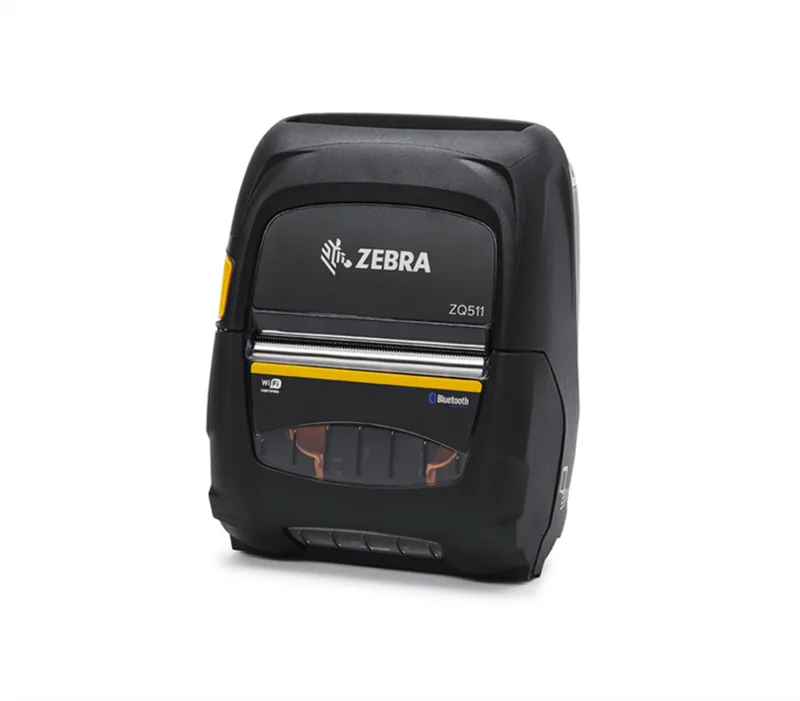
Zebra ZQ510 Direct Thermal: Rugged Mobile Printing for Busy Workflows
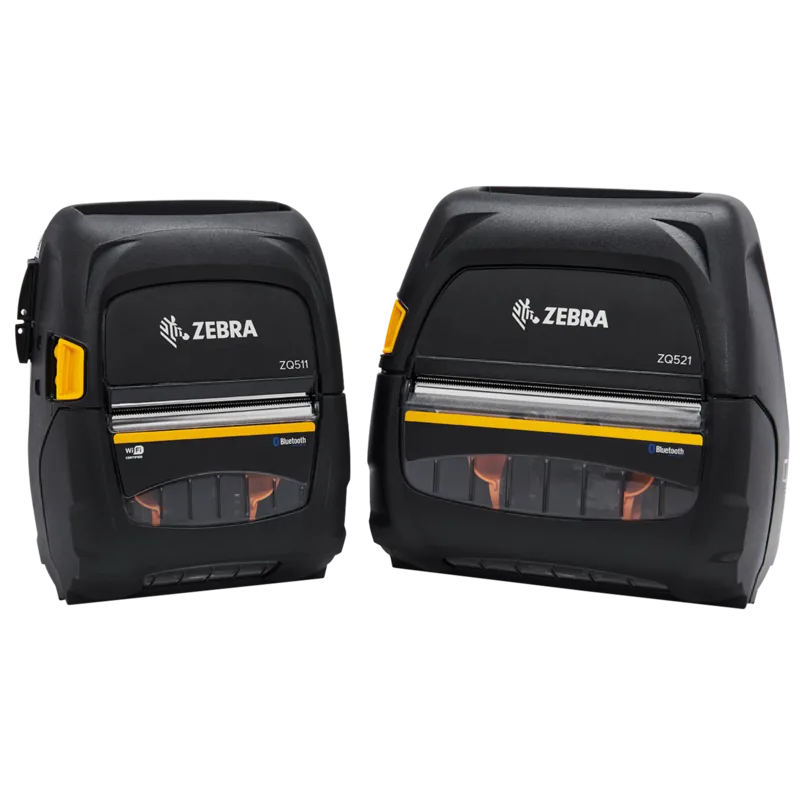
The Zebra ZQ510 Direct thermal Manual highlights a compact mobile printer built for fast-paced environments where durability matters as much as print quality. Designed for on-the-go label and receipt printing, the ZQ510 brings direct thermal output to field service, retail, logistics, and warehouse teams that need dependable results without bulky equipment.
One of the biggest strengths of this printer is its direct thermal technology. Instead of using ink or toner, it prints by applying heat to compatible media, which keeps operation simple and reduces supply costs. That makes the ZQ510 especially practical for teams that print shipping labels, receipts, or inventory tags throughout the day. Its sharp 203 dpi output supports readable text, barcodes, and graphics, while the compact format keeps it easy to carry or mount in a vehicle.
The ZQ510 is also built for mobile productivity. It supports USB, Bluetooth, and optional Wi-Fi connections, giving users flexible ways to connect with laptops, tablets, and smartphones. NFC features make pairing even faster, and Apple MFi support helps iPhone and iPad users authenticate connections more smoothly. In busy workflows, these wireless options can save time and reduce setup friction.
Battery performance is another important theme. Zebra’s Smart Battery design helps monitor battery health, charging cycles, and overall condition, so users can plan maintenance before downtime becomes a problem. The printer also includes power-saving behavior, sleep settings, and intelligent handling for battery or thermal issues. For mobile teams that work long shifts, that kind of management can make a real difference.
The ZQ510 is also created with durability in mind. It carries an IP54 rating and can handle demanding conditions better than typical desktop printers. Optional accessories such as belt clips, shoulder straps, soft cases, vehicle cradles, and rugged exoskeleton cases make it easier to adapt the printer to different job roles. From everyday transport to harsher field use, the ecosystem around the printer is impressively flexible.
Maintenance is straightforward too. The manual emphasizes regular cleaning, correct media handling, and proper battery care to extend service life. That practical approach is part of what makes the ZQ510 appealing: it is not just a printer, but a mobile printing tool designed for long-term reliability.
Notes
- Best suited for mobile label and receipt workflows
- Uses direct thermal media, so no ribbon is needed
- Strong accessory support improves portability and mounting options
- Regular cleaning and battery care help maintain performance
Search for 67,706 Manuals online


Type-in Brand or Model