
Zebra ZQ220 Manual
PDF manual · 67 Pages
English



Quick check
Incorrect answer, please try again.
Chat with your Zebra ZQ220 manual using AI
Get instant AI answers from your Zebra ZQ220 manual
Ask anything about the Zebra ZQ220. Answers come from this manual, with the pages they are based on.
ZQ220 Maintenance Schedule
Use a Zebra cleaning pen to swab the thin gray line on the printhead from center to edges. Required after every five rolls of media.
When using linerless type media, clean the printhead with a Zebra cleaning pen after every single roll of media.
Rotate the platen roller and clean thoroughly with a fiber-free swab or lint-free cloth lightly moistened with 90% medical grade alcohol.
Clean only if there is an issue during printing. Use a fiber-free swab with 1 part liquid soap and 25 parts water, then rinse with pure water.
Use the adhesive side of the media to clean the scraper on linerless units. Perform this maintenance after every five rolls of media.
Clean the tear bar thoroughly with 90% medical grade alcohol and a cotton swab as needed.
Wipe the exterior of the printer with a water-dampened cloth or a 90% medical grade alcohol wipe as needed.
Gently brush out the printer interior. Ensure the Backside Sensor and Frontside Sensor windows are free of dust.
Clean the interior target areas thoroughly with 90% medical grade alcohol and a fiber-free swab after every five rolls of media.
Ask a Question
Do you recommend ZQ220?
Yes NoFrequently Asked Questions
The 2-cell Li-Ion battery allows the printer to operate reliably for up to three work days under standard conditions, such as 25 stops per day and printing up to 500 receipts per shift.
Is this answer helpful?
Yes, the ZQ220 is Made for iPhone (MFi) certified, supporting communication with Apple devices running iOS 10 or later over Bluetooth 4.1.
Is this answer helpful?
The printer uses Direct Thermal technology, which applies heat to specially treated media to create text and barcodes without requiring ink or toner.
Is this answer helpful?
Yes, the printer features a passive NFC tag that allows compatible smartphones and tablets to automatically pair via Bluetooth or launch specific apps when tapped near the Print Touch icon.
Is this answer helpful?
The ZQ220 supports a maximum print width of 72 mm (2.91 inches), though it can also accommodate narrower rolls like 3 inches, 2.3 inches, and 2 inches with optional spacers.
Is this answer helpful?
Use a Zebra cleaning pen or a cotton swab with 90% medical grade alcohol. Clean after every five rolls of media or more frequently if needed, especially with linerless media.
Is this answer helpful?
Advantages and Disadvantages
Advantages

- Supports multiple connectivity options including Bluetooth 4.1 and NFC
- Direct thermal printing eliminates the need for ink or toner supplies
- Made for iPhone certified for secure iOS device integration
- Long-lasting 2-cell Li-Ion battery provides up to three days of operation
- Compact and lightweight design with optional belt clip and shoulder strap
Disadvantages

- Printed images may fade over time if exposed to heat or sunlight
- Requires genuine Zebra batteries for optimal safety and warranty coverage
- Limited to 203 dpi resolution which may not suit high-detail graphics
- Media width options require specific spacers for non-standard sizes
- Cleaning requires specific agents to avoid damaging the printhead
Product Specification
Type
mobile bond printer
Technology
direct thermal
Print resolution
203 dpi
Roll diameter
1.18 inches
Print width
3.15 inches
Print speed
3.54 inches/s
Memory
16 MB (RAM), 16 MB (Flash)
Connections
USB 2.0
Network
Bluetooth 4.1, AirPrint
Display
N/A
Emulation
CPCL
Dimensions
3.37x1.75x4.65 inches
Weight
14.82 oz
Features
Black mark sensor, gap sensor, battery (Li-Ion, 2550 mAh)
Manufacturer warranty
2 years
Product Description
The Zebra ZQ220: Your Ultimate Mobile Printing Companion
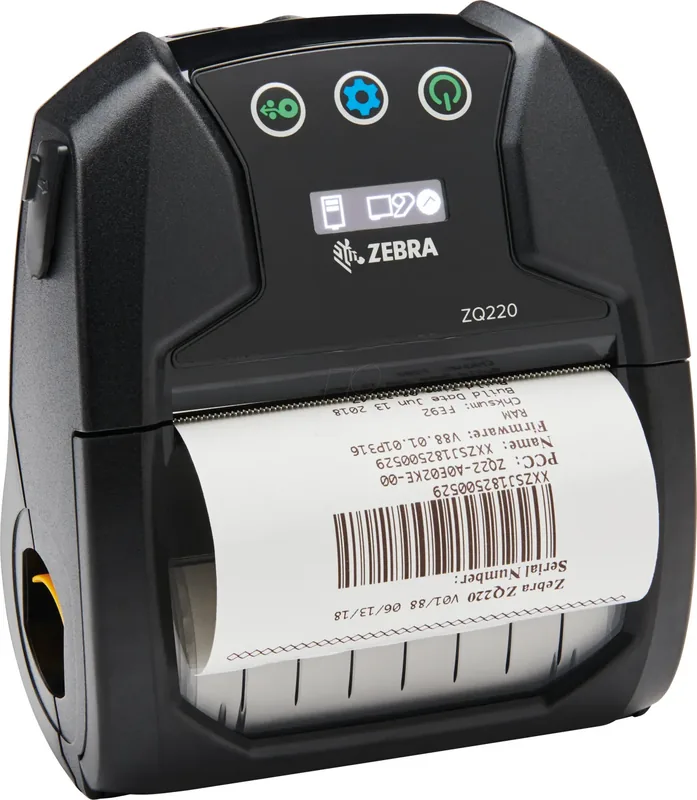
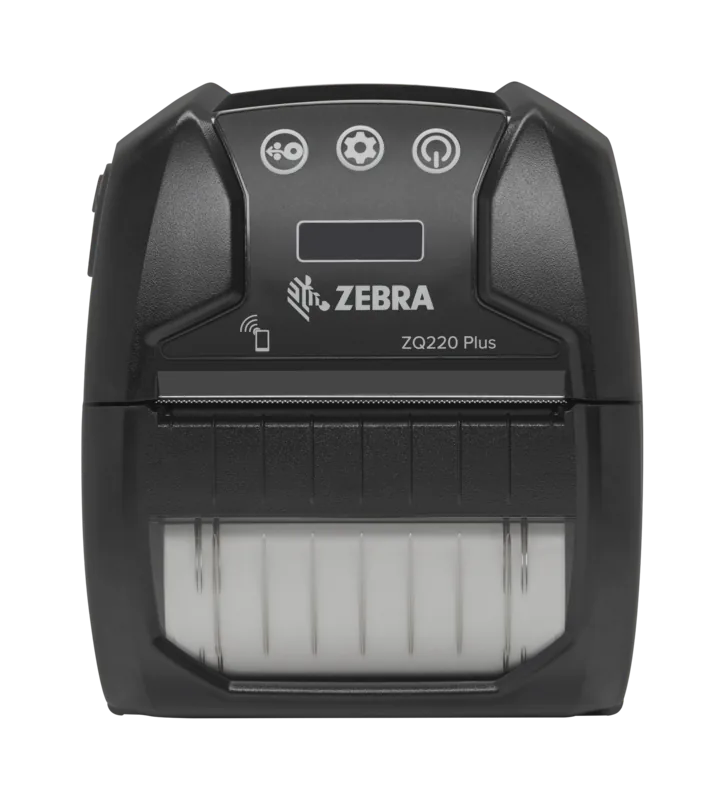
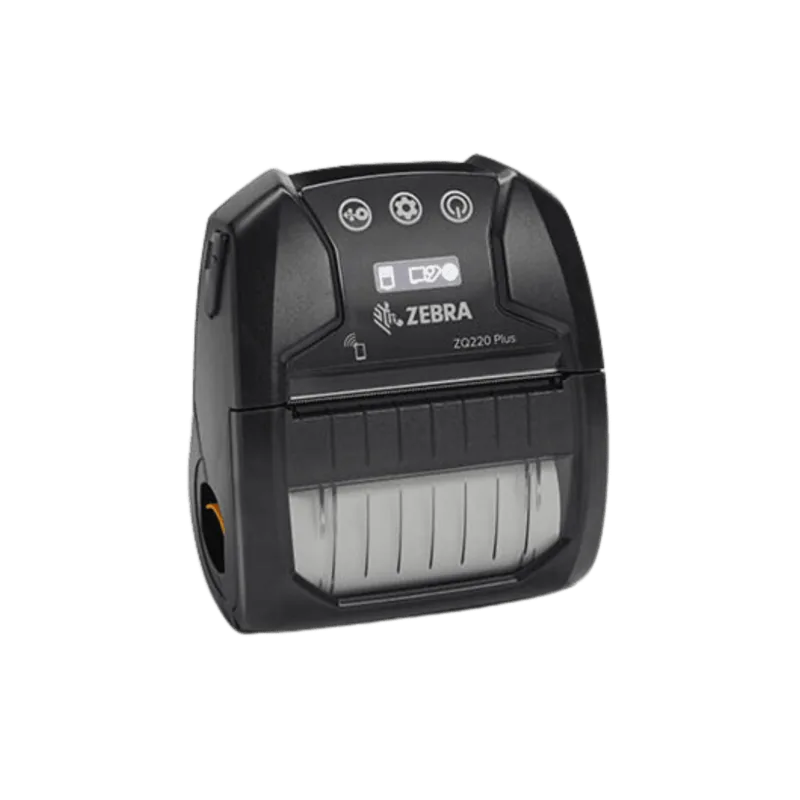
The Zebra ZQ220 is a compact, lightweight mobile printer designed for professionals who need reliable printing on the go. Whether you are in retail, logistics, or healthcare, this device ensures you can print receipts, labels, and tickets instantly. It features a Direct Thermal printing technology that delivers high-quality output without the need for ink or toner, making it cost-effective and simple to maintain.
One of the standout features of the Zebra ZQ220 is its connectivity options. It supports Bluetooth 4.1 Low Energy, allowing seamless pairing with smartphones, tablets, and other mobile devices. For Apple users, it offers Made for iPhone (MFi) certification, ensuring secure and stable connections with iOS devices. Additionally, the printer includes Near Field Communication (NFC) capabilities, enabling quick pairing and app launching by simply tapping an NFC-enabled device against the Print Touch icon.
Designed for durability and ease of use, the ZQ220 comes with a robust LCD control panel that displays status icons for media, battery, and data transmission. The printer is powered by a rechargeable Lithium-Ion battery that provides up to three days of operation under typical usage conditions. It also features a USB Type-C port for charging and data transfer, ensuring you stay connected wherever your work takes you.
Why Choose the Zebra ZQ220?
This printer is built to handle demanding environments. Its ergonomic design includes a swivel belt clip and optional shoulder strap for comfortable carrying. The media compartment accepts various roll widths, including 3-inch, 2.3-inch, and 2-inch options, providing versatility for different applications. With support for CPCL programming language and compatibility with Zebra Designer software, customizing label designs has never been easier.
Key Highlights
- Direct Thermal Technology: No ink required, reducing operational costs.
- Dual Mode Bluetooth: Connects via Bluetooth 2.1+EDR and 4.1 Low Energy.
- NFC Integration: Simplifies setup with one-tap pairing.
- Long Battery Life: Up to three days of continuous use.
- Compact Design: Lightweight and portable for field operations.
Whether you are managing inventory, processing payments, or tracking assets, the Zebra ZQ220 delivers consistent performance and reliability.
Search for 67,706 Manuals online


Type-in Brand or Model