
XYZprinting da Vinci 3D Pen Manual
PDF manual · 2 Pages
English


Quick check
Incorrect answer, please try again.
Chat with your XYZprinting da Vinci 3D Pen manual using AI
Get instant AI answers from your XYZprinting da Vinci 3D Pen manual
Ask anything about the XYZprinting da Vinci 3D Pen. Answers come from this manual, with the pages they are based on.
da Vinci 3D Pen Maintenance Schedule
After finishing your work, unload the remaining filament from the pen for optimal operation.
Cut the melted filament tip straight before using the pen again to prevent the feed path from clogging.
Unload filament, keep the pen heated in continuous extrusion mode, and use the cleaning tool to remove all filament residue from the guide tube and feed path.
Ask a Question
Do you recommend da Vinci 3D Pen?
Yes NoVideo Manual
▼ Getting started with the Da Vinci Pro
Frequently Asked Questions
You should strictly use official XYZprinting PLA filament. Using filaments from other manufacturers will void your warranty and may cause clogging or poor performance.
Is this answer helpful?
The LED indicator turns solid green when the nozzle has reached the correct operating temperature above 180 degrees Celsius and is ready for filament loading or extrusion.
Is this answer helpful?
Yes, but you must unload all remaining filament before inserting a new color to prevent unwanted mixing. Use the cleaning tool to remove residue if necessary.
Is this answer helpful?
First, try unloading the filament. If that fails, remove the back cover and feed tube to clean out any blockages using the provided cleaning tool.
Is this answer helpful?
While designed for ease of use, the nozzle gets extremely hot. Adult supervision is required, and users must wait for the pen to cool before touching it.
Is this answer helpful?
The included package contains three meters of filament. For optimal feeding, ensure the filament length does not exceed three meters before insertion.
Is this answer helpful?
Advantages and Disadvantages
Advantages

- Intuitive button controls for loading, unloading, and continuous extrusion
- LED status indicators provide clear feedback on temperature and mode
- Includes essential accessories like cleaning tool and starter filament
- Compatible with official XYZprinting PLA for best results and warranty
- Easy-to-clean design with removable feed tube for maintenance
Disadvantages

- Nozzle gets very hot and requires careful handling to avoid burns
- Warranty is voided if non-official filament brands are used
- Initial prints may show color variations due to residual test material
- Filament must be cut to specific lengths under 3 meters for proper feeding
- Odors are produced during operation requiring a well-ventilated area
Product Specification
Type
3D Printing Pen
Materials
1.75mm, PLA
Nozzle
Metal, 0.8mm
Melting Temperature
356°F
Power Supply
Hollow Socket
Size
11x9.8x7 inches (LxWxH)
Weight
2.47 oz
Color
orange/black
Package Contents
1x 3D Printing Pen, 1x Power Adapter, 3x 3.28ft PLA Filament, 1x Cleaning Tool
Product Description
Discover the XYZprinting da Vinci 3D Pen Manual Experience
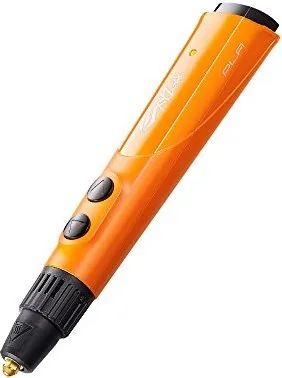
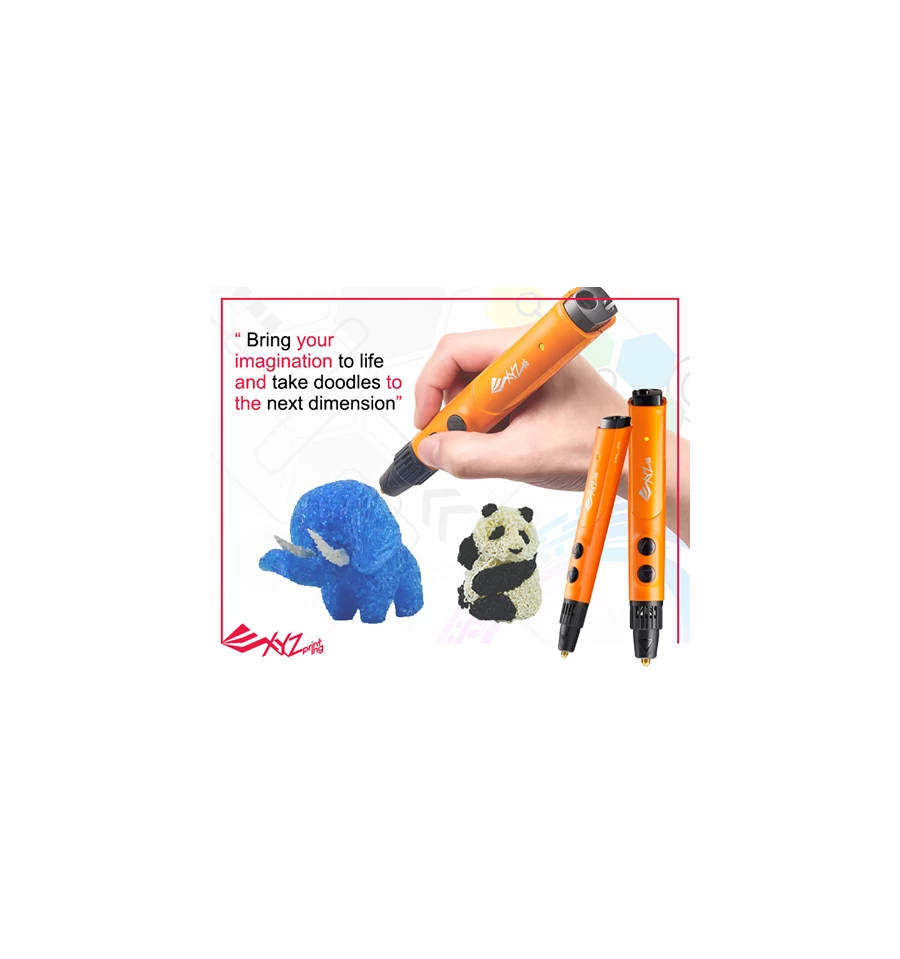
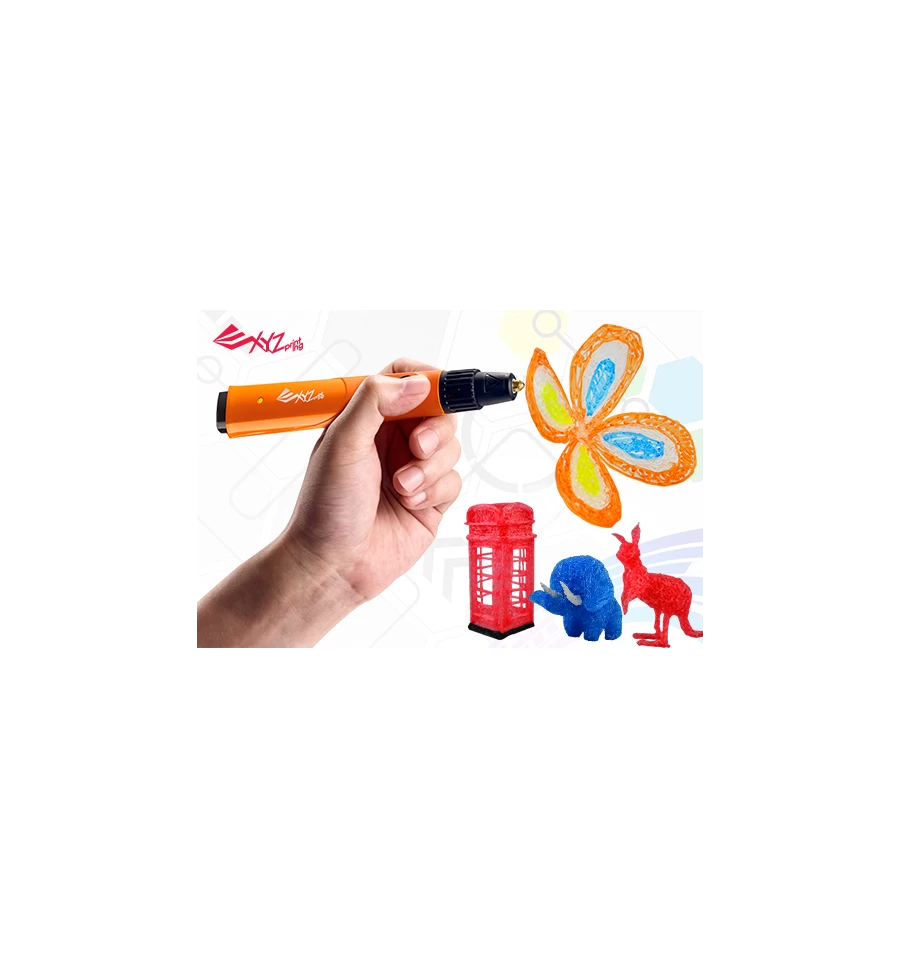
The XYZprinting da Vinci 3D Pen offers a creative and accessible way to bring your ideas to life in three dimensions. Designed for both beginners and seasoned hobbyists, this pen simplifies the process of 3D drawing by allowing you to extrude heated PLA filament directly onto surfaces. The device features an intuitive button system that controls loading, unloading, and continuous extrusion modes, making it easy to create bridges, structures, or detailed freehand art.
Safety is a top priority with this tool. The nozzle reaches high temperatures quickly, so users must avoid touching nearby objects until the pen cools down completely. Proper ventilation is essential during operation as heating filament can produce mild odors. To ensure optimal performance and maintain warranty coverage, it is highly recommended to use only official XYZprinting PLA filament. Using filaments from other manufacturers may void the warranty and lead to clogging issues.
The pen includes a comprehensive set of accessories such as a power adapter, three meters of random colored PLA filament, a cleaning tool, and a quick start guide. The LED indicator provides clear visual feedback on the pen's status, glowing red when off or cooling, blinking red while heating, and turning green when ready for use. For maintenance, the device allows for easy cleaning of the feed tube and extruder module using the included tool, ensuring long-lasting reliability.
Important Notes
- Always allow the pen to cool before storing it to prevent damage to surrounding items.
- Cut the filament tip straight if it becomes partially melted to prevent feeding issues.
- Change colors by fully unloading old filament to avoid mixing hues.
- Use a stable base when starting complex 3D drawings to ensure structural integrity.
Search for 67,706 Manuals online


Type-in Brand or Model