
Xilence M704 Manual
PDF manual · 1 Pages
English


Quick check
Incorrect answer, please try again.
Chat with your Xilence M704 manual using AI
Get instant AI answers from your Xilence M704 manual
Ask anything about the Xilence M704. Answers come from this manual, with the pages they are based on.
Ask a Question
Do you recommend M704?
Yes NoFrequently Asked Questions
It supports Intel LGA1150/1151/1155/1156, LGA2066/2011, and AMD AM4/AM3(+)/FM2(+)/FM1. That makes it a versatile fit for many common desktop systems.
Is this answer helpful?
The package includes the cooler and fan, Intel and AMD mounting brackets, screws, a backplate, thermal paste, an RGB splitter, and an internal RGB controller.
Is this answer helpful?
Yes. You can connect the RGB cable to a compatible motherboard header for synchronized lighting, or use the included internal controller for standalone effects.
Is this answer helpful?
The fan supports dynamic effects like blinking, color switching, and pulse modes, plus static lighting with multiple color choices and adjustable brightness.
Is this answer helpful?
Yes. A button on the controller changes modes, adjusts speed in dynamic mode, changes brightness in static mode, and can turn the LEDs on or off.
Is this answer helpful?
Make sure the arrow on the connector points to the motherboard pin marked 12V. Correct alignment helps prevent malfunction or damage.
Is this answer helpful?
Advantages and Disadvantages
Advantages

- Supports many Intel and AMD sockets, making it flexible for different builds.
- Includes brackets, backplate, screws, thermal paste, and RGB accessories in the box.
- Offers both motherboard sync and independent controller-based RGB control.
- RGB splitter lets you expand lighting with more fans while keeping wiring tidy.
Disadvantages

- Installation involves several steps and bracket choices, which may take time for beginners.
- AMD builds require removing the original plastic retention frame first.
- Incorrect RGB connection can cause malfunctions or damage if the 12V pin is ignored.
- Button-based lighting control may feel less convenient than software control.
Product Specification
Type
Tower Cooler
Dimensions with fan
2.87x6.30x4.80in (WxHxD)
AMD Socket
AM5, AM4
TDP classification
180W
Manufacturer's warranty
2 Years
Product Description
Xilence M704: A Cooler That Balances Cooling and Color
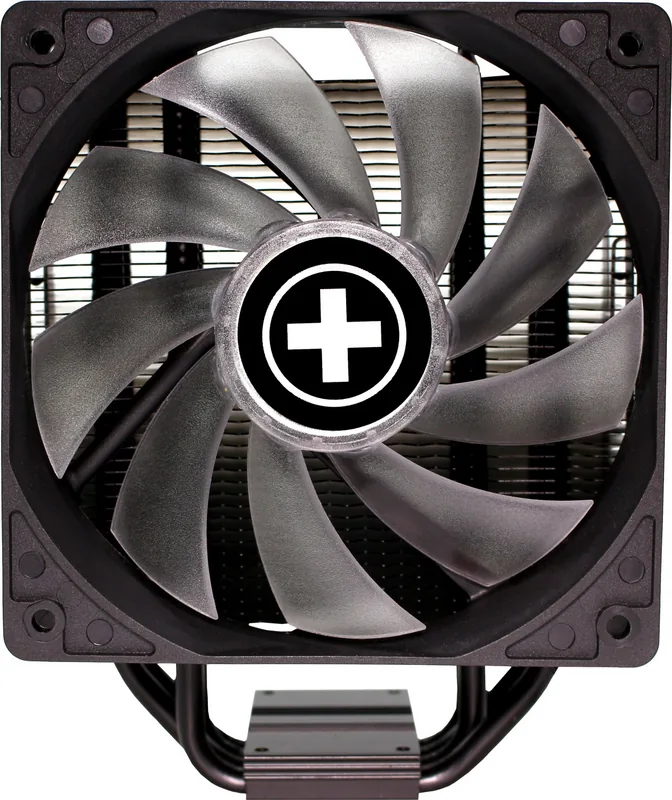
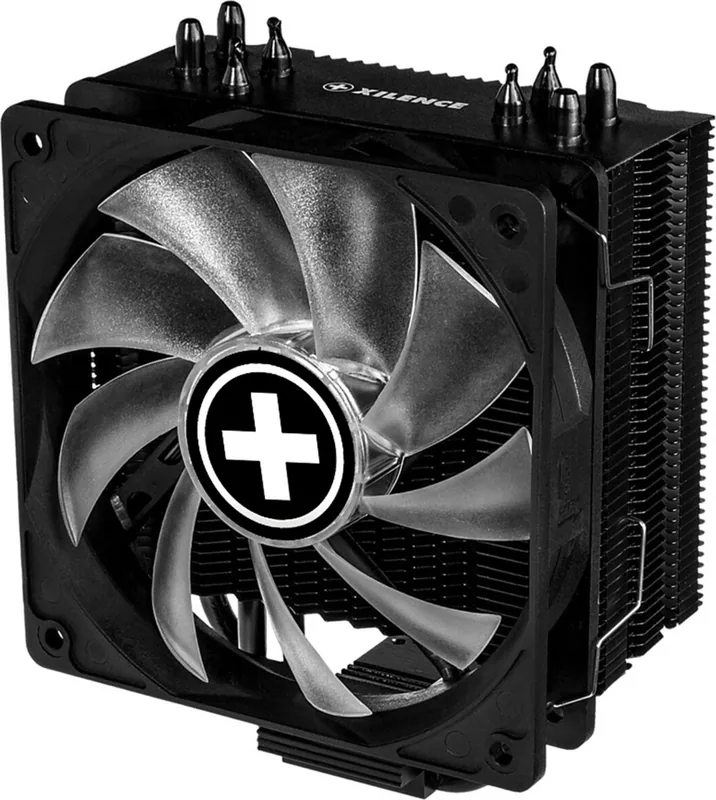
The Xilence M704 is a CPU air cooler designed for builders who want dependable thermal performance with a touch of style. The Xilence M704 Manual shows that this model is not only about hardware and mounting brackets, but also about making the installation process approachable across a wide range of Intel and AMD systems. With support for popular sockets such as Intel LGA115x, LGA2066/2011, and AMD AM4/AM3(+)/FM2(+)/FM1, it is built to fit many setups without unnecessary complexity.
Built for Flexible Installation
Inside the package, users receive the cooler with fan, several mounting brackets, screws, a backplate, thermal paste, and RGB accessories. That is a practical bundle because it gives the installer almost everything needed for a complete setup right away. The mounting process follows a clear path: choose the correct bracket, attach it to the cooler, apply a thin layer of thermal paste, align the cooler on the processor, and secure it to the backplate. For AMD systems, the original plastic retention frame must be removed first, which is an important detail before beginning the build.
RGB Control with Two Ways to Customize
One of the most appealing parts of the M704 is its RGB lighting system. The fan can be connected directly to a compatible motherboard header for synchronized effects, or it can run through the included internal controller for independent control. The lighting supports dynamic effects such as blinking, color cycling, and pulse-style transitions, along with static modes that allow several fixed colors. A single button manages speed, brightness, and LED on/off behavior depending on how it is pressed, making everyday adjustments simple once the cooler is installed.
Practical Extras That Improve the Experience
The included RGB splitter adds another layer of usefulness. It allows users to connect additional RGB fans and keep the lighting setup organized. Just as important, the instructions stress proper connector orientation, especially the arrow position toward the 12V pin. That warning matters, because RGB headers can be sensitive to incorrect connections. Overall, the Xilence M704 feels like a straightforward option for users who want broad compatibility, useful accessories, and customizable lighting in one package.
Notes
- Apply thermal paste sparingly for the best contact.
- Match every RGB connector with the 12V pin direction.
- Keep the original AMD bracket if you may need it later.
- Use the controller for local control or the motherboard for sync.
Search for 67,706 Manuals online


Type-in Brand or Model