

Free Wilo Manuals – Read, Download & Print
4 Manuals
Manuals
Categories


Free Wilo Manuals - Read, Download & Print
Find Wilo Manuals for Pumps, Controls, and Heating Systems
Looking for free Wilo manuals? This resource helps users find, read, download, and print operating instructions, installation guides, technical data sheets, maintenance documents, and troubleshooting information for Wilo products. Whether you are a homeowner, installer, building manager, maintenance technician, or contractor, the right manual can make installation, setup, operation, and servicing much easier.
Wilo is known for pump technology and water management equipment used in homes, commercial buildings, heating systems, cooling systems, plumbing applications, drainage installations, and industrial environments. Product documentation commonly includes important details about safe use, electrical connections, hydraulic setup, control settings, error messages, spare parts, and regular maintenance requirements.
Read Wilo Manuals Online
Reading a Wilo manual online is a convenient way to check product information without storing files on your device. Digital manuals can be useful when you need a quick answer during installation, want to identify a warning code, or need to confirm technical specifications before replacing a component.
Many manuals include clear sections for product identification, intended use, safety notices, transport, installation, commissioning, operation, fault correction, maintenance, and disposal. Search within the document for model names, article numbers, pump types, control panel symbols, alarm codes, or keywords such as "installation," "wiring," "pressure," "flow," and "maintenance."
Before following any instruction, make sure the documentation matches the exact product version. Wilo equipment may have similar names but different electrical ratings, connection sizes, control functions, or installation requirements. The type plate on the device is usually the best source for confirming the model designation and identification number.
Download Wilo Instructions and Technical Documents
Downloading a Wilo manual provides offline access when internet service is unavailable or when documentation is needed on site. Saved PDF files can be kept on a phone, tablet, laptop, or shared maintenance system for future reference. This is especially useful for facilities teams responsible for multiple pumps, booster systems, circulation units, or drainage products.
A downloadable manual may contain:
- Installation and operating instructions
- Quick start and commissioning guides
- Technical specifications and performance data
- Wiring and connection diagrams
- Exploded views and parts information
- Maintenance schedules
- Error code explanations
- Safety instructions and warning labels
- Declaration and compliance information
Keep downloaded files organized by location, equipment type, and model number. Naming files with the product model and installation area can save time later. For example, a building maintenance folder may include separate records for heating circulation pumps, domestic water pressure systems, wastewater pumps, and control accessories.
Print Wilo Manuals for Job Sites and Service Records
Printing a Wilo manual is helpful for technicians working in plant rooms, basements, mechanical spaces, construction sites, or other locations where a digital screen is inconvenient. A printed copy can also be placed in an equipment binder near the installation for quick access by authorized personnel.
When printing, consider selecting only the relevant pages to reduce paper use. Installation diagrams, electrical connection pages, commissioning checklists, fault tables, and maintenance schedules are often the most useful sections for a service file. If a complete printed manual is required, use clear page orientation and retain the cover page with the full model identification.
For shared equipment records, add notes about the installation date, serial number, service provider, replacement parts, system settings, and previous fault conditions. These records can help diagnose recurring issues and support more efficient preventative maintenance.
Common Wilo Product Documentation Categories
Circulation Pumps
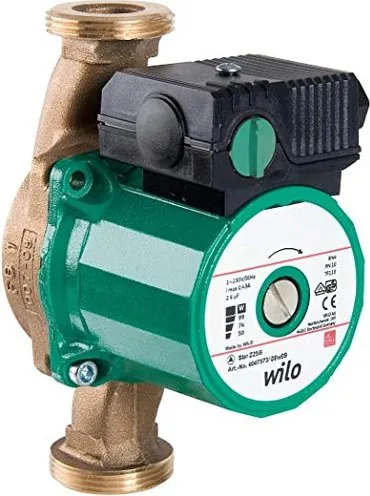
Wilo circulation pump manuals often cover heating, hot water, and HVAC circulation applications. Documentation may explain how to mount the pump, set operating modes, select pressure control options, vent the system, and interpret display indicators. It can also provide guidance on energy-saving settings and proper orientation of the motor and terminal box.
Pressure Boosting and Water Supply Systems
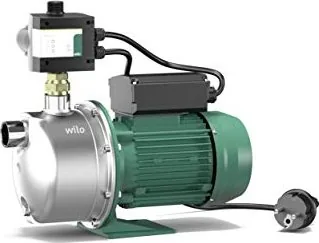
Manuals for booster systems and water supply equipment may include information about pressure settings, vessel connections, pump sequencing, dry-run protection, inlet conditions, and controller configuration. Correct setup is important for consistent water pressure and for protecting equipment from unnecessary cycling or operating without water.
Drainage and Wastewater Pumps
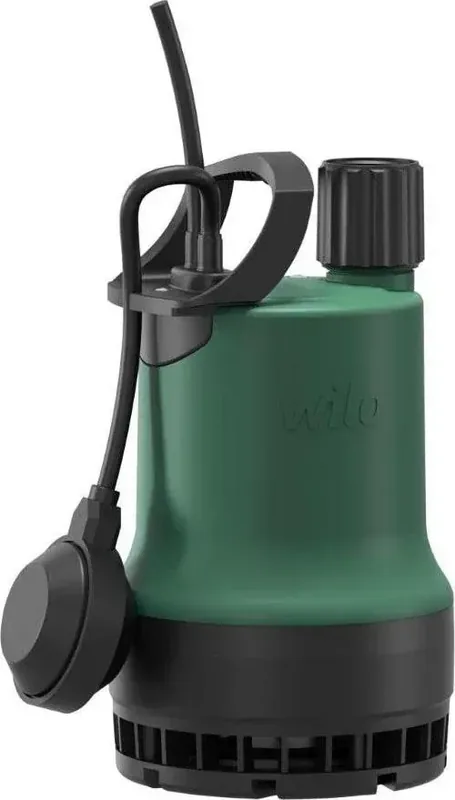
Drainage pump documentation can include details about sump installation, discharge piping, float switches, non-return valves, cable routing, and level control. These manuals are important for applications involving wastewater, rainwater, floodwater, or condensate removal. Always follow safety guidance before inspecting or servicing equipment used in drainage systems.
HVAC and Cooling Applications
Wilo documentation for commercial heating, ventilation, air conditioning, and cooling installations may include pump curves, communication settings, building management interfaces, differential pressure control, and system balancing guidance. These documents are especially valuable when equipment is integrated into larger mechanical systems.
Controls and Accessories
In addition to pump manuals, users may need documentation for controllers, sensors, communication modules, mounting accessories, valves, and protection devices. Accessory manuals can explain compatible connections, configuration steps, signal terminals, display functions, and operating limits.
How to Identify the Correct Wilo Manual
The most accurate way to locate the right Wilo documentation is to identify the product from its rating plate. Look for the complete model name, article number, serial number, manufacturing information, voltage, frequency, power rating, and other technical markings. Even a small difference in model code can affect the correct manual.
If the label is difficult to read, take a clear photo of the unit and note visible details such as the display style, connection size, housing shape, control knob, and installed application. Compare these details carefully with the manual title and product description before using the instructions.
Older products may have archived documentation, while newer products may have updated manuals covering revised software, controls, or compliance requirements. Use the newest applicable document for the exact equipment version, but retain original installation records when available.
Safe Use of Wilo Installation and Operating Manuals
Wilo manuals contain safety information that should be reviewed before installation, commissioning, repair, or maintenance. Pumps and controls may involve electrical power, hot water, pressurized systems, rotating components, and potentially contaminated fluids. Incorrect work can lead to equipment damage, leaks, electrical hazards, or personal injury.
Disconnect and secure the power supply before opening electrical enclosures or performing service work. Allow hot components and fluids to cool where necessary. Depressurize systems before removing plugs, fittings, or pump components. Use qualified personnel for electrical wiring, system modifications, and repairs that require specialist knowledge.
A manual is a reference document and should be used together with local regulations, site requirements, and applicable plumbing and electrical codes. If instructions differ from local legal or safety requirements, follow the applicable regulations and consult a qualified professional.
Troubleshooting with a Wilo Manual
A Wilo troubleshooting section can help identify common operating problems, including no start condition, reduced flow, unusual noise, vibration, overheating, repeated alarms, leakage, pressure fluctuations, and communication faults. The fault table may list possible causes and recommended corrective actions.
Typical checks may include confirming power supply, verifying isolating valves are open, checking system pressure, removing air from the system, inspecting filters, confirming correct control settings, and reviewing error indicators. Avoid bypassing protective devices or repeatedly resetting alarms without finding the underlying cause.
For persistent faults, record the displayed error code, operating condition, equipment model, and any recent system changes. This information can help a qualified service technician diagnose the issue more quickly.
Keep Your Wilo Documentation Available
Having the right Wilo manual available helps support safe installation, reliable operation, accurate maintenance, and efficient troubleshooting. Read manuals online for quick reference, download copies for offline access, and print important pages for equipment folders or job sites.
Always verify that the guide matches your specific Wilo model and product version. Use official and current documentation whenever possible, follow all safety instructions, and contact a qualified installer or service professional when the work involves electrical connections, pressurized systems, or complex pump controls.
Search for 67,635 Manuals online


Type-in Brand or Model