
Western Digital My Cloud EX4100 Manual
PDF manual · 127 Pages
English



Quick check
Incorrect answer, please try again.
Chat with your Western Digital My Cloud EX4100 manual using AI
Get instant AI answers from your Western Digital My Cloud EX4100 manual
Ask anything about the Western Digital My Cloud EX4100. Answers come from this manual, with the pages they are based on.
My Cloud EX4100 Maintenance Schedule
Codes for mobile devices and desktop apps are valid for 48 hours from the time of request and can be used only once.
Run quick, full, or system tests to check hard drive performance and device hardware health if problems occur.
Ask a Question
Do you recommend My Cloud EX4100?
Yes NoFrequently Asked Questions
It is a network-attached storage device for centralized file storage, sharing, backups, and remote access. It is designed for users who want a private cloud with more control than standard external drives.
Is this answer helpful?
Yes. Remote access can be enabled through WD My Cloud cloud services. Users can connect with mobile apps or desktop access after account setup and activation.
Is this answer helpful?
The device supports USB backups, remote backups to another My Cloud device, internal share-to-share backups, cloud backups through services like ElephantDrive and Amazon S3, and camera backups.
Is this answer helpful?
Yes. It supports DLNA and iTunes-style media serving, allowing compatible devices to stream music, photos, and videos from shares where media sharing is enabled.
Is this answer helpful?
Changing RAID mode deletes all data and user settings on the device. A full backup is strongly recommended before making any RAID changes.
Is this answer helpful?
An admin account controls users, groups, quotas, and share permissions. Access can be set to read/write, read only, or denied for private shares.
Is this answer helpful?
Advantages and Disadvantages
Advantages

- Dual Gigabit LAN improves network flexibility and can help maintain steady performance on busy networks.
- Four-bay design supports multiple RAID modes, giving users a strong mix of speed, capacity, and redundancy.
- Built-in backup choices cover USB, internal, remote, cloud, and camera workflows.
- Dashboard tools make it easier to manage users, shares, storage health, and firmware updates.
- Mobile access and media streaming add convenience for home and small-office use.
Disadvantages

- Changing RAID mode erases data and user settings, so planning and backups are required first.
- Advanced features like iSCSI and volume virtualization may feel complex for beginners.
- Remote access depends on Internet setup, account configuration, and activation steps.
- Best results require proper ventilation and careful installation to avoid overheating or drive issues.
Product Specification
Hard Drive
4x 2TB
Internal
4x 3.5", SATA 6Gb/s
External
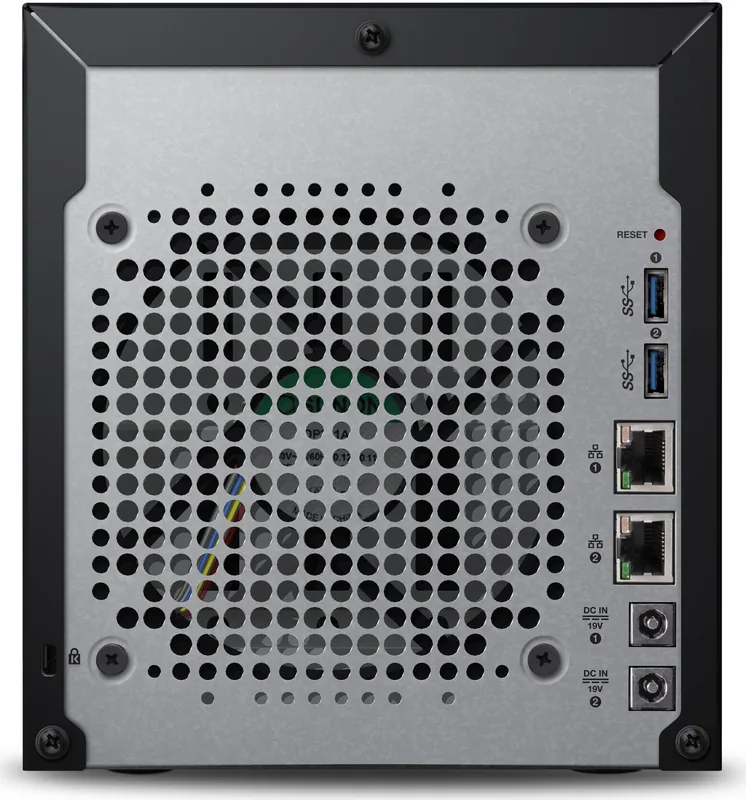
2x Gb LAN
Additional Ports
3x USB-A 3.0 (Host)
RAID Level
0/1/5/10/5+1/10+1/JBOD
CPU
Marvell Armada 388, 2x 1.60GHz
RAM
2GB DDR3
Fan
1x 4.72 in
Dimensions
6.69x7.56x9.13 in (WxHxD)
Special Features
256bit AES encryption, iSCSI, DLNA server, FTP server, BitTorrent client, WebDAV, iTunes server
Warranty
24 Months
USB Naming Convention
Link
Product Description
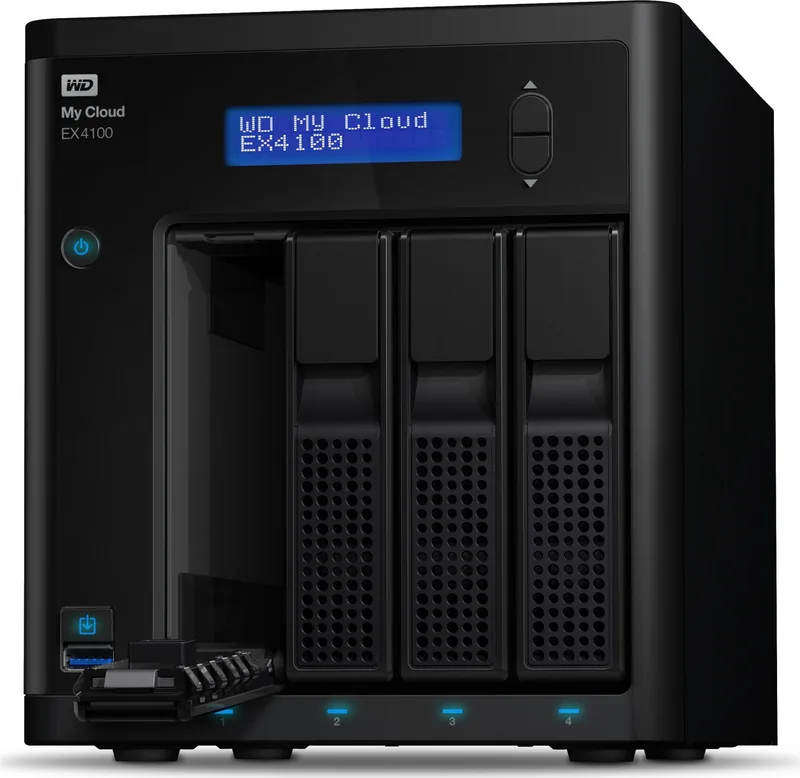
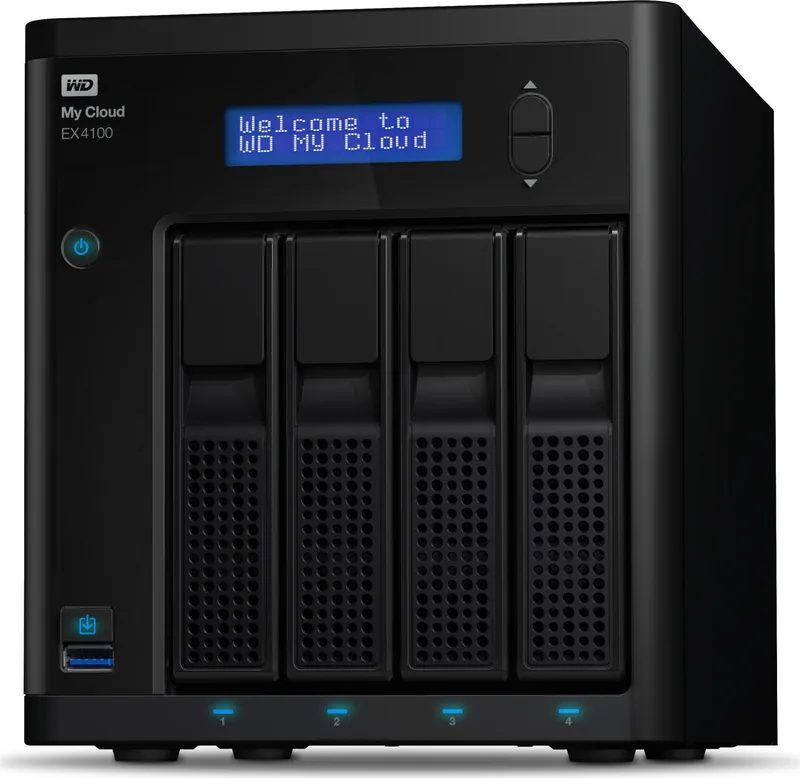
Western Digital My Cloud EX4100 8TB, 2x Gb LAN
The Western Digital My Cloud EX4100 8TB is a capable four-bay personal cloud solution built for users who want more than simple file storage. It brings together centralized data management, remote access, and flexible sharing in a design that fits home offices and small business environments. With dual Gigabit LAN ports, it is made to handle busy networks while keeping access smooth and dependable.
If you are looking at the Western Digital My Cloud EX4100 8TB, 2x Gb LAN Manual, the product stands out for how much control it gives you over storage and sharing. Setup begins with drive installation, a network connection, and a quick browser-based configuration process. Once the dashboard is ready, administrators can create users, build groups, and define private or public shares with clear permission controls.
The storage features are especially important. The device supports several RAID choices, including RAID 0, RAID 1, JBOD, spanning, and on four-bay models even RAID 5 and RAID 10. That means you can prioritize speed, redundancy, or capacity depending on your needs. Disk status tools, volume management, and iSCSI support also make it more than just a simple media box.
Backup options are another strong advantage. You can protect data through USB backups, internal backups between shares, remote backups to another My Cloud device, cloud backups through services such as ElephantDrive or Amazon S3, and even camera backups. This variety helps users build a backup routine that matches real-world workflows instead of relying on one method only.
For everyday convenience, the EX4100 also works as a media server. DLNA and iTunes support make it easy to stream photos, music, and videos across a home network, while mobile apps extend access when you are away. The dashboard provides alerts, health summaries, and firmware updates, so ongoing maintenance stays manageable.
Overall, the EX4100 feels like a practical storage hub for people who want organization, flexibility, and remote accessibility in one place. It is a good fit for users who need shared team folders, family media access, or dependable backup planning without losing control over security and performance.
Notes
- Keep the unit well ventilated and upright.
- Record the serial number and model number for support.
- Back up data before changing RAID mode.
- Register the device to receive updates and support.
Search for 67,706 Manuals online


Type-in Brand or Model