
TRENDnet TI-F10S30 Manual
PDF manual · 9 Pages
English



Quick check
Incorrect answer, please try again.
Chat with your TRENDnet TI-F10S30 manual using AI
Get instant AI answers from your TRENDnet TI-F10S30 manual
Ask anything about the TRENDnet TI-F10S30. Answers come from this manual, with the pages they are based on.
Ask a Question
Do you recommend TI-F10S30?
Yes NoFrequently Asked Questions
The TRENDnet TI-F10S30 supports transmission distances up to 30 kilometers when used with single-mode fiber optic cabling. This makes it suitable for long-distance industrial networking applications.
Is this answer helpful?
Attach the provided DIN-rail mount bracket to the converter, position the unit against the rail, hook the bracket over the top, and rotate the unit downward until it clicks securely into place. Removal involves pulling down and rotating away.
Is this answer helpful?
The device accepts a wide range of input voltages: 12 to 60 V DC or 18 to 36 V AC. A compatible power supply like the TI-M6024 is recommended but sold separately.
Is this answer helpful?
LFP is a feature enabled via DIP switches. If the transmitting converter detects a loss of the twisted pair link, it signals the receiving fiber converter to disconnect, preventing data corruption across the network.
Is this answer helpful?
Yes, the TI-F10S30 is built with a hardened industrial chassis designed to resist dust, moisture, and vibration, making it suitable for many outdoor or semi-outdoor industrial applications.
Is this answer helpful?
No, the power supply is not included in the package. You must purchase a compatible power supply separately that meets the specified voltage requirements for the device.
Is this answer helpful?
Advantages and Disadvantages
Advantages

- Supports transmission distances up to 30 km using single-mode fiber
- Hardened industrial design withstands harsh environmental conditions
- Flexible mounting options include DIN-rail, wall, and desktop
- Link Fault Pass Through feature maintains network stability during failures
- Complies with strict international safety and EMC regulations
Disadvantages

- Power supply unit is sold separately and must be purchased additionally
- Maximum operating distance limited compared to some multi-kilometer long-haul alternatives
- Requires careful voltage verification before initial power connection
- DIP switch configuration requires manual adjustment for specific modes
- SC duplex connectors may require specific patch cables not always included
Product Specification
Type
LAN Converter
Form factor
1x external wired, Standalone, DIN rail (TS 35), wall mount (via mounting bracket)
Connection
N/A
Interface
1x RJ-45, 1x SC-Duplex
Data rate
1x RJ-45 (10/100Base-T), 1x SC-Duplex (100Base-FX, 1310nm 9/125um SM 30km)
Dimensions
1.38x2.36x1.97in (WxHxD)
Weight
3.17oz
Compatibility
universal
Features
Metal housing, external power supply, remote power, screw terminals (12-60V), extended operating range (temperature: -40F to 167F, humidity: up to 95%), IP40 certified, surge protection (6kV)
Manufacturer warranty
three years
Product Description
TRENDnet TI-F10S30: Industrial Fiber Connectivity
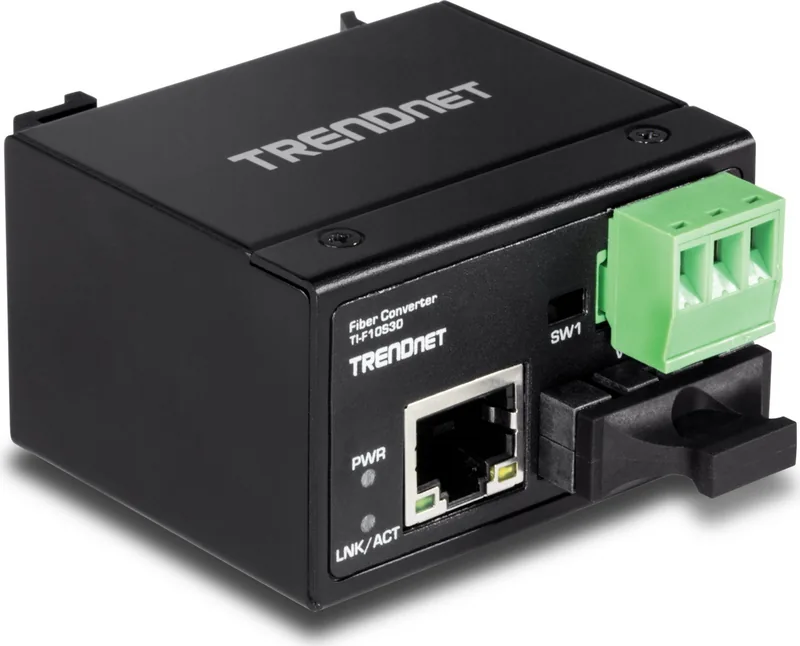
The TRENDnet TI-F10S30 Hardened Industrial Railmount Media Converter is a robust solution designed for demanding industrial environments where reliable data transmission is critical. This device bridges the gap between copper Ethernet networks and fiber optic systems, specifically utilizing Single-Mode fiber to achieve impressive transmission distances up to 30 kilometers. Its hardened construction ensures it can withstand harsh conditions, making it ideal for factories, utilities, and outdoor installations.
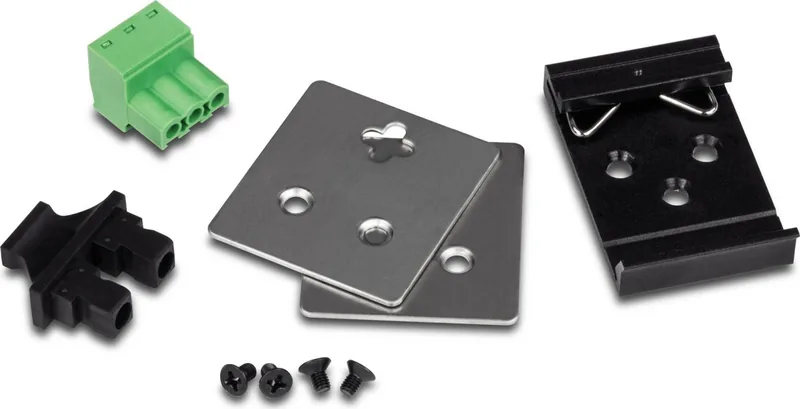
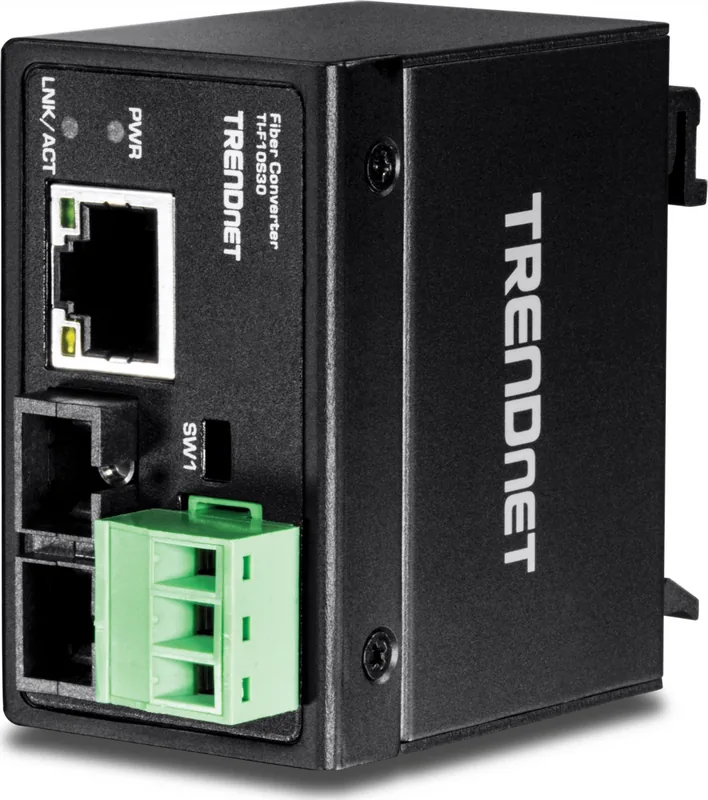
Designed with versatility in mind, the TI-F10S30 supports multiple mounting options including DIN-rail, wall, or desktop placement. The DIN-rail installation allows for secure integration into standard electrical cabinets, while the included wall mount plates offer flexibility for other setups. The unit features an RJ-45 port for standard network connections and an SC-Duplex connector for the fiber link. It operates at 100Base-FX speeds, providing fast and stable connectivity over long distances.
Installation is straightforward, guided by clear instructions for connecting power supplies ranging from 12 to 60 V DC or 18 to 36 V AC. Safety protocols emphasize verifying voltage levels before connection to prevent equipment damage. The converter includes DIP switches to configure Link Fault Pass Through (LFP) functionality, which automatically disconnects the receiving end if the transmitting link fails, ensuring network integrity. With compliance to major international safety and EMC directives, this media converter stands as a dependable choice for extending network reach in challenging industrial settings.
Key Features
This device excels in reliability and ease of deployment. The single-mode fiber capability allows for significant reach without signal degradation. The rugged design protects internal components from dust, moisture, and vibration. Users benefit from LED indicators that confirm active connections instantly upon powering the unit.
Important Notes
Always ensure the power supply matches the specific voltage requirements listed on the product label. Do not exceed the maximum voltage ratings to avoid permanent damage. Verify that all wiring adheres to local electrical codes regarding current capacity.
Search for 67,732 Manuals online


Type-in Brand or Model