
Synology MR2200ac Manual
PDF manual · 31 Pages
English



Quick check
Incorrect answer, please try again.
Chat with your Synology MR2200ac manual using AI
Get instant AI answers from your Synology MR2200ac manual
Ask anything about the Synology MR2200ac. Answers come from this manual, with the pages they are based on.
Ask a Question
Do you recommend MR2200ac?
Yes NoFrequently Asked Questions
Connect the WAN port to your modem, attach the power adapter, power on and wait for the STATUS LED to blink blue. On a connected device open a browser and go to http://router.synology.com or http://192.168.1.1:8000, then follow the SRM setup wizard to create an admin account and configure your Wi‑Fi network.
Is this answer helpful?
Yes. Power on the MR2200ac, sign in to SRM on the primary router, go to Wi‑Fi Connect → Wi‑Fi Point and add the MR2200ac. LED indicators and SRM will guide the syncing process; once added it extends unified mesh coverage and roaming.
Is this answer helpful?
The MR2200ac supports 2.4 GHz 802.11 b/g/n (up to 400 Mbps) and dual 5 GHz 802.11 a/n/ac (up to 867 Mbps per 5 GHz band). Actual throughput depends on client capabilities, interference and environment.
Is this answer helpful?
Place the MR2200ac on a stable, elevated surface near the center of your coverage area, away from large metal objects, microwaves, cordless phones and other routers. Minimize walls and ceilings between the router and client devices for optimal performance.
Is this answer helpful?
Default SSID is labeled as Synology_serial number and default password is "synology". Change both during the initial SRM setup or later via SRM > Network settings to secure your network.
Is this answer helpful?
LEDs show power, boot and network states: blinking patterns indicate booting, ready‑to‑setup, finding devices or syncing; steady colors indicate powered on, connected or error states. Refer to the LED indicator table for specific color and blink patterns.
Is this answer helpful?
Yes. Some 5 GHz bands are restricted (e.g., 5150–5350 MHz indoor use only) depending on region. Observe minimum distance from the radiator (commonly 20–23 cm) for radiation exposure guidelines and follow local regulatory limitations found in the documentation.
Is this answer helpful?
Advantages and Disadvantages
Advantages

- Easy SRM setup wizard for both primary router and additional mesh point configuration.
- Tri‑band radios (2.4 GHz + dual 5 GHz) provide flexible channels and strong throughput.
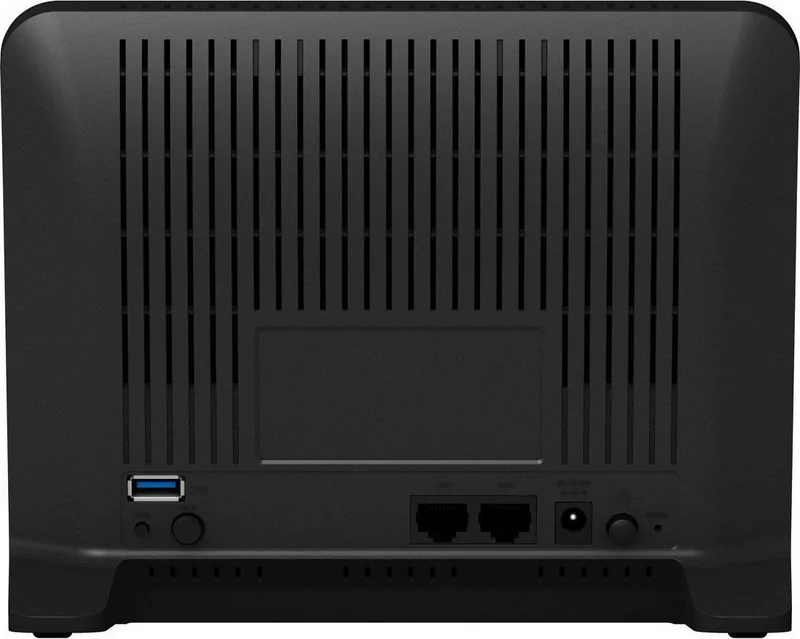
- Compact design with USB 3.0 for external storage or printer sharing.
- Granular LED indicators and physical buttons (WPS, Wi‑Fi on/off, reset) for quick status and control.
- Supports common security modes and enterprise authentication (WPA2‑Enterprise).
Disadvantages

- Only one Gigabit LAN plus one Gigabit WAN limits wired port density for heavy wired setups.
- Performance capped by mid‑range hardware — not ideal for top-tier multi‑gigabit demands.
- No built‑in storage bay — external drives require USB connection and are subject to USB limitations.
- Indoor use restrictions apply in certain 5 GHz bands depending on region.
- Advanced enterprise features may require additional Synology devices or licensing.
Product Specification
Modem
N/A
WAN
1x 1000Base-T
LAN
1x 1000Base-T
Wireless
WLAN 802.11a/b/g/n/ac/h (Wi-Fi 5), simultaneous
Transfer rate
400Mbps (2.4GHz), 867Mbps (5GHz)
Security
64/128bit WEP, WPA, WPA2, WPA3, WPS
Antennas
internal
Ports
1x USB-A 3.0
Power consumption
13W (consumption, operation), no data (max. power supply output)
Dimensions
7.83x6.06x2.56in
Features
MU-MIMO, TPC/DFS, IPv6, VPN passthrough (PPTP/L2TP/IPSec), DLNA, supports mobile modems (3G/4G), WLAN on/off switch, Roaming (Qualcomm Wi-Fi SON), Mesh (separate band, 867Mbps)
Band capability
Tri Band (Dual Band simultaneous + separate Mesh Band), Mesh (separate band, 867Mbps)
Manufacturer's warranty
two years
Note
WPA3 after firmware update (from 16.10.2018 Firmware 1.2-7742).
Product Description
Synology MR2200ac — Powerful Mesh Wi‑Fi Made Simple
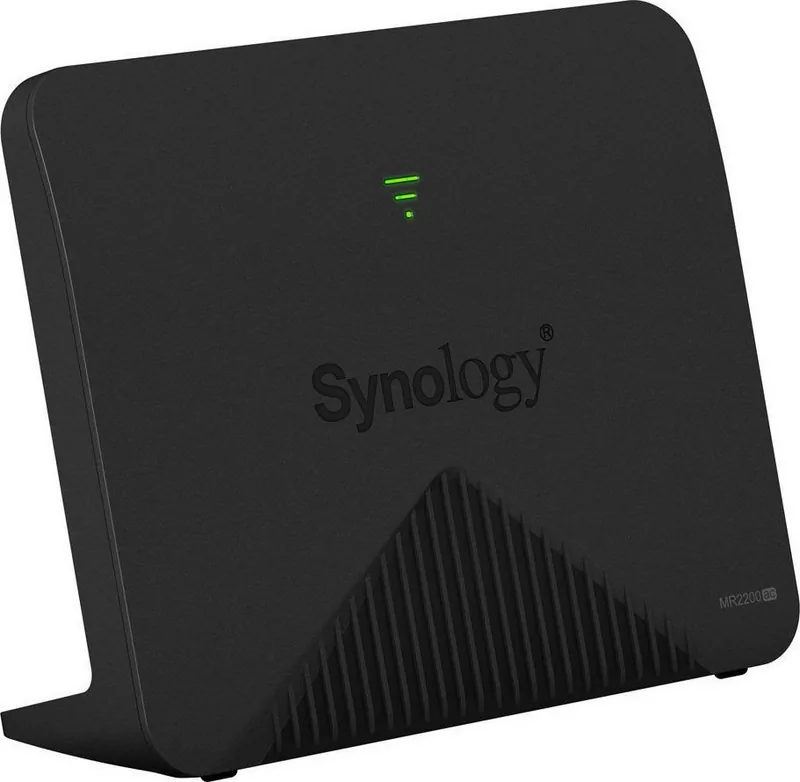
The Synology MR2200ac is a compact, versatile tri‑band Wi‑Fi router designed for home and small office mesh deployments. Built to deliver broad coverage, stable throughput, and easy management, the MR2200ac blends Synology’s networking experience with a user‑friendly interface. Featuring both 2.4 GHz and dual 5 GHz radios, gigabit WAN/LAN connectivity and a USB 3.0 port for storage or printer sharing, it supports flexible operation as a primary router or an additional Wi‑Fi point within a Synology mesh system.
Key features and setup
Out of the box, the MR2200ac includes the main router, an AC power adapter and an RJ‑45 network cable. LED indicators on the front panel show system status and Wi‑Fi signal strength; buttons and switches (Power, Reset, WPS, Wi‑Fi On/Off) let you control basic functions without the web console. For quickest installation, connect the WAN port to your ISP modem, power the unit, then follow the Synology Router Manager (SRM) setup wizard via router.synology.com or 192.168.1.1:8000. Default SSID and password are provided on the device label and can be changed during SRM setup.
SRM simplifies roles and modes: configure the MR2200ac as a Wireless Router (with optional external SRM access), or as a Wireless Access Point and easily add it to an existing Synology mesh by using Wi‑Fi Connect → Wi‑Fi Point. SRM supports common internet types (Auto IP, PPPoE, Manual IP) and an intuitive setup wizard that completes in minutes.
Performance, specs and environment
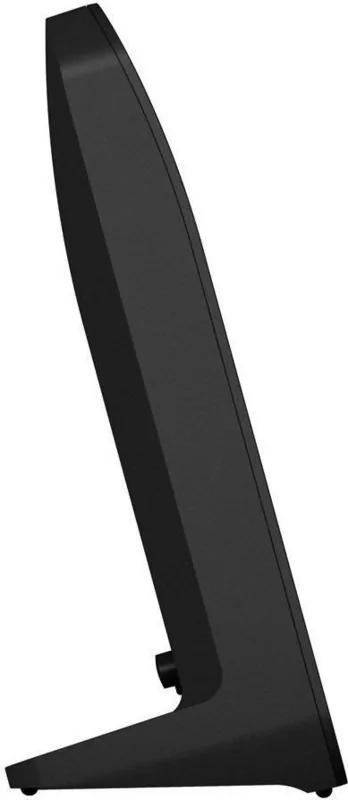
MR2200ac supports 802.11 b/g/n on 2.4 GHz and 802.11 a/n/ac on two 5 GHz channels, delivering up to 400 Mbps on 2.4 GHz and 867 Mbps on 5 GHz per band. It is compact (154 x 199 x 65 mm), lightweight (0.45 kg), and run from a 12V/2A adapter. The router supports standard wireless security (WEP/WPA/WPA2, WPA2‑Enterprise), WPS, and external file systems via USB (ext4, ext3, FAT, NTFS, HFS+). Place the unit centrally on a stable surface, away from large metal objects, microwaves and other interference sources for optimal coverage.
Management and indicators
SRM provides a guided setup and device management, including mesh pairing and Wi‑Fi network configuration. The front LEDs indicate power, mesh/WPS activity, Wi‑Fi signal strength and errors; different LED behaviors denote boot, ready-to-setup, syncing/finding devices, or errors.
Notes:
- Default credentials should be changed during initial SRM setup for security.
- Use SRM to add the MR2200ac to an existing Synology mesh for unified coverage.
- Keep firmware and SRM updated to benefit from security fixes and new features.
Search for 67,706 Manuals online


Type-in Brand or Model
maria_k
10 months ago
Does the device work well with my FritzBox and also with Synology? I want SRM compatibility without setup hassle.
Manual.ly
10 months ago
Yes. Reviewers report that the SRM software integrates smoothly with both FritzBox and Synology systems. The setup is described as straightforward, and the device functions reliably in mixed environments. If you already use SRM with a FritzBox or manage services via Synology, you can expect good interoperability and stable performance.