
Synology Manuals
Manuals
Categories

Synology Manuals: Comprehensive Guides for Your NAS
Introduction
Synology manuals are detailed, user-friendly documents designed to guide users through the setup, configuration, maintenance, and advanced usage of Synology NAS (Network Attached Storage) devices and associated software. These manuals cover a wide range of topics from unboxing and hardware installation to network configuration, data protection, multimedia streaming, virtualization, cloud integration, and troubleshooting. Whether you are a beginner setting up your first NAS or an IT professional managing multiple devices in a business environment, Synology manuals provide structured, step-by-step instructions, best practices, and reference material to help you maximize the capabilities of your Synology ecosystem.
Purpose and Audience
Purpose
The primary purpose of Synology manuals is to ensure users can deploy, operate, and maintain their NAS systems reliably and efficiently. Manuals are intended to reduce the learning curve, prevent common mistakes, and provide a reliable source of technical information that supports both everyday tasks and advanced configurations. They also serve as a reference for troubleshooting and optimizing system performance.
Audience
Synology manuals are written for a broad audience including home users, enthusiasts, small business owners, IT administrators, and enterprise professionals. The content typically ranges from beginner-level setup guides to advanced technical documentation, allowing readers at various skill levels to find information relevant to their needs.
Structure and Format
Synology manuals generally follow a consistent structure to ensure clarity and ease of navigation. Common sections include:
- Overview: A brief introduction to the device or software and its key features.
- Hardware Setup: Instructions for unboxing, installing hard drives or SSDs, inserting expansion modules, and connecting power and network cables.
- Initial Configuration: Step-by-step guidance for first-time initialization, DSM (DiskStation Manager) installation or updates, account creation, and basic network settings.
- Core Functions: Detailed explanations of file services, user and group management, shared folders, and access permissions.
- Applications and Services: Instructions for installing and using Synology apps such as File Station, Synology Drive, Audio Station, Video Station, Photo Station/Photos, MailPlus, and Surveillance Station.
- Data Protection: Guides on RAID configurations, backup strategies, snapshot replication, Hyper Backup, and disaster recovery.
- Advanced Networking: Topics covering VPN setup, port forwarding, firewall rules, link aggregation, VLANs, and reverse proxy configuration.
- Virtualization and Containers: Documentation for running VMs with Virtual Machine Manager, Docker containers, and integrating with third-party hypervisors.
- Performance and Optimization: Tips for storage pooling, SSD caching, tiering, and monitoring system resources.
- Security and Compliance: Best practices for securing DSM, enforcing strong authentication, enabling encryption, and meeting compliance requirements.
- Troubleshooting and Maintenance: Common issues, error codes, log analysis, firmware updates, and hardware maintenance.
- Appendices: Technical specifications, command-line references, change logs, and support contacts.
Each section typically includes screenshots, diagrams, command examples, tables, and step-by-step checklists to facilitate practical implementation.
Key Topics Covered
Installation and Hardware
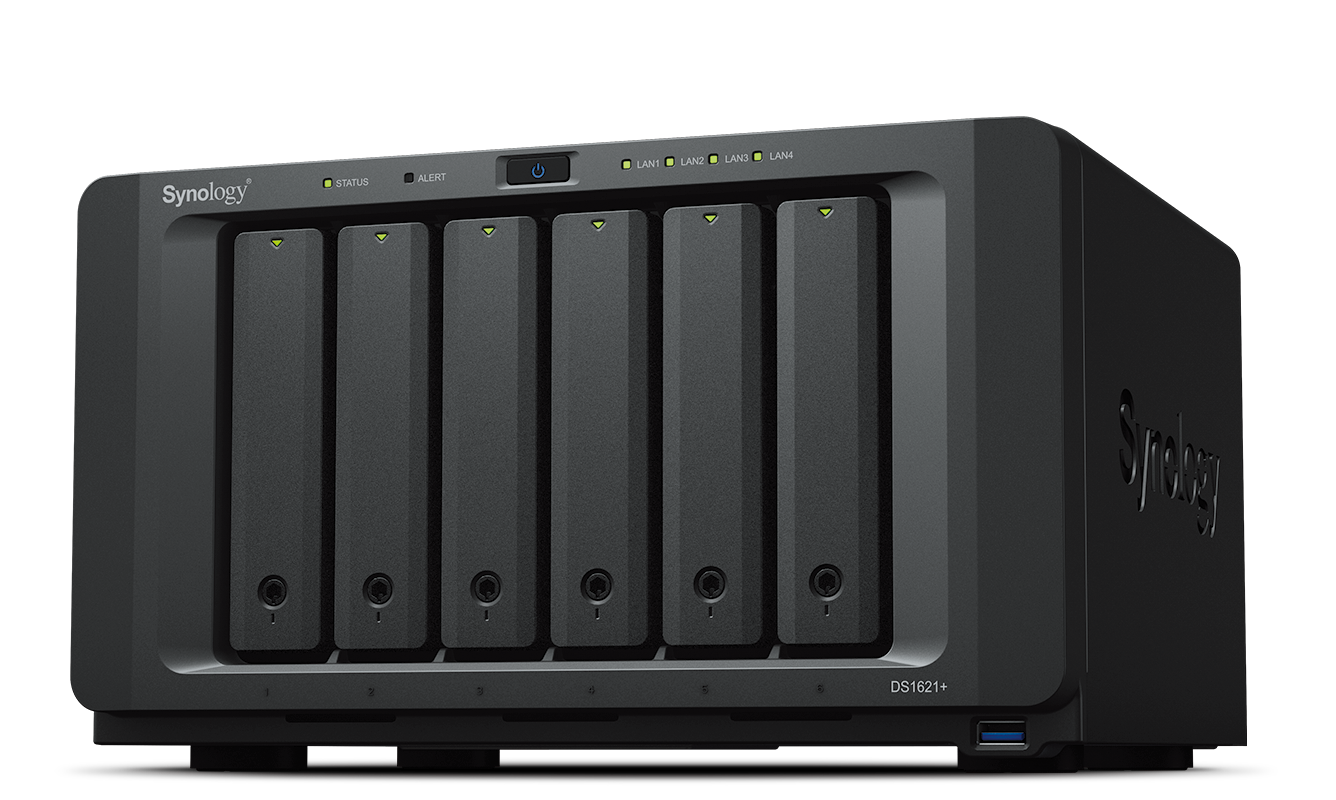
Synology manuals provide clear guidance on physical installation: mounting drives, installing expansion units, connecting to the network, and powering devices. They include compatibility lists for drives, recommended torque settings for drive screws, and ESD (electrostatic discharge) precautions. Detailed diagrams help users identify ports, LEDs, and buttons, and explain system behavior during boot and firmware updates.
DSM (DiskStation Manager)
A major component of Synology documentation is the DSM manual. DSM is Synology’s operating system for NAS devices, and its manual covers the graphical interface, system settings, package center, control panel, and file management tools. Manuals explain how to update DSM, configure storage pools and volumes, and manage services via the GUI or command line.
Storage and Data Protection
Storage-related topics receive extensive coverage. Manuals describe RAID types (Basic, JBOD, RAID 0/1/5/6/10), Synology Hybrid RAID (SHR), volume creation, LVM, and thin provisioning. Data protection sections explain RAID rebuilds, SMART monitoring, hot spares, and NTFS/HFS+/exFAT compatibility. Backup solutions such as Hyper Backup, Snapshot Replication, Cloud Sync, and Active Backup for Business are documented with sample scenarios for local, remote, and cloud backups.
File Services and Collaboration
Synology manuals explain how to set up SMB, AFP (deprecated/legacy contexts), NFS, FTP, SFTP, and WebDAV services for cross-platform file sharing. Collaboration tools like Synology Drive, Office, and Synology Chat are covered to help teams share files, edit documents collaboratively, and maintain synchronized data across devices.
Multimedia and Mobile Integration
Manuals detail configuring media servers, transcoding settings, and streaming protocols to serve music, videos, and photos to a variety of devices including smart TVs, mobile devices, and DLNA clients. They also cover the use of mobile apps for iOS and Android to access files, stream media, and manage the NAS remotely.
Security and Access Control
Security sections explain firewall configuration, account management, user quotas, two-factor authentication (2FA), application permission control, and IP blocking. Cryptographic features such as AES encryption for shared folders, encrypted backups, and secure protocols (HTTPS, SFTP) are explained to help protect sensitive data. Guides for using Synology Directory Server and LDAP integration are included for centralized authentication.
Networking and Remote Access
Remote access guides teach users how to configure QuickConnect, DDNS, port forwarding, NAT, VPN server/client setups (OpenVPN, L2TP/IPsec, WireGuard where supported), and site-to-site VPNs. Network optimization topics include link aggregation (802.3ad), jumbo frames, VLAN tagging, and QoS recommendations.
Virtualization and Containers
For advanced users, Synology manuals cover Virtual Machine Manager and Docker. These sections include instructions for creating and managing virtual machines, allocating CPU/memory/storage, setting up virtual networks, creating snapshots, and running containerized applications for development and production workloads.
Surveillance and IoT
Surveillance Station documentation helps users set up IP cameras, configure recording schedules, motion detection, event handling, and remote monitoring. Manuals include camera compatibility lists, camera stream settings, storage planning for retention periods, and mobile app integration for live viewing and alerts.
Format Variants and Languages
Synology publishes manuals in multiple formats: online knowledge base articles, downloadable PDF manuals, built-in help pages within DSM, and localized translations for many languages. The online Knowledge Base often supplements manuals with up-to-date articles, video tutorials, firmware release notes, and community-contributed tips.
Best Practices and Use Cases
Synology manuals often include best-practice recommendations tailored to different use cases:
- Home users: Simple RAID setups, media streaming, personal backups, and remote access via QuickConnect.
- Small businesses: Centralized file servers, Active Backup for Business, mail servers, shared calendars, and strict backup policies.
- Creative professionals: High-performance volumes, SSD caching, large media libraries, and fast file sharing.
- Enterprise: Redundant network configurations, multi-site replication, integration with Active Directory, and virtualization support.
Use case examples show sample deployment architectures, capacity planning advice, and backup retention strategies to help users make informed choices.
Troubleshooting and Support
Synology manuals integrate troubleshooting flowcharts and frequently asked questions to guide users through common issues such as degraded volumes, failed updates, network connectivity problems, or RAID rebuild failures. They provide instructions for collecting diagnostic information (system logs, support snapshots) and steps for contacting Synology Support. For deeper technical issues, there are references to CLI tools, debug modes, and official knowledge base articles.
Keeping Manuals Updated
Synology periodically updates manuals to reflect new DSM releases, security patches, and hardware upgrades. Users are encouraged to consult the latest online manuals and release notes to ensure compatibility and adopt improved procedures. Change logs and revision histories within manuals help track what has changed between versions.
Conclusion
Synology manuals are thorough and well-structured resources intended to help users at every level manage Synology NAS devices and software effectively. By covering hardware setup, DSM administration, data protection, networking, security, multimedia, virtualization, and troubleshooting, these manuals serve as a central reference that empowers users to deploy resilient, secure, and performant storage solutions. Regularly consulting official Synology documentation and knowledge base articles ensures best practices are followed and systems remain up to date and secure.
Search for 1 Mio. Manuals online


Type-in Brand or Model