
Synology DiskStation J Series Manual
PDF manual · 21 Pages
English



Quick check
Incorrect answer, please try again.
Chat with your Synology DiskStation J Series manual using AI
Get instant AI answers from your Synology DiskStation J Series manual
Ask anything about the Synology DiskStation J Series. Answers come from this manual, with the pages they are based on.
Ask a Question
Do you recommend DiskStation J Series?
Yes NoFrequently Asked Questions
You can install DSM using the Web Assistant. Connect the NAS to your router, open a browser, and visit find.synology.com. Follow the on-screen prompts to download and install the latest version automatically.
Is this answer helpful?
The DS120j supports one 3.5-inch or 2.5-inch SATA hard drive. Maximum capacity is 16TB. Check the compatibility list on the Synology website before purchasing.
Is this answer helpful?
Yes. Turn off the device, unplug the power cable, remove the top cover, unscrew the fan, disconnect the cable, and replace it with a new one following the manual instructions.
Is this answer helpful?
The DS120j has protection against sudden power loss, but it is always recommended to use an uninterruptible power supply (UPS) to prevent data corruption during outages.
Is this answer helpful?
Yes, it can stream media files to connected devices. However, for heavy transcoding, a more powerful model might be needed due to the limited processing capabilities of this entry-level unit.
Is this answer helpful?
Press and hold the Reset button until you hear a beep to restore default settings including the IP address and password. Refer to the manual for specific timing instructions.
Is this answer helpful?
Advantages and Disadvantages
Advantages

- Compact size ideal for home or small office environments
- Easy installation using the Web Assistant tool
- Supports both 3.5-inch and 2.5-inch SATA drives
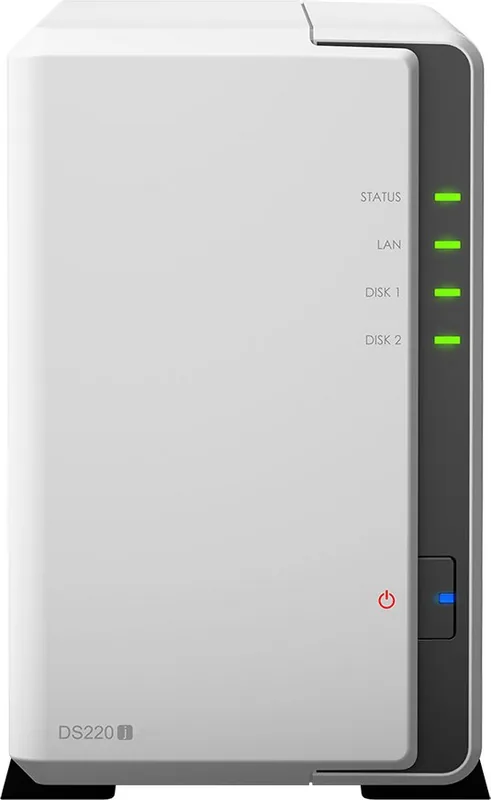
- Clear LED status indicators for quick diagnostics
- Low power consumption with sleep mode support
Disadvantages

- Single drive bay limits expansion options
- USB 2.0 ports offer slower transfer speeds than USB 3.0
- No RAID support beyond Basic configuration
- Fan replacement requires opening the chassis
- Limited to one LAN port for network connectivity
Product Specification
Hard Drive
N/A
Product Description
Discover the Synology DiskStation J Series DS120j
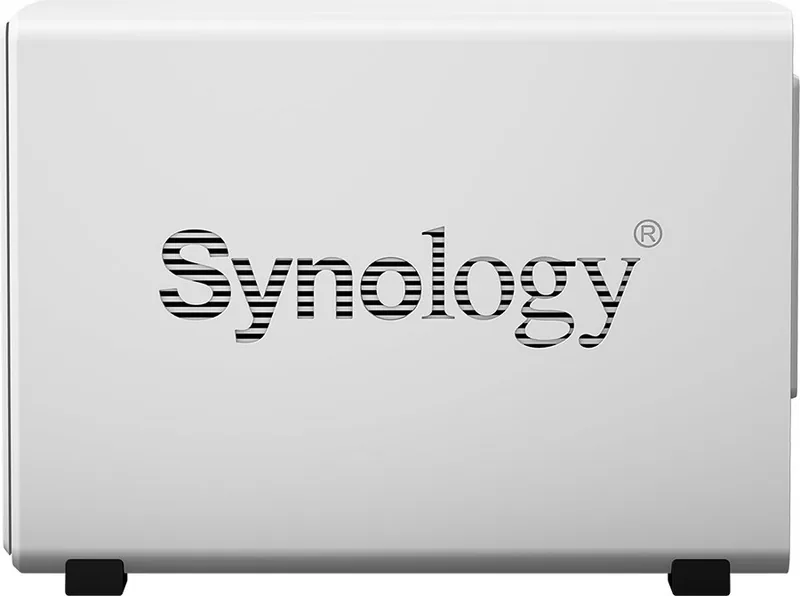
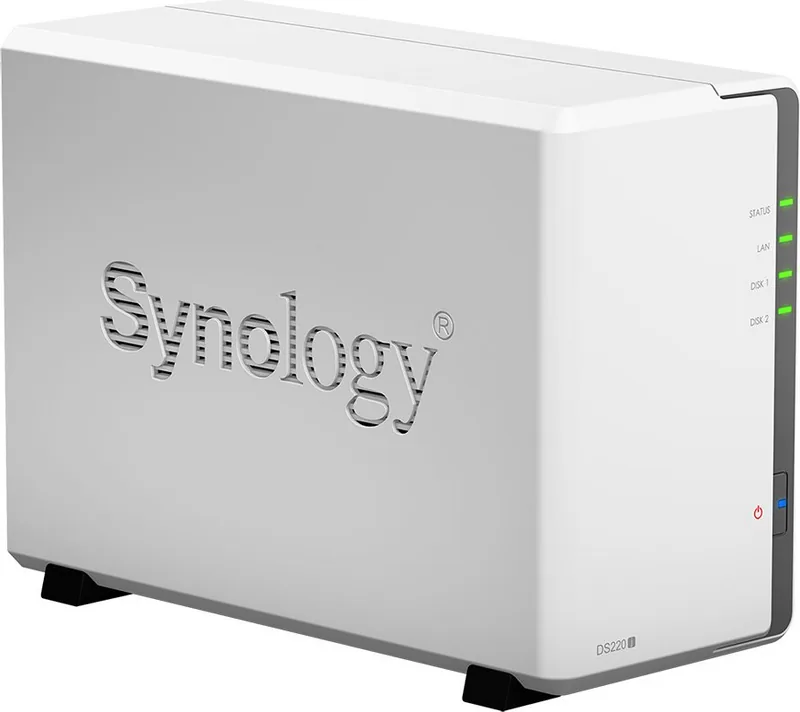
The Synology DiskStation DS120j represents a compact and efficient entry point into the world of network-attached storage. Designed for home users and small offices, this device offers a seamless way to centralize your data, share files across multiple devices, and enjoy automated backups without the complexity of enterprise-grade systems. Its sleek design fits easily on a desk or in a server rack, making it an unobtrusive yet powerful addition to any digital workspace.
At the heart of the DS120j is the DiskStation Manager (DSM) operating system, a browser-based interface that simplifies management tasks. Users can install DSM quickly using the built-in Web Assistant, which guides them through the setup process over the local network. Once configured, the system supports various file types and allows for easy integration with Windows, Mac, and mobile devices. The hardware features a single bay compatible with 3.5-inch and 2.5-inch SATA drives, supporting up to 16TB of storage capacity.
Security and reliability are paramount, with features like Wake-on-LAN and scheduled power operations ensuring energy efficiency. The device includes clear LED indicators to monitor status, network activity, and drive health at a glance. For maintenance, the unit allows for straightforward fan replacement and basic troubleshooting steps are readily available. Whether you need a simple backup solution or a media server, the DS120j delivers performance where it matters most.
Important Notes
- Always back up data before installing new drives as the system will format them.
- Ensure the device is placed in a well-ventilated area away from direct sunlight.
- Use only compatible hard drives listed on the Synology website for optimal performance.
Search for 67,706 Manuals online


Type-in Brand or Model