
Synology BC500 Manual
PDF manual · 25 Pages
English



Quick check
Incorrect answer, please try again.
Chat with your Synology BC500 manual using AI
Get instant AI answers from your Synology BC500 manual
Ask anything about the Synology BC500. Answers come from this manual, with the pages they are based on.
Ask a Question
Do you recommend BC500?
Yes NoFrequently Asked Questions
Press the reset button for 4 seconds for a soft reset resetting network settings or 10 seconds for a hard reset to factory defaults.
Is this answer helpful?
The camera supports a maximum resolution of 2880 x 1620 pixels at 30 frames per second for high definition recording.
Is this answer helpful?
Yes, the camera has an IP67 rating making it suitable for outdoor use in rain and dusty environments.
Is this answer helpful?
New products have a one year warranty period from the purchase date for manufacturing defects during normal use.
Is this answer helpful?
No, the DC adapter is not included in the package you must use a compatible 12V 1A adapter separately.
Is this answer helpful?
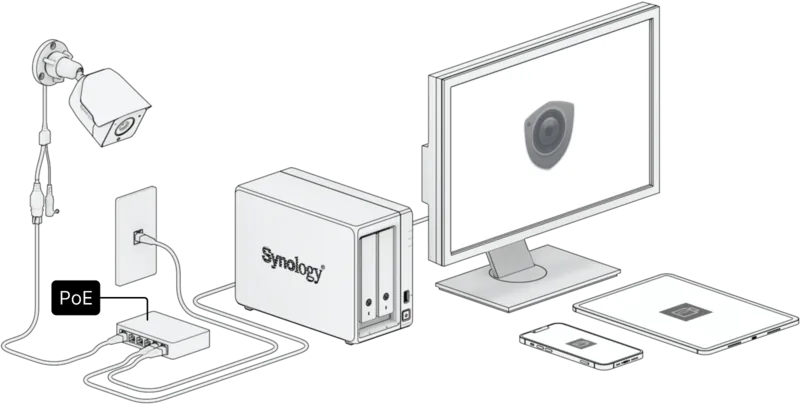
Connect to a PoE switch for power and data or use a separate power adapter for power only.
Is this answer helpful?
Yes, you can use a MicroSD card up to 128GB for edge recording but it is not included.
Is this answer helpful?
Advantages and Disadvantages
Advantages

- Max Resolution 2880 x 1620 provides clear high quality video surveillance.
- IP67 rating ensures effective weather resistance for outdoor installation environments.
- Power over Ethernet option supplies data and power via single cable.
- LED status indicator displays system state with clear color coding.
Disadvantages

- Power adapter is not included in package contents for users.
- MicroSD memory card is not included for edge recording storage.
- Default IP address changes after soft reset to network settings.
- DC adapter requires specific 12V 1A electrical compatibility requirements.
Product Specification
Type
Bullet
Image Sensor
1/2.7" CMOS
Resolution
2880x1620 Pixels (30fps)
Lens
2.8mm (F1.8)
Light Sensitivity
0 Lux (IR)
Field of View
110° (horizontal), 56° (vertical), 132° (diagonal)
Pan
N/A
Tilt
N/A
Compression/Codecs
H.264, H.265, G.711
Multistreaming
supported
Interfaces
1x RJ-45 100Mb LAN
Storage
1x microSD Slot (max. 128GB)
Microphone
Integrated
Lighting
IR Lighting (98.43 ft)
Power Supply
PoE (Type 1)
Protection Rating
IP67
Enclosure
Suitable for Outdoor Use
System Control & Operation
Mobile App (Android, iOS)
Zones & Analysis Features
Motion Detection, Tamper Detection, Sound Detection, Person Detection, Vehicle Detection, Privacy Zones
Manufacturer Warranty
3 Years
Product Description
Exploring the Synology BC500
Comprehensive Setup Guide
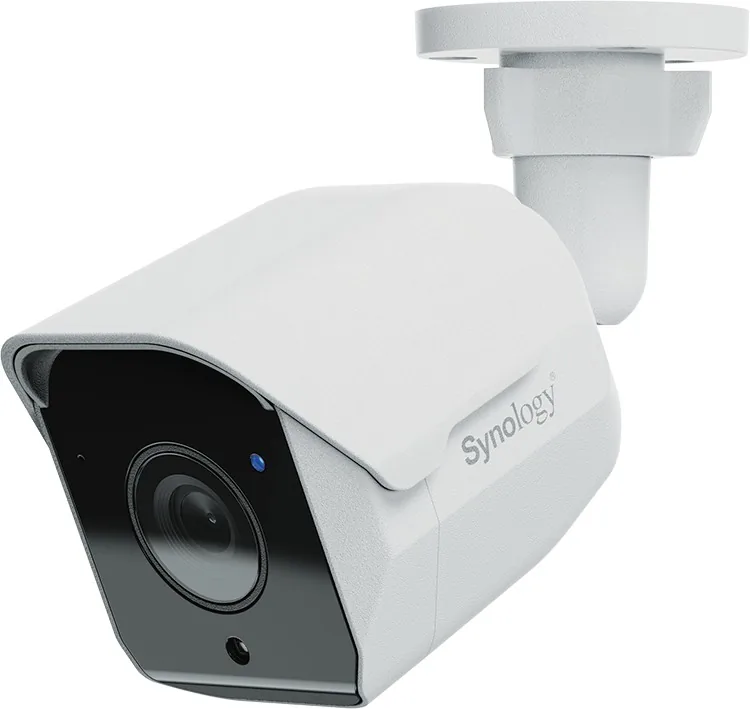
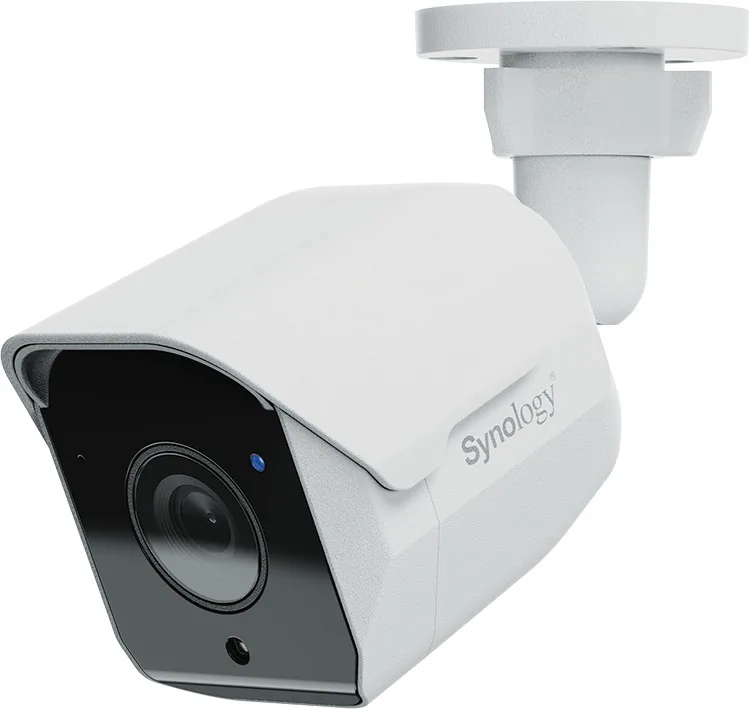
The Synology BC500 represents a significant advancement in home and office security surveillance. This camera is designed to deliver high-definition footage with clarity that standard devices often lack. When you acquire this device, it is vital to read the complete Synology BC500 Manual before installation begins. Proper preparation ensures safety and optimal performance from day one. Understanding the package contents prevents missing parts during assembly.
Hardware Capabilities
The camera offers a maximum resolution of 2880 x 1620 at 30 frames per second. This ensures crisp images even in challenging lighting conditions. The lens features a 2.8mm focal length with a wide viewing angle of 110 degrees horizontally. An aperture of F1.8 allows for good light intake. It is built for durability with an IP67 weather resistance rating. This means it can withstand rain and dust effectively for outdoor use. The system supports Surveillance Station versions 9.1.0 or above for full integration.
Installation and Connectivity
Setting up the device requires careful attention to power and network connections. You can use Power over Ethernet to supply both power and data simultaneously. Alternatively, a separate DC adapter can provide power if preferred. The manual details the specific RJ-45 connector cap cover installation for outdoor environments to ensure waterproofing. Positioning is key to performance. Avoid direct sunlight on the lens and reflective surfaces that could distort the image. Drill holes for screws with a diameter of 5.5mm for stability.
Safety and Maintenance
Safety instructions emphasize stable mounting to prevent falling hazards. The environment must be well-ventilated to avoid overheating. Ensure power supply equipment is compatible to prevent fire hazards. Do not use chemical aerosols for cleaning. If a reset is needed, the manual distinguishes between soft and hard resets. A soft reset restores network settings while a hard reset wipes all configurations to factory defaults. Always check package contents which include the main unit and screws but exclude the power adapter and memory card. LED indicators show status clearly with color coding.
Warranty and Support
Synology provides a limited product warranty for New Products. This covers defects in workmanship under normal use. Customers are advised to back up stored data before returning any items for service. The software license agreement governs the use of the firmware included on the product. Keep these documents safe for future reference regarding service claims or compliance. Support services are available during the specified warranty period.
Final Notes
Always verify local regulations before installation. Ensure your network supports the device requirements.
Search for 67,706 Manuals online


Type-in Brand or Model