
StarTech S2510BPU337 Manual
PDF manual · 13 Pages
English



Quick check
Incorrect answer, please try again.
Chat with your StarTech S2510BPU337 manual using AI
Get instant AI answers from your StarTech S2510BPU337 manual
Ask anything about the StarTech S2510BPU337. Answers come from this manual, with the pages they are based on.
Ask a Question
Do you recommend S2510BPU337?
Yes NoFrequently Asked Questions
It supports 7mm-high 2.5-inch SATA SSDs and HDDs. Thicker 9.5mm or 15mm drives are not supported. Use the included pad for snug fit with 5mm drives where applicable.
Is this answer helpful?
No. The enclosure is bus-powered through the USB 3.0 connection, so it runs entirely from the host port without needing a separate power adapter.
Is this answer helpful?
Yes. UASP is supported and can significantly improve queue handling, latency, and throughput with SSDs compared to traditional USB BOT, especially for small-file and parallel workloads.
Is this answer helpful?
Use your OS’s safe-eject feature. On Windows, select Safely Remove Hardware; on macOS, eject the volume from Finder. Unplug only when the LED stops blinking to avoid data loss.
Is this answer helpful?
Windows 2000/XP/Server 2003/Vista/Server 2008 R2/7/8/8.1 (32/64-bit), macOS 9/10, and Linux. It functions as a standard USB mass storage device.
Is this answer helpful?
On Windows, open Disk Management, initialize as MBR or GPT, then create and format a new volume. Choose GPT for modern systems and large capacities; use MBR for legacy OS compatibility.
Is this answer helpful?
The interface supports up to 5 Gbit/s over USB 3.0. Real-world speeds depend on the host port, cable, and drive performance, with SSDs typically achieving higher throughput than HDDs.
Is this answer helpful?
Advantages and Disadvantages
Advantages

- UASP support boosts SSD performance and lowers latency
- Bus-powered via USB 3.0—no external adapter required
- Simple, tool-less installation with positioning pegs
- Wide OS compatibility across Windows, macOS, Linux
- LED activity indicator for safe drive handling
Disadvantages

- Limited to 7mm 2.5-inch drives; thicker drives unsupported
- USB 3.0 Micro‑B port is less robust than USB‑C
- No hardware encryption or RAID features
- Throughput capped by USB 3.0 5 Gbit/s interface
Product Specification
Form factor
2.5"
Internal connector
1x SATA 6Gb/s (up to 7mm height)
External connector
1x USB 3.0 Micro-B (5Gb/s)
RAID level
N/A
Fan
N/A
Dimensions
4.96x3.15x0.37in
Weight
0.10 lb
Color
black
Manufacturer warranty
two years
USB notation
Link
Product Description
StarTech S2510BPU337 USB 3.0 Micro-B Manual – The Sleek 2.5in SATA III Enclosure
Turn Any 7mm 2.5" SSD/HDD Into Fast, Portable Storage
Compact UASP-Ready USB 3.0 Performance
Meet the StarTech S2510BPU337 USB 3.0 Micro-B enclosure, a slim, tool-less way to give your 7mm 2.5-inch SATA III SSD or HDD a second life. Designed for speed, portability, and simplicity, it pairs a USB 3.0 host interface with SATA III inside, so your drive feels quick and responsive for backups, media libraries, and everyday file shuttling.
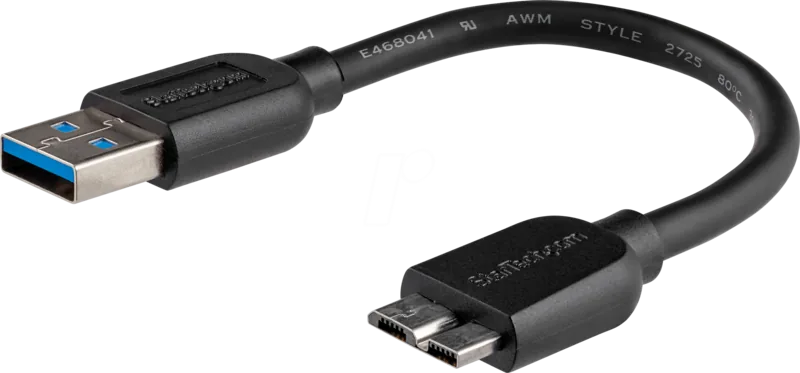
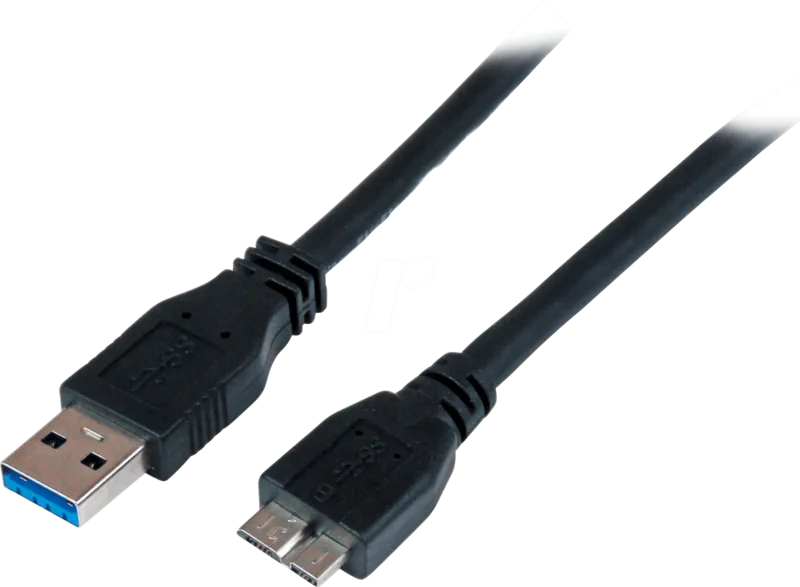
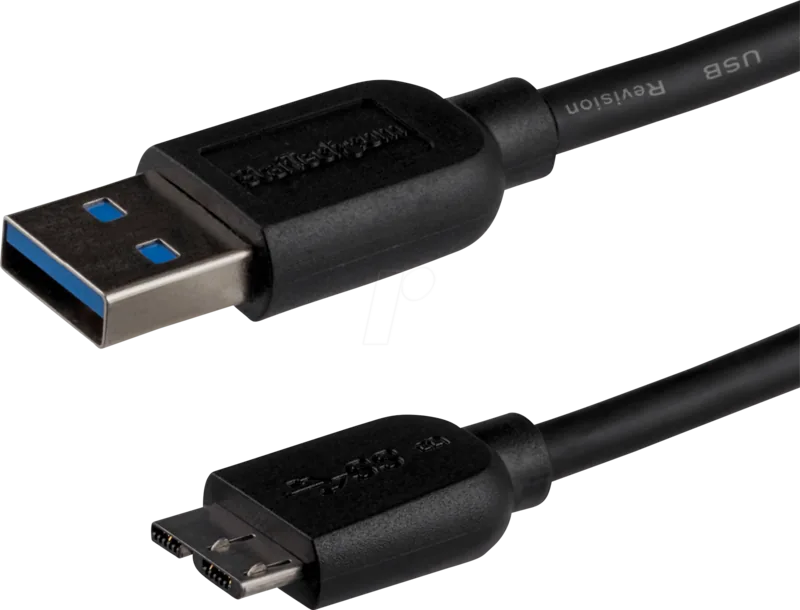
With UASP support, the enclosure delivers improved throughput and lower latency compared to traditional USB BOT—especially noticeable with SSDs. The included USB 3.0 Micro‑B cable connects to any USB 3.0 or backward-compatible USB 2.0 port, making it a plug-and-play companion for Windows, macOS, and Linux systems.
Installation is straightforward: slide open the cover, align the 7mm drive using the built-in positioning pegs, connect to the internal SATA interface, and lock it back in place. The bus-powered design needs no external adapter, and the LED indicator provides clear feedback—solid for power, blinking for activity—so you always know when it’s safe to disconnect.
Once connected, your OS treats the drive like internal storage. New drives may need initialization and formatting (MBR or GPT), and the enclosure handles both HDDs and SSDs with equal ease. Whether expanding a laptop’s capacity, creating a portable scratch disk, or salvaging data from an old drive, this unit stays cool, quiet, and secure in a sleek shell.
For reliability, StarTech backs the enclosure with a two-year warranty and lifetime technical support. It’s a practical, minimal, and dependable way to modernize storage without fuss.
Notes:
- Supports 7mm-high 2.5" SATA SSD/HDD only
- LED flashes during activity—always eject safely before unplugging
- Compatible with Windows 2000–8.1, macOS 9/10, and Linux
The product delivers clear satisfaction, conveying a sense of reliability and fulfillment in everyday use. It feels well-made and dependable, performing its core functions without hassle. The impression is one of straightforward effectiveness: it works as expected, integrates smoothly into routine tasks, and leaves little room for complaint. The tone suggests that expectations are met or exceeded, with no notable shortcomings highlighted. Overall, it presents itself as a practical, no-nonsense solution that earns confidence through consistent, uncomplicated performance.
Search for 67,706 Manuals online


Type-in Brand or Model
Lena Koch
10 months ago
Is the product actually worth it? Do buyers feel the quality and performance match expectations?
Manual.ly
10 months ago
Based on the customer feedback we reviewed, buyers are very satisfied with the product. Reviewers specifically state they are happy with the part, which typically indicates that quality and day-to-day performance meet expectations. If you want to be extra safe before ordering, check that the part matches your exact model or specifications (e.g., compatible version, size, and any required mounting or connection details). If you share your device model or intended use, support can help confirm compatibility so you get the right part the first time.