
StarTech PEXUSB3S24 Manual
PDF manual · 2 Pages
English



Quick check
Incorrect answer, please try again.
Chat with your StarTech PEXUSB3S24 manual using AI
Get instant AI answers from your StarTech PEXUSB3S24 manual
Ask anything about the StarTech PEXUSB3S24. Answers come from this manual, with the pages they are based on.
Ask a Question
Do you recommend PEXUSB3S24?
Yes NoFrequently Asked Questions
It adds two external USB 3.0 Type-A ports through a PCI Express slot, letting a desktop gain faster SuperSpeed USB connectivity for drives, adapters, and other peripherals.
Is this answer helpful?
The card supports USB 3.0 transfer rates up to 5 Gbps, which is much faster than older USB 2.0 connections and useful for high-speed storage devices.
Is this answer helpful?
It can run through PCIe, but it also includes an optional SATA power connector. Using SATA power may help with devices that need more reliable power delivery.
Is this answer helpful?
Yes. A low-profile bracket is included, so it can be installed in compact or half-height desktop systems when space is limited.
Is this answer helpful?
The manual lists support for several Windows versions, including Windows 8, 7, Vista, XP, and Windows Server editions, as well as Linux 2.6.31 or later.
Is this answer helpful?
In Windows Device Manager, look under Universal Serial Bus Controllers for the Renesas Electronics USB 3.0 Host Controller and Root Hub without warning icons.
Is this answer helpful?
Advantages and Disadvantages
Advantages

- Adds 2 USB 3.0 Type-A ports with SuperSpeed up to 5 Gbps.
- Fits PCIe x1 slots and can also work in larger PCIe lanes.
- Includes a low-profile bracket for compact desktop cases.
- Optional SATA power helps support more stable device power.
Disadvantages

- Requires driver installation on Windows before use.
- Needs an available PCI Express slot to install.
- Only two external USB ports, so expansion is limited.
- Best results may depend on using the optional SATA power connection.
Product Specification
External
2x USB-A 3.0
Internal
N/A
Interface
PCIe x1
Chipset
NEC Renesas uPD720202
Power supply
1x 15-Pin SATA Power
Special features
low profile PCB, UASP
USB designation
Link
Product Description
StarTech PEXUSB3S24: Compact USB 3.0 Expansion with Practical Everyday Speed
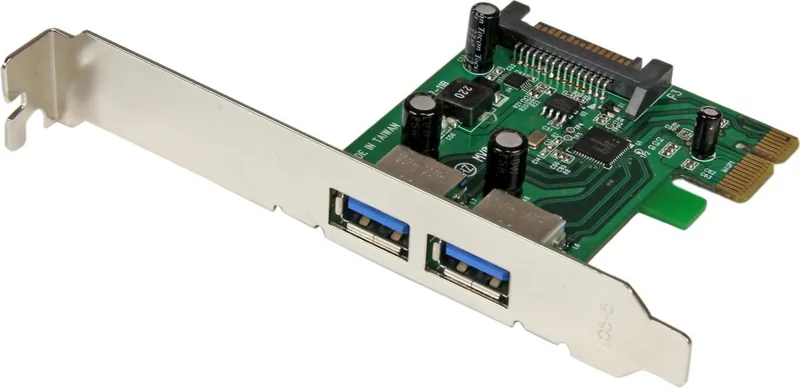
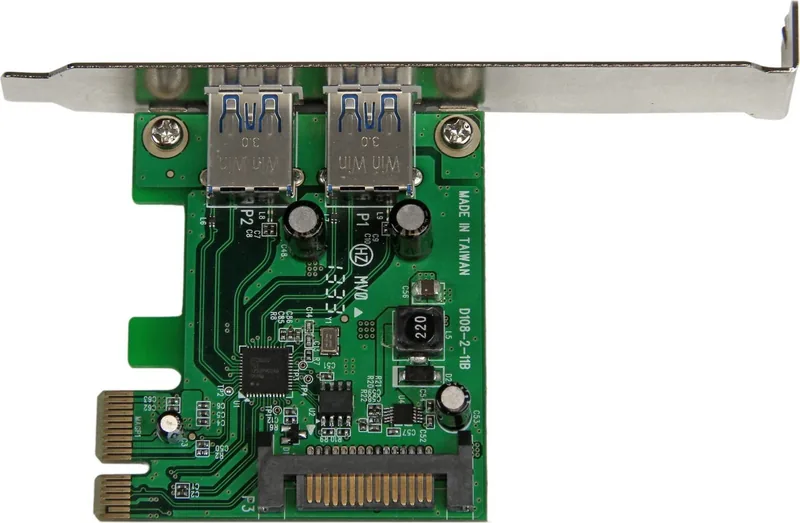
The StarTech PEXUSB3S24, 2x USB-A 3.0, PCIe x1 Manual highlights a simple idea done well: add two SuperSpeed USB ports to a desktop system without taking up much space. Built for users who need faster external connectivity, this PCI Express card expands a computer with two USB 3.0 Type-A female ports and supports transfer rates up to 5 Gbps. It is a useful upgrade for older PCs, small workstations, or systems that need a cleaner and more reliable front-end connection for modern peripherals.
Its PCIe x1 interface makes installation flexible, since the card can also fit into larger PCI Express slots such as x4, x8, or x16. That means it can be added to a wide range of systems with minimal hassle. The included low-profile bracket is especially helpful for compact desktops, making the card a good fit for small form factor builds where space is tight. An optional SATA power connector is also included, offering extra support when connected devices need more stable power delivery.
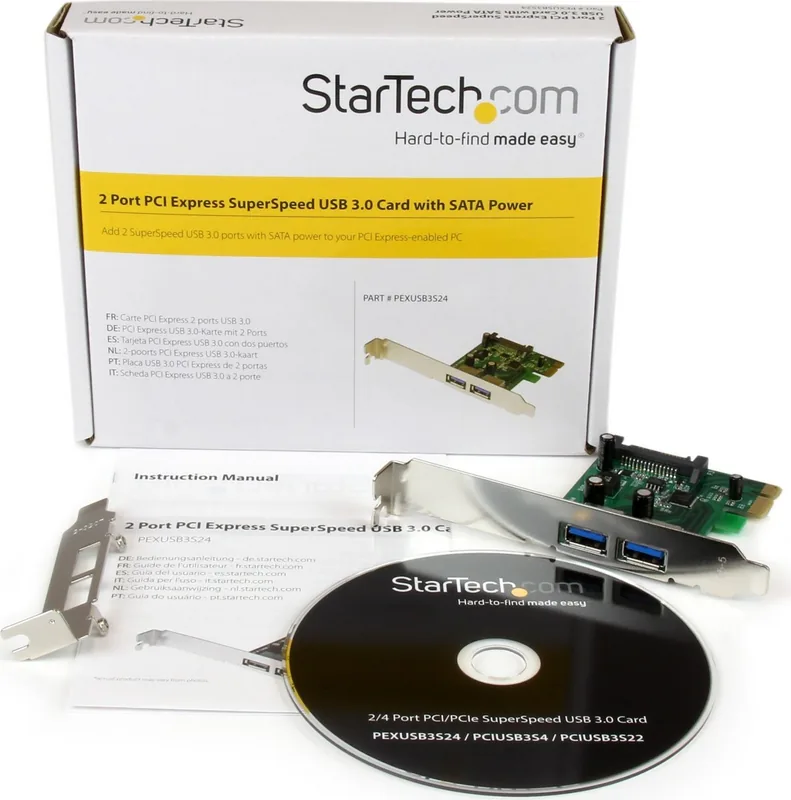
The package is focused on straightforward deployment. Inside the box, users get the expansion card, a low-profile bracket, a driver CD, and a user manual. For Windows systems, installation involves inserting the card, installing the Renesas driver, and then confirming the controller appears correctly in Device Manager. The manual also notes Linux support and broad compatibility across several Windows versions, which gives the card a practical edge for mixed environments and older machines.
Beyond speed, the card stands out for reliability and support. It uses the NEC/Renesas uPD720202 chipset and follows the USB 3.0 and Intel xHCI standards, helping ensure stable operation with compatible devices. StarTech also backs the product with lifetime technical support and a two-year warranty, which adds confidence for buyers looking for a dependable long-term upgrade rather than a temporary fix.
Overall, this card is best for anyone who wants to add two fast USB-A ports to a desktop with a PCIe slot. It is a compact, business-friendly solution that improves external device access without requiring a full system replacement.
Notes
- Anti-static handling is recommended during installation.
- Windows users may need to restart after driver setup.
- A SATA power connection is optional, but useful for power-hungry devices.
Search for 67,706 Manuals online


Type-in Brand or Model
Lukas Weber
7 months ago
Will this PCIe USB 3.0 card work with Windows 10, and is the installation straightforward in an older desktop?
Manual.ly
7 months ago
Yes. According to customer experience, the card can be installed and connected without special steps, and Windows 10 recognizes it properly. After installing, USB 3.0 speeds are available, so data transfers to an external USB 3.0 hard drive are noticeably faster and backup wait times are reduced. If you have a standard PCIe slot, you can typically expect a smooth setup similar to the usual hardware install flow.