
Sonoff ZBMINI Extreme ZBMINIL2 Manual
PDF manual · 16 Pages
English



Quick check
Incorrect answer, please try again.
Chat with your Sonoff ZBMINI Extreme ZBMINIL2 manual using AI
Get instant AI answers from your Sonoff ZBMINI Extreme ZBMINIL2 manual
Ask anything about the Sonoff ZBMINI Extreme ZBMINIL2. Answers come from this manual, with the pages they are based on.
Ask a Question
Do you recommend ZBMINI Extreme ZBMINIL2?
Yes NoFrequently Asked Questions
No, this model does not require a neutral wire for basic operation, allowing it to fit into older electrical boxes easily without extensive rewiring work.
Is this answer helpful?
Download the eWeLink application, add your gateway, power on the switch until the green light flashes slowly, then click add device within the app interface.
Is this answer helpful?
Yes, you can integrate it with Alexa by pairing a compatible Echo device with the gateway or by connecting the ZB Bridge to your Alexa account manually.
Is this answer helpful?
The device supports up to 6A for resistive loads and LED loads up to 300W at 240V, but ensure you stay within safe operating limits.
Is this answer helpful?
You can reset by long pressing the button for 5 seconds, pressing the external switch 10 consecutive times, or deleting the sub-device from the app.
Is this answer helpful?
Yes, short press the button three times until the green light flashes three times quickly to toggle between rocker and push button modes.
Is this answer helpful?
Zigbee operates on frequencies distinct from common WiFi routers, minimizing interference risks, though placing the hub centrally helps maintain signal strength.
Is this answer helpful?
Advantages and Disadvantages
Advantages

- No neutral wire required for installation in many scenarios
- Robust Zigbee 3.0 protocol ensures low latency operation
- Compatible with Amazon Alexa and Google Home voice assistants
- Compact design fits standard electrical boxes easily
- Over-the-air firmware updates supported remotely
Disadvantages

- Requires a Zigbee gateway for remote control features
- Limited load capacity for heavy industrial appliances
- Pairing mode resets automatically after three minutes of inactivity
- Mixed language instructions may confuse some new users
- Cannot handle inductive loads like fans directly
Product Specification
Type
Actuator
Standard
ZigBee 3.0
Function
Switch actuator (on/off)
Topology
Mesh
Dimensions
1.56x1.26x0.72in
Features
App control (Android, iOS), Voice control (Amazon Alexa, Google Assistant, Yandex Alice), IFTTT
Note
Requires Sonoff ZBBridge, Amazon Hub, Samsung SmartThings Hub, Philips Hue Bridge, eWeLink App!
Product Description
Enhancing Smart Home Control with Advanced Switching Technology
Transform your home automation experience significantly by utilizing the latest Sonoff ZBMINIL2 ZigBee Smart Switch Manual resources. This device simplifies modern smart home setups effectively by removing the need for complex neutral wire installations in many scenarios. Users can achieve seamless integration with existing infrastructure without hiring professional electricians for every minor lighting upgrade task. It enables remote control and scheduling functions to manage devices efficiently from various locations around the world securely.
Connectivity reliability relies on the robust Zigbee 3.0 protocol ensuring extremely low latency throughout operation. Integration with the dedicated eWeLink application allows remote access from virtually anywhere globally. You can schedule operations precisely or enable voice commands through popular third-party assistants like Amazon Alexa or Google Home seamlessly. OTA upgrades ensure firmware stays current without manual intervention requirements. Smart scene linking triggers other devices automatically based on specific user defined rules for improved workflow efficiency.
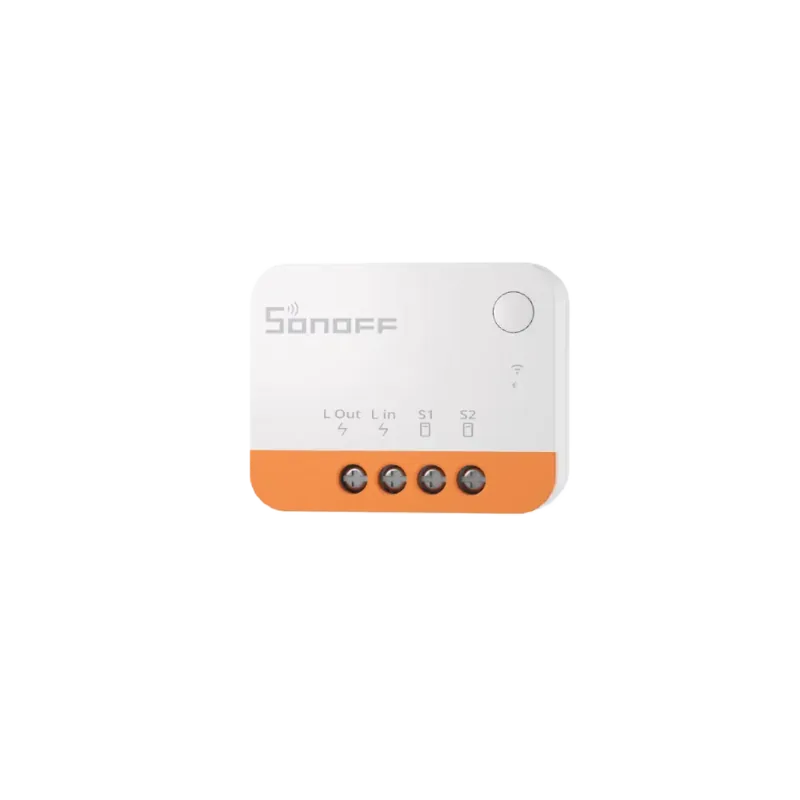
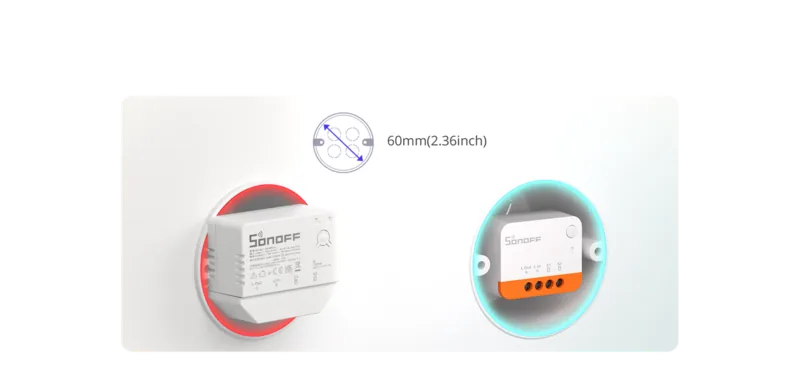
Installation flexibility stands out prominently because neutral wires are often not mandatory for proper function. The compact physical design fits easily into standard residential electrical boxes without taking up excessive space inside walls. Green LED indicators provide clear visual status feedback during both setup processes and normal day-to-day operation phases consistently. Wiring options include S1 and S2 terminals allowing for flexible circuit configurations suitable for different electrical layouts. Switch modes allow toggling between rocker and push button styles depending on existing switch hardware preferences easily.
Safety remains paramount when working with electrical components so always install an air switch protection unit beforehand. Maximum load ratings differ slightly between resistive and LED loads requiring careful attention during selection to avoid damage. Network stability depends heavily on gateway placement relative to the switch location within the home environment. Troubleshooting steps exist for resetting devices if they become unresponsive or lose connection unexpectedly. Power state retention settings help maintain desired behavior even after electrical interruptions occur frequently in older homes.
Important Installation Notes
Always ensure power is disconnected before wiring tasks begin to prevent injury to yourself or others involved. Verify that your hub supports Zigbee 3.0 protocols for optimal performance rates across all connected nodes. Keep devices close to the hub during initial pairing to guarantee successful connection attempts occur reliably. External switches support rocker and push button types for added control versatility outside the device interface itself.
Search for 67,732 Manuals online


Type-in Brand or Model