
Sonoff SNZB-02P Manual
PDF manual · 18 Pages
English



Quick check
Incorrect answer, please try again.
Chat with your Sonoff SNZB-02P manual using AI
Get instant AI answers from your Sonoff SNZB-02P manual
Ask anything about the Sonoff SNZB-02P. Answers come from this manual, with the pages they are based on.
Ask a Question
Do you recommend SNZB-02P?
Yes NoFrequently Asked Questions
The SNZB-02P uses Zigbee 3.0 and requires a compatible SONOFF Zigbee gateway (Zigbee Bridge) and the eWeLink app to add the device and enable smart scenes, notifications, and remote monitoring.
Is this answer helpful?
Remove the battery insulation tab to power on; the LED will flash slowly and enter pairing mode. If pairing fails within three minutes, press and hold the pairing button for five seconds to re-enter pairing mode, then add the sensor in eWeLink on the Zigbee gateway page.
Is this answer helpful?
The sensor operates between -10°C and 60°C and measures humidity from 5% to 95% RH (non-condensing). It is intended for indoor use and should not be exposed to condensation or outdoor weather.
Is this answer helpful?
Fix the included metal plate at your desired location using the adhesive, then magnetically attach the sensor to the plate. The compact design allows mounting below 2 meters for optimal performance and signal reliability.
Is this answer helpful?
The device uses a CR2477 coin cell battery. Keep new and used batteries away from children, do not swallow, and follow disposal guidance. If the battery compartment is insecure or if ingestion is suspected, stop use and seek immediate medical attention.
Is this answer helpful?
To restore factory settings, delete the device from the eWeLink app; this action resets the sensor so it can be re-paired or removed from the Zigbee network.
Is this answer helpful?
If addition fails, move the sensor closer to the Zigbee gateway or a router device within the Zigbee mesh and attempt pairing again to ensure an effective communication distance.
Is this answer helpful?
Advantages and Disadvantages
Advantages

- Compact magnetic mounting enables tool-free installation almost anywhere indoors.
- Low-power Zigbee 3.0 radio and CR2477 battery provide long operational life.
- Accurate real-time temperature and humidity reporting for smart automations.
- Simple pairing with clear LED status indicators and eWeLink integration.
- Wide operating range (-10°C to 60°C, 5%–95% RH non-condensing).
Disadvantages

- Requires a compatible SONOFF Zigbee gateway and eWeLink app for full features.
- Limited effective range; may need relocation closer to the gateway for pairing.
- Not rated for outdoor use or environments with condensation.
- Uses coin battery (risk if swallowed); requires safe handling and correct disposal.
- Advanced automations depend on gateway capabilities rather than the sensor itself.
Product Specification
Type
Sensor
Standard
ZigBee 3.0
Function
Temperature, Humidity
Dimensions
1.77x1.77x0.70in
Special Features
battery-powered (CR2477), Voice Assistant (Google Assistant), Samsung SmartThings, IFTTT
Product Description
Sonoff SNZB-02P Temperature and Humidity Sensor ZigBee — Smart, Compact Monitoring
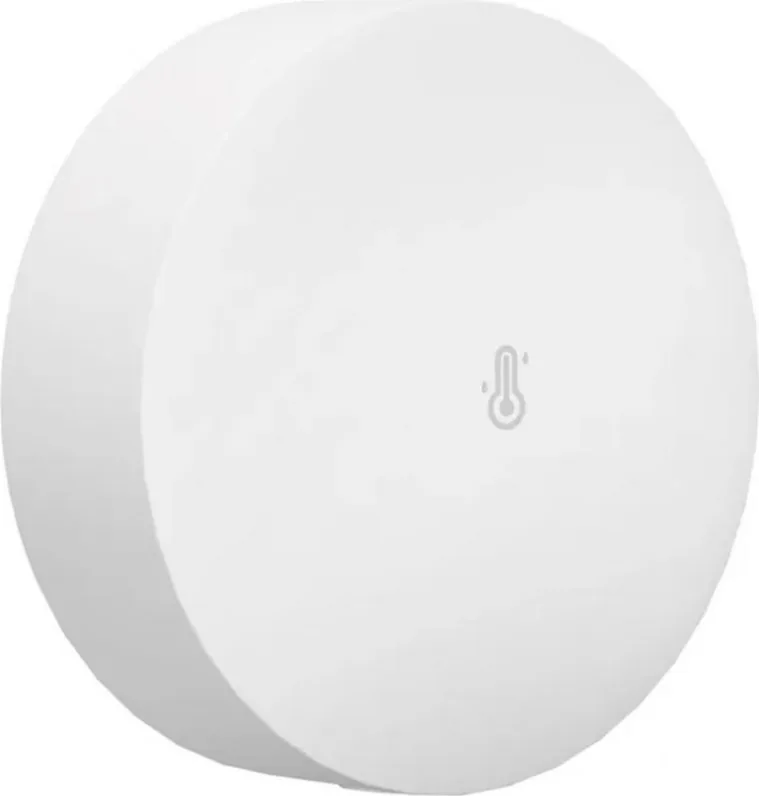
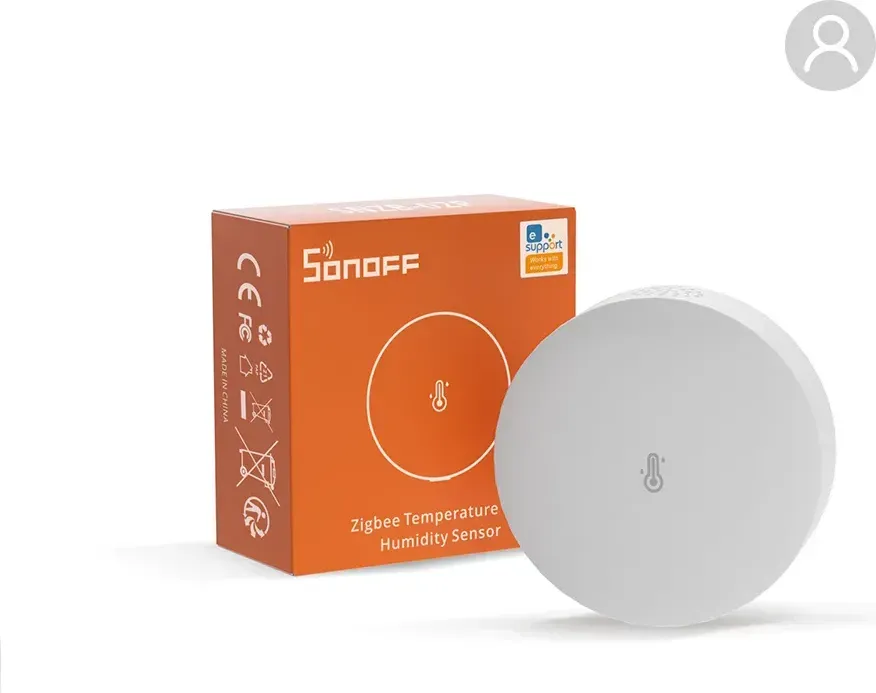
The Sonoff SNZB-02P Temperature and Humidity Sensor ZigBee is a compact, low-power climate sensor designed to keep homes and small spaces comfortable and safe. Using Zigbee 3.0 connectivity, the SNZB-02P reports real-time temperature and humidity to a compatible Zigbee gateway and the eWeLink app. Its small white PC casing (45×45×17.7mm) houses a CR2477 coin battery, delivering long battery life and simple wireless installation. The sensor magnetically attaches to a mounted metal plate, making placement flexible and tool-free.
Setup and operation are straightforward: remove the battery insulation to power on, and the device auto-enters pairing mode with a slow LED flash. If pairing fails within three minutes, long-press the pairing button for five seconds to retry. Once paired to a SONOFF Zigbee bridge, the sensor can trigger smart scenes—automating heaters, dehumidifiers, vents, or alerts based on thresholds you set in eWeLink. The LED provides clear status feedback for pairing, connection, and communication issues.
The SNZB-02P is suited for indoor use across a wide temperature range (-10°C to 60°C) and 5%–95% RH non-condensing humidity. Its low-power Zigbee radio ensures minimal energy draw while maintaining reliable, short-range wireless reporting. Safety and regulatory compliance are covered with FCC, ISED, and EU declarations; installation guidance recommends mounting below 2 meters and keeping the radiator-to-body distance at least 20 cm when operating. The product includes warnings about proper battery handling—coin cells can be dangerous if swallowed—plus guidance on factory reset, disposal, and environmental caution.
Beyond basic monitoring, the SNZB-02P enables smart automation: receive low-battery push notifications, build scenes to react to temperature and humidity changes, and integrate the sensor into a Zigbee mesh for improved coverage. While dependent on gateway features for advanced automations, its simplicity, magnetic mounting, and accurate environmental sensing make it a practical addition for bedrooms, nurseries, closets, or utility rooms.
Notes
- Uses Zigbee 3.0 and requires a compatible SONOFF Zigbee gateway and the eWeLink app for full functionality.
- Battery model: CR2477 (replaceable). Follow battery safety and disposal recommendations.
- Effective communication depends on gateway proximity; move the sensor closer if pairing fails.
- Not intended for outdoor use or environments with condensation.
Search for 67,706 Manuals online


Type-in Brand or Model