
SimGrade R7 Manual
PDF manual · 23 Pages
English



Quick check
Incorrect answer, please try again.
Chat with your SimGrade R7 manual using AI
Get instant AI answers from your SimGrade R7 manual
Ask anything about the SimGrade R7. Answers come from this manual, with the pages they are based on.
R7 Maintenance Schedule
Clean the pedals only with a dry cloth. Do not use petroleum-based lubricants.
The provided felt pads last several years. Replace them if worn using local products cut to ~25mm x 12mm.
Ask a Question
Do you recommend R7?
Yes NoFrequently Asked Questions
Use four M6 bolts with washers per pedal on a sturdy platform (recommended aluminium extrusion profile). Mounting pattern is 80 mm (longitudinal) x 87 mm (lateral). Ensure the platform can withstand pedal forces and tighten nuts from the nut side when applicable.
Is this answer helpful?
Connect brake to the middle controller port, throttle to the port beside USB-out, and clutch to the third port. Plug the controller directly into a rear motherboard USB 2.0 port (avoid USB hubs) for optimal stability and performance.
Is this answer helpful?
Adjust the leverage angle (25 positions), change elastomer count/length or use the steel spring, and set preload with the double finger nut. A travel limiter provides a repeatable haptic endpoint while the load cell still measures force.
Is this answer helpful?
If stationary signal variation exceeds ~10 units (out of 4096) or you experience EMI, ground the pedals by connecting the controller box (M3 ring) to the throttle pedal frame (M5 fork). Tighten the pedal end firmly and avoid over-torquing the box end.
Is this answer helpful?
Clean with a dry cloth and avoid petroleum-based lubricants. If lubrication is needed, use dry PTFE spray only. Felt stopper pads are replaceable (approx. 25x12 mm) and available from SimGrade or local alternatives.
Is this answer helpful?
Software handles calibration, dead-zone setting, signal filtering, profile saving, and clutch enabling. Always recalibrate after mechanical changes and close the app before launching a simulator. Profiles save to the board automatically or via file.
Is this answer helpful?
A two-year warranty covers manufacturing defects but excludes damage from misuse, neglect, accidents after delivery, failure to follow care instructions, and normal wear. Follow the manual guidelines to keep warranty valid.
Is this answer helpful?
Advantages and Disadvantages
Advantages

- Highly adjustable brake with 25-step leverage and multiple elastomer/spring options for precise feel.
- Robust mounting and metal construction suitable for serious sim rigs; recommended M6 4-bolt pattern.
- Comprehensive software: calibration, dead zones, filters, profile saving, and clutch enable/disable.
- Grounding procedure and USB port guidance reduce EMI issues and improve signal stability.
- Low maintenance: dry cloth cleaning, replaceable felt stoppers, and safe lubrication option (PTFE).
Disadvantages

- Requires a sturdy mounting platform and correct M6 hardware—additional rig costs possible.
- Some mechanical adjustments (elastomer counts, preload) require careful tuning and maintenance.
- Avoids use with USB hubs—direct motherboard connection may be inconvenient for some setups.
- Load-cell brake still registers force beyond travel limiter, which can surprise users without calibration.
- Plastic parts have a 6 Nm torque limit; overtightening risks deformation or damage.
Product Specification
Type
Pedals
Compatibility
PC
Material
Steel
Mounting
screwable
Connectivity
wired, USB
Power supply
USB
Product Description
SimGrade R7 Pedals — Precision Racing Pedals
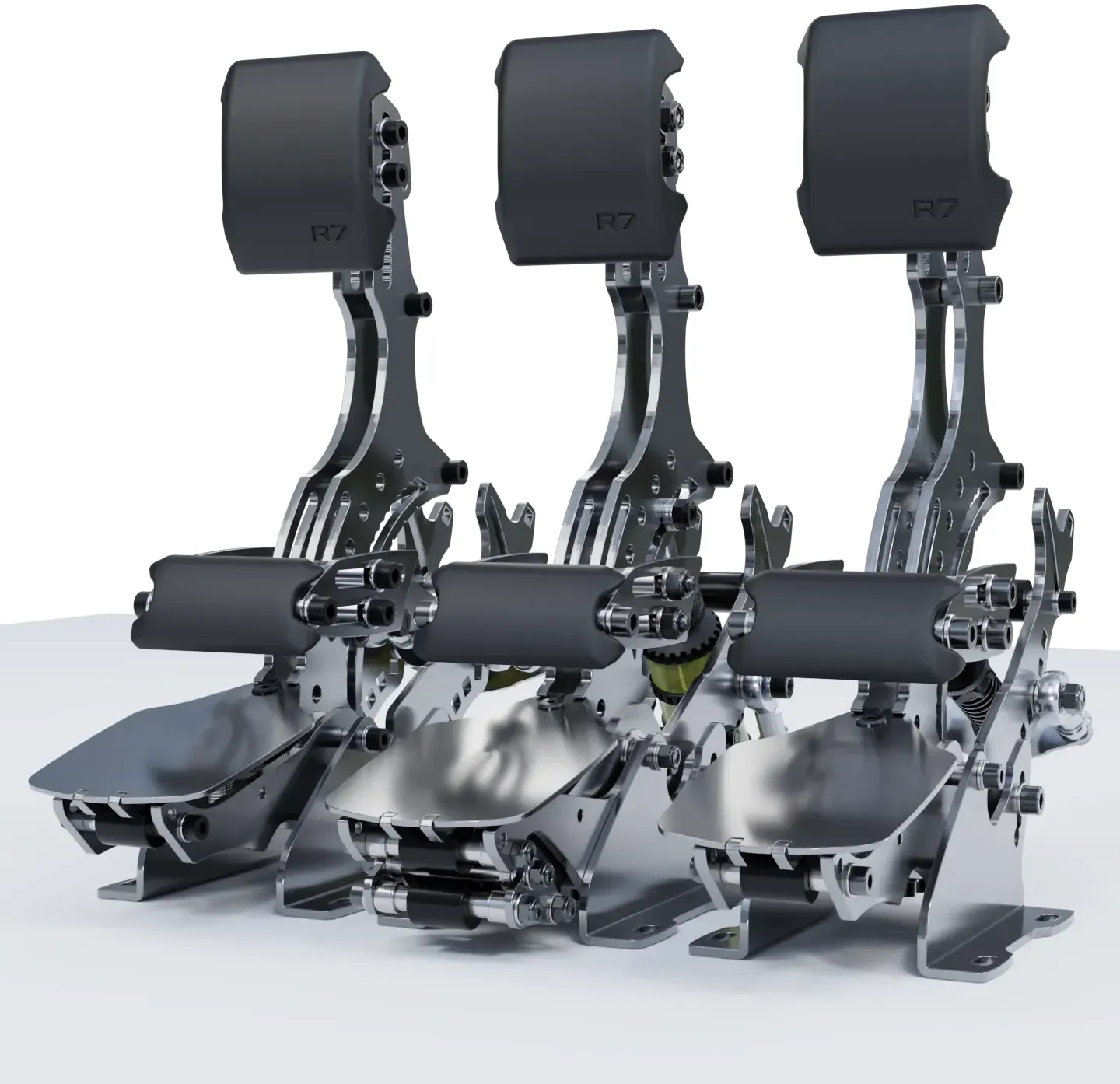
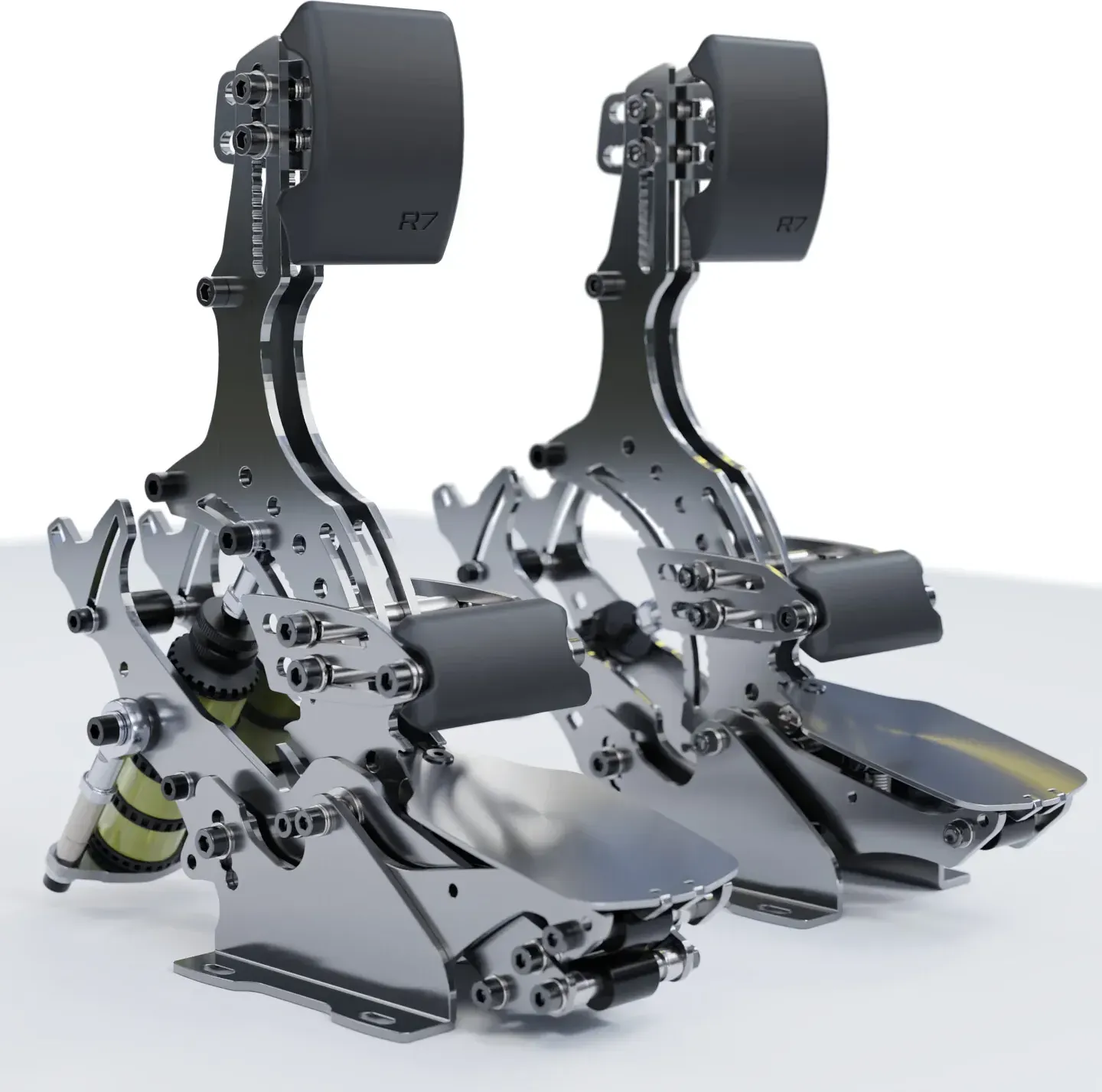
The SimGrade R7 Pedals deliver a high-end force-feedback pedal experience tailored for sim racers who demand accuracy, adjustability, and durable build quality. Built around a robust load-cell brake system and multi-adjustable throttle and clutch, the R7s combine mechanical versatility with a refined software suite to fine-tune response and feel.
Design and build
The pedals are engineered for a solid rig: each pedal mounts with four M6 bolts to a sturdy platform and the controller box connects via USB (recommended directly to the PC motherboard). Materials and assembly emphasize durability—metal linkages, adjustable pedal faces, and replaceable felt stoppers—while user safety is addressed with clear warnings about small parts, sharp edges, and recommended torque limits for plastic fastenings.
Brake system and adjustability
At the heart of the R7 set is a configurable brake that uses elastomers or an optional steel spring. Multiple elastomer lengths and counts provide many stiffness and travel combinations, and a 25-step leverage angle adjustment lets you tune resistance and travel precisely. A travel limiter gives consistent haptic feedback at the end of travel while the load cell continues to register force beyond the stopper.
Throttle and clutch
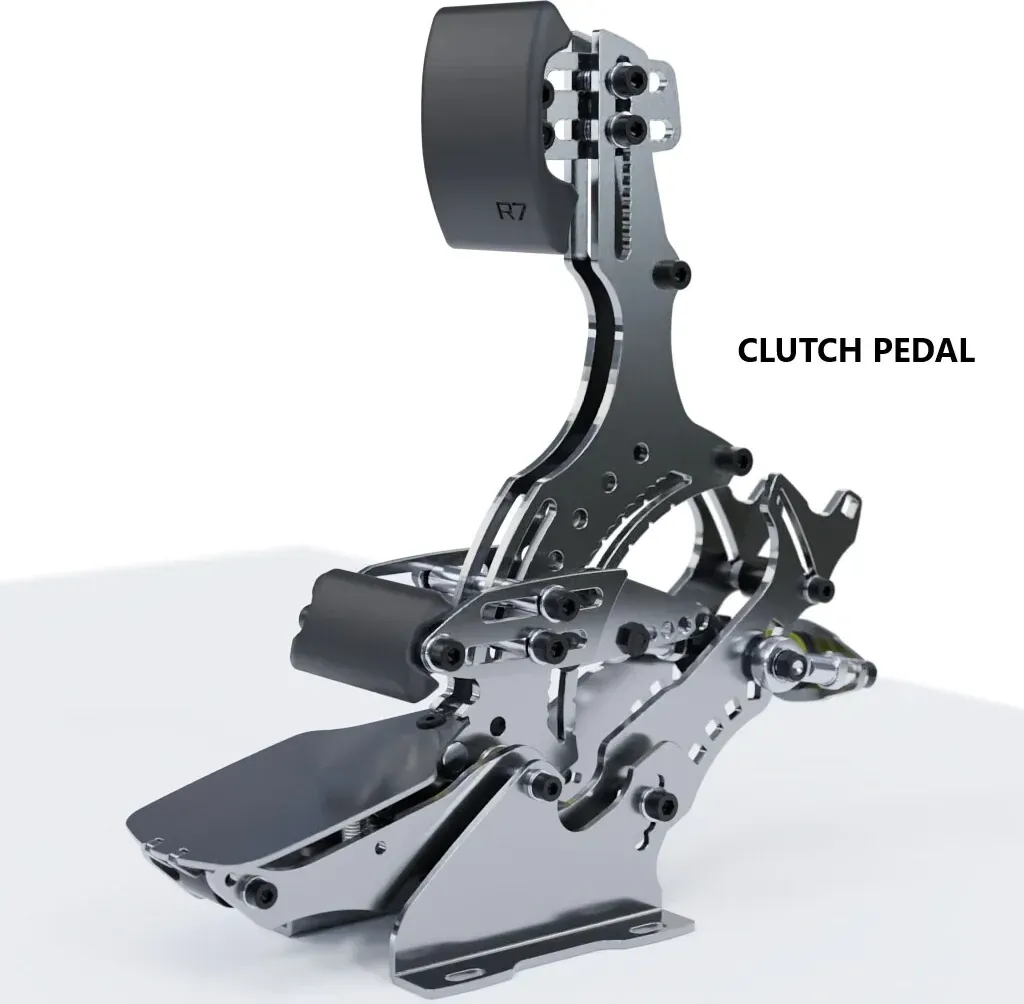
The throttle features preload control, progressive resistance tuning via rod-end position, and a removable end stopper for travel limits. The clutch offers spring-change options and adjustable pressure plates to alter engagement feel and overall stiffness.
Electronics, grounding and software
Connection guidance includes specific port assignments (brake center, throttle next to USB-out, clutch on third port) and a recommendation to avoid USB hubs. If electrical noise or unstable signals occur, a grounding cable between controller and pedal frame is described. The companion software enables calibration, dead-zone adjustment, signal filtering, profile saving, and clutch enable/disable. Users are advised to always recalibrate after mechanical tweaks and to close the app before launching simulations.
Practical notes on maintenance and warranty
Routine maintenance is minimal: clean with a dry cloth and, if lubrication is required, use dry PTFE spray only. Felt pad stoppers are replaceable. The product carries a two-year warranty with standard exclusions (misuse, neglect, normal wear). Operating environment: indoor use at 15–35°C, non-condensing humidity.
Notes
- Always fasten pedals with M6 bolts and respect the 6 Nm torque limit on plastic connections.
- Calibrate after every mechanical change and save profiles in software for convenience.
- Avoid petroleum-based lubricants; use PTFE dry spray if needed.
Search for 67,706 Manuals online


Type-in Brand or Model