
Seagate BarraCuda Fast STJM Manual
PDF manual · 20 Pages
English



Quick check
Incorrect answer, please try again.
Chat with your Seagate BarraCuda Fast STJM manual using AI
Get instant AI answers from your Seagate BarraCuda Fast STJM manual
Ask anything about the Seagate BarraCuda Fast STJM. Answers come from this manual, with the pages they are based on.
Ask a Question
Do you recommend BarraCuda Fast STJM?
Yes NoFrequently Asked Questions
It supports Windows 7 or later and macOS 10.12 or later. The SSD can connect through USB-C, Thunderbolt 3, USB-A 3.0, or USB-A 2.0 ports using the appropriate included cable.
Is this answer helpful?
exFAT allows Windows and Mac computers to read and write to the drive. It is useful when the SSD will move between both operating systems. Always eject it properly because exFAT is not a journaled format.
Is this answer helpful?
Yes. You can reformat it for a native operating system format. NTFS is intended for Windows. HFS+ is suitable for Mac and Time Machine. APFS is designed for newer Mac systems but is not compatible with Time Machine.
Is this answer helpful?
Sync Plus creates a folder on the SSD that mirrors selected folders on your computer. It helps keep copies available in both locations, and deleted synced files can optionally be retained in an archive folder on the drive.
Is this answer helpful?
Use Windows Safely Remove before unplugging on a PC. On a Mac, eject the drive in Finder or drag its desktop icon to the Trash. Wait until the drive disappears before disconnecting the cable.
Is this answer helpful?
Confirm both ends of the USB cable are fully connected, reconnect after waiting briefly, and try another cable if needed. Disconnect other devices sharing the same port or hub, as they may affect available performance.
Is this answer helpful?
Advantages and Disadvantages
Advantages

- USB-C interface supports USB-C, Thunderbolt 3, USB 3.0, and USB 2.0 connections.
- Preformatted exFAT enables read and write access on both Windows and macOS.
- Includes USB-C to USB-C and USB-C to USB-A cables for flexible connectivity.
- Optional Seagate Toolkit Sync Plus can mirror selected computer folders on the SSD.
- Supports Windows 7 or later and macOS 10.12 or later.
Disadvantages

- exFAT is not journaled and may be more vulnerable to corruption after improper removal.
- Formatting for a native file system erases all data and requires a backup first.
- Toolkit registration, installation, and use require an internet connection.
- APFS cannot be used for Time Machine backups.
- Transfer speed may be limited by the port, cable, hub, or other connected devices.
Product Specification
Internal connection
N/A
External connection
1x USB-C 3.1
RAID level
N/A
Fan
N/A
Dimensions
3.11 x 0.36 x 3.68 in (W x H x D)
Weight
4.94 oz
Color
black
Special features
includes USB cable (USB-A), includes USB cable (USB-C)
Manufacturer warranty
three years
USB notation
Link
Product Description
Seagate BarraCuda Fast STJM External SSD - Read, Download & Print Free
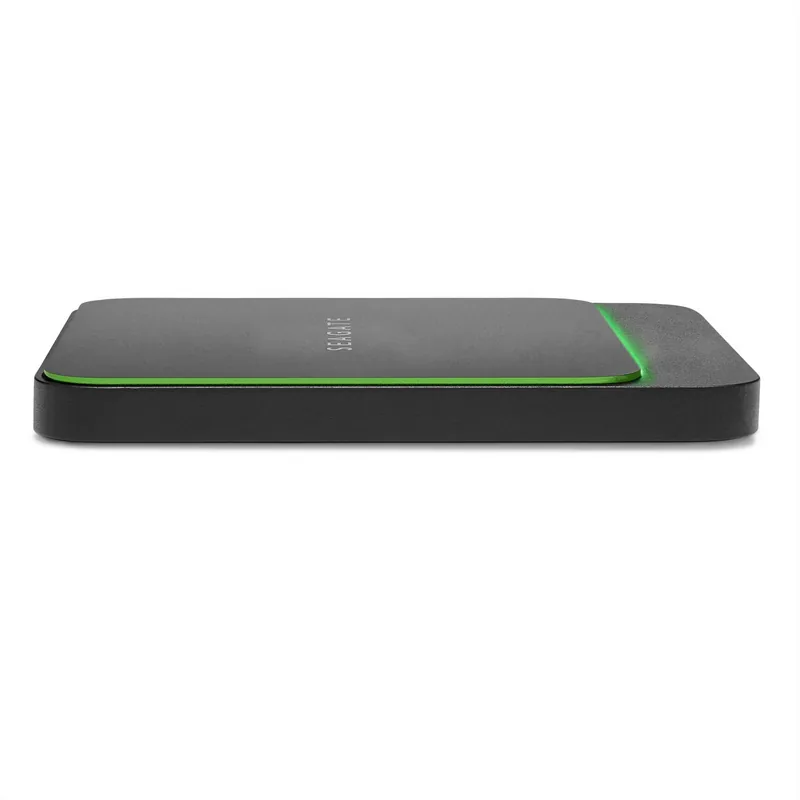
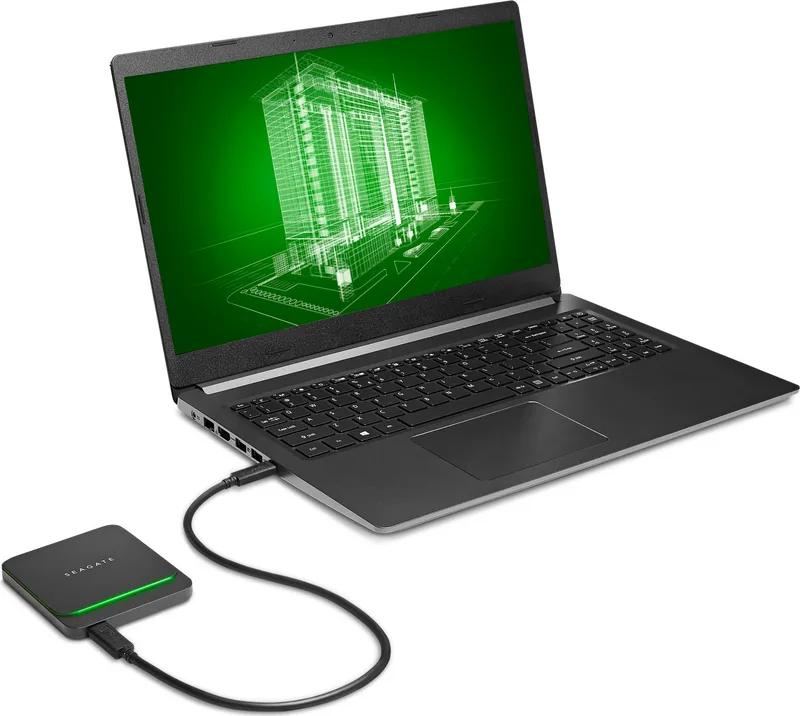
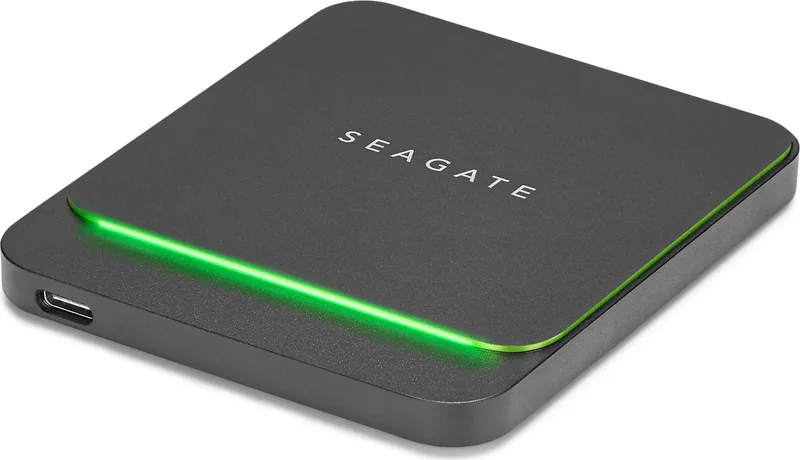
The Seagate BarraCuda Fast STJM External SSD is a compact storage companion designed for people who want a straightforward way to carry files between computers, organize projects, and keep important content close at hand. Built around a USB-C interface, it connects easily to modern laptops and desktops while also supporting older USB-A ports through the included adapter cable. This flexible connectivity makes it a practical choice for mixed-device households, students, creators, and mobile professionals.
Simple Setup Across Mac and Windows
The drive arrives preformatted in exFAT, allowing both Windows and macOS systems to read and write data without immediate reformatting. Windows 7 or later and macOS 10.12 or later are supported, giving the SSD broad compatibility for everyday storage tasks. Connect the appropriate USB cable, open the drive in Finder or File Explorer, and begin setup when desired.
For users who work exclusively on one platform, reformatting can tailor the drive to a preferred workflow. NTFS is suited to Windows-only use, while HFS+ can be selected for Mac use and Time Machine compatibility. APFS is another Mac-focused option for newer macOS systems, though it is not intended for Time Machine use. Formatting removes existing content, so a backup should always be made first.
Sync Tools for Ongoing Organization
Seagate Toolkit adds an optional layer of convenience. Its Sync Plus feature can create a synced folder on the BarraCuda Fast SSD that mirrors selected folders on a PC or Mac. This can help maintain accessible copies of active work, photos, or shared project materials. Deleted synced items may also be retained in an archive folder on the SSD, offering an additional safeguard against accidental removal.
The package includes a USB-C to USB-C cable and a USB-C to USB-A cable, supporting USB-C, Thunderbolt 3, USB 3.0, and USB 2.0 connections. Performance can vary with the computer port, cable, hub, and other connected devices. For dependable operation, connect cables firmly and use the supplied cable when possible.
Everyday Care and Compatibility
Always eject the SSD through Windows Safely Remove or the macOS Finder before disconnecting it. This important step helps prevent interrupted write operations and possible data corruption. If the drive does not appear, check cable seating, try another port, and review Device Manager on Windows or Disk Utility and Finder preferences on Mac.
Note: exFAT is ideal for sharing between Windows and Mac, but it is not journaled. Properly ejecting the drive is especially important when using this format.
Note: A computer internet connection is required to register the device and install or run Seagate Toolkit.
Search for 67,706 Manuals online


Type-in Brand or Model