
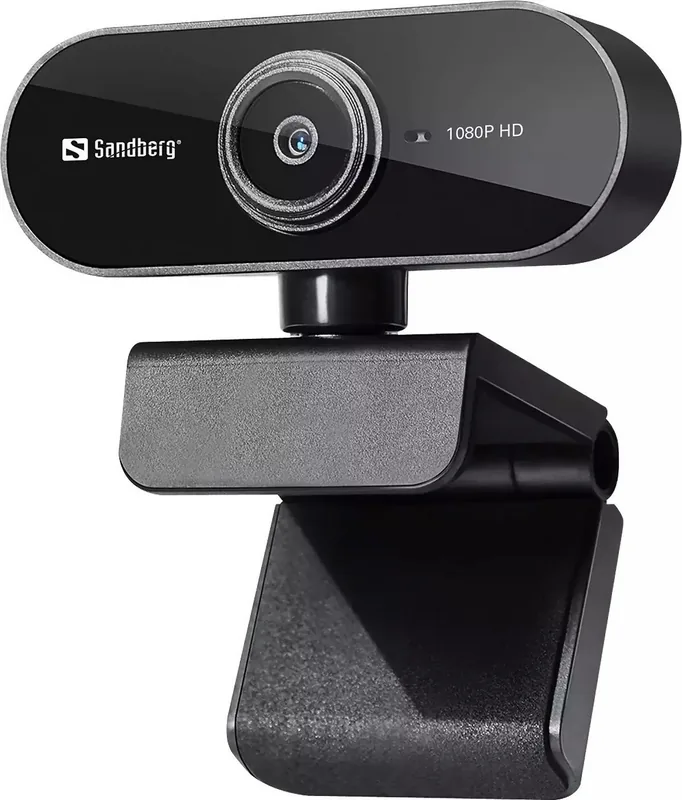
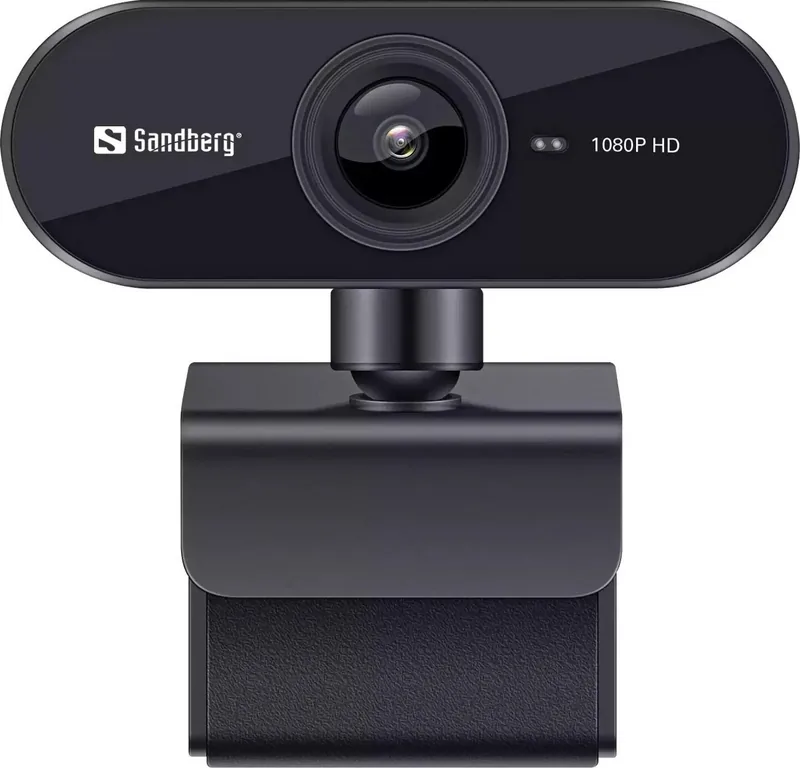
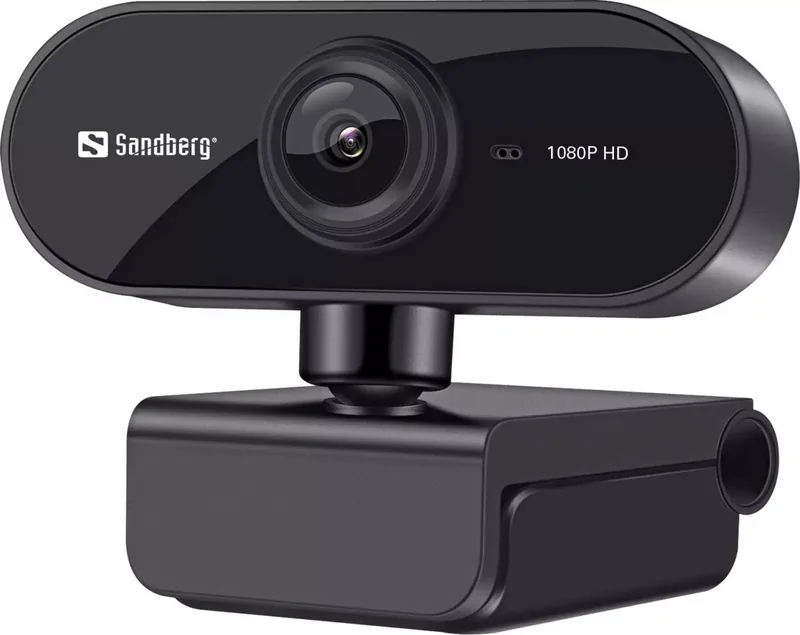
Sandberg USB Webcam Flex 1080P HD 133-97 Manual
PDF manual · 4 Pages
English



Quick check
Incorrect answer, please try again.
Chat with your Sandberg USB Webcam Flex 1080P HD 133-97 manual using AI
Get instant AI answers from your Sandberg USB Webcam Flex 1080P HD 133-97 manual
Ask anything about the Sandberg USB Webcam Flex 1080P HD 133-97. Answers come from this manual, with the pages they are based on.
Ask a Question
Do you recommend USB Webcam Flex 1080P HD 133-97?
Yes No
Norberto Kozey
5 months ago
Is the built-in microphone loud enough for clear audio without needing to max out volume settings in Skype?
Frequently Asked Questions
The Sandberg USB Webcam Flex records at a maximum resolution of 1080P HD, providing clear and detailed video suitable for professional calls.
Is this answer helpful?
You can mount it using the flexible clip on top of a PC monitor or laptop screen, or place it on a flat desk surface using its foldable base.
Is this answer helpful?
Yes, this product comes with a five-year warranty. You should register your product on the official website to activate full terms.
Is this answer helpful?
No, the webcam uses standard USB connectivity and supports plug-and-play functionality, meaning no additional drivers are needed for operation.
Is this answer helpful?
Absolutely. The 1080P HD lens and integrated microphone make it suitable for streaming, video conferencing, and online teaching.
Is this answer helpful?
Advantages and Disadvantages
Advantages

- Delivers sharp 1080P HD video quality for clear visuals
- Flexible clip allows mounting on monitors or desks
- Built-in microphone ensures clear audio capture
- Simple plug-and-play USB connectivity
- Backed by a comprehensive five-year warranty
Disadvantages

- No built-in privacy shutter mentioned for lens security
- Cable length may be limited for distant setups
- Basic design lacks advanced lighting correction features
- Microphone quality might struggle in very noisy rooms
- Requires external stand for non-monitor surfaces
Product Specification
Type
Webcam
Image sensor
1x CMOS 2.0 MP
Resolution
1920x1080 pixels (30fps)
Viewing angle
72 degrees
Pan
360 degrees
Compression/Codecs
MJPEG, YUY2
Wireless
N/A
Focusing
Autofocus
Microphone
Built-in
Speaker
N/A
Lighting
N/A
Cable length
4.43 feet
Power supply
via USB
Mount
Clip
Product Description
Elevate Your Video Calls with the Sandberg USB Webcam Flex 1080P HD
In today's digital landscape, clear communication is paramount. Whether you are attending a remote meeting, hosting an online class, or streaming content, the quality of your video feed can make all the difference. The Sandberg USB Webcam Flex 1080P HD stands out as a reliable solution designed to bring professional clarity to your everyday interactions. This device is crafted for users who demand high-definition visuals without the complexity of intricate setups.
The core feature of this webcam is its ability to deliver crisp 1080P HD video. This resolution ensures that your face and surroundings are rendered with sharp detail, allowing you to connect with others more effectively. The integrated microphone captures audio clearly, ensuring your voice is heard just as distinctly as your image is seen. This balance of visual and auditory performance makes it an ideal companion for work-from-home scenarios.
Design plays a crucial role in usability, and the Sandberg Flex excels here. It features a flexible clip mechanism that allows for versatile mounting options. You can easily attach it to a laptop screen, a desktop monitor, or even place it on a desk using its foldable base. This adaptability means you can find the perfect angle for your setup regardless of your workspace configuration. The compact form factor ensures it does not clutter your environment when not in use.
Connectivity is straightforward, relying on a standard USB connection that eliminates the need for additional drivers or complex software installations. Plug-and-play functionality gets you up and running instantly. Furthermore, Sandberg supports their products with a robust five-year warranty, demonstrating confidence in their build quality. Users are encouraged to register their product to access full support benefits and stay informed about maintenance tips.
Important Notes
- Always check local electronic waste regulations before disposing of the unit.
- Registering your product online extends your support coverage options.
- The manual provides detailed diagrams for optimal camera positioning.
Search for 67,706 Manuals online


Type-in Brand or Model
molestiae_id
4 months ago
Does this webcam have enough zoom to read QR codes clearly from a short distance?
Manual.ly
4 months ago
The webcam features a standard fixed-focus lens designed for general video calls and monitoring. It does not include optical zoom capabilities, which may limit its ability to focus closely on small details like QR codes. For best results with QR scanning, we recommend holding the device closer or using an external camera with macro capabilities.