
Sandberg Bluetooth Earbuds Touch Pro 126-32 Manual
PDF manual · 8 Pages
English



Quick check
Incorrect answer, please try again.
Chat with your Sandberg Bluetooth Earbuds Touch Pro 126-32 manual using AI
Get instant AI answers from your Sandberg Bluetooth Earbuds Touch Pro 126-32 manual
Ask anything about the Sandberg Bluetooth Earbuds Touch Pro 126-32. Answers come from this manual, with the pages they are based on.
Ask a Question
Do you recommend Bluetooth Earbuds Touch Pro 126-32?
Yes NoFrequently Asked Questions
To pair your earbuds for the first time, simply remove them from the charging case. They will automatically enter pairing mode. Open Bluetooth settings on your device and select 'Sandberg Earbuds Touch' from the list to connect instantly.
Is this answer helpful?
The earbuds provide several hours of playback on a single charge. The charging case offers additional charges to extend your listening time throughout the day. Check the LED lights on the case to monitor remaining power levels accurately.
Is this answer helpful?
Yes, the Sandberg Touch Pro supports mono mode. You can use either the left or right earbud independently for calls or music, providing flexibility for situations where you need to remain aware of your surroundings.
Is this answer helpful?
Absolutely. Every Sandberg product includes a comprehensive five-year warranty. To activate it, register your new product on the official Sandberg website to ensure you receive full support and coverage.
Is this answer helpful?
Changing tracks is simple. Tap the sensor twice on the left earbud to go to the previous track, and tap twice on the right earbud to skip to the next track. This feature works seamlessly for both music and podcasts.
Is this answer helpful?
Currently, the charging case utilizes a Micro USB port for charging. Please ensure you have a compatible Micro USB cable available. The package includes a charging cable for your convenience.
Is this answer helpful?
Advantages and Disadvantages
Advantages

- Intuitive touch controls for music and calls
- Five-year warranty coverage for long-term reliability
- Clear LED battery indicators on charging case
- Comfortable ergonomic design for extended wear
- Fast pairing process for immediate connectivity
Disadvantages

- Uses older Micro USB charging standard instead of USB-C
- Touch controls may require practice to master fully
- No active noise cancellation mentioned in specifications
- Battery life details for continuous playback are limited
- Voice assistant activation requires holding the sensor
Product Specification
Type
In-Ear Headphones
Form Factor
True Wireless, Ear-hookless
Principle
Closed-back
Microphone
Integrated
Wireless
Bluetooth 5.0
Control
Touch Control
Battery Life
20h (with charging case)
Battery
USB Micro-B Charging Port, Charging Case (500mAh), 1h Charging Time
Frequency Range
20Hz-20kHz
Impedance
32 Ohms
Sensitivity
92dB
Drivers
8mm
Color
Black
Weight
2.68 oz
Product Description
Sandberg Touch Pro: Your Ultimate Wireless Audio Companion
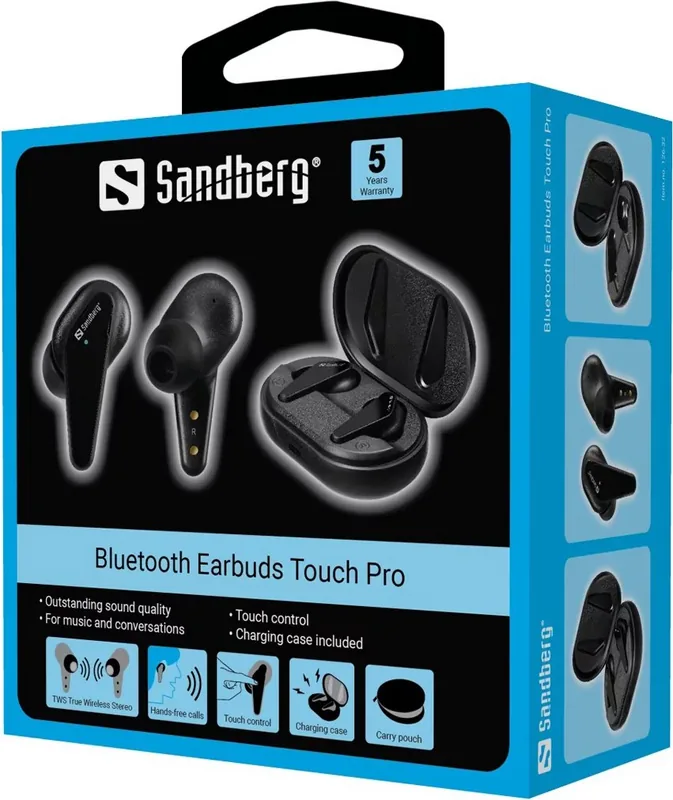
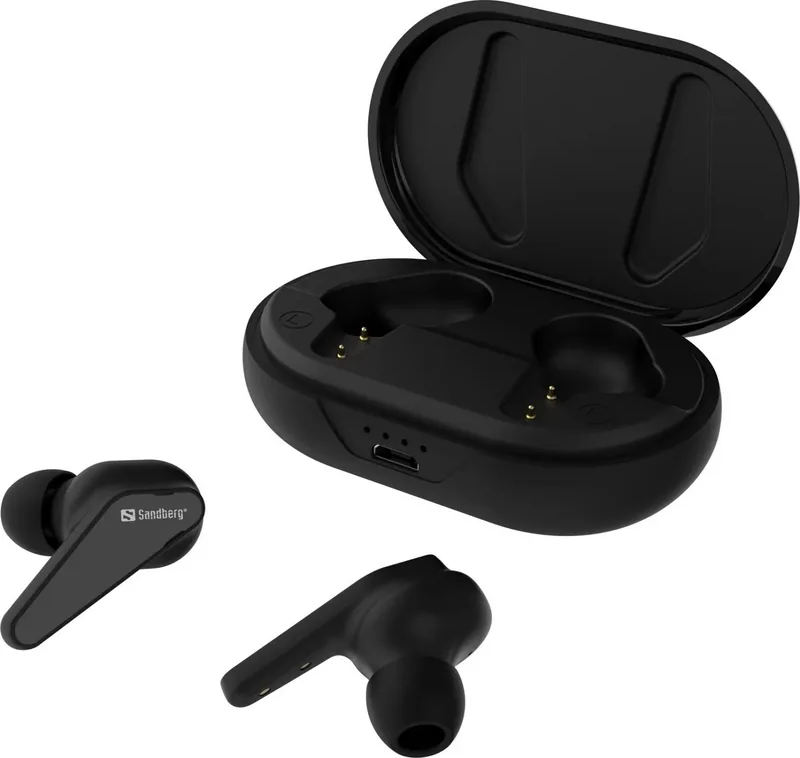
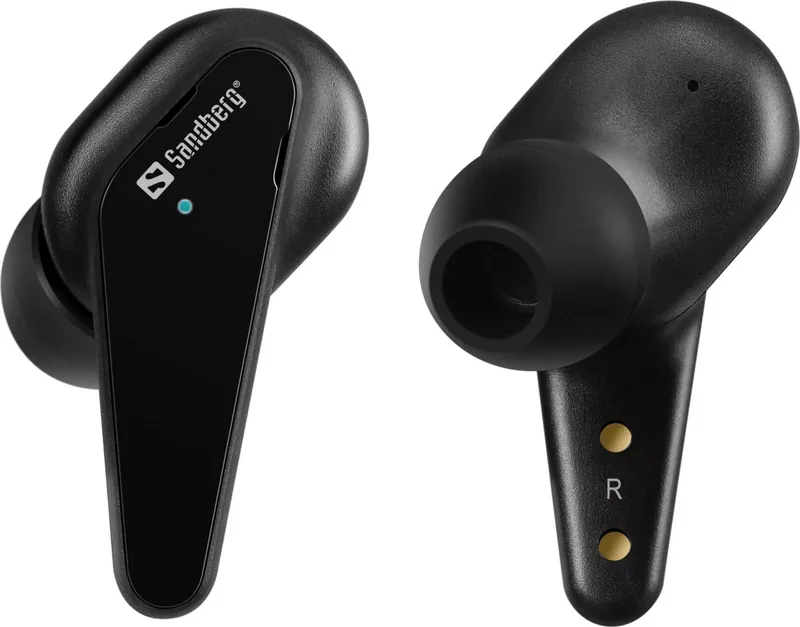
The Sandberg Touch Pro represents a significant leap in personal audio technology, designed to seamlessly integrate into your daily life. These Bluetooth earbuds offer a premium listening experience without the hassle of tangled wires. Whether you are commuting, working out, or simply enjoying your favorite playlist, the Touch Pro delivers crystal-clear sound with deep bass and crisp highs. The ergonomic design ensures a comfortable fit for extended wear, making them ideal for all-day use.
Advanced Controls and Connectivity
One of the standout features of the Sandberg Touch Pro is its intuitive touch controls. A single tap allows you to play or pause music, while double taps let you skip tracks effortlessly. For calls, the built-in microphone and smart touch sensors enable you to answer, reject, or end calls with ease. Holding the sensor for two seconds activates your voice assistant, putting commands like "call mom" or "play jazz" at your fingertips. The device also features auto power-off functionality to conserve battery life when not in use.
Battery Life and Charging
Powering the Touch Pro is a robust charging case that supports Micro USB connectivity. The case provides multiple charges, indicated by clear LED status lights showing 25%, 50%, 75%, and 100% levels. A quick charge session can get you up to 25% battery in just minutes, ensuring you stay connected even on busy days. With a five-year warranty included, Sandberg stands behind the durability and performance of this product, giving you peace of mind with every purchase.
Why Choose Sandberg Touch Pro?
Choosing the Sandberg Touch Pro means opting for reliability and style. The wireless connection is stable, offering a seamless experience across various devices. From gym sessions to office meetings, these earbuds adapt to your environment with precision. The inclusion of a comprehensive quick guide ensures you can set up and pair your device within seconds, getting you started immediately.
Notes:
- Ensure firmware is updated for optimal performance.
- Keep ear tips clean for hygiene and sound quality.
- Register your product for full warranty benefits.
Search for 67,706 Manuals online


Type-in Brand or Model