
Samsung Galaxy Tab S7 SM-T870 / SM-T875 Manual
PDF manual · 214 Pages
English


Quick check
Incorrect answer, please try again.
Chat with your Samsung Galaxy Tab S7 SM-T870 / SM-T875 manual using AI
Get instant AI answers from your Samsung Galaxy Tab S7 SM-T870 / SM-T875 manual
Ask anything about the Samsung Galaxy Tab S7 SM-T870 / SM-T875. Answers come from this manual, with the pages they are based on.
Galaxy Tab S7 SM-T870 / SM-T875 Maintenance Schedule
Use the Device Care function to optimize performance by closing background apps and managing battery usage.
Set the device to automatically optimize when not in use via Device Care settings.
Run a tablet scan in Device Care to check for malware and ensure device security.
Free maintenance reminders
Timed to your purchase date. Always free, unsubscribe anytime.
Ask a Question
Do you recommend Galaxy Tab S7 SM-T870 / SM-T875?
Yes NoFrequently Asked Questions
SM-T870 is the Wi-Fi version of the Galaxy Tab S7. SM-T875 is the LTE version and supports a Nano-SIM card for compatible mobile network services. Both models support Wi-Fi, microSD storage expansion, S Pen features, USB Type-C connectivity, and the core Samsung tablet experience.
Is this answer helpful?
Yes. Both listed variants support a microSD card. Use a compatible card, insert it in the correct orientation, and unmount it in settings before removal. Formatting a card on the tablet is recommended when needed, and important data should be backed up before formatting.
Is this answer helpful?
The S Pen can write, draw, select text or objects, create notes, annotate screenshots, translate visible text, magnify content, and access Air Command tools. When charged and connected, its button can also control supported apps remotely, including camera actions and media controls.
Is this answer helpful?
Use Device Care optimization, enable power saving mode, lower screen brightness, shorten screen timeout, close unused apps, and turn off Bluetooth or other connections when they are not required. Disabling unnecessary automatic synchronization can also help extend battery life.
Is this answer helpful?
Stop demanding apps, close background tasks, reduce brightness, disconnect the charger if necessary, and allow the tablet to cool. Avoid direct sunlight, poor-signal areas, damaged cables, and prolonged intensive use. Keep software current and seek Samsung service if overheating continues.
Is this answer helpful?
Yes. Smart Switch can transfer eligible data wirelessly, through external storage, or with a computer backup. The process can move supported content from a previous device during setup or later through Accounts and backup settings.
Is this answer helpful?
Advantages and Disadvantages
Advantages

- S Pen supports notes, drawing, remote actions, selection, translation, and screenshot annotation.
- SM-T875 LTE can use a Nano-SIM for compatible mobile data services away from Wi-Fi.
- microSD support provides expandable storage for media, files, and backups.
- Samsung DeX, Multi Window, Smart View, and Samsung Flow support productive multi-device workflows.
- Quad speakers, Dolby Atmos options, screen recording, and gaming tools enhance entertainment use.
Disadvantages

- Mobile data, calls, and tethering features apply to SM-T875, not the Wi-Fi-only SM-T870.
- Some Bixby, Bixby Vision, and app features may vary by region, provider, language, or connection.
- Demanding apps, extended gaming, recording, and charging can cause heat and temporary performance limits.
- S Pen remote actions require charging and can be affected by distance, magnets, or wireless interference.
- microSD compatibility and maximum capacity depend on the card type and manufacturer.
Product Specification
CPU
Qualcomm Snapdragon 865+ (SM8250-2-AB), 1x 3.09 GHz (ARM Cortex-A77) + 3x 2.42 GHz (ARM Cortex-A77) + 4x 1.80 GHz (ARM Cortex-A55)
Graphics
Qualcomm Adreno 650 (iGPU)
Display
11 in, 2560 x 1600, 274 ppi, multi-touch, digitizer, IPS/LTPS, 500 nits, 120 Hz display
Ports
1x USB-C 3.0 with DisplayPort (5 Gb/s, power connector)
Wireless
Wi-Fi 6 (WLAN 802.11a/b/g/n/ac/ax), Bluetooth 5.0
Navigation
GPS, GLONASS, BeiDou, Galileo, compass, QZSS
Card reader
microSDXC (up to 1 TB)
Webcam
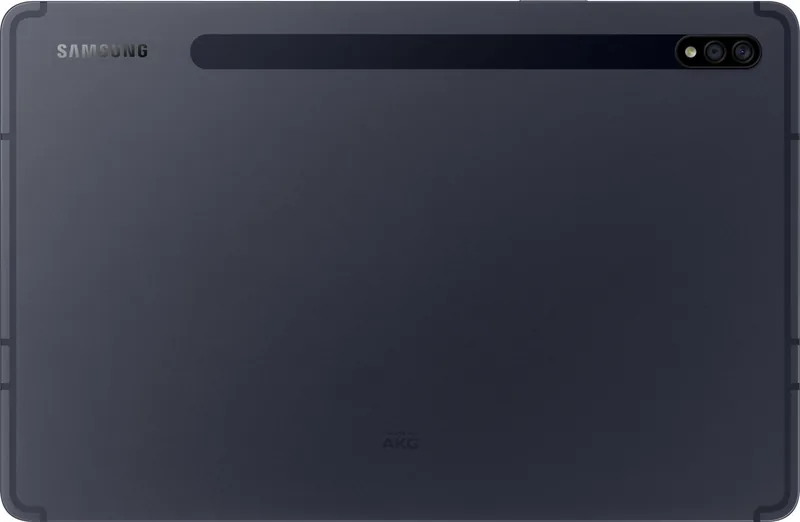
8 megapixels, wide-angle lens, face recognition, AF, f/2.0 (front), 13 megapixels, wide-angle lens, AF, f/2.0 (rear, camera 1), 5 megapixels, flash, wide-angle lens, AF, f/2.2 (rear, camera 2)
Operating system
Android 13 (via update)
Battery
Li-ion, 8,000 mAh, 15-hour battery life
Dimensions
10 x 6.5 x 0.25 in
Features
Stylus (S Pen), orientation sensor, accelerometer, fingerprint reader (power button), light sensor, Hall sensor, docking connector
Warranty
Two years
Note
Different country versions may be available.
Product Description
Samsung Galaxy Tab S7 SM-T870 Wi-Fi / SM-T875 LTE Manual
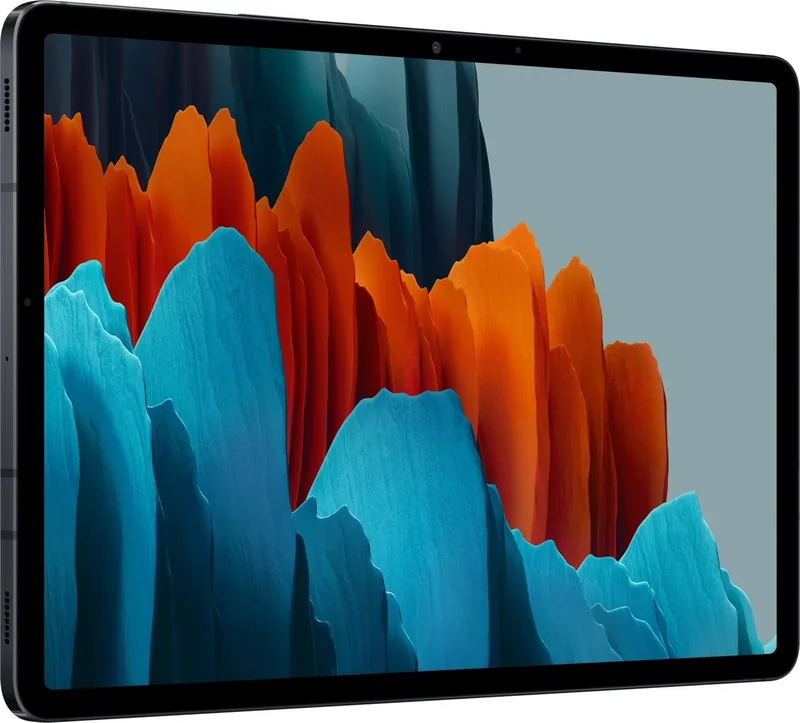
The Samsung Galaxy Tab S7 SM-T870 Wi-Fi / SM-T875 LTE is a versatile Android tablet designed for entertainment, study, creativity, and everyday productivity. Its large touchscreen, slim portable form, quad-speaker layout, USB Type-C connectivity, dual rear camera system, and included S Pen support create a flexible workspace that can move easily from home to office or classroom.
The Wi-Fi SM-T870 model is suited to users who primarily connect through home, work, or public wireless networks. The SM-T875 LTE version adds support for a Nano-SIM card, allowing compatible mobile-network services when Wi-Fi is unavailable. Both variants support microSD storage expansion, providing a practical option for carrying more photos, videos, notes, and downloaded content.
S Pen tools for work and ideas
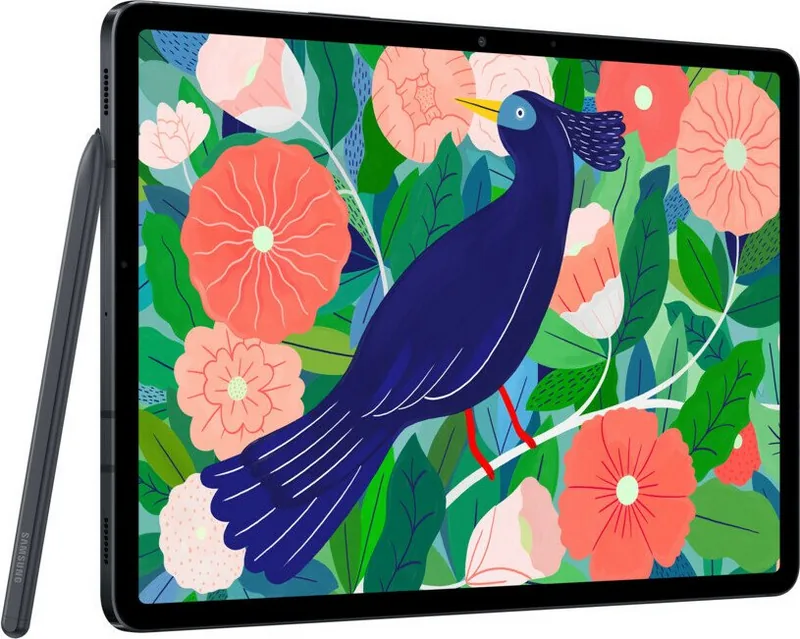
A major strength of the tablet is its S Pen experience. The pen can be used for handwriting, drawing, selection, annotations, screenshots, translations, and quick notes. It attaches to the rear charging area for supported remote actions, while essential on-screen writing and touch functions remain useful even when the pen battery is depleted. Air Command brings commonly used tools together, including Smart Select, Screen Write, Live Messages, AR Doodle, and Samsung Notes shortcuts.
For focused tasks, the tablet supports Multi Window, Samsung DeX, Samsung Flow, and keyboard dock connectivity. These features help users organize apps, view multiple windows, continue work across compatible devices, and create a more desktop-like setup. Screen recording, screenshots, clipboard functions, and flexible navigation gestures further support presentations, learning, and content creation.
Connected entertainment and smart features
The Galaxy Tab S7 family includes tools for media and connected living. Smart View can share content with compatible displays, while SmartThings offers controls for nearby connected devices and scenes. Dolby Atmos settings, media controls, Game Launcher, Game Booster, Samsung Kids, and Daily Board add options for leisure, family use, and ambient display use.
Bixby, Bixby Vision, and Bixby Routines extend convenience through voice commands, image-based search, text extraction, translation, QR recognition, and automated settings. Samsung Account services, Samsung Cloud, Google apps, and Smart Switch make setup, backup, synchronization, and device migration more convenient.
Notes for daily care
Use Samsung-approved charging accessories, keep the USB Type-C port dry and clean, and avoid damaged cables. Reduce brightness, close unused apps, and disable wireless features when not needed to conserve battery. If the tablet becomes hot, pause demanding tasks and let it cool before continuing. The Samsung Galaxy Tab S7 SM-T870 Wi-Fi / SM-T875 LTE Manual keyword reflects a model range with distinct connectivity choices and a shared emphasis on S Pen productivity.
Search for 67,706 Manuals online


Type-in Brand or Model