
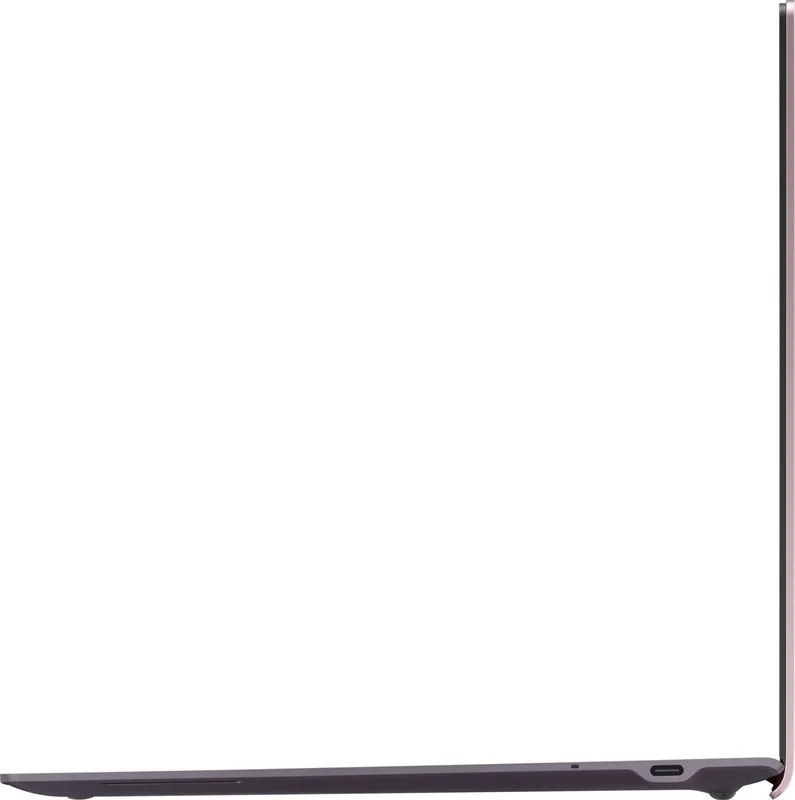
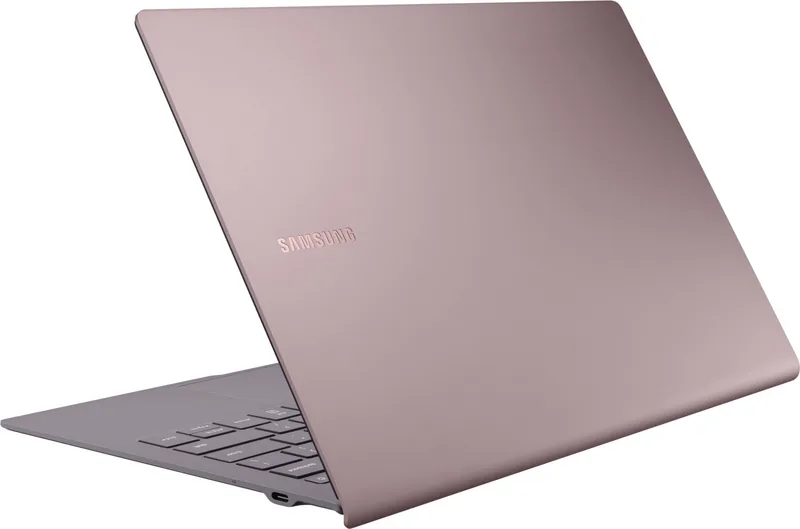
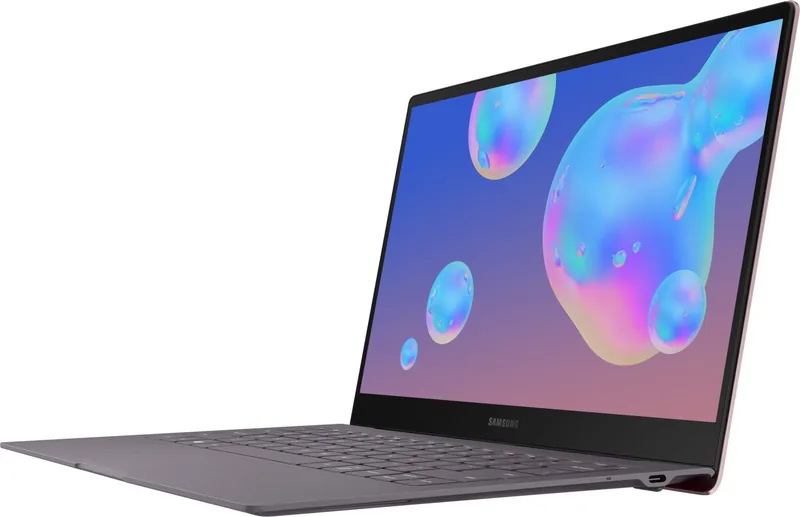
Samsung Galaxy Book S SM-W767 Manual
PDF manual · 66 Pages
English


Quick check
Incorrect answer, please try again.
Chat with your Samsung Galaxy Book S SM-W767 manual using AI
Get instant AI answers from your Samsung Galaxy Book S SM-W767 manual
Ask anything about the Samsung Galaxy Book S SM-W767. Answers come from this manual, with the pages they are based on.
Ask a Question
Do you recommend Galaxy Book S SM-W767?
Yes NoFrequently Asked Questions
Press and hold the Power key for a few seconds to turn on the device. Before turning on your device for the first time, you must connect the device to a power supply. If the device is frozen, press and hold the Power key for more than 12 seconds until the device restarts.
Is this answer helpful?
The device supports a nano SIM card for data network use only. The calling feature is not supported on this specific model. Samsung is not responsible for damages or inconveniences caused by lost or stolen cards.
Is this answer helpful?
If your device freezes and is unresponsive, press and hold the Power key for more than 12 seconds until the device restarts. You can also try going to Settings, Update & Security, Recovery, and get started under Reset this PC.
Is this answer helpful?
Samsung DeX allows you to use a smartphone like a computer by connecting the smartphone to your device via USB. It lets you accomplish tasks on a large screen using a keyboard and touchpad while simultaneously using the connected smartphone features.
Is this answer helpful?
No. To remove the battery, contact an authorized service centre. Attempting to remove the battery yourself may lead to damage, personal injury, or result in the device being unsafe, voiding your warranty coverage.
Is this answer helpful?
Yes, during fast charging or wireless charging the device may feel hotter to the touch. This is normal and does not affect the lifespan. However, disconnect the charger if it becomes too hot and wait for the device to cool down before resuming charging.
Is this answer helpful?
Modifying the device's operating system or installing software from unofficial sources may result in device malfunctions and data corruption. These actions are violations of your Samsung licence agreement and will void your warranty.
Is this answer helpful?
Advantages and Disadvantages
Advantages

- Exceptional battery life due to ARM-based Qualcomm Snapdragon processor optimization.
- Versatile Samsung DeX mode allows smartphone control on a larger screen interface.
- Seamless Windows 10 integration with PC and tablet modes for flexible work setups.
- Strong security features including Windows Hello fingerprint and BIOS password protection.
- Comprehensive overheating protection prevents damage during heavy computing tasks.
Disadvantages

- SIM card supports data only with calling features not supported on specific models.
- Battery removal requires visiting an authorized service center for user safety reasons.
- Overheating may occur during extended gaming or video recording sessions.
- Some third-party software programs may not be compatible with the ARM architecture.
- FCC approval needed for sale in US regions which varies by specific model specifications.
Product Specification
CPU
Qualcomm Snapdragon 8cx (SC8180), 4x 2.84GHz (ARM Cortex-A76) + 4x 1.80GHz (ARM Cortex-A55)
RAM
8GB LPDDR4X
Storage
256GB Flash (UFS 3.0)
Graphics
Qualcomm Adreno 680 (iGPU)
Display
13.3\", 1920x1080, 166ppi, Multi-Touch
Ports
1x USB-C 3.0 (5Gbps, Power), 1x USB-C 3.0 (5Gbps), 1x 3.5mm Jack
Wireless
Wi-Fi 5 (WLAN 802.11a/b/g/n/ac/ad, 2x2), Bluetooth 5.0
Navigation
GPS, A-GPS, GLONASS, Beidou, Galileo, Compass, QZSS, SBAS
SIM
1x Nano-SIM (4G LTE-A Pro, 3G UMTS), Modem: Qualcomm Snapdragon X24
Cellular Network
LTE-A Pro Cat20 (2000/316), UMTS
Network Bands
4G (B1/B2/B3/B4/B5/B7/B8/B12/B13/B14/B20/B25/B26/B28/B30/B38/B39/B40/B41/B66), 3G (B1/B2/B4/B5/B8)
Card Reader
microSDXC (up to 1TB)
Webcam
2 Megapixel (front), N/A (rear)
Operating System
Windows 10 Home 64-bit
Battery
Li-Ion, 42Wh, 25h Runtime
Dimensions
12.02 x 8.00 x 0.46 inches
Weight
2.12 lbs (Tablet)
Features
Accelerometer, Hall Sensor, Light Sensor, Dock (Backlit keyboard, Touchpad, Fingerprint-Reader, non-removable)
Note
Different country versions possible.
Information
This device was, despite its special design, positioned by the manufacturer as a tablet computer. For better comparability, also considering performance and weight, this device is therefore also listed by us as a tablet computer.
Product Description
Samsung Galaxy Book S W767 Experience
The Samsung Galaxy Book S W767 represents a significant step forward in portable computing, blending the power of Windows with the versatility of a tablet. Designed for professionals on the move, this device leverages an ARM-based Qualcomm Snapdragon processor to deliver exceptional battery life and instant-on capabilities. Users appreciate the seamless transition between PC mode and tablet mode, allowing for flexibility in how they work and play. The keyboard features intuitive hot keys for brightness, volume, and switching display modes, while the touchpad offers precise control for navigation. The display supports touch inputs and can be adjusted for various lighting conditions, ensuring visibility outdoors or indoors.
One of the standout features is the integration of Samsung DeX. This service transforms the experience by allowing users to operate a connected smartphone like a computer on a larger screen. This multitasking capability is essential for modern workflows where screen real estate matters. Additionally, Samsung Flow ensures that your phone and laptop stay in sync, managing notifications and sharing content effortlessly. The device also supports SmartThings, giving users control over their home IoT appliances directly from the screen. For creative tasks, Samsung Notes and Galaxy Gallery provide robust tools for organizing media and drafting ideas.
Performance management is crucial, and the device includes comprehensive overheating solutions. Whether charging or using power-intensive apps, the system monitors temperature to prevent damage. Battery charging tips ensure longevity, suggesting the use of Samsung-approved cables and avoiding extreme temperatures. Security is another priority, with options for Windows Hello fingerprints and BIOS passwords to protect sensitive data. Users are advised on safety precautions regarding magnets affecting medical devices and keeping the screen away from direct sunlight to prevent sensor damage.
Understanding the full capabilities of this hardware is vital for optimal use. The information found with the Samsung Galaxy Book S W767 Manual covers everything from initial setup to troubleshooting specific errors. It details how to manage SIM or memory cards, navigate Windows settings, and utilize the camera efficiently. With features like split-screen views and multi-desktop environments, productivity is maximized. The device supports external displays via HDMI, expanding potential for presentations or entertainment. Wireless connectivity options include Wi-F and mobile data sharing through the Flow app.
Careful attention to maintenance prolongs the life of the hardware. Users are advised to keep software updated to mitigate connectivity issues and ensure smooth operation. The built-in troubleshooting section helps resolve common problems like touch sensitivity or battery drain without immediate service center visits. Restoring the device or reinstalling Windows is possible through recovery functions if issues arise. Note: removing the battery requires an authorized service center to ensure safety. FCC regulations apply depending on the region, meaning some devices require approval before sale in the US. This ensures compliance with local telecommunications standards. The manual also highlights that modifying the operating system may void the warranty and cause malfunctions, so sticking to approved software is recommended. This device uses a nano SIM card strictly for data networks as calling features are not supported on all models. Ultimately, the Samsung Galaxy Book S W767 offers a robust platform for those needing mobility without sacrificing performance. Whether streaming media or managing complex tasks, the balance of power and portability remains its defining characteristic, supported by extensive safety guidelines included in the documentation.
Search for 67,706 Manuals online


Type-in Brand or Model