
Razer Seiren X Manual
PDF manual · 15 Pages
English



Quick check
Incorrect answer, please try again.
Chat with your Razer Seiren X manual using AI
Get instant AI answers from your Razer Seiren X manual
Ask anything about the Razer Seiren X. Answers come from this manual, with the pages they are based on.
Ask a Question
Do you recommend Seiren X?
Yes NoFrequently Asked Questions
It is best used for streaming, gaming voice chat, podcasts, and general voice recording. Its focused pickup pattern helps capture speech clearly while reducing unwanted background noise, which is useful in busy desktop setups.
Is this answer helpful?
Yes. It includes a dedicated mute button on the body. When the microphone is muted, the LED turns red, so you can quickly confirm its status during a stream or recording session.
Is this answer helpful?
Yes. The microphone has a 3.5 mm headphone port and a headphone volume control. This lets you listen to your voice and system audio directly, which is helpful for live monitoring and balancing sound levels.
Is this answer helpful?
It works with PCs and Macs that have a free USB port. The manual also lists Windows 7 or later and OS X 10.8 or later as supported operating systems, along with an internet connection for setup and related software.
Is this answer helpful?
The microphone is designed to work with common streaming tools such as Open Broadcaster Software and XSplit. These programs help you manage live audio and video output for streaming or recording.
Is this answer helpful?
Clean it about once a month with a soft cloth or cotton to prevent dust buildup. Avoid soap, harsh cleaners, moisture, direct sunlight, and extreme temperatures to help preserve performance and durability.
Is this answer helpful?
Advantages and Disadvantages
Advantages

- Super-cardioid pickup helps reduce unwanted room noise and keeps the voice in focus.
- Built-in shock mount lowers vibration from desk movement and improves recording stability.
- Easy USB connection works with PC and Mac for quick setup and use.
- Mute button, LED indicator, and headphone monitoring make live control simple.
- Compact size fits neatly into smaller gaming or creator desks.
Disadvantages

- Uses Micro-USB, which feels less modern than newer USB-C connections.
- Requires setting the microphone as the default input and output device manually.
- Depends on third-party software such as OBS or XSplit for streaming workflows.
- Not ideal for users who need advanced studio-style controls or XLR flexibility.
- Best performance still depends on correct placement and a quiet environment.
Product Specification
Type
Streaming Microphone, Desktop Microphone
Design
digital (16bit/48kHz), Large Diaphragm
Transducer Principle
Condenser
Polar Pattern
Supercardioid
Connection
USB
Frequency Range
20Hz-20kHz
Nominal Impedance
16 Ohm
Max. SPL
110dB
Power Supply
USB
Included
Desk Stand
Special Features
Headphone Jack (3.5mm), High-Pass Filter
Dimensions
7.24x1.97x1.97in
Weight
0.84lb
Product Description
Razer Seiren X: Clean Voice, Simple Control, Streaming-Friendly Design
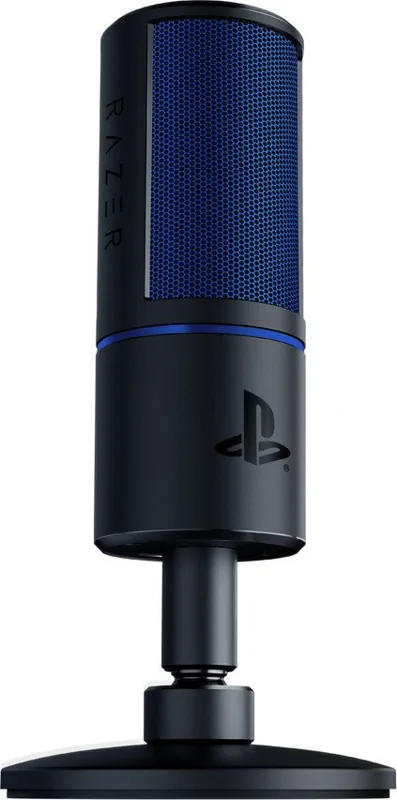
The Razer Seiren X is a compact condenser microphone built for creators who want sharper voice capture without crowding a desk. Its super-cardioid pickup pattern is designed to focus on the speaker while helping reduce unwanted background noise, which makes it a strong match for gaming streams, voice chats, podcasts, and online meetings. A built-in shock mount also helps cut down on vibration from typing, mouse movement, or desk bumps, keeping recordings more consistent.
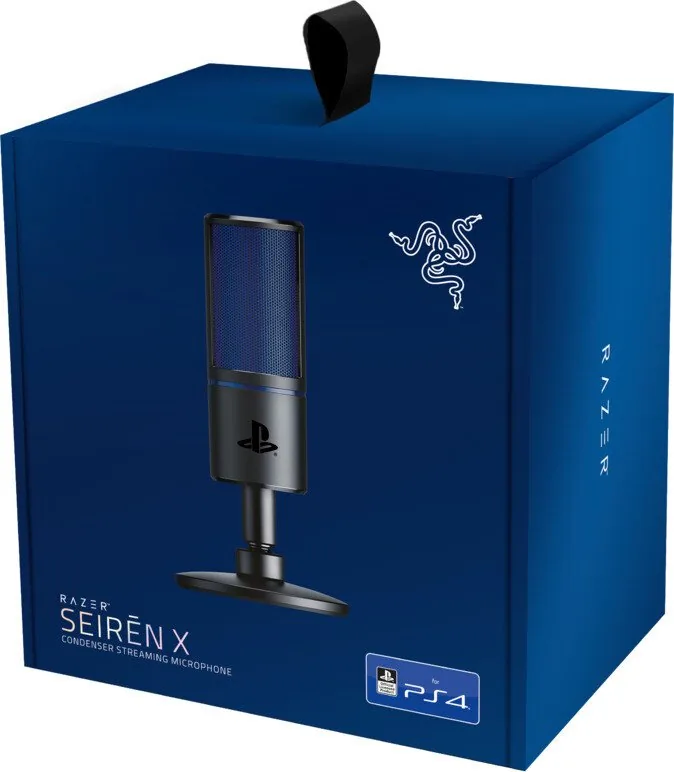
The Razer Seiren X Manual shows that setup is refreshingly straightforward. Inside the box, users get the microphone, support rod, desk stand base, and a Micro-USB to USB cable. Once assembled, the microphone connects directly to a PC or Mac through USB, then becomes ready for use after being set as the default playback and recording device. That simple process makes it accessible for beginners, while still practical for streamers who want a quick, reliable setup.
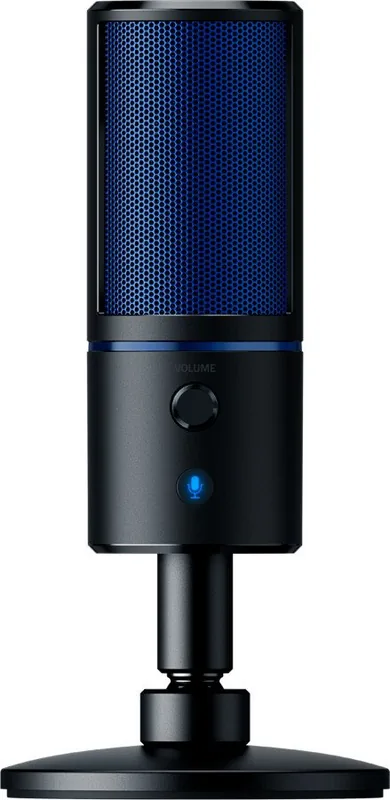
On the microphone itself, the controls are focused on the essentials. A mute button gives instant audio control, and the LED indicator turns red when the mic is muted, making status easy to check at a glance. The headphone volume dial and 3.5 mm headphone port also allow real-time monitoring, so users can listen to both system audio and their voice at the same time. For live content, that kind of direct feedback is especially useful.
Technically, the Seiren X offers a solid foundation for everyday recording. It supports a frequency response from 20Hz to 20kHz, a 16-bit bit depth, and sample rates up to 48kHz, giving it enough range for clear speech capture. Its compact frame and lightweight build help it fit neatly into smaller setups, and its understated design blends well with modern gaming gear.
For anyone looking for a dependable USB microphone with simple controls and focused pickup, the Razer Seiren X feels like a smart middle ground between convenience and performance. It is built to make voice work easier, cleaner, and more manageable without adding unnecessary complexity.
Notes
- Best suited for streamers, gamers, and voice-focused creators.
- Keep the mic clean with a soft cloth and avoid moisture or heat.
- Registering the product can help with warranty and support access.
Search for 67,706 Manuals online


Type-in Brand or Model