
Razer BlackShark V2 Pro 2023 Manual
PDF manual · 36 Pages
English



Quick check
Incorrect answer, please try again.
Chat with your Razer BlackShark V2 Pro 2023 manual using AI
Get instant AI answers from your Razer BlackShark V2 Pro 2023 manual
Ask anything about the Razer BlackShark V2 Pro 2023. Answers come from this manual, with the pages they are based on.
Ask a Question
Do you recommend BlackShark V2 Pro 2023?
Yes NoFrequently Asked Questions
The Razer BlackShark V2 Pro 2023 offers up to 70 hours of battery life. A depleted unit fully charges in approximately 3.5 hours using the included USB Type A to Type C cable.
Is this answer helpful?
THX Spatial Audio is only available on Windows 10 64-bit or higher. You must set the headset as the default device and install Razer Synapse to enable 360-degree positional audio effectively.
Is this answer helpful?
Yes. You can press the Razer SmartSwitch button to toggle between the wireless USB dongle and Bluetooth audio sources. Pressing and holding allows cycling through available EQ profiles.
Is this answer helpful?
Plug the Razer HyperClear Super Wideband Mic into the headset and bend it until parallel to your mouth. Ensure the mic diaphragm faces you and the air vent faces away for optimal sound capture.
Is this answer helpful?
Prolonged listening to excessively loud volumes can damage hearing. We recommend reducing volume to a comfortable level. Maximum legislation permits 86dB for 8 hours a day to protect your hearing.
Is this answer helpful?
Operate the device only within the specific temperature range of 0 C to 40 C. If the temperature exceeds this range, unplug or switch off the device to stabilize the temperature for optimal performance.
Is this answer helpful?
Find the serial number to register your product and score exclusive benefits at razerid.razer.com/warranty. Registering helps manage warranty terms and provides access to support resources.
Is this answer helpful?
Advantages and Disadvantages
Advantages

- Up to 70 hours of battery life for extended gaming sessions without interruption.
- Customized 50 mm Dynamic Drivers provide 12 Hz to 28 kHz frequency response.
- Razer SmartSwitch button enables quick toggling between Standard and Esports audio profiles.
- Detachable Razer HyperClear Super Wideband Mic ensures clear voice communication with teammates.
- Bluetooth 5.2 and USB dongle connectivity offer versatile wireless options for multiple devices.
Disadvantages

- THX Spatial Audio requires Windows 10 64-bit or higher operating systems.
- Li-ion battery requires careful handling to prevent damage or safety hazards.
- Device must operate within specific temperature range of 0 C to 40 C to avoid malfunction.
- Excessive volume levels over time can damage hearing and should be monitored closely.
- Internet connection is mandatory for software installation and cloud-based Synapse features.
Product Specification
Type
Headphones (Over-Ear)
Headband
Headband
Design
Closed-back
Microphone
Boom Microphone (Detachable)
Connection Type
USB-A (Adapter)
Wireless
Bluetooth 5.2, AAC, Digital Wireless
Controls
Volume Controls, Mute Button
Battery Life
70 h
Battery
USB-C Charging Port, Fast Charging Function (15 min for 6 h Battery Life)
Frequency Response
12 Hz - 28 kHz (Headphones), 100 Hz - 10 kHz (Microphone)
Impedance
32 ohms
Sensitivity
100 dB
Driver
1.97 inches
Software Features
Equalizer Presets, Virtual 7.1-Surround (THX Spatial Audio)
Special Features
Includes USB Wireless Adapter
Weight
0.71 lbs
Product Description
Exploring the Razer BlackShark V2 Pro 2023 Experience
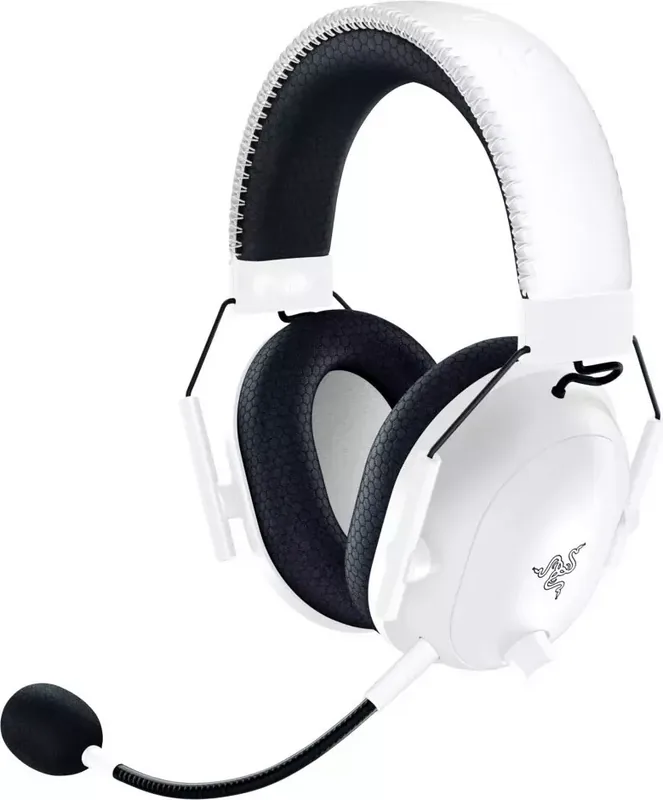
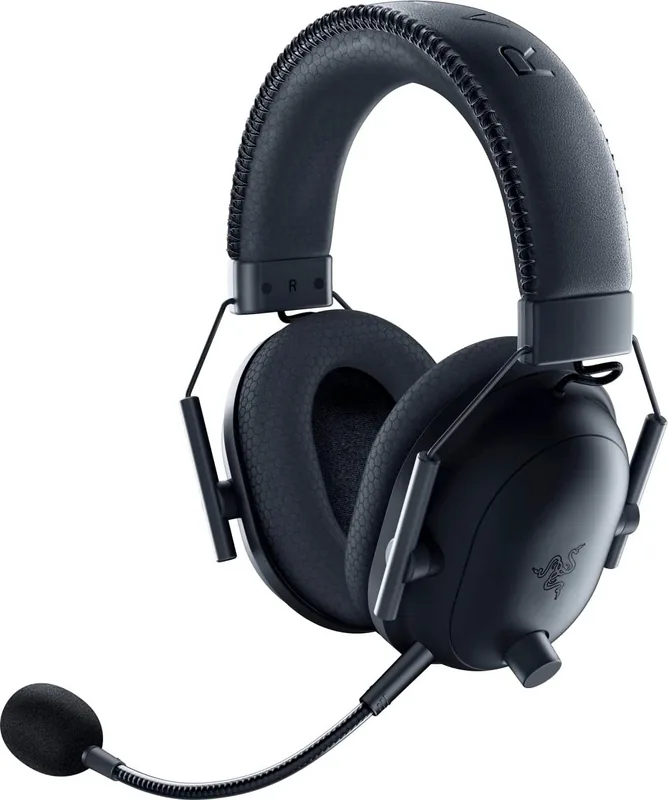
If you are a competitive gamer looking for the ultimate wireless headset, the Razer BlackShark V2 Pro 2023 Manual serves as an essential reference for unlocking its full potential. Designed to meet the high standards of esports enthusiasts, this audio device delivers a complete package of crystal-clear sound and advanced noise isolation. The construction prioritizes all-day comfort without sacrificing performance, making it ideal for long gaming marathons.
Audio Performance and Comfort
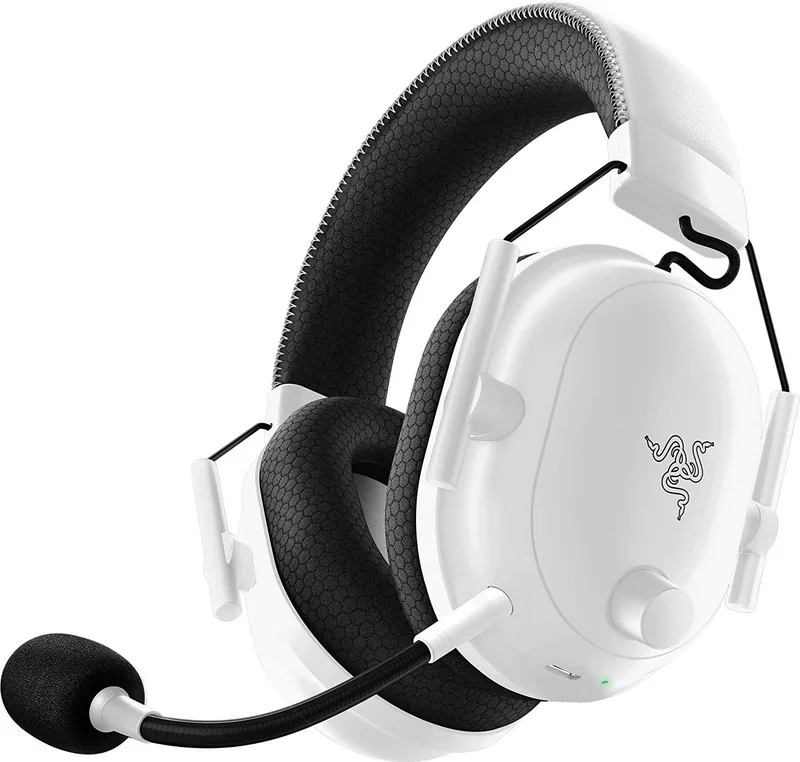
The headset features customized 50 mm Dynamic Drivers with a frequency response from 12 Hz to 28 kHz. This ensures deep bass and crisp highs essential for competitive play. Breathable memory foam ear cushions provide an ultra-soft seal that isolates external ambient sounds effectively. At approximately 320 grams, the oval shape distributes weight evenly across your head to minimize fatigue. The headphones support both 2.4 GHz wireless and Bluetooth connections for versatility.
Connectivity and Control
Users can utilize a 2.4 GHz wireless USB dongle for low-latency PC connections or Bluetooth 5.2 for mobile devices. The Razer SmartSwitch button allows instant toggling between audio sources or EQ profiles. You can switch between Standard and Esports audio presets with a simple press. Razer Synapse software on Windows 10 or higher unlocks THX Spatial Audio for 360-degree positional sound. Volume control is managed via a dedicated knob on the earcup. Mic mute is handled by a physical button for quick silence.
Software and Customization
Installing the Razer Synapse application allows deep customization of your settings. You can adjust equalizers, enable bass boost, and manage noise cancellation features. The dashboard provides an overview of all connected devices and online services. Profiles can be saved to the cloud for easy access across different systems. Gaming modes can be activated for lower latency when using Bluetooth connections. The application requires an internet connection for installation and updates.
Maintenance and Safety
The product contains a Li-ion rechargeable battery lasting up to 70 hours on a single charge. Full charging takes approximately 3.5 hours using the included USB Type C cable. Safety guidelines recommend keeping the device away from moisture and extreme temperatures. Do not attempt to disassemble the unit as this will void warranty coverage. Regular cleaning with a soft cloth prevents dirt buildup. Protect your hearing by avoiding excessive volume over extended periods. Ensure the charging port is dry before connecting the USB cable. The device operates best within a temperature range of 0 Celsius to 40 Celsius. Register your serial number to receive support benefits.
Notes regarding operation include voice prompts for power states and battery levels. The detachable Razer HyperClear Super Wideband Mic ensures clear communication with teammates. Always ensure the mic diaphragm faces your mouth for optimal capture.
Technical Specifications
The impedance is 32 Ohm. Sensitivity is 100 dB SPL per mW. The microphone frequency response ranges from 100 Hz to 10 kHz. Signal-to-noise ratio is greater than 60 dB. Bluetooth codecs include AAC and SBC. Windows 10 64-bit is required for THX Spatial Audio functionality. Internet is needed for software updates. The packaging includes the headset, wireless dongle, charging cable, and product resources.
Search for 67,706 Manuals online


Type-in Brand or Model