
Razer Basilisk V3 Manual
PDF manual · 32 Pages
English



Quick check
Incorrect answer, please try again.
Ask a Question
Do you recommend Basilisk V3?
Yes No
Junior Hayes
4 months ago
Is the software driver stable and easy to use for customization?

Maybell Murray
6 months ago
How reliable is the scroll wheel and middle-click button with long-term use?

Manual.ly
6 months ago
Most users praise the comfort, buttons, and overall build quality. However, a few reports mention scroll-wheel or middle-click issues after extended use, sometimes linked to dust or debris. Keeping the wheel area clean and avoiding food near the mouse may help. If a fault occurs, please contact the retailer or Razer support regarding warranty service.
dennis52
6 months ago
How reliable is the scroll wheel and middle-click on the Basilisk V3 over time?
Manual.ly
6 months ago
Most users praise the mouse's comfort, buttons, and value. However, some reports mention scroll-wheel or middle-click issues developing after heavy use, sometimes linked to dust or debris. Keeping the wheel area clean and using the product warranty or retailer return process if faults occur is recommended.
Frequently Asked Questions
It is a wired right-handed gaming mouse with an ergonomic shape, optical tracking, programmable controls, customizable scrolling behavior, and RGB lighting.
Is this answer helpful?
Its contoured design, thumb rest, and textured side areas are intended to provide stability and comfort during extended use. Individual comfort will depend on hand size and grip preference.
Is this answer helpful?
Yes. Compatible Razer software can be used to assign supported actions, macros, shortcuts, or functions to the available programmable controls.
Is this answer helpful?
No. The Basilisk V3 USB uses a wired USB connection, so it operates through the connected computer and does not require battery charging.
Is this answer helpful?
Yes. Razer Chroma RGB lighting can be customized with supported software, allowing users to select colors and effects that suit their setup.
Is this answer helpful?
It is a strong option for right-handed gamers and desktop users who value wired reliability, extra controls, adjustable sensitivity, and a shaped ergonomic grip.
Is this answer helpful?
Advantages and Disadvantages
Advantages

- Ergonomic right-handed shape with a thumb rest supports comfortable extended gaming sessions.
- Programmable controls provide quick access to in-game actions, shortcuts, and repeated commands.
- Wired USB connectivity delivers consistent operation without charging or battery management.
- Customizable sensitivity, scroll wheel behavior, and RGB lighting support personal preferences.
Disadvantages

- Right-handed ergonomic design may not suit left-handed users.
- Advanced customization may require compatible Razer software.
- Wired operation can add cable management compared with wireless mice.
- Comfort and tracking results can vary with hand size, grip style, and mouse surface.
Product Specification
Suitability
right hand
Buttons
8 total, 10 button functions; 2 main, 2 top, 3 left, 1 scroll wheel click with 3 button functions
Scroll wheel
1 x 4-way, adjustable resistance (via button), free-spin mode (automatic or button-activated)
Tracking
red LED/IR
Resolution
26,000 dpi, adjustable down to 6,400/3,200/1,600/800/400 dpi
Sensor
PixArt PMW 3399 (Razer Focus+)
Switches
mechanical-optical switches, Razer Optical 70M Mouse Switch, 70 million clicks
Polling rate
1,000 Hz (wired USB)
Lighting
RGB
Connection
wired (5.91 ft), USB-A 2.0
Power supply
USB
Dimensions (W x H x D)
2.95 x 1.67 x 5.12 in
Approximate volume
6.59 in3 (approximate shape)
Weight
3.56 oz
Color
solid color, black, logo
Features
thumb rest, onboard memory, non-slip surface (rubberized sides), braided cable
Product Description
Razer Basilisk V3 USB - Read, Download & Print Free
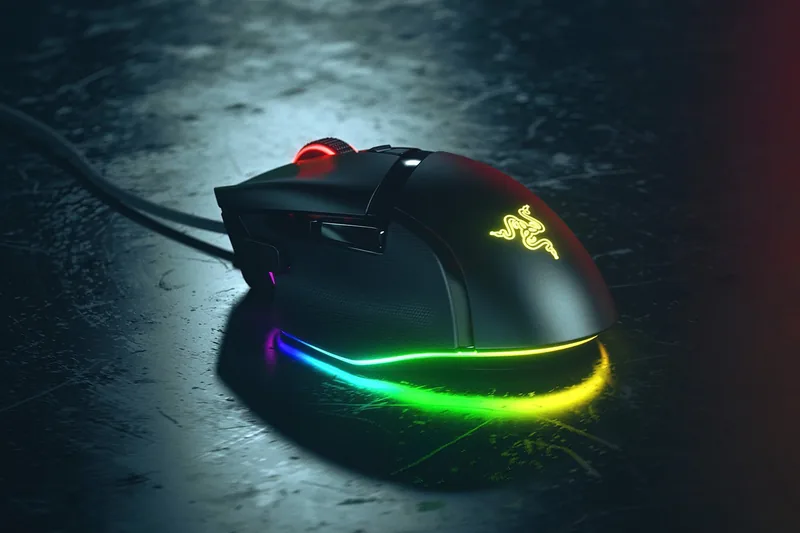
The Razer Basilisk V3 USB is a wired gaming mouse designed for players who want responsive control, adaptable commands, and a comfortable right-handed shape. Its ergonomic profile supports extended play sessions while placing essential controls within easy reach. With a USB connection, it provides a reliable wired setup for desktop gaming, workspaces, and everyday navigation.
Built for Precise Gameplay
At the center of the Basilisk V3 experience is accurate optical tracking that helps deliver confident cursor movement across compatible gaming surfaces. The mouse is suited to fast camera turns, careful aiming, and detailed desktop tasks. Adjustable sensitivity lets users tailor pointer speed to their preferred game genre, display resolution, and personal grip style.
Dedicated controls add flexibility beyond standard left and right click inputs. The programmable button layout can be assigned to frequently used actions, shortcuts, or in-game commands through compatible Razer software. This makes it useful for competitive shooters, strategy titles, creative workflows, and users who prefer quick access to repeated functions.
Scroll Wheel Control and Custom Lighting
The multi-function scroll wheel is made for more than ordinary browsing. Its flexible scrolling behavior can support controlled movement through menus as well as faster navigation through longer content. A customizable wheel resistance option helps the mouse feel more natural for different tasks, whether you are switching weapons, reviewing timelines, or moving through spreadsheets.
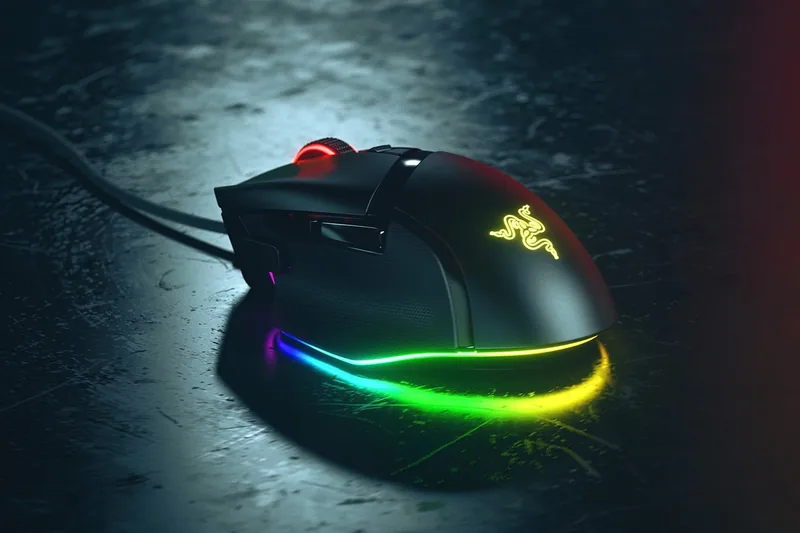
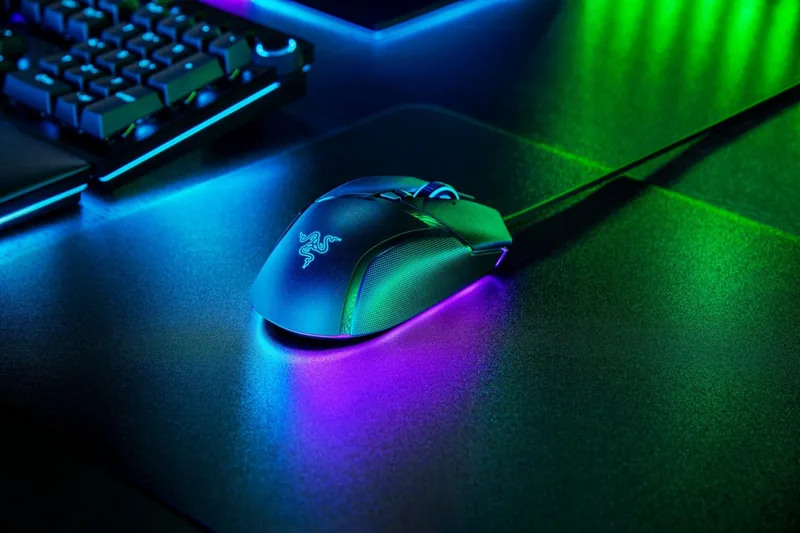
Razer Chroma RGB lighting gives the Basilisk V3 USB a personalized visual identity. Users can select lighting effects and colors that match their wider gaming setup. When used with supported software and devices, lighting can complement a coordinated desktop environment and selected game experiences.
Comfortable, Wired Performance
The contoured shell includes a thumb rest that helps keep the hand positioned during long sessions. Its textured side grips are intended to improve stability when quick movements are needed. The wired USB design avoids battery charging routines, making it a practical choice for users who want consistent access to their mouse whenever their system is on.
Notes
- The Razer Basilisk V3 USB is best suited to right-handed users.
- Button assignments, sensitivity settings, and lighting options may require compatible Razer software.
- Surface quality, system settings, and individual preferences can affect tracking and comfort.
For gamers seeking a feature-rich wired mouse, the Razer Basilisk V3 USB - Read, Download & Print Free highlights a versatile combination of ergonomic design, programmable controls, scroll wheel flexibility, and RGB customization.
Search for 67,706 Manuals online


Type-in Brand or Model
TechGamer99
4 months ago
Does the scroll wheel on this mouse have durability issues or sensitivity problems over time?
Manual.ly
4 months ago
While many users report excellent build quality and performance, some customers have experienced scroll wheel issues after several months of heavy use. These problems can include double-clicking, unresponsive clicks, or debris getting inside the mechanism. We recommend keeping food away from your desk to minimize debris. If you encounter these issues within the warranty period, please contact our support team for a replacement or repair options.