
PowerWalker VFI 1000 CG PF1 Manual
PDF manual · 29 Pages
English



Quick check
Incorrect answer, please try again.
Chat with your PowerWalker VFI 1000 CG PF1 manual using AI
Get instant AI answers from your PowerWalker VFI 1000 CG PF1 manual
Ask anything about the PowerWalker VFI 1000 CG PF1. Answers come from this manual, with the pages they are based on.
VFI 1000 CG PF1 Maintenance Schedule
If storing the UPS at temperatures between 40°C and 45°C, recharge the battery every 2 months for 1-2 hours.
If storing the UPS, recharge the battery every 3 months for 1-2 hours when stored between -25°C and 40°C.
Free maintenance reminders
Timed to your purchase date. Always free, unsubscribe anytime.
Ask a Question
Do you recommend VFI 1000 CG PF1?
Yes NoFrequently Asked Questions
It is a good fit for PCs, servers, NAS devices, network switches, POS systems, and other sensitive electronics that need clean backup power and orderly shutdown support.
Is this answer helpful?
They allow the UPS to communicate with monitoring software, so you can view status, log events, and automate shutdown or startup actions when battery runtime changes.
Is this answer helpful?
Yes. The UPS uses pure sine wave output, which is generally better for modern electronics, especially equipment with active power supplies or sensitive internal components.
Is this answer helpful?
ECO mode lets the UPS bypass power under stable conditions to improve efficiency while still keeping battery charging and protection functions available.
Is this answer helpful?
Basic operation is straightforward, but correct installation still matters. Grounding, load planning, ventilation, and battery care should be handled carefully for safe operation.
Is this answer helpful?
Check the input wiring, load level, battery connections, and any EPO settings. If the fault remains, reduce the load and contact a qualified dealer or technician.
Is this answer helpful?
Advantages and Disadvantages
Advantages

- Pure sine wave online protection is well suited to sensitive electronics and stable backup power.
- USB/serial communication supports monitoring software and unattended shutdown workflows.
- LCD readout makes battery, load, voltage, and fault status easy to understand.
- ECO and configurable modes help improve efficiency and adapt to different power conditions.
Disadvantages

- Installation and battery handling require attention to grounding, wiring, and safety steps.
- Heavy loads can shorten backup time quickly, especially with power-hungry equipment.
- Advanced features may need software or extra accessories to use fully.
- The fan and protective design may be noticeable in quieter rooms or offices.
Product Specification
Type
Tower
Classification
VFI (On-Line)
Apparent Power
1000VA
Active Power
1000W
Voltage
200V, 208V, 220V, 230V, 240V
Input
C14
Outputs
4x C13
Interfaces
USB, serial
Data Line Protection
RJ-11, RJ-45
Runtime
12.9min (50%), 4.44min (100%)
Charging Time
3h
Weight
28.66 lb
Dimensions (WxHxD)
5.71x8.70x15.63in
Special Features
LCD
Product Description
BlueWalker PowerWalker VFI 1000 CG PF1, USB/serial
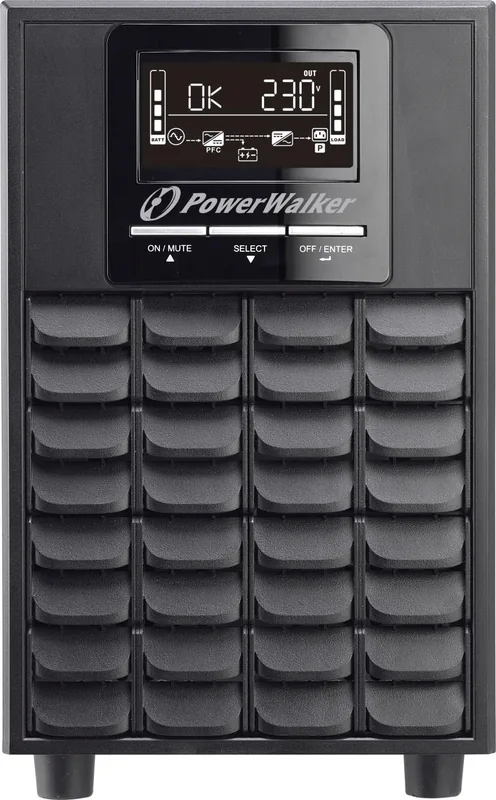
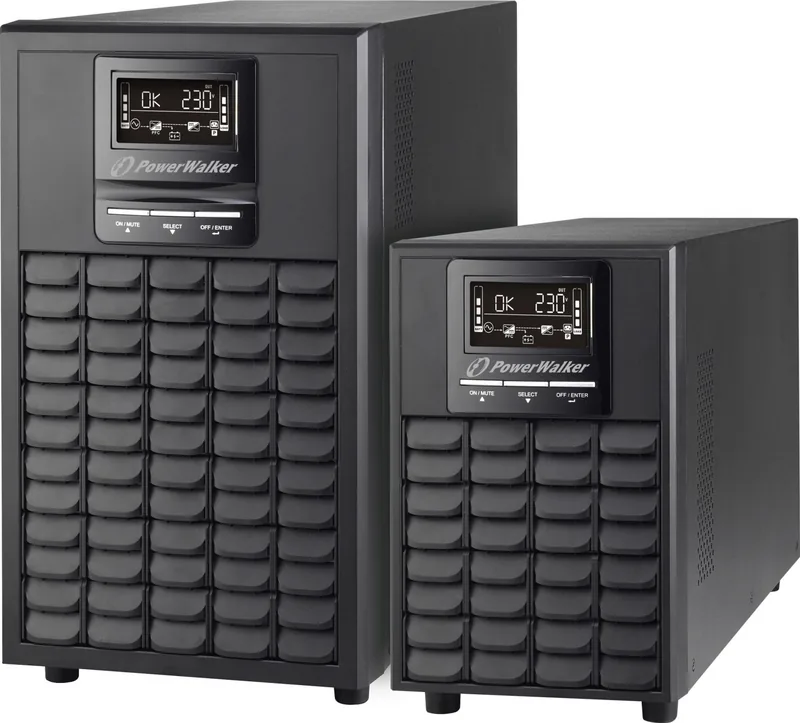
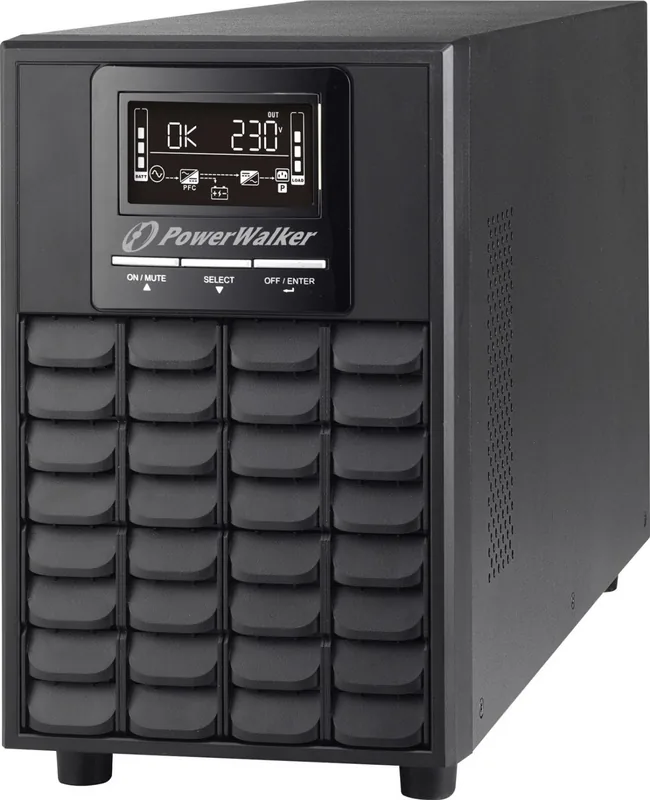
The BlueWalker PowerWalker VFI 1000 CG PF1 is a compact UPS built for users who want dependable protection without turning power backup into a complicated project. It uses an online design with pure sine wave output, helping sensitive electronics stay steady when mains power becomes unstable, noisy, or completely unavailable. For a small office, home workstation, or compact IT setup, that kind of consistency can make a big difference.
What stands out most is the balance between protection and usability. The front-panel LCD gives quick access to battery level, load, voltage, frequency, and warning codes, so you can see what is happening at a glance. USB/serial communication adds another layer of convenience, making it easier to monitor the UPS from a computer and automate shutdown behavior when runtime starts to run low. If you value control and visibility, this is a strong fit.
The unit also offers flexible operating behavior. ECO mode helps improve efficiency when power quality is stable, while bypass and converter-related settings allow the UPS to adapt to different electrical environments. That makes it useful not only as a backup source, but as a practical power-management tool for daily use. When paired with the right software, it can support orderly shutdowns, status tracking, and better planning for critical loads.
Compact enough for a desk or equipment corner, yet serious enough for business continuity, the 1000VA class is well suited to a primary PC, networking gear, a NAS, or a small cluster of essential devices. The emphasis on safety, grounding, and battery care shows that this model is designed for long-term reliability rather than casual use. The BlueWalker PowerWalker VFI 1000 CG PF1, USB/serial Manual is especially helpful when configuring communication, alarms, and output behavior for a specific setup.
Key takeaways
- Pure sine wave output supports sensitive electronics and reduces power-quality issues.
- USB and serial connectivity make monitoring and shutdown automation simple.
- LCD status feedback helps you track battery, load, and fault conditions quickly.
- ECO and configurable modes help tailor efficiency and runtime to the environment.
- Strong safety guidance supports dependable long-term operation.
Notes
- Best for small business, IT, and workstation protection.
- Match the load carefully to preserve backup time.
- Regular battery checks help maintain performance over time.
Search for 67,706 Manuals online


Type-in Brand or Model