
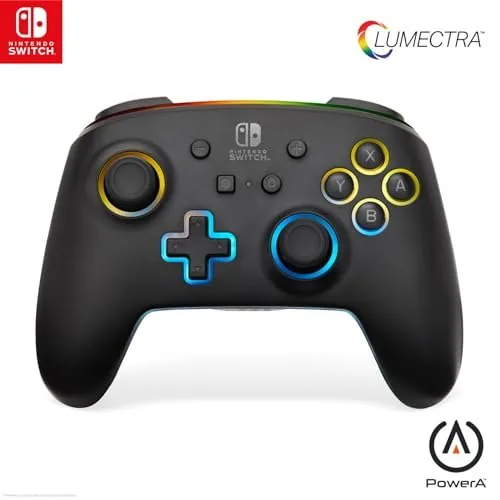
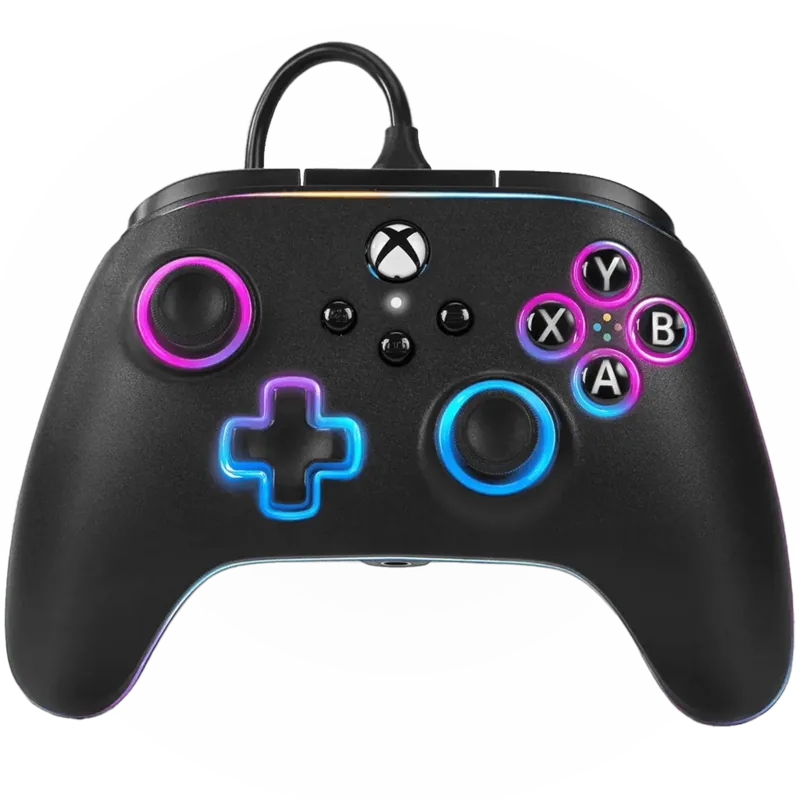
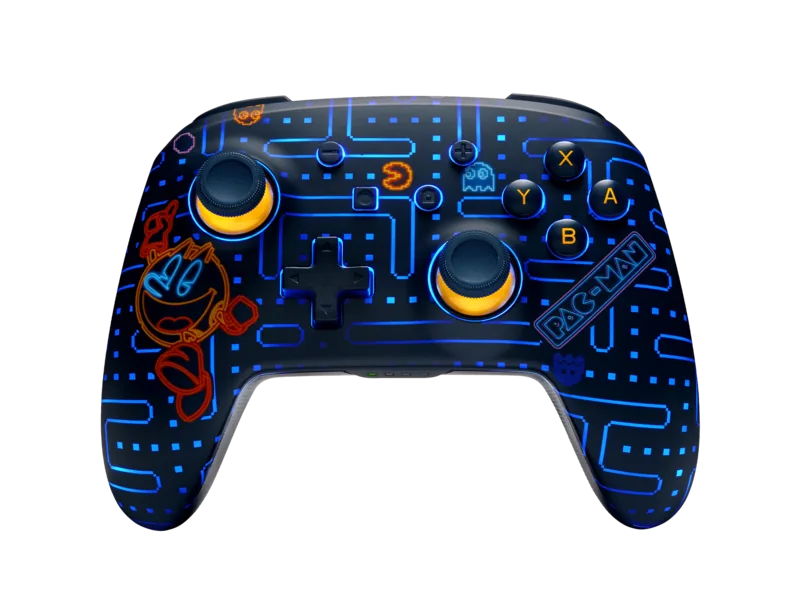
PowerA Enhanced Wireless Lumectra Controller Manual
PDF manual · 65 Pages
English



Quick check
Incorrect answer, please try again.
Chat with your PowerA Enhanced Wireless Lumectra Controller manual using AI
Get instant AI answers from your PowerA Enhanced Wireless Lumectra Controller manual
Ask anything about the PowerA Enhanced Wireless Lumectra Controller. Answers come from this manual, with the pages they are based on.
Ask a Question
Do you recommend Enhanced Wireless Lumectra Controller?
Yes NoFrequently Asked Questions
Select Controllers on the HOME menu, choose Change Grip/Order, then hold the SYNC button on the back of the controller for three seconds until the player LEDs cycle.
Is this answer helpful?
Yes, you can customize four separate zones. Use the D-pad and face buttons in program mode to select solid, breathing, or cycle modes and choose from various colors.
Is this answer helpful?
The recharge LED will blink red, and the Lumectra lighting will dim. If the battery drops below 25 percent, the lights will turn off completely while charging.
Is this answer helpful?
This often happens if the sticks were touched during pairing. Turn the controller off using the SYNC button and restart it without touching the sticks.
Is this answer helpful?
Motion controls work only if your Nintendo Switch system software is version 6.0.1 or later. Ensure the system is updated before attempting to use them.
Is this answer helpful?
Enter program mode by holding the Program button for three seconds, then press AGR or AGL individually to reset, or hold the Program button for five seconds to reset both.
Is this answer helpful?
Advantages and Disadvantages
Advantages

- Customizable four-zone Lumectra lighting with multiple color and mode options
- Programmable Advanced Gaming Buttons (AGR/AGL) for complex input mapping
- Wireless connectivity works in both docked and handheld Switch modes
- Supports up to eight simultaneous wireless connections for multiplayer
- Long-lasting lithium-ion battery with automatic low-power saving mode
Disadvantages

- Lacks HD Rumble and IR motion camera features found in official controllers
- Does not support amiibo NFC scanning capabilities
- Analog stick drift may occur if sticks are touched during initial pairing
- Battery capacity degrades over time if not charged regularly every 45-60 days
- Lumectra lights turn off during charging if battery is below 25 percent
Product Specification
Type
Gamepad
Compatibility
Switch
Connection
Wireless (Bluetooth) or wired (3.0m), USB (Type-C)
Power Supply
Built-in battery
Buttons
16 (total), 4 (function buttons), 4 (action buttons), 2 shoulder buttons, 2 analog sticks, 2 rear buttons
Analog Sticks
1 concave (left above D-pad), 1 concave (right below action buttons)
D-Pad
concave
Colors
black
Features
Motion sensor, LED lighting, 2 programmable buttons
Product Description
Elevate Your Nintendo Switch Experience with the PowerA Enhanced Wireless Lumectra Controller
Gaming enthusiasts seeking a personalized and immersive experience will find the PowerA Enhanced Wireless Lumectra Controller for Nintendo Switch to be an exceptional accessory. This controller goes beyond standard gameplay by integrating advanced lighting effects known as Lumectra, allowing players to customize their setup to match their style or game atmosphere. The device features a robust wireless connection that ensures seamless play whether your console is docked or in handheld mode.
One of the standout features is the customizable lighting system. The controller includes four distinct zones that can be programmed individually or simultaneously. Users can choose from various modes such as Solid, Breathing, and Cycle, adjusting brightness levels and selecting from a wide spectrum of colors using the D-pad and face buttons. This customization extends to battery-saving modes that automatically dim lights after periods of inactivity, though this feature can be disabled for those who prefer constant illumination during display modes.
Performance is further enhanced through programmable Advanced Gaming Buttons. These allow gamers to map complex button combinations to single presses on the AGR or AGL buttons, providing a competitive edge in fast-paced games. The controller retains these custom mappings even when disconnected, ensuring your settings are always ready. Pairing is straightforward via the Sync button, and the unit supports up to eight controllers connected simultaneously, making it ideal for multiplayer sessions.
While the controller offers impressive functionality, it is important to note specific limitations. It does not support HD Rumble, the IR motion camera, or amiibo NFC functionality found in the official Joy-Cons. Additionally, users must avoid touching the analog sticks during the pairing process to prevent drift issues. Proper maintenance involves regular charging every 45 to 60 days to preserve battery health.
Whether you are looking to add flair to your gaming station or need extra programmable inputs for competitive play, this controller delivers a versatile solution. The included USB-C cable allows for convenient charging and data transfer, keeping your device powered and ready for extended gaming marathons.
Search for 67,732 Manuals online


Type-in Brand or Model