
Pico Interactive Neo 3 Link Manual
PDF manual · 57 Pages
English


Quick check
Incorrect answer, please try again.
Chat with your Pico Interactive Neo 3 Link manual using AI
Get instant AI answers from your Pico Interactive Neo 3 Link manual
Ask anything about the Pico Interactive Neo 3 Link. Answers come from this manual, with the pages they are based on.
Neo 3 Link Maintenance Schedule
Take a break every 30 minutes to reduce dizziness or eye fatigue. Watch distant objects to relieve eye strain.
Pull and remove the old face cushion, then insert the pin of the new one into the crevices along the edges.
Ask a Question
Do you recommend Neo 3 Link?
Yes NoFrequently Asked Questions
The Neo 3 Link is a standalone 6DoF VR headset built for immersive virtual reality experiences with inside-out tracking, motion controllers, and optional PC VR connectivity using a dedicated PC VR DP cable.
Is this answer helpful?
The USB-C interface on the headset is not a standard DisplayPort. To connect to a PC you need a customized PC VR DisplayPort (DP) cable or the supplied DisplayPort accessories/adapter as indicated in the packaging and connection guide.
Is this answer helpful?
IPD is adjustable to three settings—58 mm, 63.5 mm, and 69 mm—by moving both lenses inward or outward until the image is clearest. Use the strap dial, removable face cushion, glasses spacer and nose pad to fine-tune fit.
Is this answer helpful?
Eye Protection Mode reduces blue light across color channels to lessen eye strain and is TÜV Rheinland certified. When enabled the screen appears warmer/yellowish; it can be toggled under Settings → Display → Eye Protection.
Is this answer helpful?
Go to Settings → Controller → Add Controller on the headset. Hold HOME + TRIGGER on the controller until red/blue lights flash alternately, then follow on-screen instructions to pair.
Is this answer helpful?
Use an open, well-lit indoor area with at least 2×2 meters clear space, wear controller lanyards, take breaks every 30 minutes to avoid eye strain, do not expose lenses to direct sunlight, and supervise younger users.
Is this answer helpful?
To reset the headset, hold the power button for more than 10 seconds to reboot. For controllers, remove and reinsert the batteries to restart them if buttons stop responding.
Is this answer helpful?
Advantages and Disadvantages
Advantages

- 6DoF inside-out tracking for full translational and rotational movement.
- Comfort-focused design with adjustable strap, removable face cushion, and glasses spacer.
- TÜV Rheinland–certified Eye Protection Mode to reduce blue light and eye strain.
- Complete accessory kit (controllers, cables, adapters, nose pad, lanyards) for immediate use.
- Easy controller pairing, firmware update indicators, and head-control mode for backup navigation.
Disadvantages

- USB-C port is not a standard DisplayPort—requires a special PC VR DP cable for PC link.
- No built-in myopia (diopter) adjustment; users must wear prescription glasses if needed.
- Screen can suffer permanent yellow-spot damage from direct sunlight exposure (not covered by warranty).
- Discrete IPD with only three settings may not perfectly match every user’s interpupillary distance.
- Younger children are not recommended users; supervision required for teens under recommended age.
Product Specification
Resolution
1x 3664x1920 (1832x1920 per eye)
Field of View
98° (horizontal), 90° (vertical)
Refresh Rate
90 Hz
Panel
LCD
Tracking
6 DoF (Inside-Out, 4 Cameras), Hand Tracking
Interfaces
USB-C, Bluetooth 5.1, Wi-Fi 6 (WLAN 802.11a/b/g/n/ac/ax)
Special Features
3D-capable, IPD adjustment (2.28-2.72 in, via hardware, manual), Pass-Through, integrated microphone, integrated speakers, Stand-Alone device, Battery operation (5300 mAh)
Weight
0.87 lb
Product Description
Pico Interactive Neo 3 Link — Handy Guide and Overview
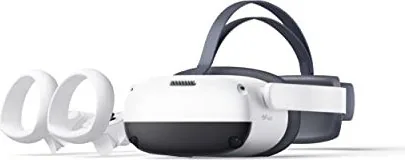
The Pico Interactive Neo 3 Link is a versatile standalone VR headset designed for immersive 6DoF experiences, offering inside-out tracking, comfortable ergonomics, and a feature set suited for both casual and power users. With a complete kit that includes two motion controllers, batteries, DisplayPort accessories, a glasses spacer, nose pad, lanyards, AC adapter, USB-C cable and adapters, the Neo 3 Link is ready for out-of-box VR sessions and PC VR linking via a dedicated DP cable.
Design and Comfort
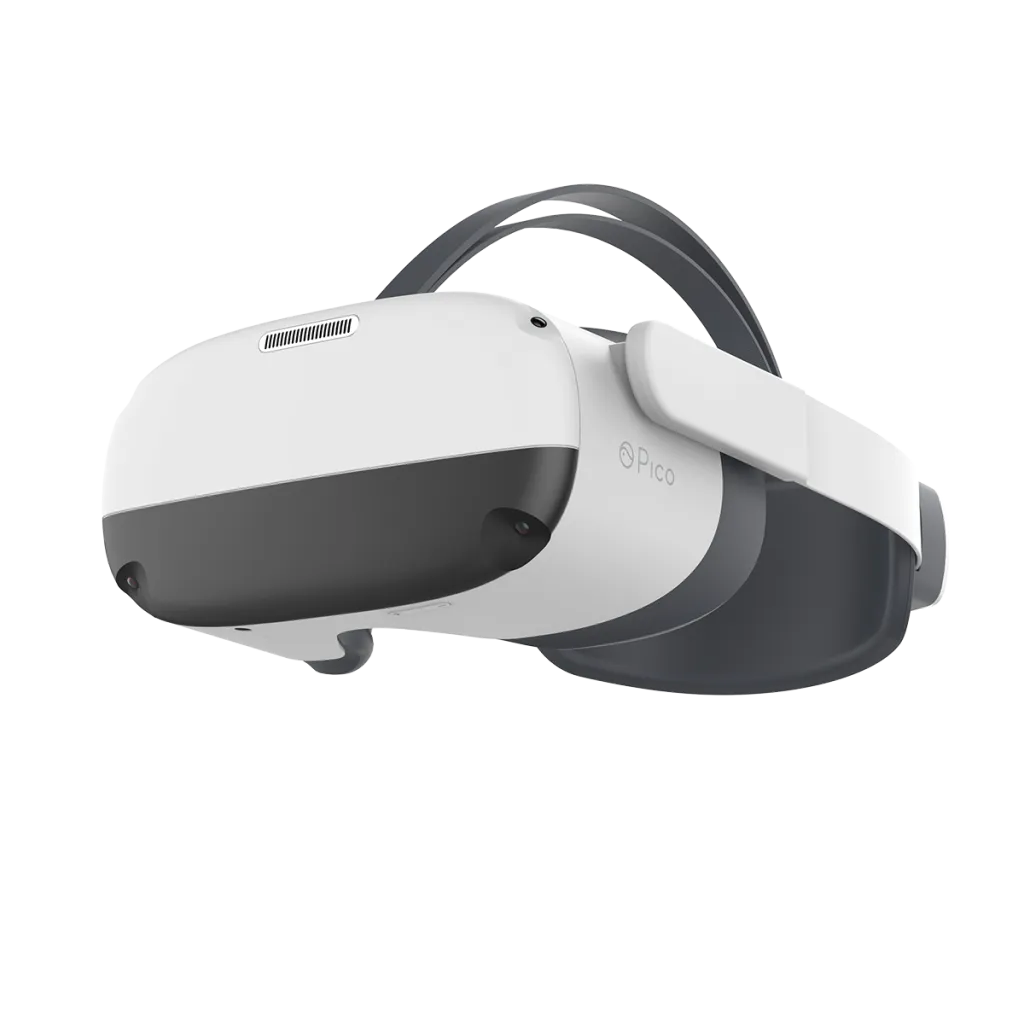
Comfort is central to the Neo 3 Link: an adjustable strap dial, removable face cushion, and support for prescription glasses (frame width < 160 mm) make it easy to fit. IPD (interpupillary distance) is adjustable to three discrete settings (58 mm, 63.5 mm, 69 mm) to help users achieve clear imagery and reduce eye strain. Additional accessories such as a glasses spacer and nose pad help tailor fit and block light leakage for better immersion.
Tracking, Controls and Interaction
The headset delivers 6 degrees of freedom tracking that maps translation and rotation to the virtual world. Two wireless controllers include a thumbstick, trigger, grip, HOME and app/back buttons, and tracking rings. Controllers support pairing, firmware updates, sleep/wake behavior, and can be added or re-paired through the headset Settings. A head-control mode allows basic navigation when controllers are unavailable.
Display, Eye Protection and Safety
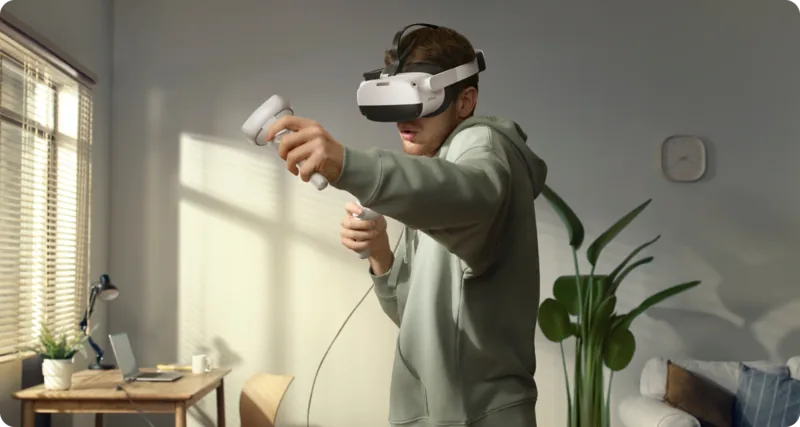
Neo 3 Link includes an Eye Protection Mode certified by TÜV Rheinland that reduces blue light via software algorithms, producing a warmer (yellowish) tone to ease eye fatigue. Users are advised to take breaks every 30 minutes, avoid exposure of lenses to direct sunlight (which can permanently damage screens), and maintain a safe play area of at least 2×2 meters. The device warns that guardian systems cannot fully guarantee safety and that children under 12 (or 13 in some markets) should be supervised.
Operation and Maintenance
Power and status indicators on headset and controllers provide clear battery and charging states. Buttons offer short-press and long-press functions for home, recentering, power, sleep/wake and hardware reset. Battery-powered controllers are restarted by removing and reinserting batteries if unresponsive. Face cushion replacement and accessory installation are straightforward, and the Pico VR companion app (Android/iOS) extends functionality.
Notes
- The USB-C port is not a standard DisplayPort; a customized PC VR DP cable or adapter is required for PC connection.
- Screen damage from direct sunlight is not covered by warranty.
- Recommended play area: at least 2 m × 2 m; always secure controllers with lanyards.
Search for 67,706 Manuals online


Type-in Brand or Model