
Philips Saeco Xelsis Suprema SM8889/00 Manual
PDF manual · 686 Pages
English



Quick check
Incorrect answer, please try again.
Chat with your Philips Saeco Xelsis Suprema SM8889/00 manual using AI
Get instant AI answers from your Philips Saeco Xelsis Suprema SM8889/00 manual
Ask anything about the Philips Saeco Xelsis Suprema SM8889/00. Answers come from this manual, with the pages they are based on.
Xelsis Suprema SM8889/00 Maintenance Schedule
Perform the HygieSteam self-cleaning process via the Status menu after every day of use to clean the milk system.
Empty the drip tray daily or as soon as the red 'drip tray full' indicator pops up through the cover.
Remove the brew group and rinse it with fresh water. Ensure the arrow on the yellow cylinder is aligned before reinserting.
Remove and disassemble the internal cappuccinatore. Rinse all parts under the tap with washing-up liquid.
Disassemble the milk container, push out the ball using the pin, and clean all parts under the tap or in the dishwasher.
Remove the HygieSteam container and cover from the machine and clean them under the tap.
Check if the compartment is clogged. If so, insert the spoon handle and move it up and down to clear grounds.
Empty the container when prompted. Remove while machine is on and rinse under the tap with washing-up liquid.
Remove the drip tray and rinse it under the tap with some washing-up liquid.
Remove the water tank and rinse it thoroughly under the tap.
Wipe the exterior of the machine with a non-abrasive cloth.
Replace the filter at least every 3 months or when the status drops to 0%. Activate the new filter via the Status menu.
Free maintenance reminders
Timed to your purchase date. Always free, unsubscribe anytime.
Ask a Question
Do you recommend Xelsis Suprema SM8889/00?
Yes NoFrequently Asked Questions
It can prepare espresso, cappuccino, latte macchiato, hot water, and a selection of coffee and milk-based drinks available through its drinks menu. Available settings depend on the selected recipe.
Is this answer helpful?
BeanMaestro asks for the bean type and roast level, then automatically optimizes brewing settings. It is designed to help achieve a balanced result without manually changing multiple preparation controls.
Is this answer helpful?
Yes. You can create personal profiles, select a name and icon, customize a drink, and save the recipe to that profile for later use.
Is this answer helpful?
After milk drinks, HygieSteam Shot quickly rinses the internal milk system with steam. HygieSteam and Deep Milk Clean programs provide more thorough cleaning, but regular manual care is still required.
Is this answer helpful?
The machine supports 2.4 GHz 802.11 b/g/n home Wi-Fi networks. It does not support connecting directly to a 5 GHz-only network.
Is this answer helpful?
Replace the AquaClean filter when the machine requests it and at least every three months, even if no reminder appears. Each new filter must be activated through the status menu.
Is this answer helpful?
Advantages and Disadvantages
Advantages

- BeanMaestro automatically adjusts brewing settings based on bean type and roast level.
- CoffeeEqualizer Touch+ offers extensive control over strength, volume, temperature, foam, and milk order.
- Personal profiles save customized recipes for different household preferences.
- HygieSteam programs rinse and deeply clean the internal milk system.
- Wi-Fi supports updates and connected features where services are available.
Disadvantages

- Regular cleaning is required for the brew group, milk system, drip tray, and coffee grounds container.
- Only 2.4 GHz Wi-Fi networks are supported; 5 GHz-only connections will not work.
- ExtraShot and two-cup brewing are unavailable for some drink selections.
- AquaClean filters need activation and replacement at least every three months.
- Milk components can become hot after use and require careful handling.
Product Specification
Color
silver
Pump Pressure
15 bar
Coffee System
coffee beans, ground coffee
Milk System
separate milk container
Grinder
adjustable ceramic grinder (12 settings)
Coffee Amount
adjustable (5 settings)
Water Amount
adjustable
Coffee Temperature
adjustable (3 settings)
Hot Water Temperature
adjustable
Water Tank Capacity
57.5 fl oz
Bean Hopper Capacity
15.87 oz
Coffee Grounds Container Capacity
12 servings
Display
touchscreen
Special Features
touch control operation, dual height-adjustable beverage spout (2.95-5.83 in), two-cup function (with milk), memory function (8 slots), hot water function, American coffee function, removable water tank, integrated water filter, cup illumination, removable brew group, adjustable water hardness, automatic cleaning program, descaling program
Smart Home
app control
Dimensions
11.30 x 15.59 x 19.17 in (W x H x D)
Weight
27.34 lb
Product Description
Philips Saeco SM8889/00 Xelsis Suprema - Read, Download & Print Free
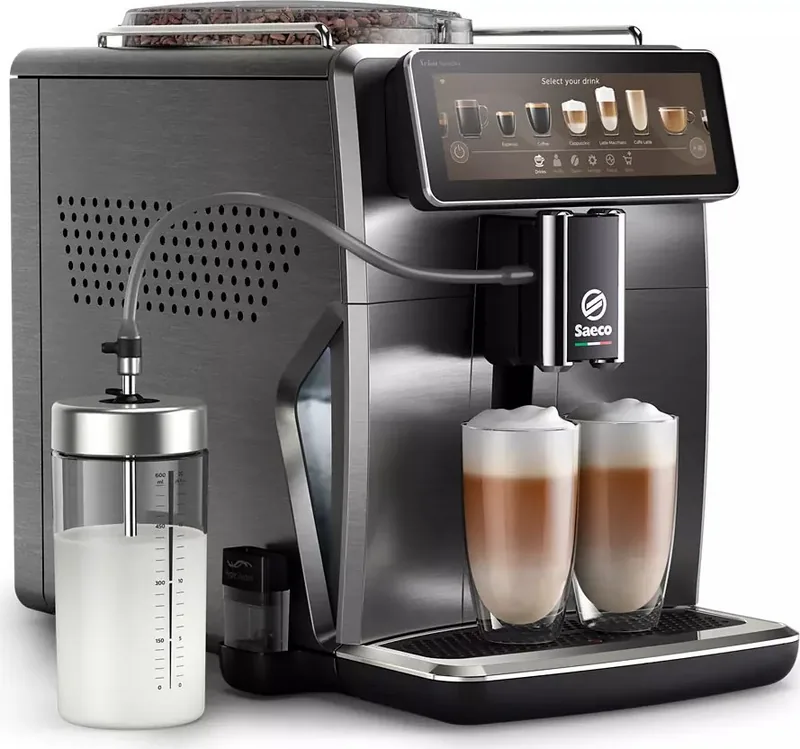
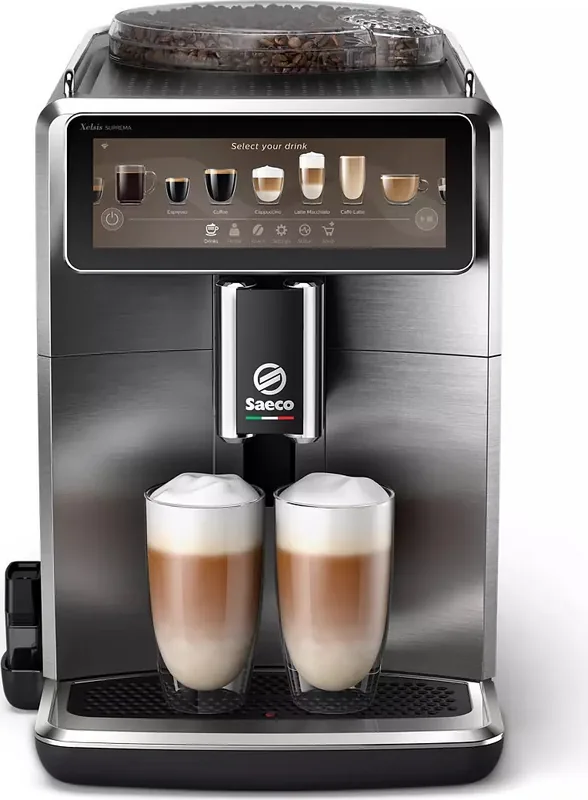
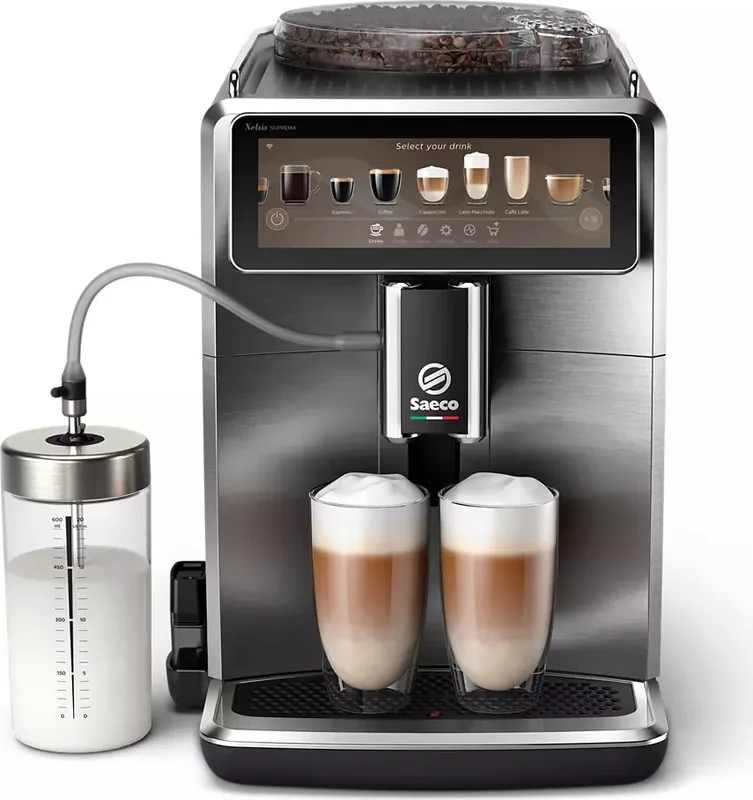
The Philips Saeco SM8889/00 Xelsis Suprema is a premium fully automatic espresso machine designed for coffee drinkers who want cafe-style variety with detailed control at home. It prepares espresso, cappuccino, latte macchiato, hot water, and other coffee creations through an intuitive touch control experience. Its height-adjustable dispensing spout supports a range of cup and glass sizes, while the large bean hopper and removable water tank help make daily use convenient.
Tailored Coffee at Every Touch
A standout feature is BeanMaestro, which adapts brewing settings to the selected bean type and roast level. Users can choose Arabica or Robusta blend preferences and set the roast profile, allowing the machine to optimize extraction automatically. CoffeeMaestro adds quick taste selections such as Delicato, Intenso, and Forte for those who prefer simple adjustments.
For more detailed customization, CoffeeEqualizer Touch+ lets users change aroma strength, coffee quantity, water quantity, milk quantity, foam level, drink temperature, and even the order in which coffee and milk are poured when supported. Favorite recipes can be saved in personal profiles with custom names and icons. The ExtraShot option adds a ristretto shot to selected drinks for a bolder result.
Smooth Milk Drinks and Simple Maintenance
The included milk container and flexible milk tube make milk-based drinks easy to prepare. For best foam, cold milk directly from the refrigerator is recommended. After milk dispensing, the machine performs a HygieSteam Shot rinse. Its HygieSteam and Deep Milk Clean programs provide further cleaning support for the internal milk system.
Maintenance is guided through the status menu, which provides reminders for cleaning, water level, filter condition, and descaling. The AquaClean water filter helps preserve coffee taste and reduce limescale buildup. Regular cleaning of the brew group, milk components, drip tray, and grounds container remains important for reliable performance and consistent flavor.
Connected Features
Built-in 2.4 GHz Wi-Fi enables software updates and may support personalized recommendations, shopping options, Alexa voice control, and Amazon accessory replenishment where available. Automatic updates can be scheduled while the machine is connected and in standby mode.
Note: Use Philips-approved maintenance products for descaling and cleaning. Avoid flavored or caramelized beans, adjust the grinder one step at a time, and allow several drinks for grind-setting changes to fully affect flavor.
Search for 67,732 Manuals online


Type-in Brand or Model
Jamir Rau
6 months ago
Are there known reliability or software issues with the Xelsis, such as Wi-Fi dropouts, slow touchscreen response, inaccurate drink volumes, or freezes?
Manual.ly
6 months ago
Some users report connectivity, touchscreen, update, and beverage-volume issues, while many others have reliable operation. Ensure the machine is running the latest firmware, use a stable 2.4 GHz Wi-Fi network, and restart the appliance after updates. If the display freezes, volumes remain inconsistent after calibration, or the machine shows repeated errors, please contact the retailer or Saeco support for warranty diagnosis or repair.