

Free Philips Saeco Manuals – Read, Download & Print
6 Manuals
Manuals
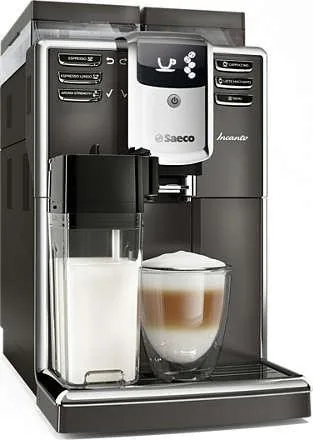
72 Pages
2 Pages
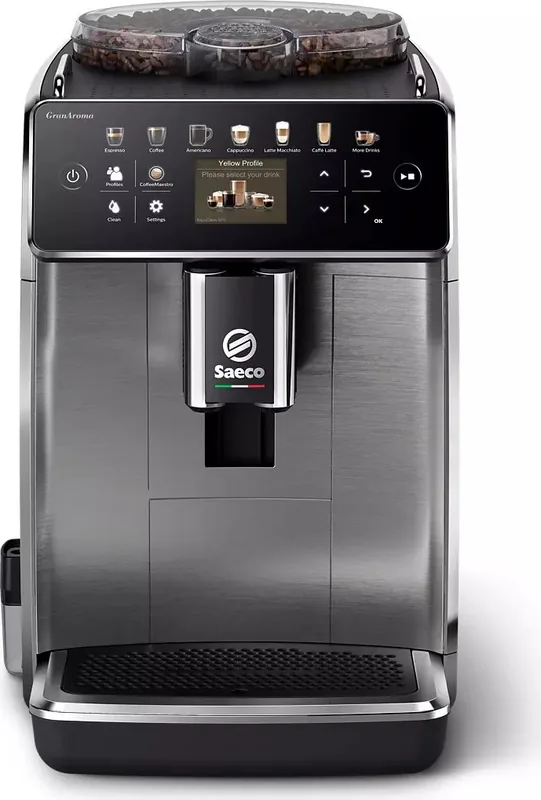
590 Pages
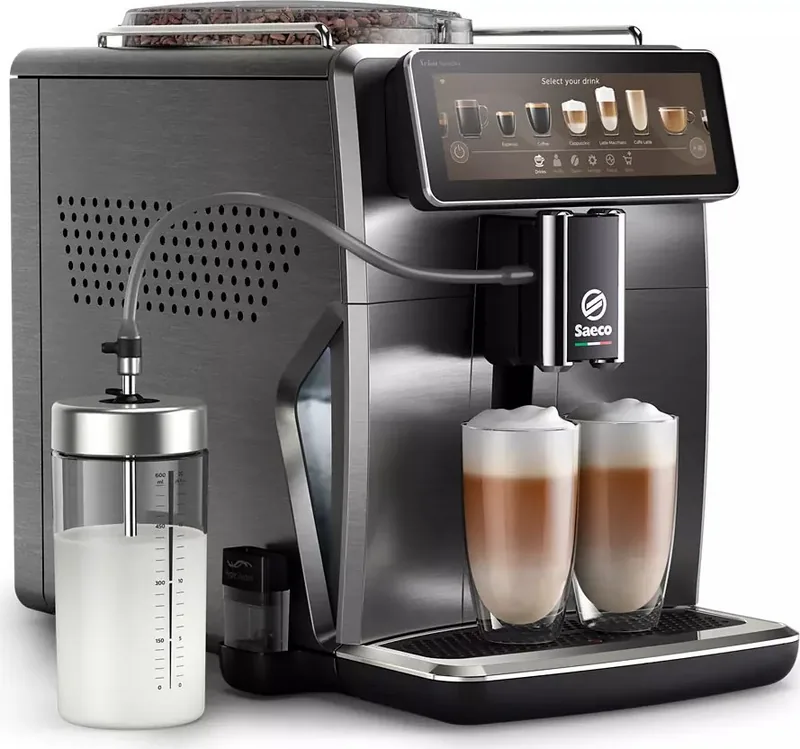
686 Pages
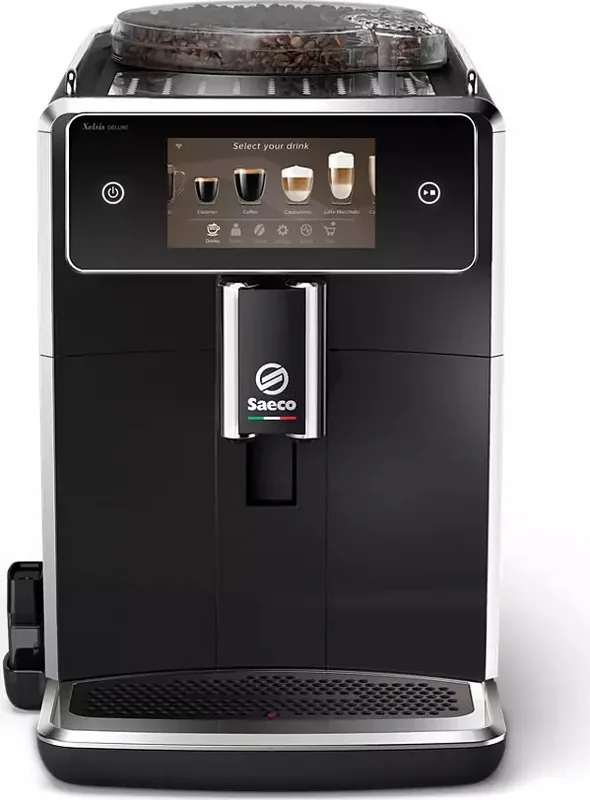
858 Pages
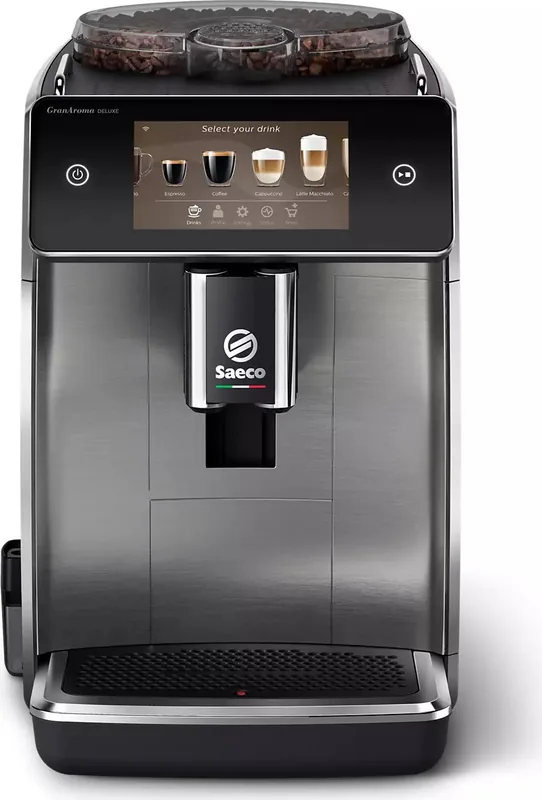
814 Pages
Categories

Free Philips Saeco Manuals - Read, Download & Print
Find Helpful Manuals for Philips Saeco Coffee Machines
Looking for a Philips Saeco manual? This collection helps owners find clear, practical documentation for coffee machines, espresso makers, automatic bean-to-cup systems, and related appliances. Whether you need to set up a new machine, understand a warning light, adjust coffee strength, clean the brewing unit, or troubleshoot an everyday issue, the right manual can make the process much easier.
Philips Saeco coffee machines are designed to bring cafe-style drinks into the home, but each model has its own controls, maintenance requirements, beverage options, and operating instructions. A model-specific manual is the best place to check recommended settings, safety guidance, cleaning schedules, compatible accessories, and error information. Free manuals provide a convenient way to access these details whenever you need them.
Read Manuals Online Anytime
Reading a Philips Saeco manual online is useful when you need an answer quickly. Digital manuals let you review instructions from a computer, tablet, or phone without searching through drawers for a printed booklet. You can easily move between sections covering installation, daily use, beverage preparation, cleaning, descaling, and troubleshooting.
Online documentation is especially convenient for common tasks such as filling the water tank, adding coffee beans, inserting a water filter, changing grinder settings, frothing milk, or emptying the coffee grounds container. Many manuals also include diagrams of machine parts and control panels, making it easier to identify buttons, indicators, removable components, and maintenance areas.
Before using any instruction, confirm that the manual matches the exact model number on your Philips Saeco appliance. Similar-looking machines can have different features, display menus, milk systems, filter types, and maintenance steps. Checking the label on the machine helps ensure that the information applies to your unit.
Download a Manual for Offline Access
Downloading a free Philips Saeco manual gives you a saved reference that is available even without an internet connection. This can be helpful if you keep your coffee machine in a kitchen with limited signal, want to store documentation on several devices, or prefer to create a personal appliance records folder.
A downloaded manual can be searched for specific terms, such as "descale," "AquaClean," "brew group," "milk frother," "error," or "grinder." Search tools can save time when you need a precise answer instead of reading an entire guide. Keeping a copy also makes it simple to revisit important pages before completing regular care tasks.
For best results, save the manual with a clear file name that includes the brand and model number. For example, include the full model identifier shown on the appliance label. This makes it easier to locate the correct document if your household has multiple coffee machines or other kitchen appliances.
Print Important Instructions When Needed
Printing a Philips Saeco manual can be useful for owners who prefer paper instructions. A printed copy is easy to keep near the machine, place in an appliance folder, or share with family members and guests. You may choose to print the full manual or only the pages most relevant to daily use and maintenance.
Useful pages to print often include the quick start guide, control panel overview, drink preparation instructions, cleaning checklist, descaling procedure, error code table, and customer support details. Printing only selected pages can reduce paper use while still giving you immediate access to the information you use most.
If you print maintenance instructions, store them in a clean, dry location away from steam and spills. A simple protective sleeve or folder can help keep the pages readable over time. Marking the recommended cleaning intervals on a calendar can also make routine care easier to remember.
Setup and First Use Guidance
A Philips Saeco manual usually begins with essential safety information and setup steps. These instructions may cover unpacking the machine, selecting a stable location, rinsing removable parts, filling the water tank, filling the bean hopper, connecting power, and performing the first rinse cycle.
First-use instructions are important because automatic coffee machines often need initial priming, water circuit preparation, or system rinsing before they are ready to make drinks. Some models guide users through setup on a display, while others use indicator lights and control buttons. The manual explains what each signal means and what action to take.
Proper setup can improve drink quality and help prevent avoidable problems. Use fresh water, follow capacity markings, and avoid placing the machine where it may be exposed to excess heat, moisture, or direct sunlight. If your model supports a water filter, follow the manual's instructions for installing and activating it correctly.
Coffee, Espresso, and Milk Drink Instructions
Philips Saeco machines can offer a range of drink options, depending on the model. The manual explains how to prepare espresso, coffee, americano-style drinks, cappuccino, latte macchiato, hot water, and other beverages available from the appliance. It can also explain how to personalize volume, aroma, temperature, and coffee strength settings.
For machines with an integrated grinder, the manual may describe how to adjust the grind setting. Grinder adjustments should generally be made carefully and according to the machine instructions, often while the grinder is operating. A finer or coarser setting can affect flow, flavor, crema, and brewing time.
Milk systems need particular attention. Different Philips Saeco models may use a classic milk frother, steam wand, milk carafe, LatteGo system, or another design. The correct manual shows how to assemble, use, rinse, disassemble, and clean the milk components for your specific machine. Regular cleaning helps maintain hygiene and supports consistent foam quality.
Cleaning and Maintenance Information
Routine maintenance is one of the most important reasons to keep a Philips Saeco manual available. Coffee oils, milk residue, mineral deposits, and used grounds can affect performance if they are not removed regularly. The manual provides the correct schedule and method for cleaning each removable part.
Common maintenance tasks include emptying the drip tray and grounds container, rinsing the brew group, washing the water tank, cleaning the coffee funnel, wiping the exterior, and rinsing milk components after use. Some machines also require periodic lubrication of the brew group using food-safe lubricant specified for the appliance.
Descaling is another key task. Hard water can create mineral buildup inside the machine, reducing heating efficiency and affecting water flow. Manuals explain when to run the descaling cycle, which descaling solution to use, how long the process takes, and what to do after the cycle is complete. Always follow the product-specific instructions and avoid using unsuitable cleaning agents.
Troubleshooting Common Machine Problems
A manual can help you solve many minor issues without guesswork. Common concerns include weak coffee, coffee that is too strong, slow dispensing, no water flow, unusual sounds, leaking, a full drip tray warning, a blocked milk system, or a brew group that will not fit back into place.
Troubleshooting sections usually provide a list of possible causes and recommended actions. For example, a slow flow may be related to grinder settings, a clogged coffee funnel, scale buildup, or a water filter that needs attention. A milk issue may result from incorrect assembly, dried milk residue, or an improperly positioned component.
If the machine displays an error code or warning icon, consult the manual before resetting or disassembling anything. The guide may explain whether the issue requires a simple rinse, a correctly inserted water tank, an emptied grounds container, a closed service door, or professional support.
Choose the Correct Philips Saeco Manual
To locate the right Philips Saeco manual, identify the exact model number from the rating label, product packaging, purchase documents, or machine settings menu. Model numbers may include letters and numbers, so enter them carefully when searching. The correct document may be listed as a user manual, instruction manual, quick start guide, product support guide, or maintenance guide.
Free Philips Saeco manuals are valuable resources for new owners, long-time users, and anyone maintaining a pre-owned coffee machine. Read online for quick answers, download for convenient offline reference, or print the pages that matter most. With the right instructions close at hand, you can use your machine confidently, maintain it properly, and enjoy better coffee every day.
Search for 67,732 Manuals online


Type-in Brand or Model